 GameWiki

GET YOUR BEARINGS
About Wallpaper Engine
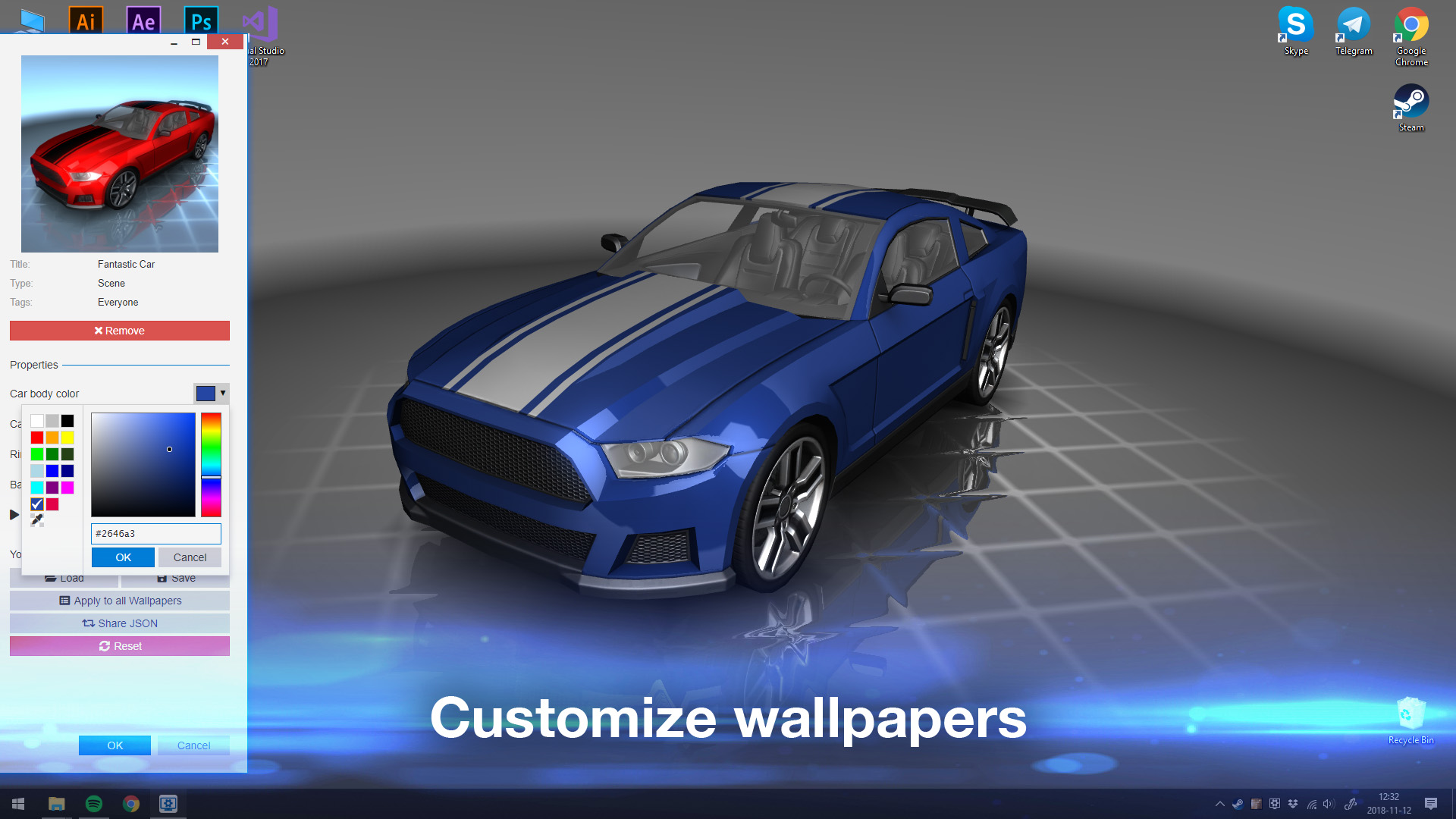
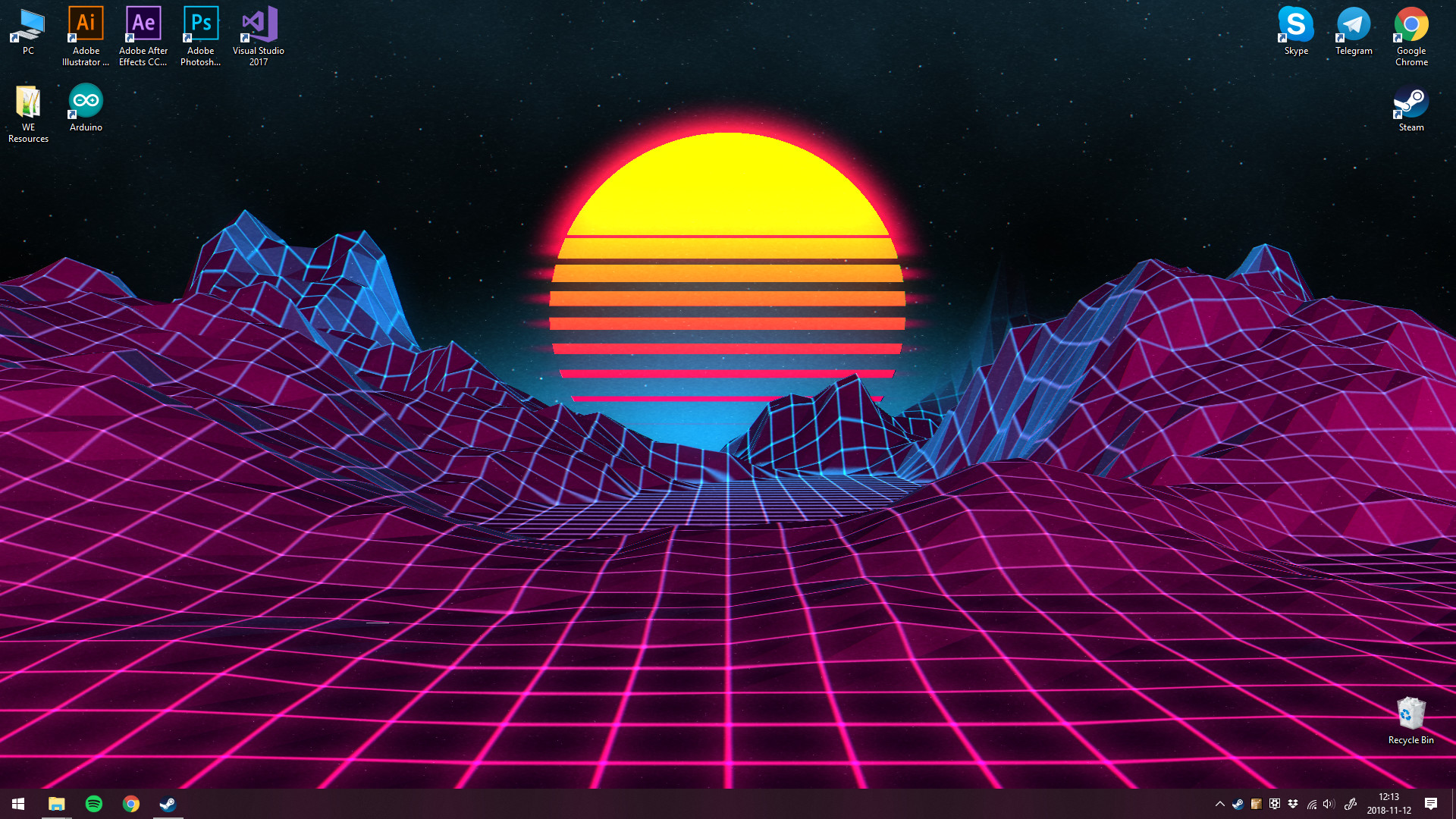
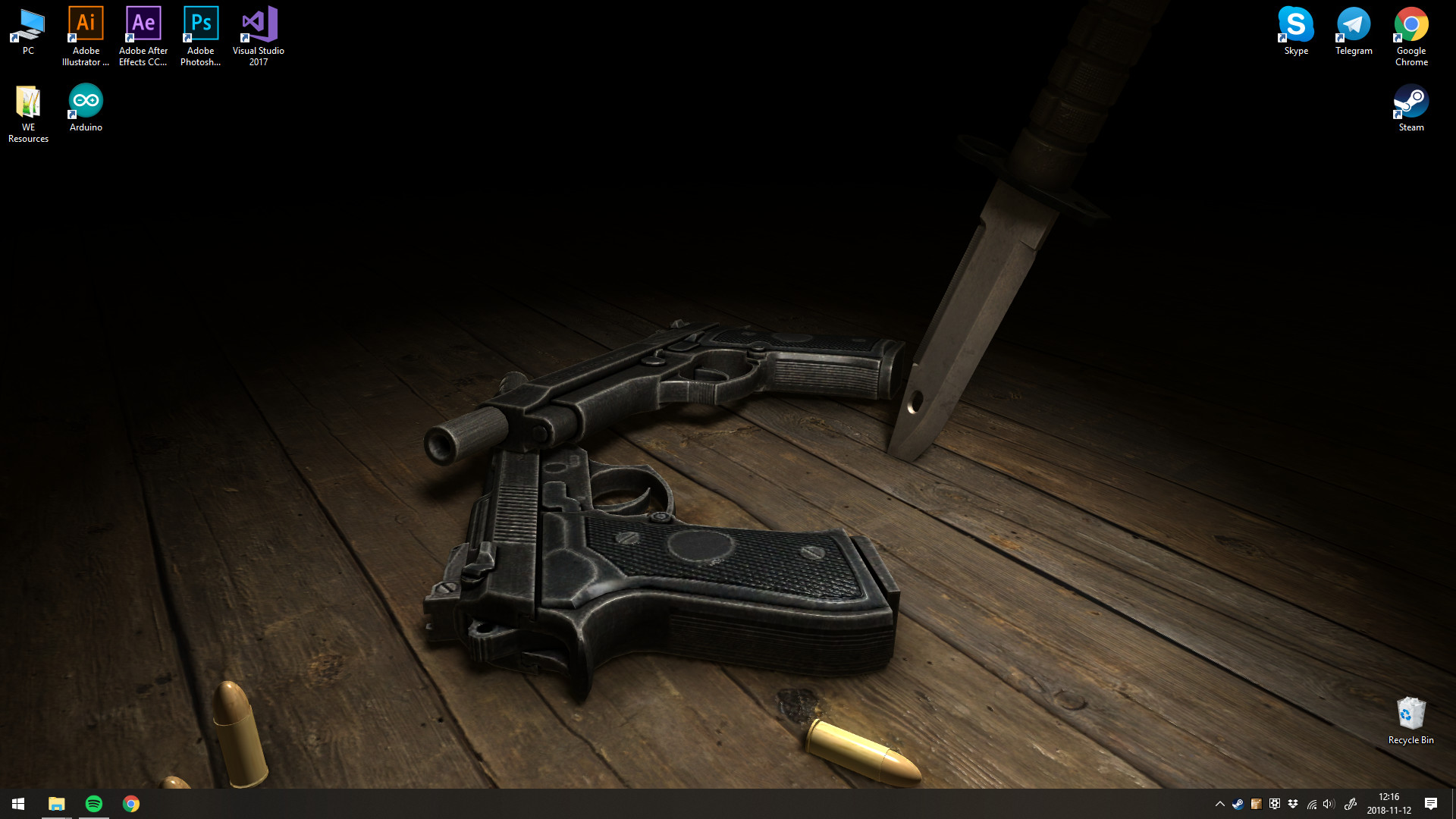
Wallpaper Engine lets Windows users replace static backgrounds with live, animated wallpapers. It supports 3D and 2D animations, videos, websites, and certain applications, letting you pick from the Steam Workshop or craft your own. The program runs alongside any Steam game or application and can pause automatically when you switch to fullscreen tasks.
A free Android companion app lets you transfer favorite wallpapers to a mobile device, extending the experience beyond the desktop. With support for many aspect ratios, multi‑monitor setups, and hardware lighting systems, the tool aims to stay lightweight while offering extensive visual customization.
01 / THE GUIDE
Supported Wallpaper Types
Wallpaper Engine accepts a range of animated content, including 3D and 2D animations, video files, websites, and select applications. Users can import basic images, HTML, or video files to create a live background. Performance varies: 3D, 2D, and video wallpapers generally use fewer resources, while websites and applications demand more from the system.
- Start with 3D or video wallpapers if you have limited GPU power.
- Test website‑based wallpapers on a low‑resolution monitor first.
02 / THE GUIDE
Android Companion App
A free companion app for Android lets you transfer your favorite desktop wallpapers to a mobile device. This feature enables you to enjoy live wallpapers on the go without needing the full desktop application. The transfer process works for both scene and video wallpapers, extending the same visual experience to smartphones.
- Sync only the wallpapers you use most to conserve phone storage.
- Check video compatibility before transferring large files.
03 / THE GUIDE
Performance and Pause Options
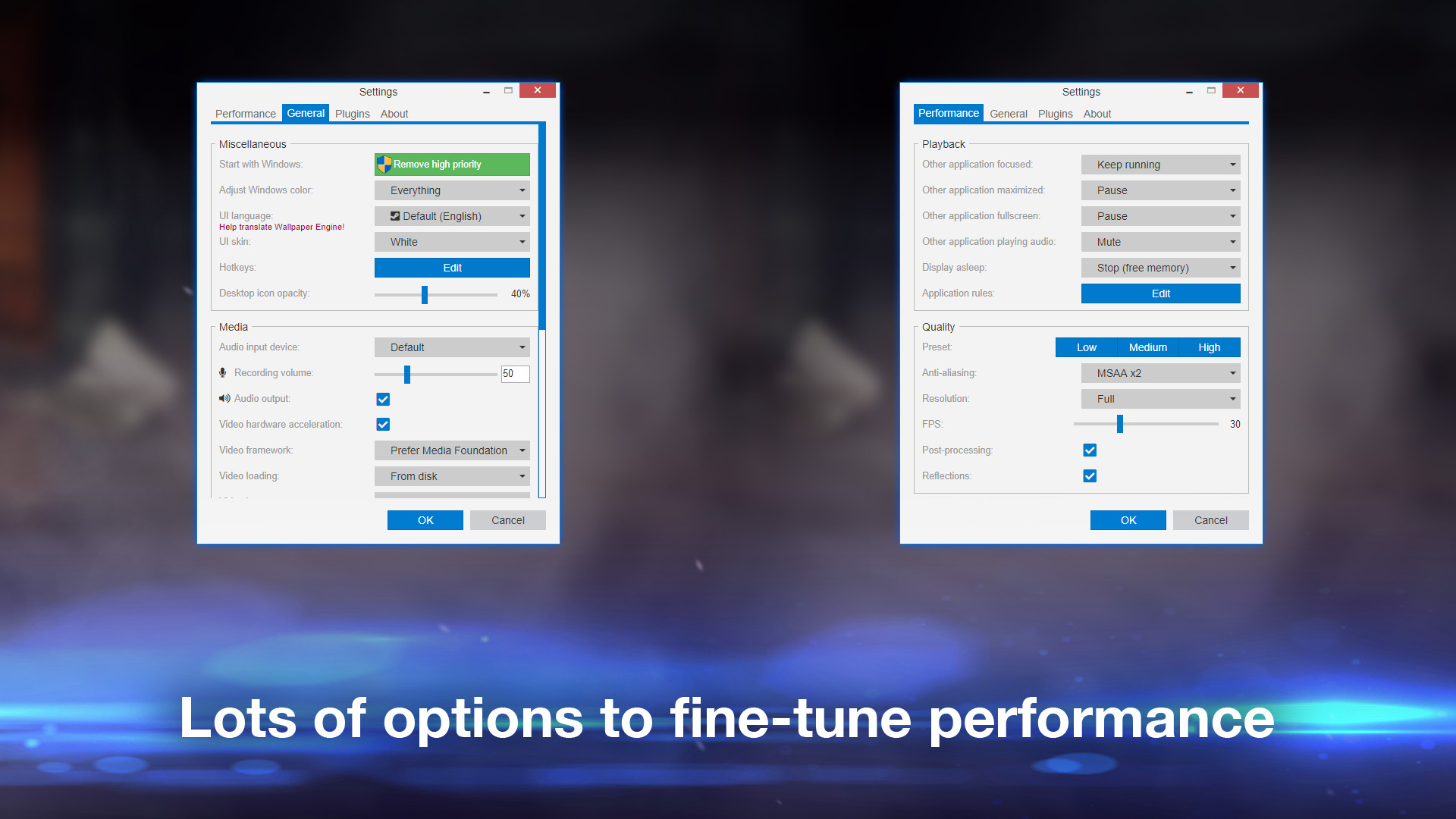
Wallpaper Engine includes settings to automatically pause or completely stop wallpapers when another application runs in fullscreen, including borderless windowed mode. This helps preserve system resources during gaming or work sessions. Quality and performance sliders let you fine‑tune the impact on your computer, aiming for an entertaining experience with minimal resource use.
- Enable automatic pause during gaming to maintain frame rates.
- Lower quality settings if you notice stutter in other apps.
04 / THE GUIDE
Editor and Custom Creation
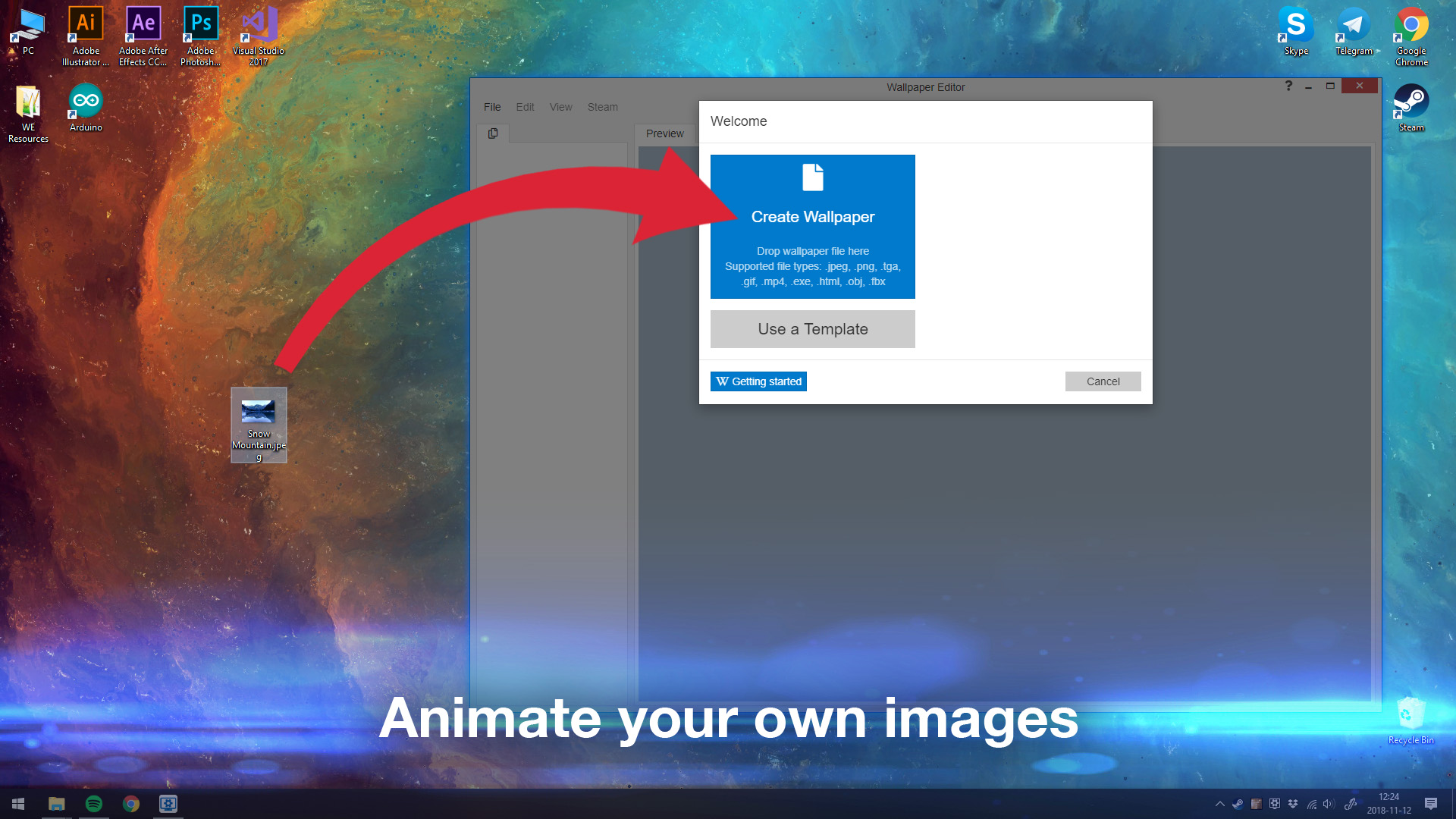
The built‑in Wallpaper Engine Editor lets you animate new live wallpapers from images, HTML, or video files. A large selection of presets and effects assists in customizing your creations before sharing them on the Steam Workshop. All user‑made wallpapers can be uploaded for free, joining a community that adds new content daily.
- Experiment with presets to quickly achieve desired effects.
- Export a test version before publishing to the Workshop.
05 / THE GUIDE
Multi‑Monitor and Aspect Ratio Support
Wallpaper Engine supports many native resolutions and aspect ratios, such as 16:9, 21:9, 16:10, and 4:3. It also works in multi‑monitor environments, allowing each screen to display its own live wallpaper or a stretched single image. This flexibility ensures that both standard and ultrawide displays can enjoy animated backgrounds without distortion.
- Match wallpaper aspect ratio to your monitor for best appearance.
- Use separate wallpapers per monitor for varied aesthetics.
COMMUNITY
Player discussion