 GameWiki

GET YOUR BEARINGS
About Wall World 2
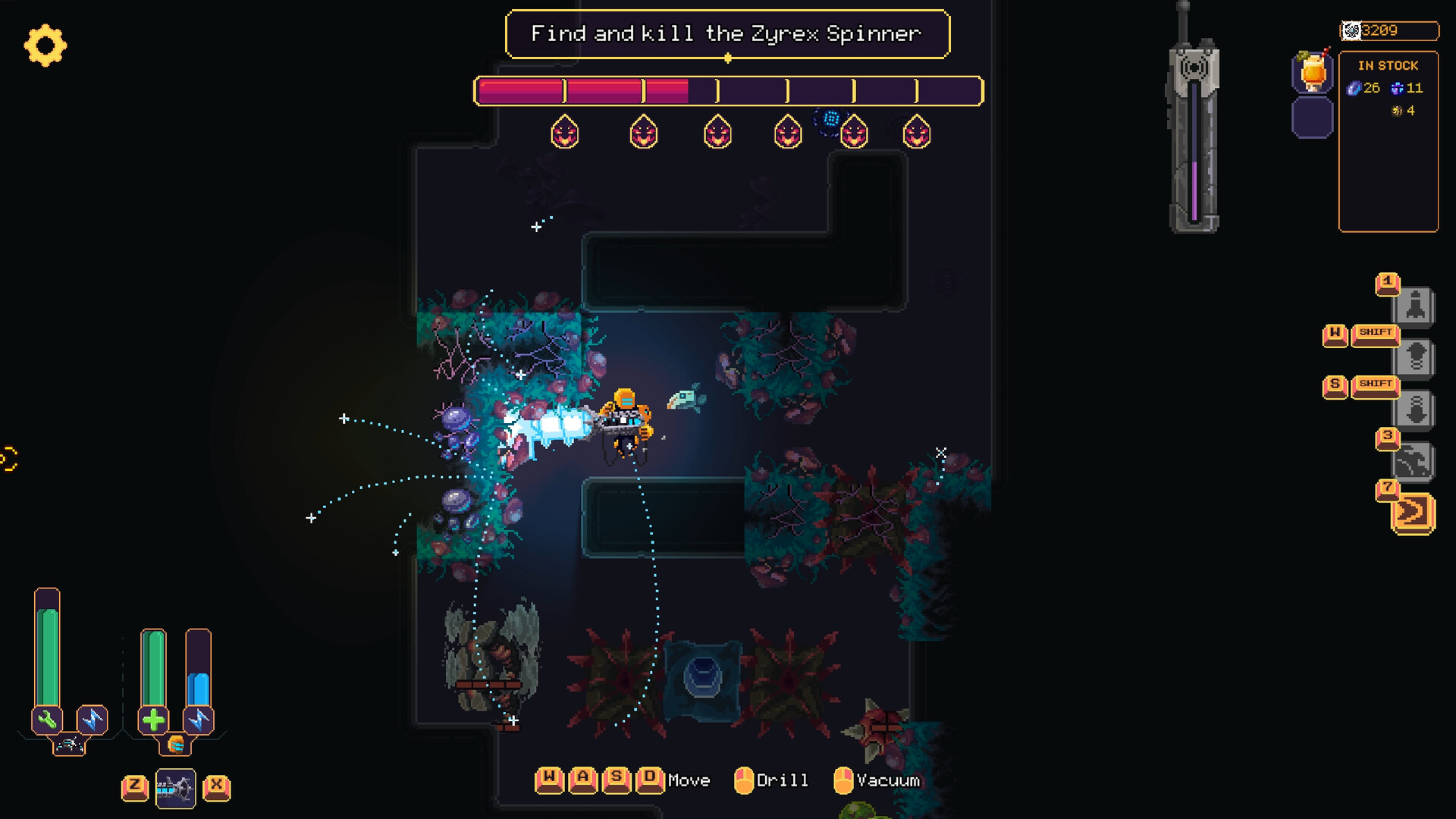
Wall World 2 expands the mining rogue‑lite formula with deeper mechanics and fresh challenges. Players explore procedurally generated mines, extract resources, and confront monsters while upgrading a robospider and exosuit. The game’s living Wall shifts constantly, offering varied biomes, anomalies, and hidden technologies. Between expeditions, you can customize equipment and meet new characters in the sphere city, aiming to uncover the secrets buried deep within the Wall.
01 / THE GUIDE
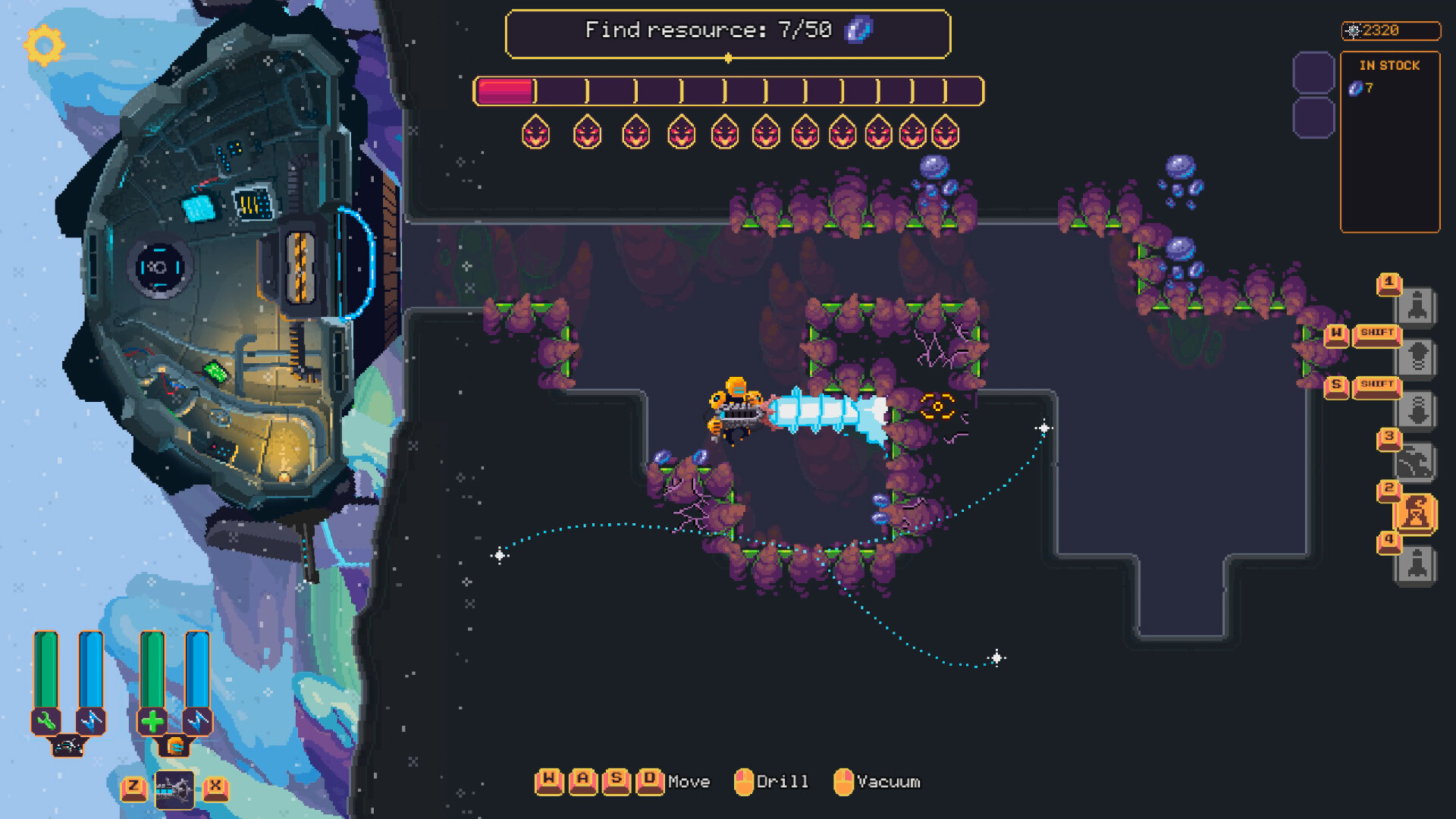
Procedurally Generated Mines
Each expedition takes you into a freshly generated mine, filled with new discoveries and dangers. The layout changes every run, ensuring no two dives are identical.
Resources, technologies, and monsters are scattered throughout, encouraging exploration and careful planning before extraction.
- Scout ahead to locate resource‑rich corridors before committing to combat.
- Mark safe routes early to avoid getting trapped by sudden monster spawns.
02 / THE GUIDE
Robospider & Exosuit Customization
Between missions you can upgrade both the mobile battle station (robospider) and the wearable exosuit. Upgrades improve survivability and resource‑gathering efficiency.
Customization options are plentiful, letting you tailor equipment to your preferred playstyle before the next descent.
- Prioritize upgrades that boost resource collection for longer expeditions.
- Balance offensive and defensive enhancements to handle varied monster threats.
03 / THE GUIDE
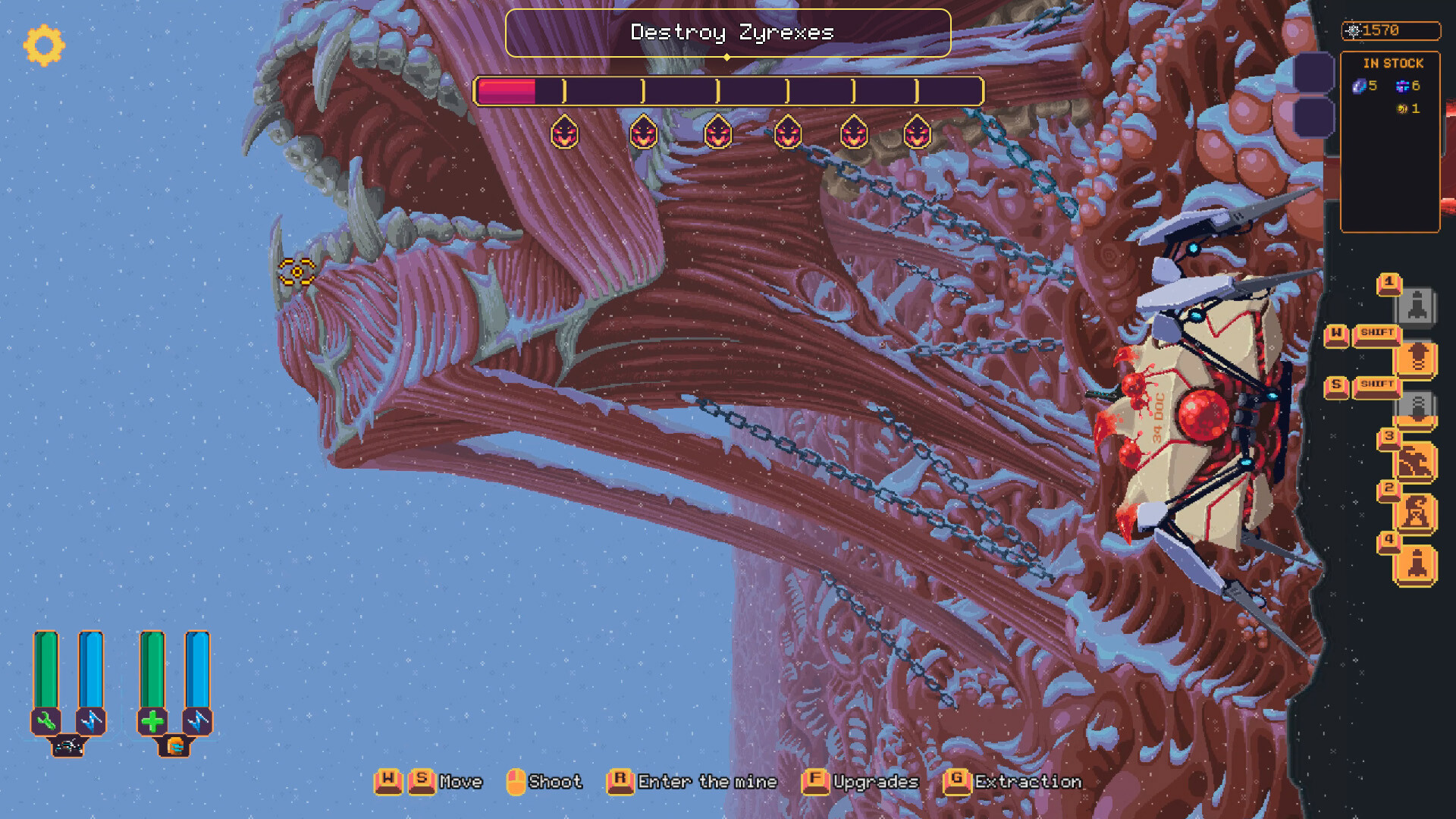
Combat and Weaponry
Monsters appear on the surface and within the mines, requiring an arsenal of powerful weapons and abilities. Combat is continuous, demanding quick reactions.
Weapons can be swapped and upgraded, allowing you to adapt to different enemy types encountered deep in the Wall.
- Keep a ranged weapon ready for early‑stage monster swarms.
- Switch to close‑range tools when navigating tight tunnels.
04 / THE GUIDE
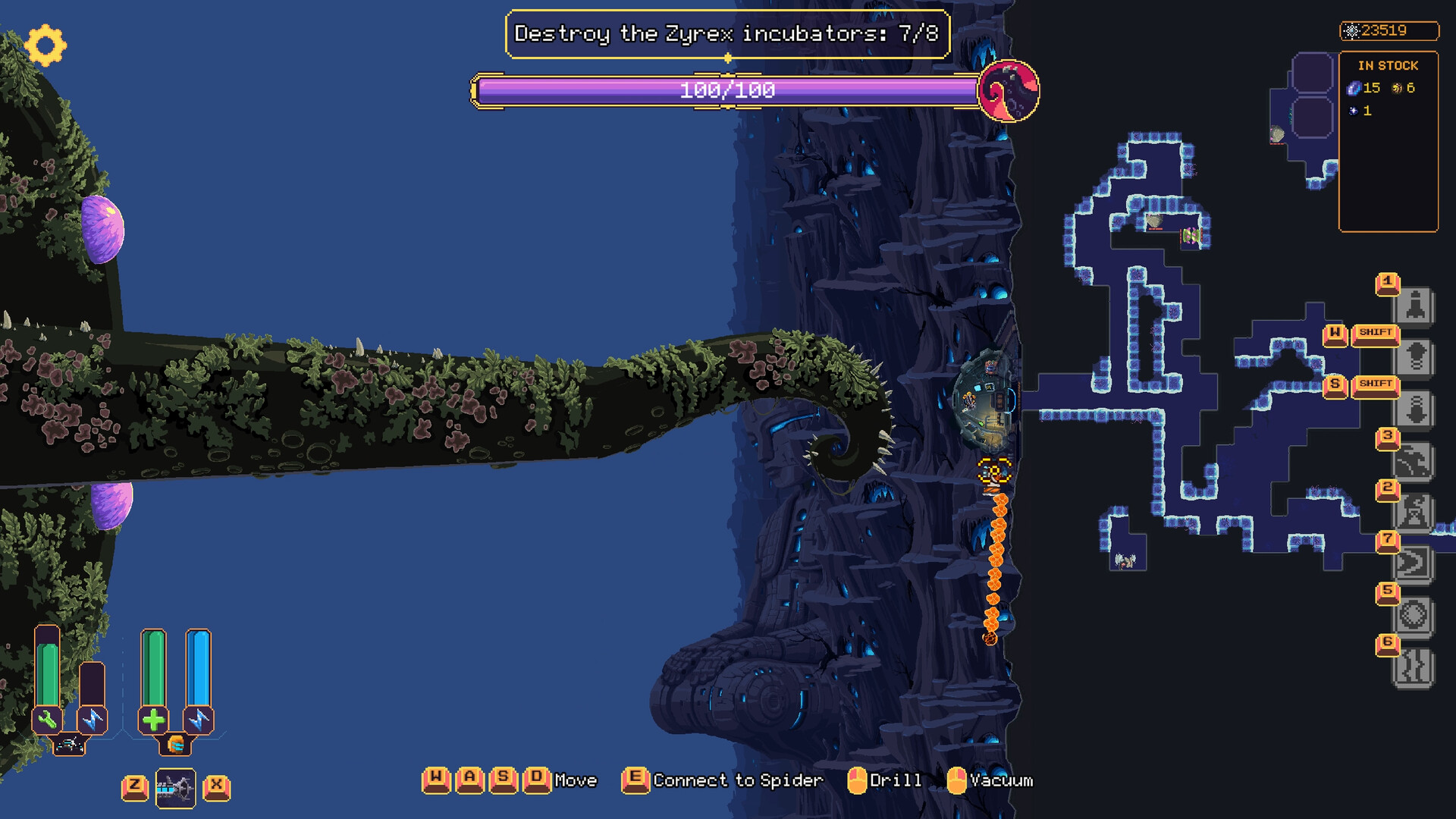
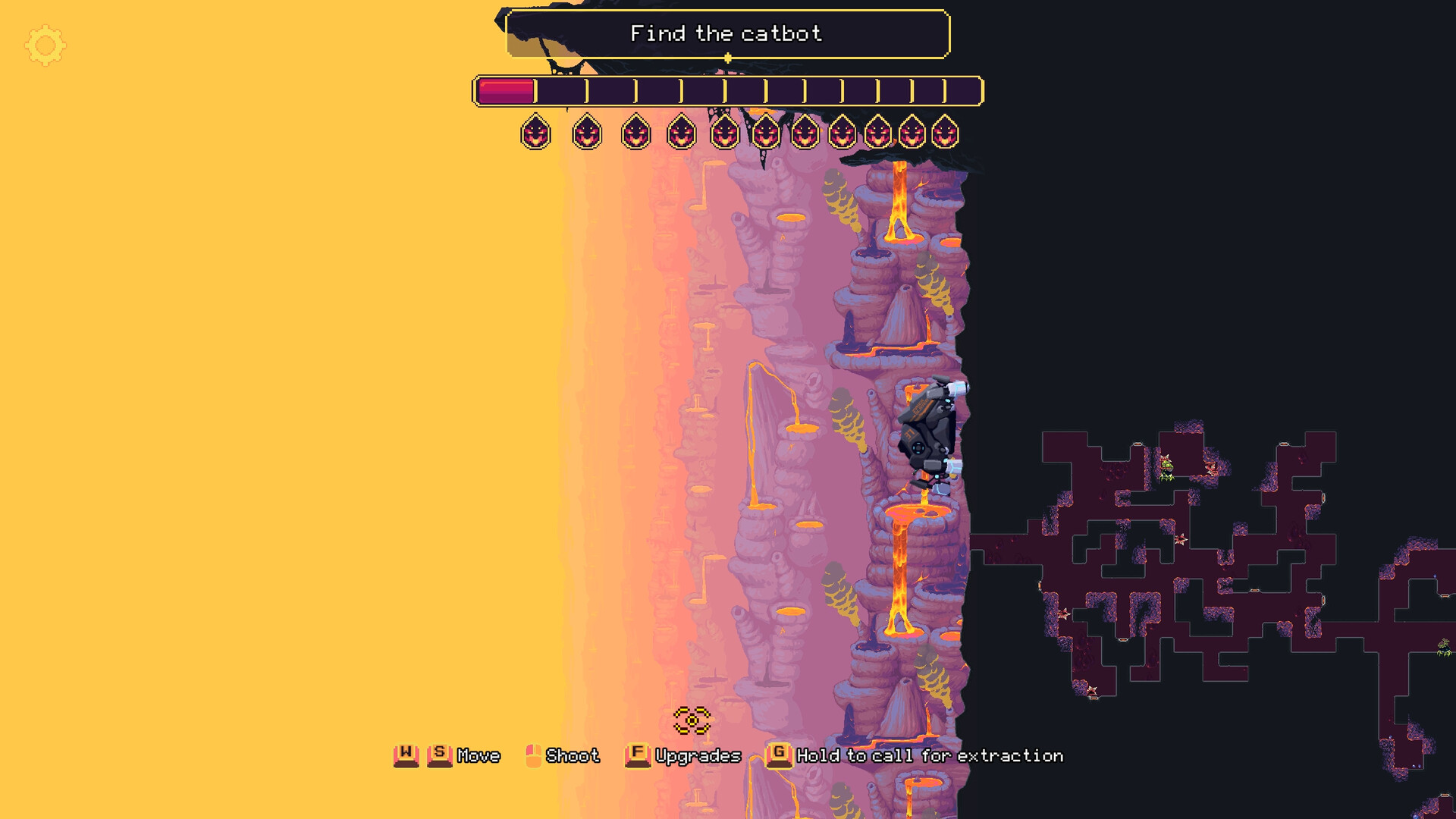
Biomes and Anomalies
The endless Wall contains diverse biomes, each with unique obstacles and visual flair. Anomalies may aid or hinder progress, adding strategic depth.
Navigating these zones requires adapting to environmental effects while searching for hidden technologies.
- Observe anomaly behavior before interacting; some may provide shortcuts.
- Use biome‑specific equipment upgrades to mitigate environmental hazards.
05 / THE GUIDE
Platform Availability and Features
Wall World 2 runs on Windows and macOS, supporting full controller input and Steam Cloud saves. Single‑player mode is complemented by achievements and trading cards.
Family Sharing allows multiple accounts to access the game without additional purchases.
- Enable Steam Cloud to keep progress across multiple devices.
- Try controller support for a more immersive mining experience.
COMMUNITY
Player discussion