 GameWiki
GET YOUR BEARINGS
About W.A.N.D. Project
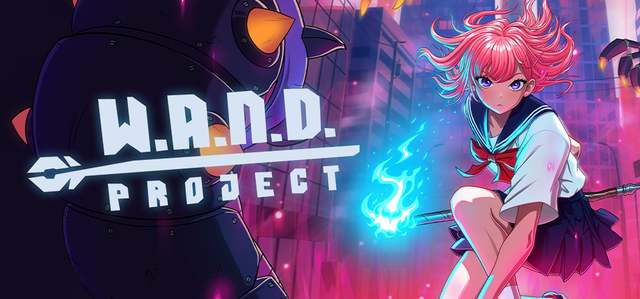
W.A.N.D. Project puts you in the role of a Japanese sorceress defending a futuristic Tokyo from alien hordes. The game blends fast‑paced action with a deep spell‑crafting system that lets you mix over a hundred magical elements.
Runs are short and addictive, offering both auto‑fire and manual aim modes, multiple sorceresses with distinct stats, and ever‑changing maps that alter visuals, enemies, and objectives. Single‑player play is supported on Windows with full controller compatibility and Steam Cloud saves.
01 / THE GUIDE
Spell Crafting System
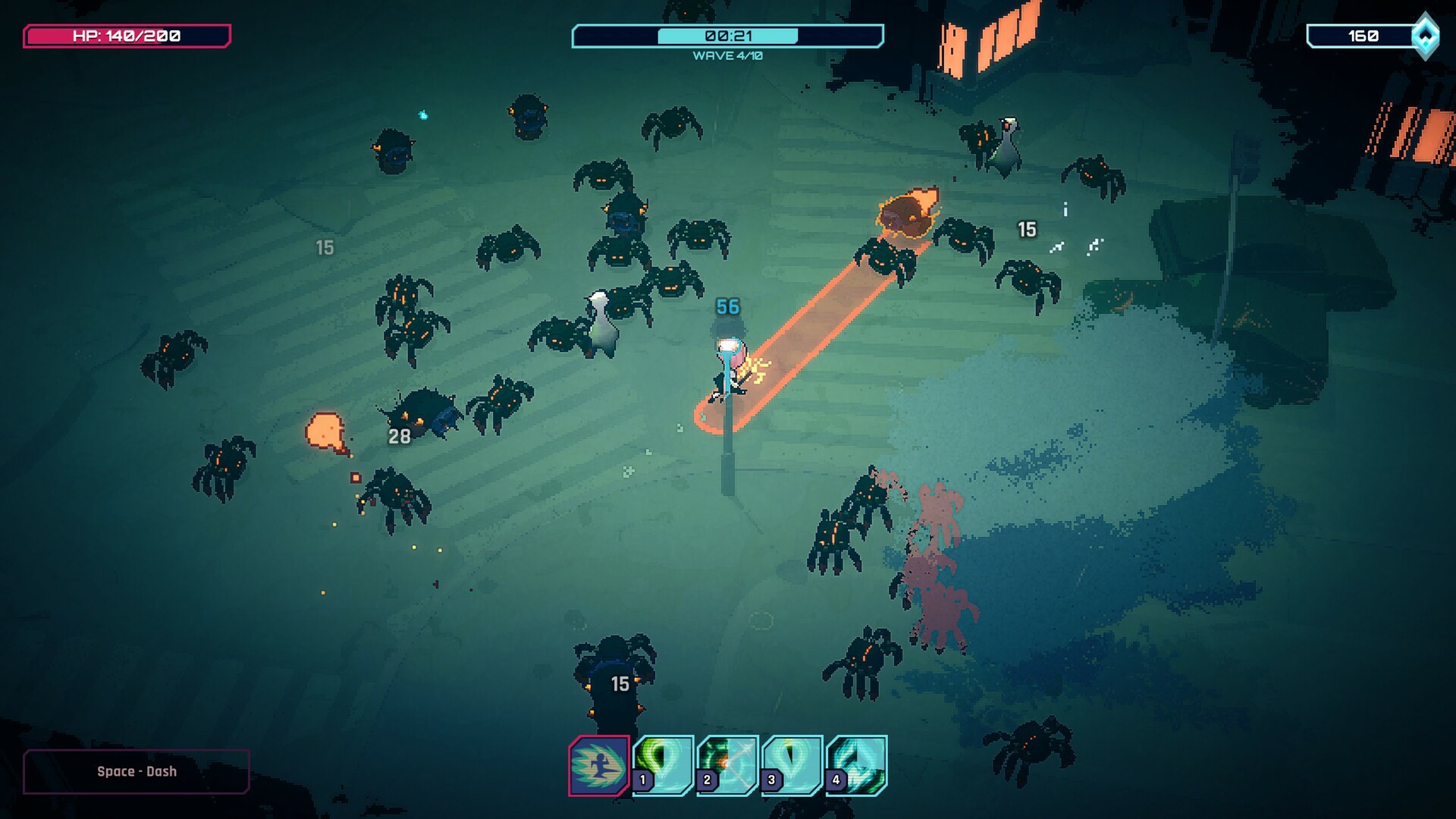
The core of the game is its spell‑crafting system, allowing you to combine magical elements into unique attacks. You can create rapid sonic arrow streams or slower fireballs that split into lightning, with countless variations. Each run lets you experiment with different element combos, ensuring no two experiences feel identical.
- Try pairing a fast‑fire element with a spread‑type to cover larger areas.
- Mix a high‑damage element with a status‑inflicting one for layered effects.
02 / THE GUIDE
Sorceress Variants
Unlockable sorceresses each bring unique stats and abilities, letting you tailor playstyle to the map’s challenges. Switching sorceresses changes how your spells behave and interact with enemies. Progression is tied to discovering and unlocking these characters throughout runs.
- Select a sorceress with higher speed for maps with many fast enemies.
- Choose a sorceress with stronger health when facing tougher boss waves.
03 / THE GUIDE
Wand Collection
Wands act as spell conduits, each offering special powers and enhancements. Equipping different wands modifies your attack patterns and can introduce new effects. Collecting wands expands your tactical options and encourages replay to test new configurations.
- Pair a wand that boosts area damage with spread‑type spells for crowd control.
- Experiment with wands that add elemental bonuses to your favorite combos.
04 / THE GUIDE
Map Variations
Every map presents a distinct visual theme, enemy roster, and objective, influencing how you approach each run. Some maps emphasize speed, while others focus on survival against tougher foes. Adapting your spell loadout to the map’s demands is key to success.
- Observe enemy types early to adjust your element mix accordingly.
- Prioritize objectives that align with your current wand’s strengths.
05 / THE GUIDE
Control Options
Players can choose between auto‑fire and manual aim modes, catering to different play preferences. Full controller support is provided, allowing comfortable play with DualShock or DualSense devices. These options let you focus on spell strategy rather than precise input timing.
- Use auto‑fire if you prefer concentrating on spell composition.
- Switch to manual aim for precise targeting of high‑value enemies.


COMMUNITY
Player discussion