 GameWiki

GET YOUR BEARINGS
About VRChat
VRChat is a user‑generated virtual world platform where players can explore countless environments, from fighter‑jet dogfights to floating nebula treehouses. The experience emphasizes social interaction, allowing you to meet new friends, join groups, and attend live events.
All content—worlds, avatars, games—is created with the VRChat SDK, Unity, and the Udon scripting language, and the platform supports VR headsets, full‑body and finger tracking, as well as standard controllers on Windows.
01 / THE GUIDE
User‑Generated Worlds
Hundreds of thousands of worlds exist, ranging from haunted mansions to zero‑gravity go‑kart tracks. Every world is built by community members using the VRChat SDK and Unity.
If a desired experience isn’t already present, creators can build it themselves, adding new locations for others to explore.
- Browse the world list to find environments that match your interests.
- Use the search function to locate specific themes, like “planetarium” or “fantasy forest.”
02 / THE GUIDE
Avatar Customization
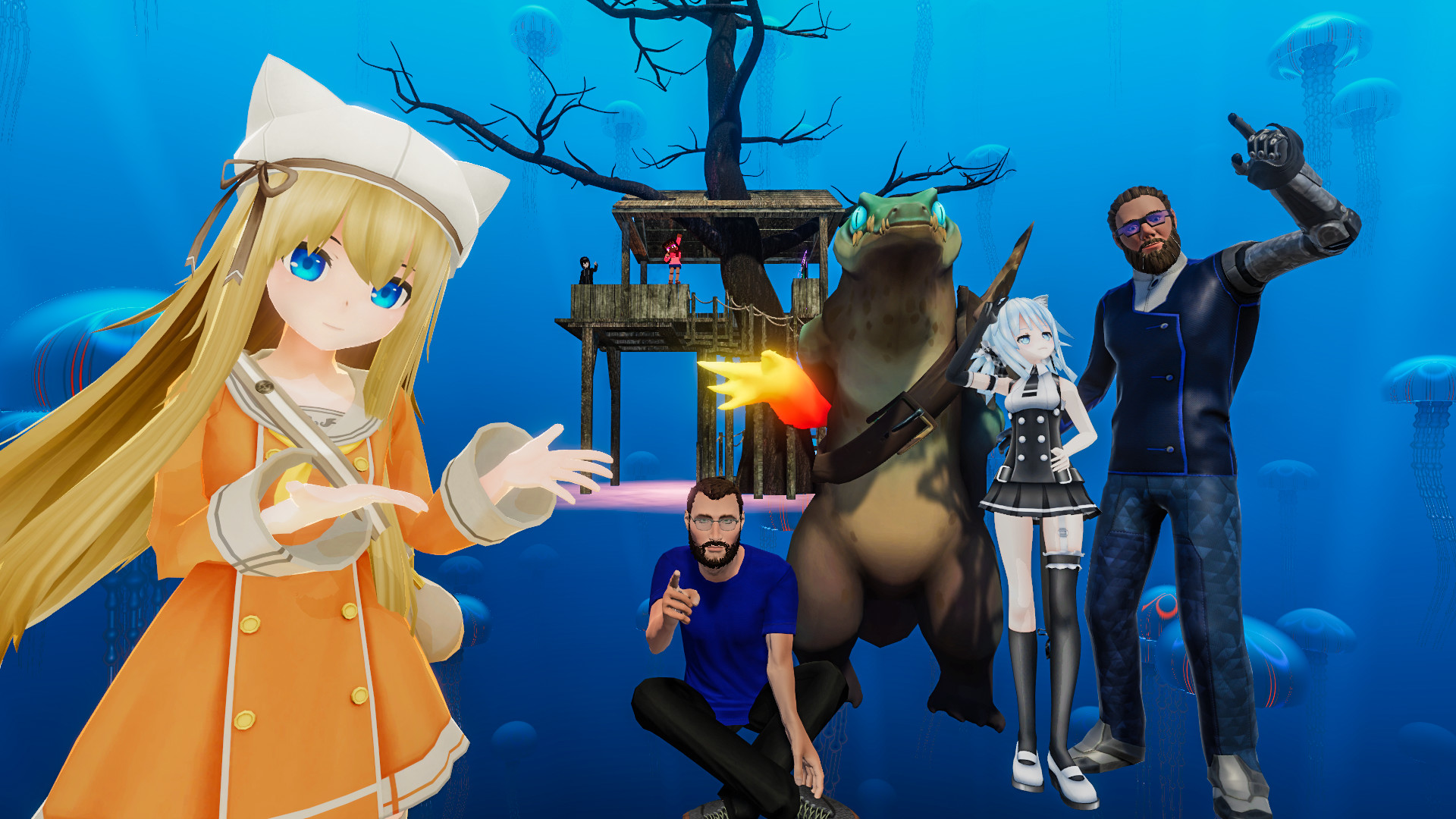
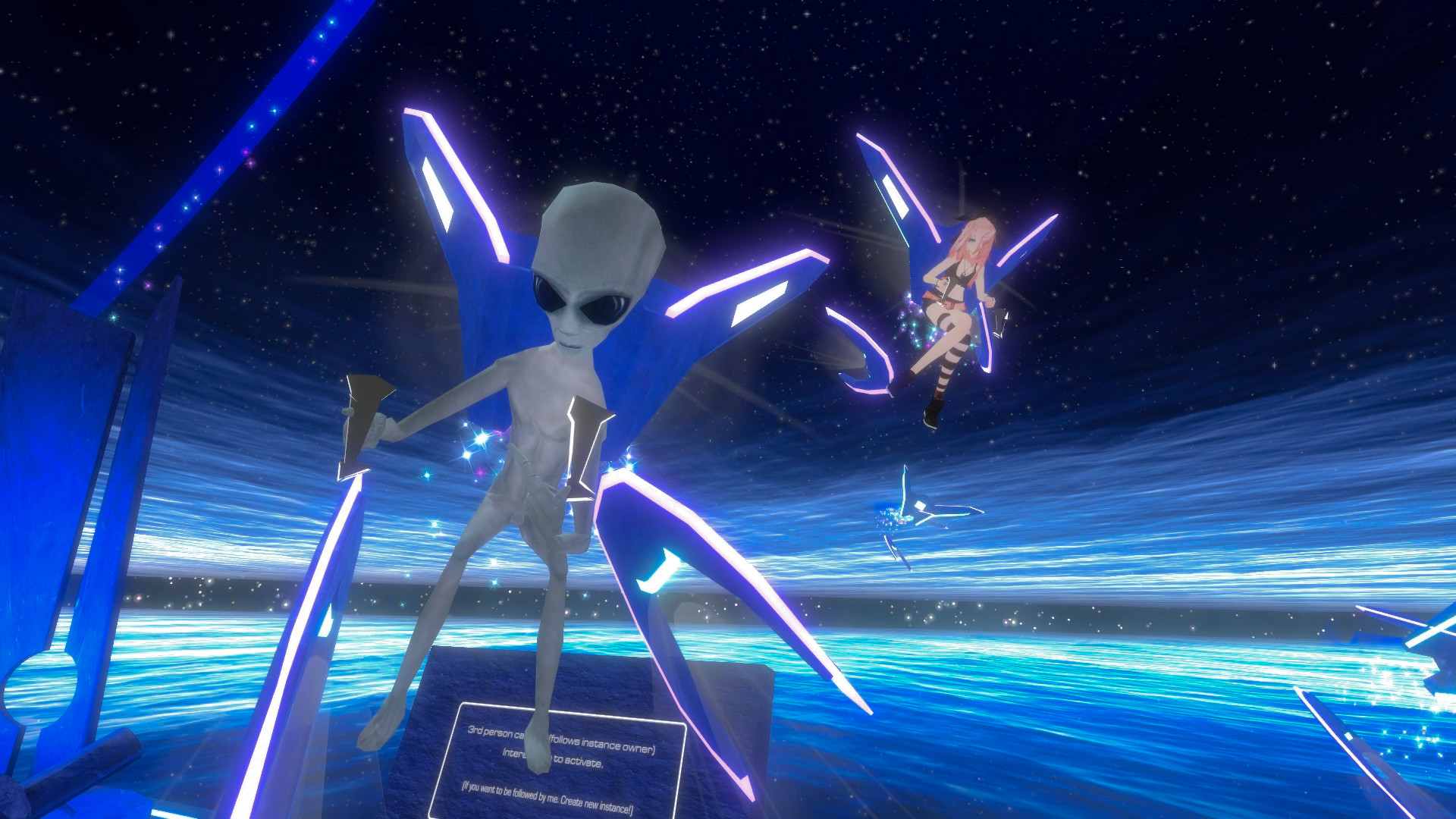
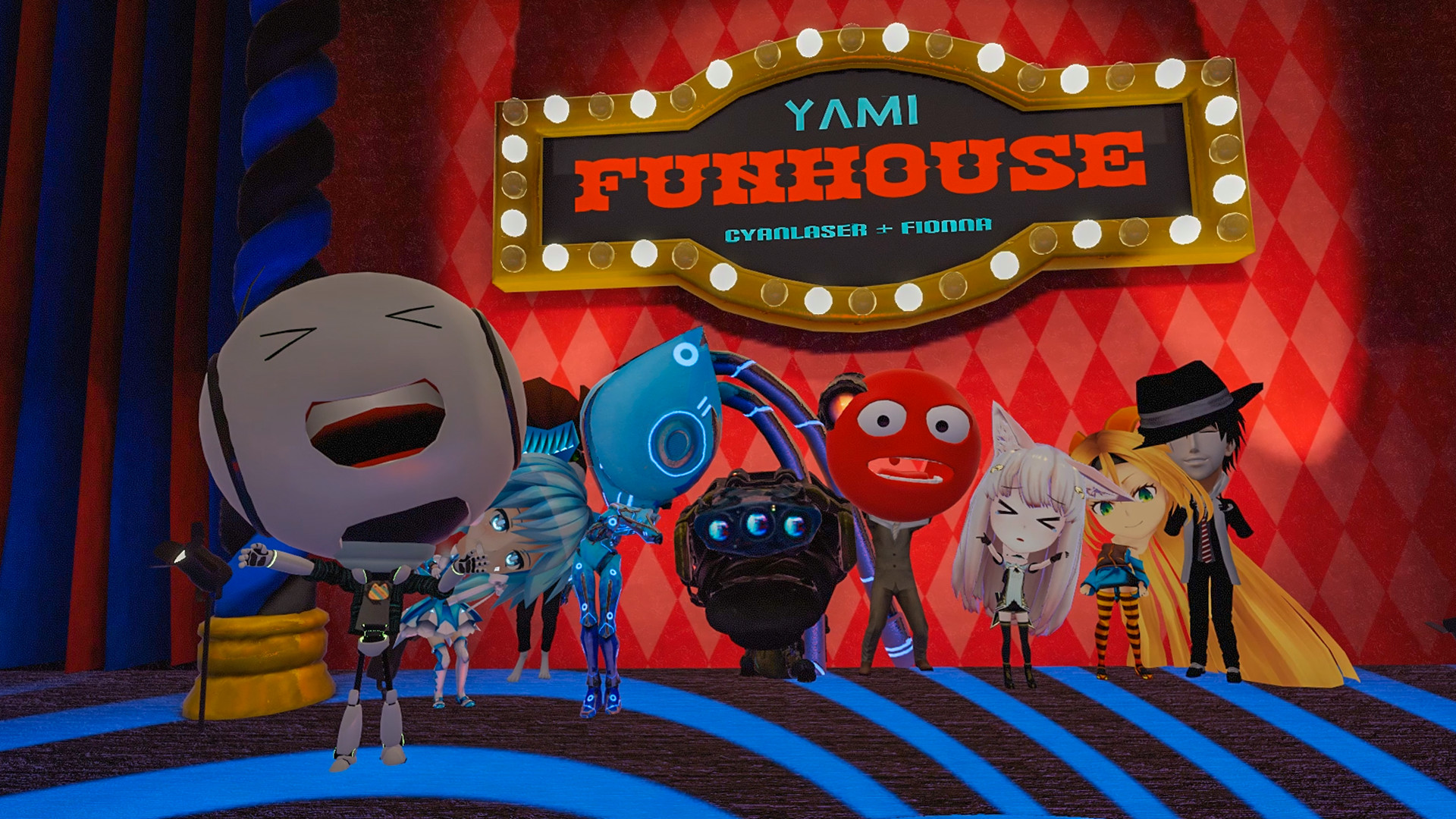
Avatars are fully customizable, letting you become an alien, a talking dog, or a sentient shoe that reacts to music. Custom avatars are also built with the SDK and Unity.
The platform supports full‑body and finger tracking, so avatars move naturally with your motions.
- Experiment with avatar rigs that support finger tracking for expressive gestures.
- Check community hubs for avatar packs that suit your style.
04 / THE GUIDE
Game Variety
VRChat hosts thousands of games, including shooters, racing, battle royale, puzzles, horror, and party games. The diversity of avatars adds a unique twist to each genre.
All games are community‑made, meaning new experiences appear regularly.
- Try different game types to discover which community you enjoy most.
- Participate in community‑run tournaments for a competitive edge.
05 / THE GUIDE
Platform Support
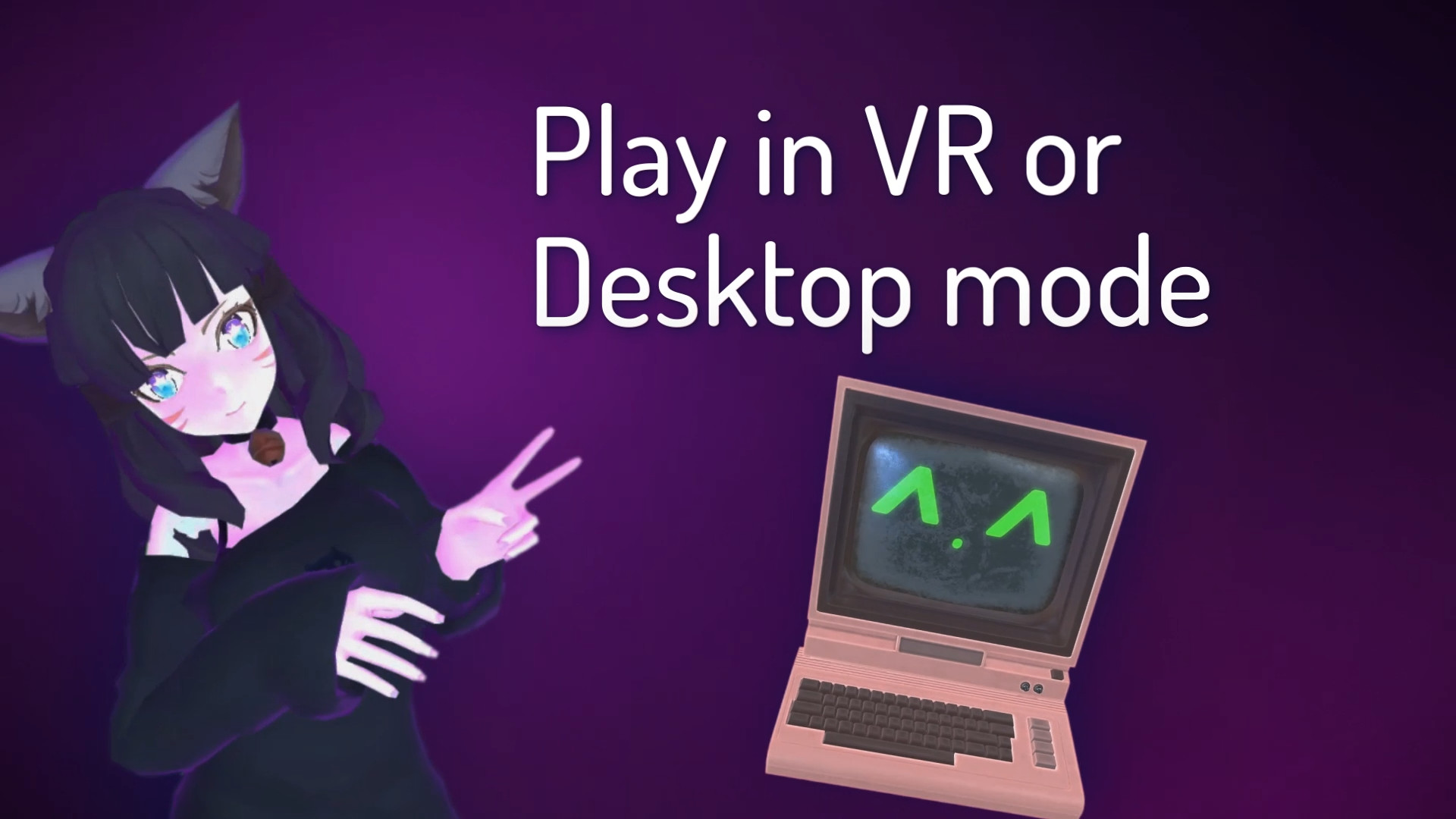
VRChat runs on Windows and works with VR headsets, full‑body tracking, and finger tracking. It also supports standard controllers, including DualShock and DualSense.
Cross‑platform multiplayer lets users on different hardware interact together.
- Enable controller support in settings if you prefer non‑VR play.
- Verify your headset’s tracking capabilities for the best avatar motion.
03 / THE GUIDE
Social Groups
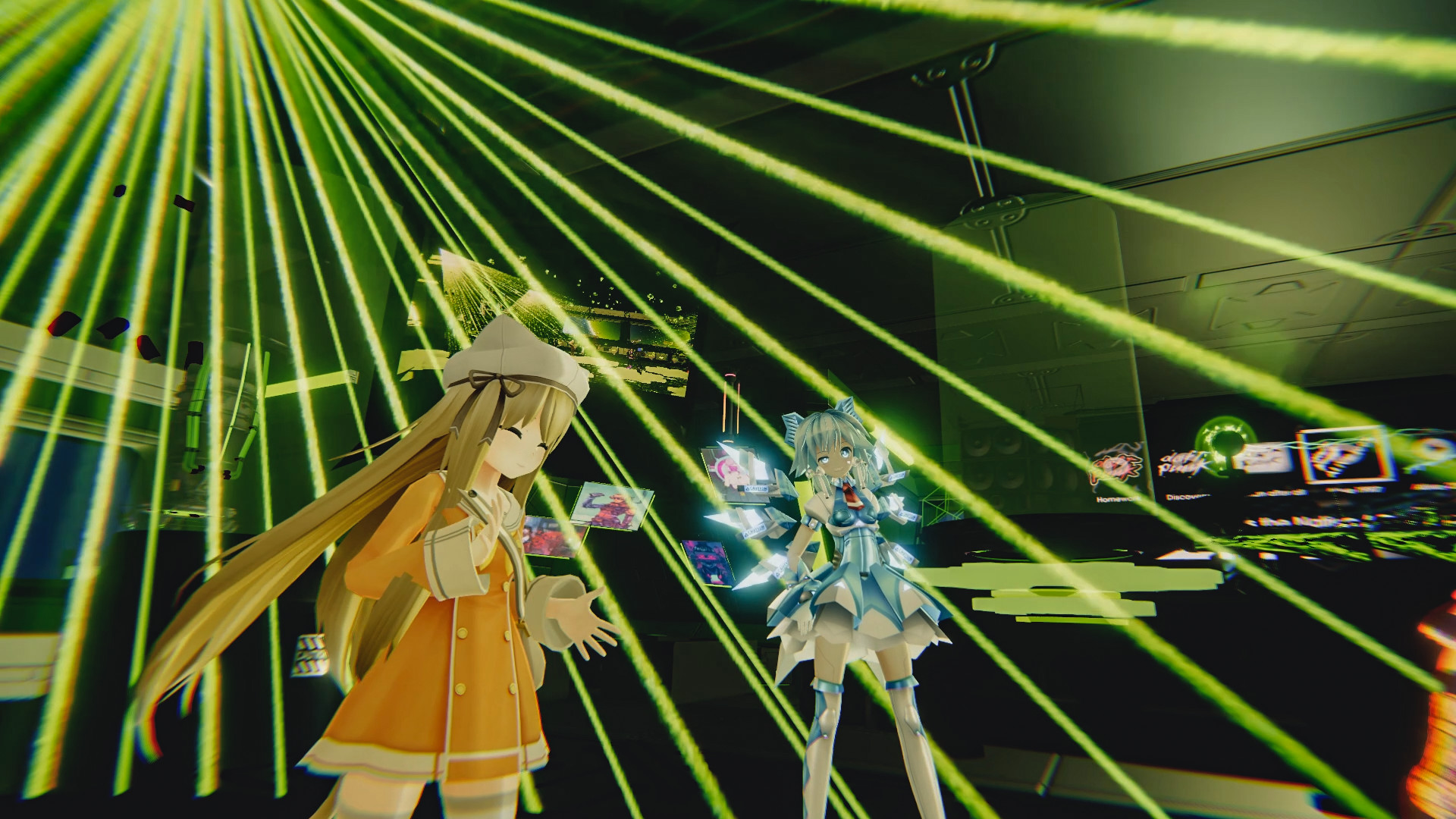
Players can join Groups tied to specific communities, making it easy to reconnect with friends and like‑minded users.
Groups act as a hub for recurring meet‑ups, events, and shared interests across the platform.