 GameWiki
GET YOUR BEARINGS
About VPet-Simulator
VPet‑Simulator is a free, open‑source desktop‑pet program for Windows. It displays a virtual pet on the desktop and includes over two hundred built‑in animations such as head touches, dancing and wall‑climbing.
The game integrates with Steam services, offering Workshop support, Achievements, Cloud, Leaderboards, Family Sharing and a level editor. It lists single‑player, multiplayer and co‑op modes, allowing play alone or with other Steam users.
01 / THE GUIDE
Open‑Source Code and Community Contributions
All source files are hosted publicly on GitHub, where anyone can view, fork or propose changes. The repository includes documentation that explains how to add animations, items or code plugins, enabling direct extensions without rebuilding the core binary.
Because the project is open source, contributors can open issues, submit pull requests or discuss ideas on the GitHub page. Community additions are often shared through the Steam Workshop, letting users benefit from new content without editing the source themselves.
- Read the repository’s README before attempting any modifications.
- Use the issue tracker to ask questions or report bugs.
02 / THE GUIDE
Steam Workshop Integration
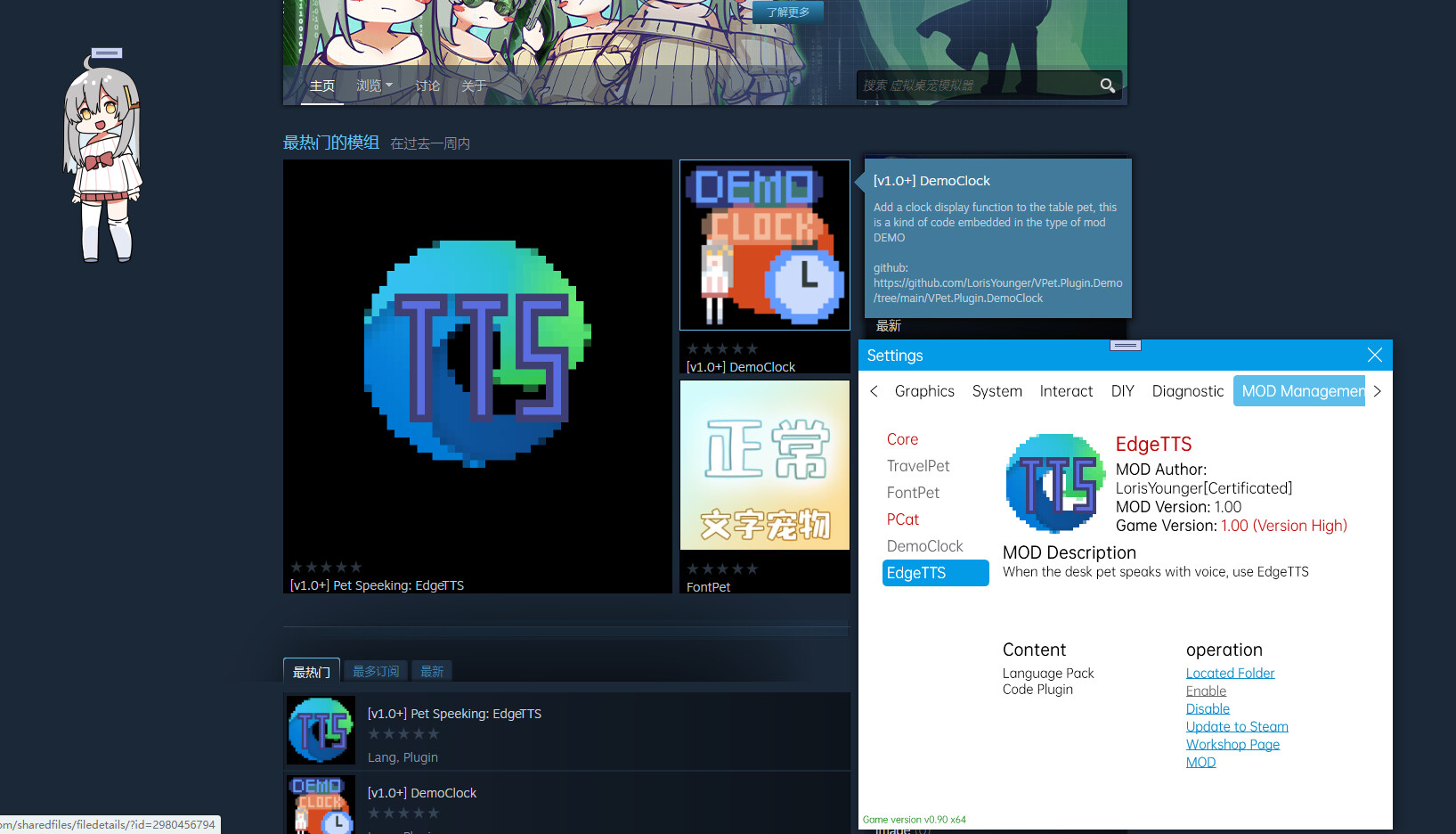
The Steam Workshop allows players to upload custom animations, items, food, beverages, themes and code plugins. Once published, these creations become available to any user who subscribes, expanding the pet’s behavior set.
Workshop submissions can also include new animation logic or display schemes such as live‑2d or spin effects, as well as functional additions like alarm clocks or dashboards, providing a broad canvas for community creativity.
- Search the Workshop for highly rated animations to see common design patterns.
- Test newly subscribed Workshop items before relying on them.
03 / THE GUIDE
Built‑In Animations and Interactions
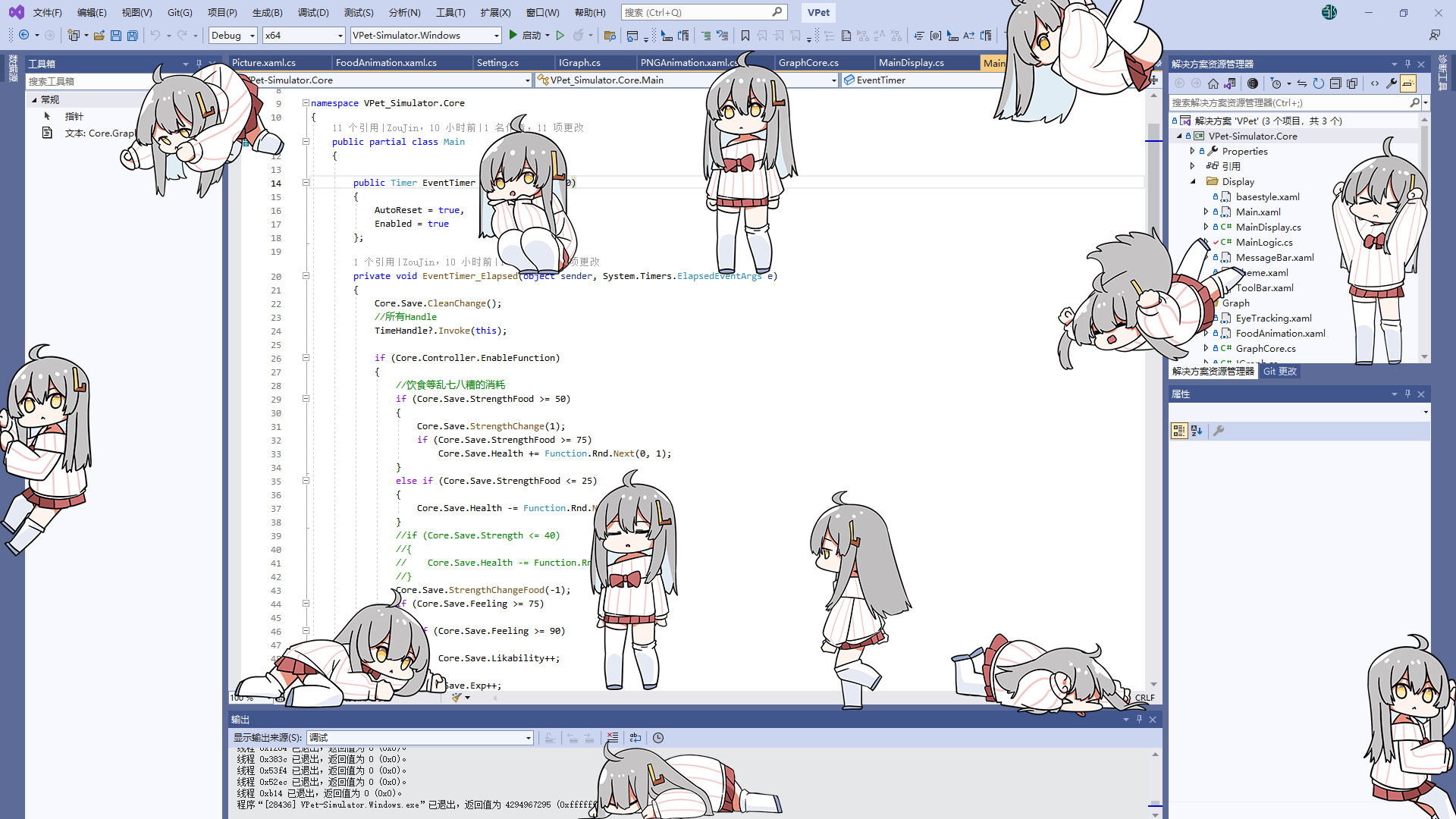
VPet‑Simulator ships with more than 200 animation types. Simple inputs like touching the head or body trigger visual responses, while sequences such as dancing or wall‑climbing demonstrate the pet’s range of motion.
These animations are activated by user input and can be extended through Workshop submissions or code plugins, meaning the supplied set serves as a foundation for further personalization.
- Observe which mouse clicks produce which animation to map input to response.
- Record short clips of favorite animations for sharing on community forums.
04 / THE GUIDE
Multiplayer and Co‑op Modes
The feature list includes multiplayer, co‑op and online co‑op, indicating that the game can host sessions with multiple Steam users. These modes allow more than one player to be present in the same game instance.
While the exact networking implementation is not detailed, the presence of these modes confirms that the game provides a way for friends to join together rather than being limited to solo play.
- Invite a Steam friend via the friends list to start a co‑op session.
- Observe how multiple players’ actions appear on screen during a shared session.
05 / THE GUIDE
Platform Availability and Steam Features
VPet‑Simulator runs on Windows; macOS and Linux are not listed as supported platforms. The game is free to download and includes Steam Cloud, Achievements, Leaderboards and Family Sharing, providing standard Steam‑based services.
Additional Steam features such as a level editor is listed among the game's Steam features, while the listed Steam Cloud feature indicates Steam Cloud support, though specific data details are not enumerated.
- Check that Steam Cloud is enabled in your Steam client settings before playing.
- Experiment with the level editor to create a simple arena for the pet.
COMMUNITY
Player discussion