 GameWiki
GET YOUR BEARINGS
About Volley Court
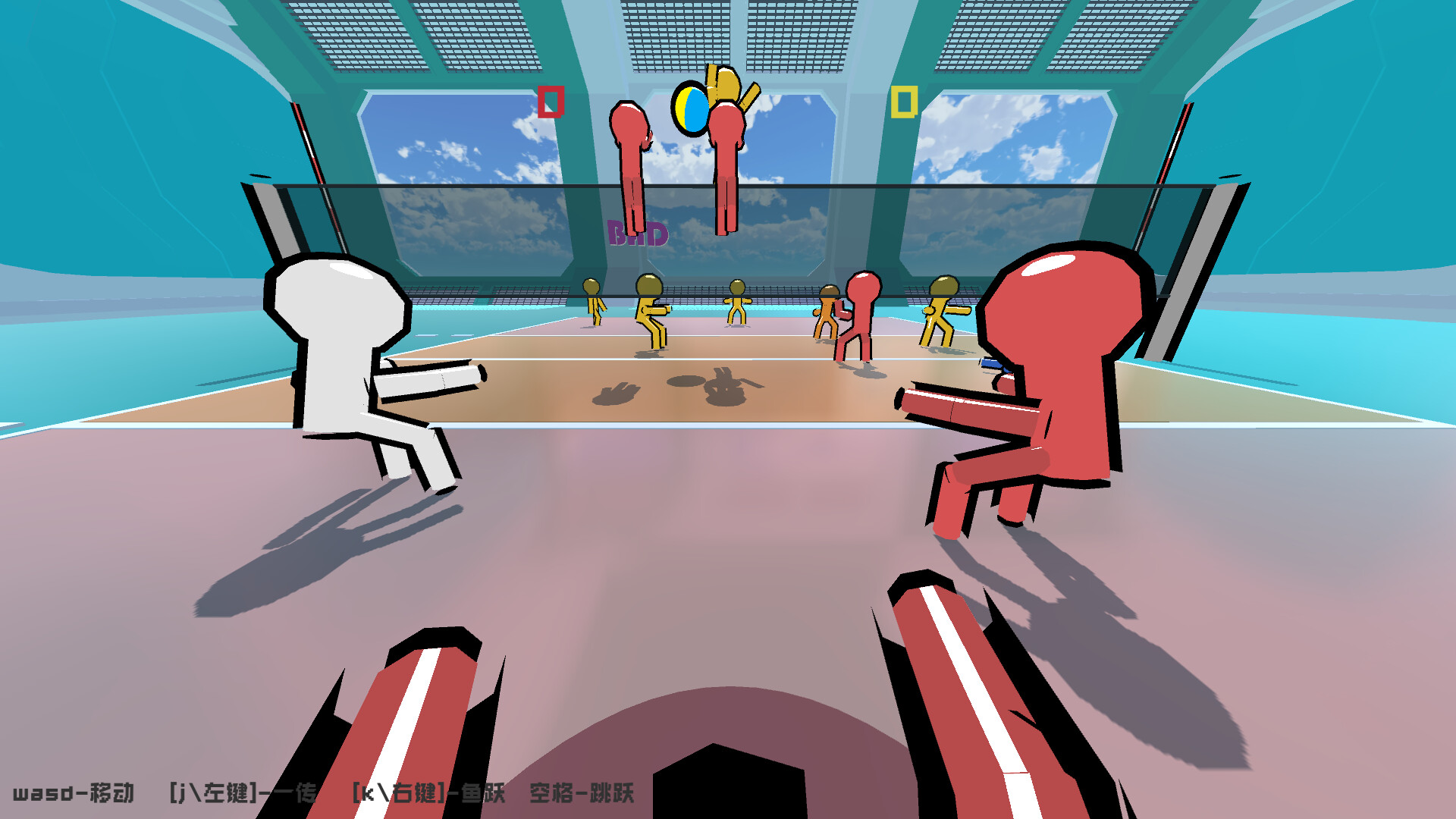
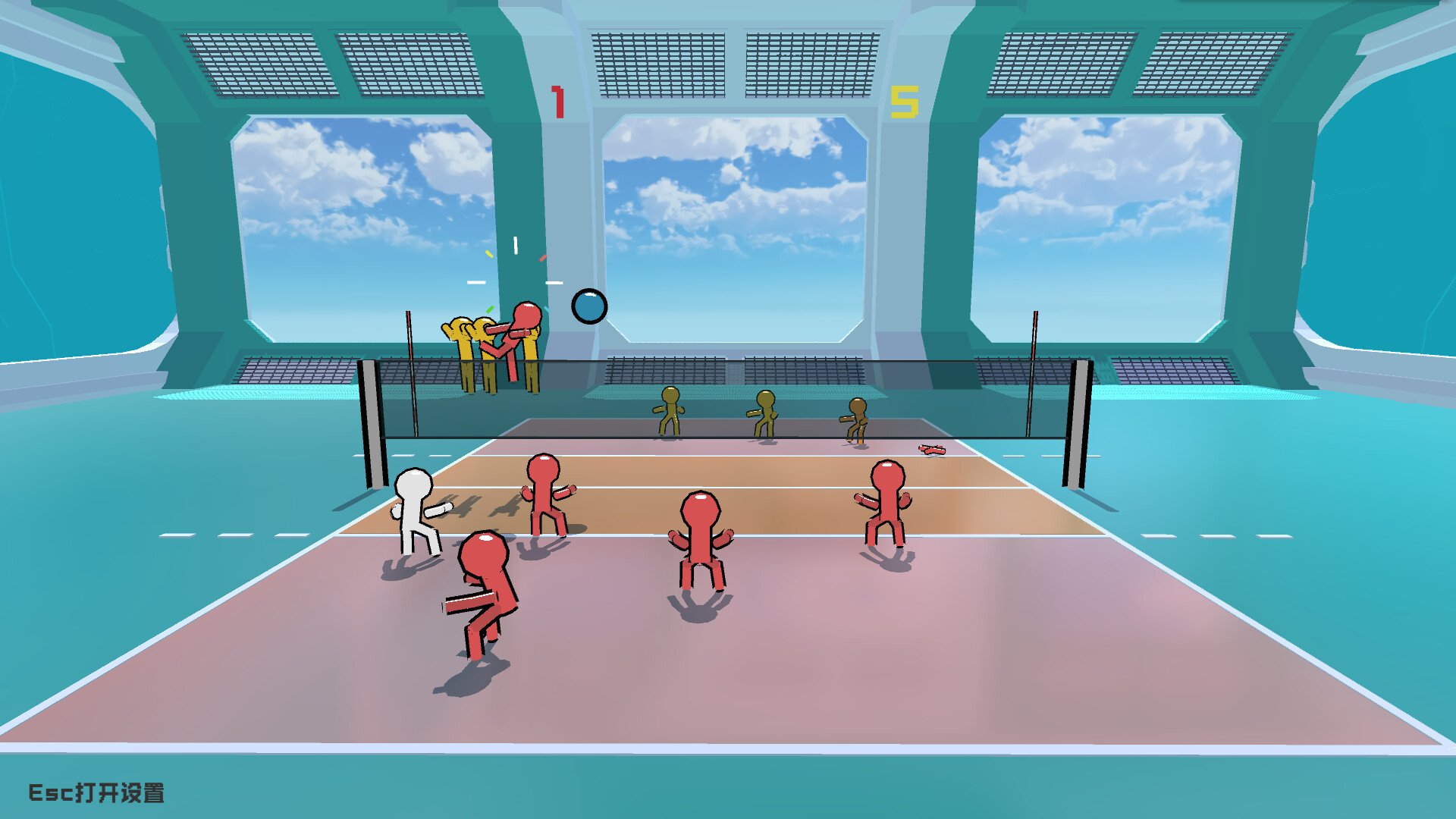
Volley Court builds on its original 2D foundation by adding richer visuals and three camera options: third‑person, wide‑angle, and first‑person. Each view changes how the ball and court are presented, giving players distinct ways to track rallies and timing.
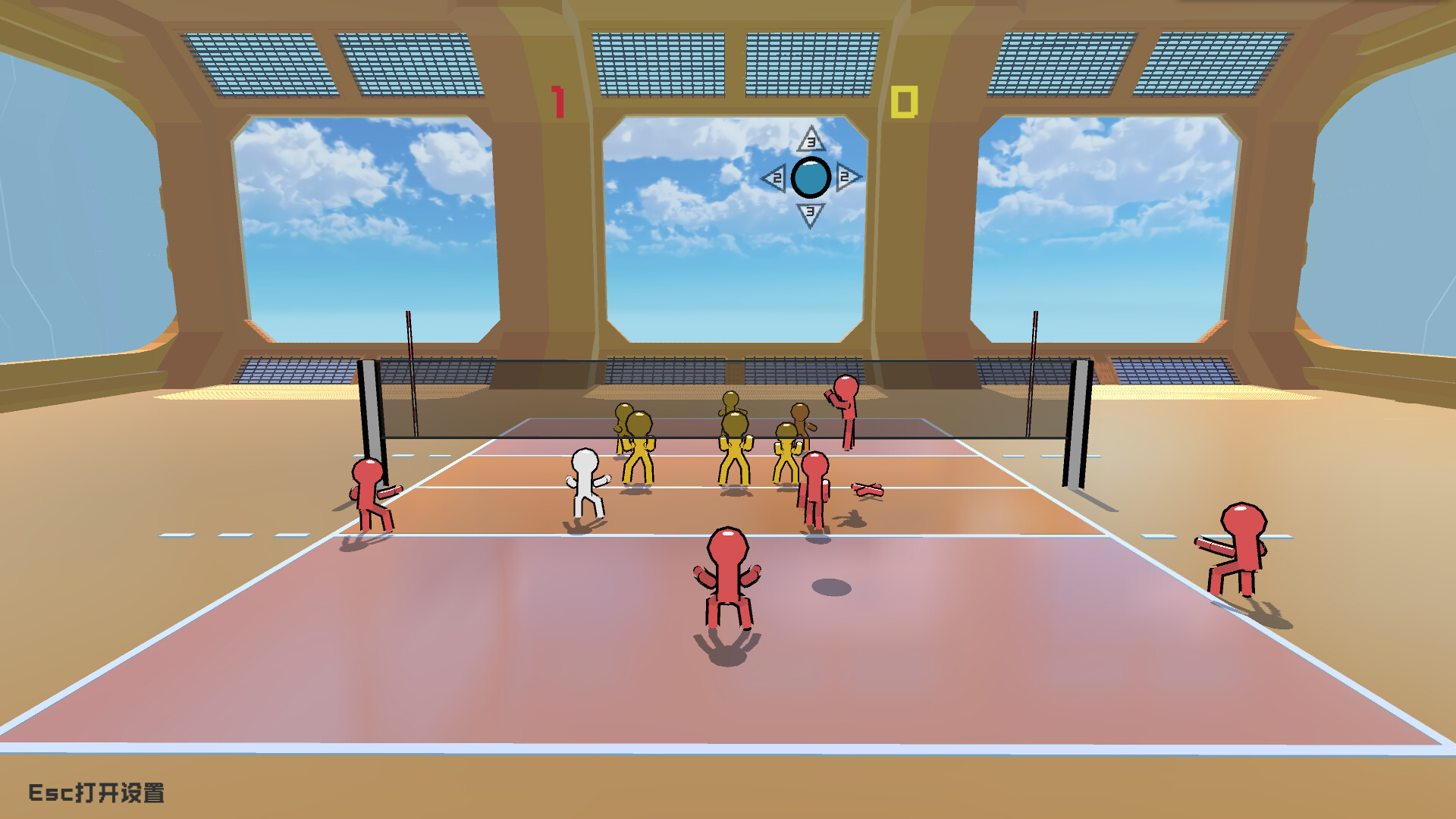
The game lets you assume four volleyball roles—outside hitter, setter, middle blocker, and libero—each reflecting a real‑world position. Up to twelve players can join online via Steam, allowing full‑team matches with friends or other players.
01 / THE GUIDE
Camera Perspectives
Volley Court provides three visual modes. The third‑person view follows the player’s avatar, the wide‑angle view captures the entire court, and the first‑person view makes you feel more involved in the action. These perspectives alter visual information without changing core mechanics.
Choosing a perspective depends on what you need to see. First‑person can help focus on ball trajectory, while wide‑angle offers a broader view of teammates and opponents, useful for coordinating plays.
- Try wide‑angle for better awareness of teammate positions during fast rallies.
- Switch to first‑person when practicing serves to concentrate on ball placement.
02 / THE GUIDE
Player Positions
The game features four distinct positions: outside hitter, setter, middle blocker, and libero. Each role mirrors a real‑world volleyball duty, such as powerful smashes for the outside hitter or precise passing for the setter.
Playing a specific position lets you experience its unique actions, like a monster block as the middle blocker or a fantastic save as the libero, giving insight into each role’s contribution to a rally.
- Rotate through positions to discover which actions feel most natural to you.
- Focus on the setter role if you enjoy controlling ball distribution.
03 / THE GUIDE
Online Multiplayer
Volley Court supports online matches for up to twelve players. Friends who own the game on Steam can be invited to a lobby, and multiple friends can form two opposing teams for full matches.
The online mode works alongside the game’s skill system, letting players test their abilities against others in real time while using the same camera and position options.
- Coordinate with friends beforehand to ensure balanced team sizes.
- Use the lobby to run practice matches before competitive play.
04 / THE GUIDE
Skill System
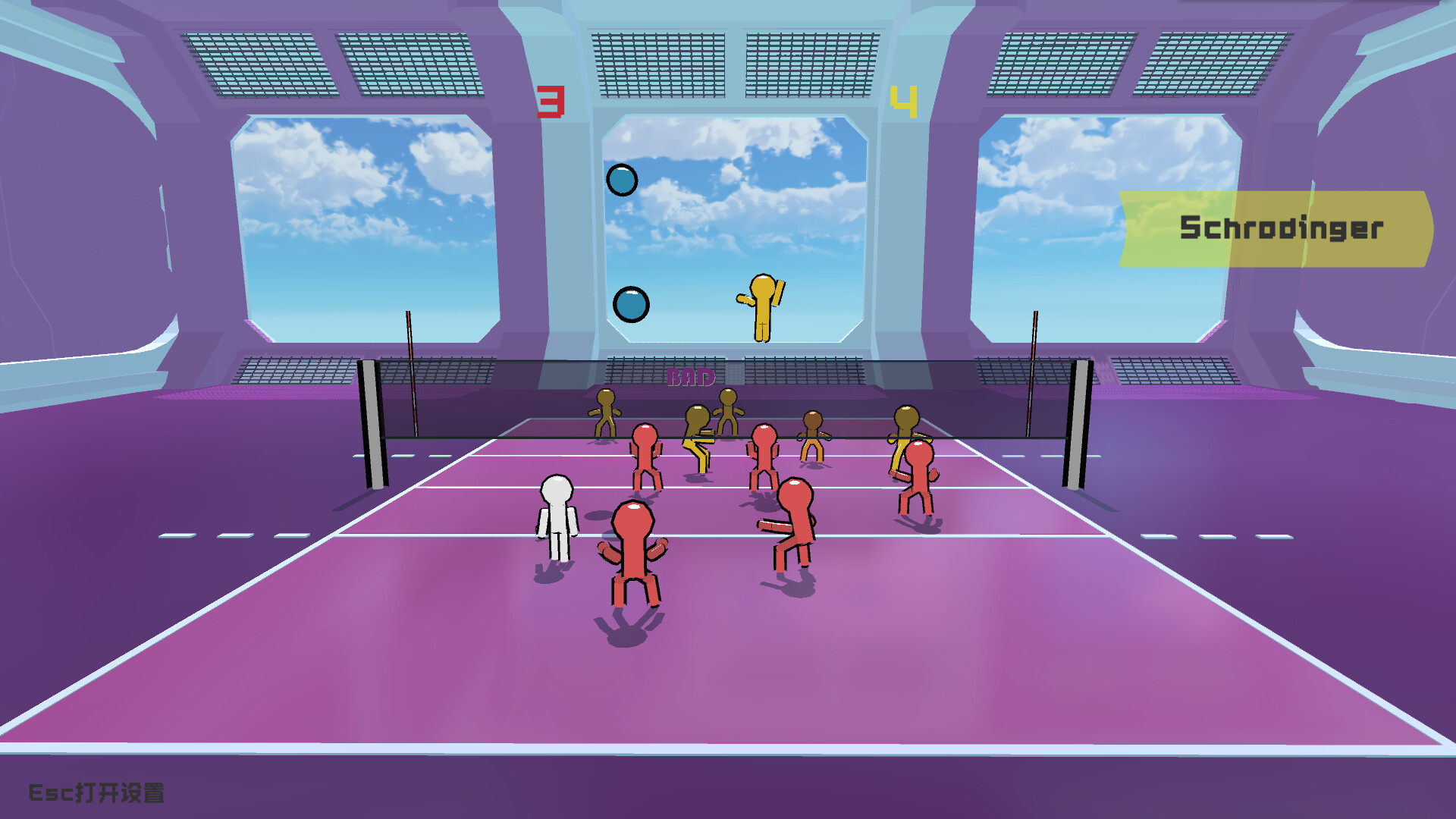
Both solo and online modes include a variety of skills designed to add realism and interest. These skills are designed to make the game more realistic and interesting, giving players tactical options.
The skill variety encourages players to match abilities with their chosen position, creating strategic choices that can influence rally outcomes.
- Observe which skills complement your position for smoother gameplay.
- Combine offensive and defensive skills to maintain balance.
05 / THE GUIDE
Platform Support
Volley Court is released on Windows via Steam; macOS and Linux are not listed as supported platforms. This focus defines the operating systems on which the game can be launched.
Family Sharing is included as a feature, allowing eligible Steam accounts to share the game without purchasing separate copies, which can simplify access for households.
- Check your Steam Family Sharing eligibility before buying.
- Verify that your Windows system meets Steam’s standard requirements for smooth performance.

COMMUNITY
Player discussion