 GameWiki
GET YOUR BEARINGS
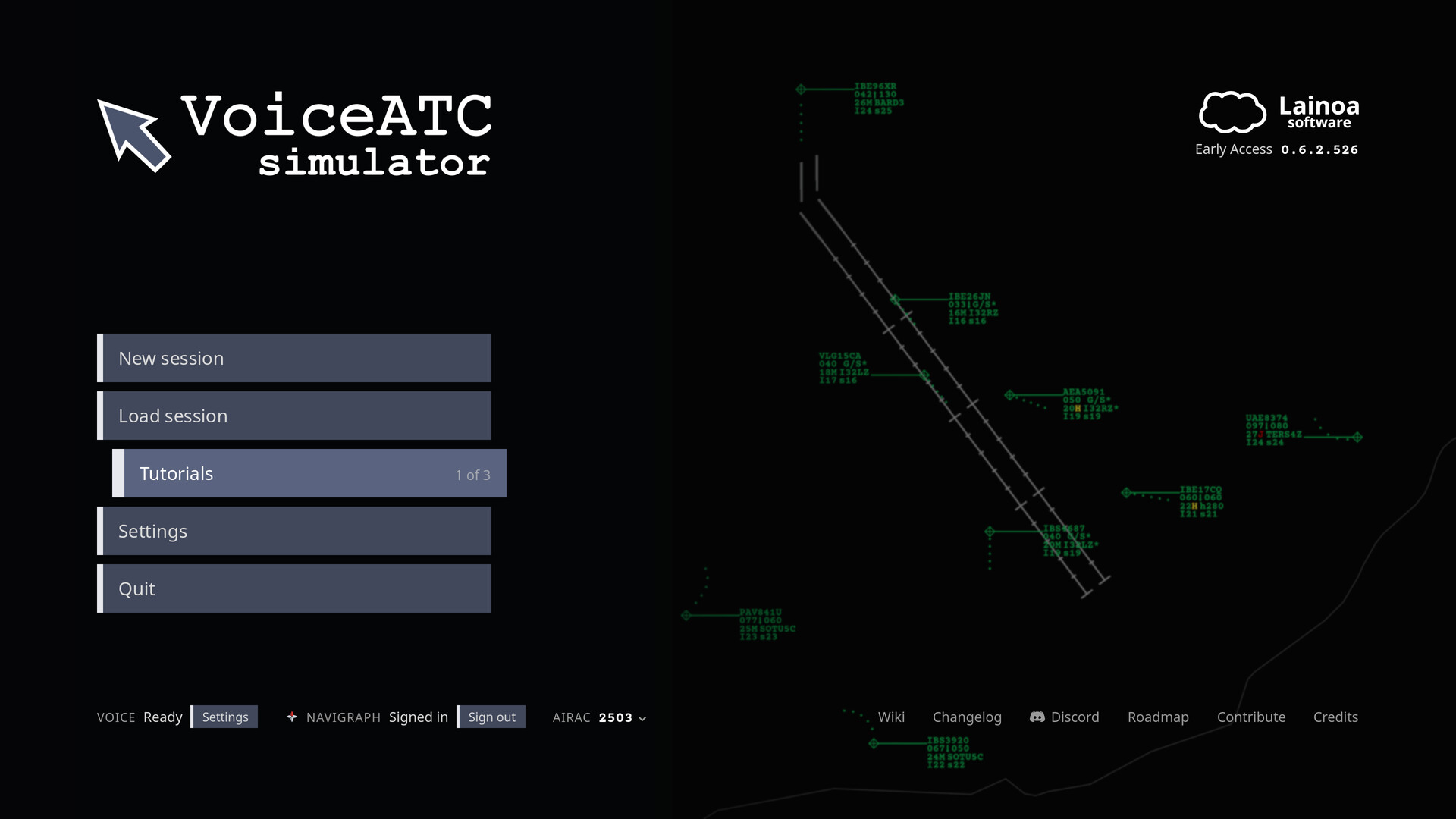
About VoiceATC Simulator
VoiceATC Simulator puts you in the role of an approach controller, using your voice to issue authentic ATC phraseology. The built‑in LainoaASR 1.0 recognises accents, radio audio and airline identifiers, and pilots read back exactly what you say.
The simulation includes real routes, airlines, callsigns and a full set of procedures—SIDs, STARs and approaches such as ILS, RNAV, GLS, LDA, VOR and NDB. Three visual skins (Generic, Spain SACTA, United States STARS) change the radar layout while keeping all functions identical.
01 / THE GUIDE
Voice Interaction & Phraseology
You speak ATC commands in real phraseology; the LainoaASR 1.0 engine processes the audio and matches it to the expected instruction. Pilots then repeat the exact wording, creating a realistic communication loop that mirrors real‑world operations.
Hovering over any label cell displays the precise wording required for that element. This visual cue helps you learn the correct terminology while you manage traffic density, which can be set by aircraft in your sector or by traffic per hour.
- Use the hover hints early to reduce misrecognition.
- Begin with a low traffic count to master phraseology before increasing aircraft numbers.
02 / THE GUIDE
Real‑World Procedures
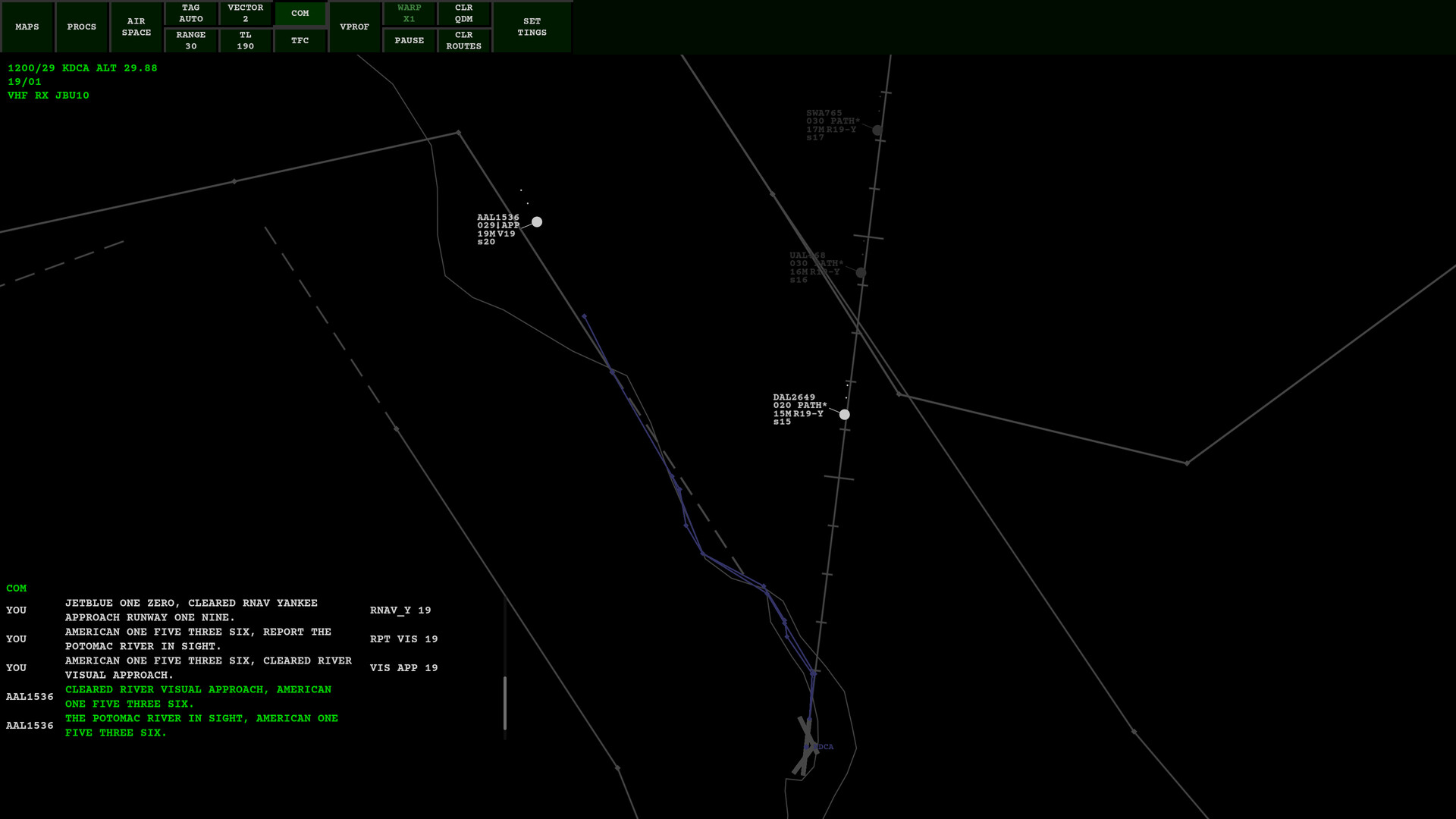
The game models authentic Standard Instrument Departures (SIDs), Standard Terminal Arrival Routes (STARs) and a variety of approach types, from ILS and RNAV to GLS, LDA, VOR and NDB. You can also report a runway or landmark in sight to clear a visual approach.
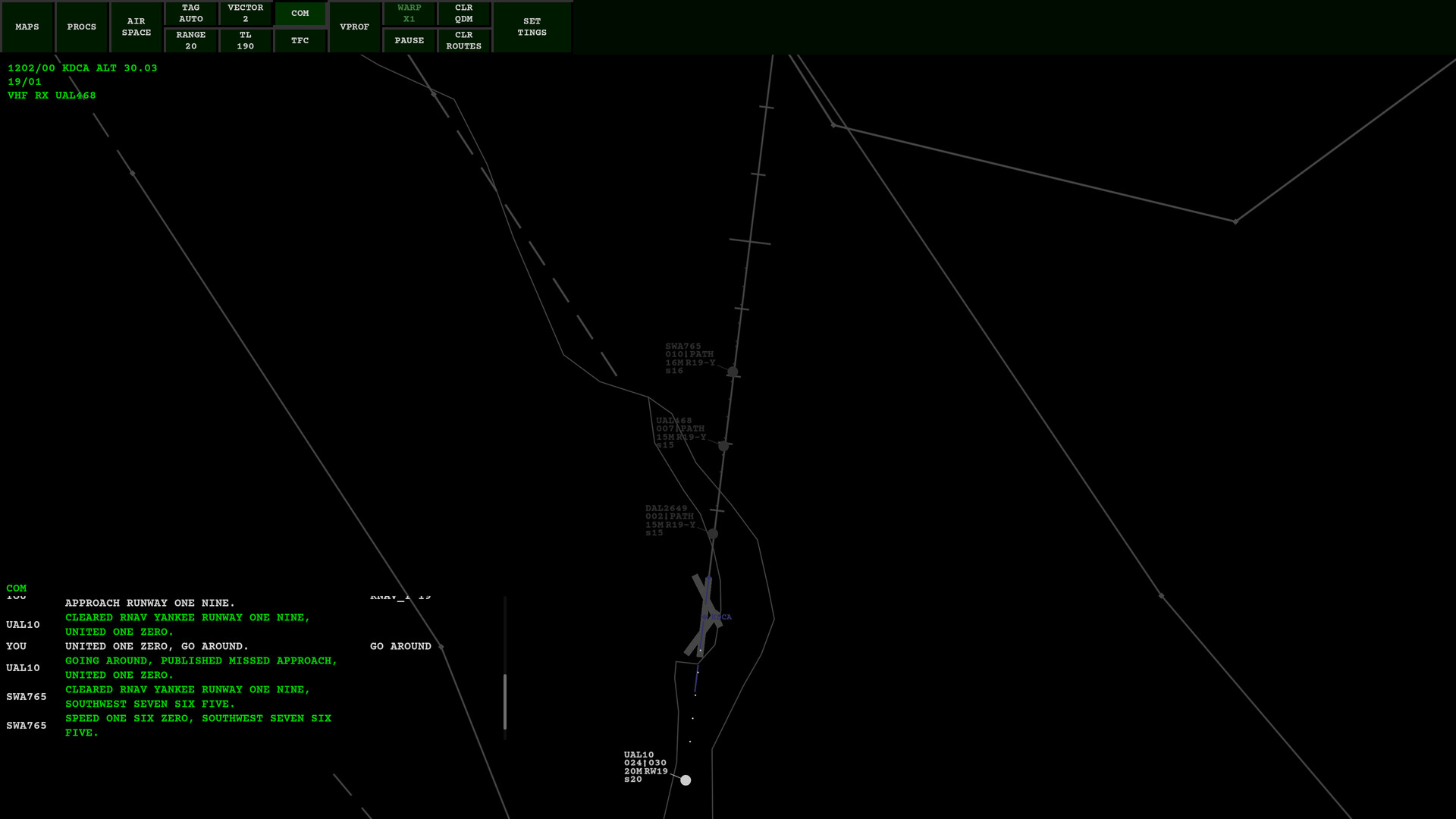
When you issue a go‑around, the aircraft automatically follows the published missed‑approach path, reproducing the safety protocol used by real controllers.
- Practice runway reporting during visual approaches to become comfortable with the phrasing.
- Compare the in‑game go‑around behavior with real procedure charts for better understanding.
03 / THE GUIDE
Scopes & Skins
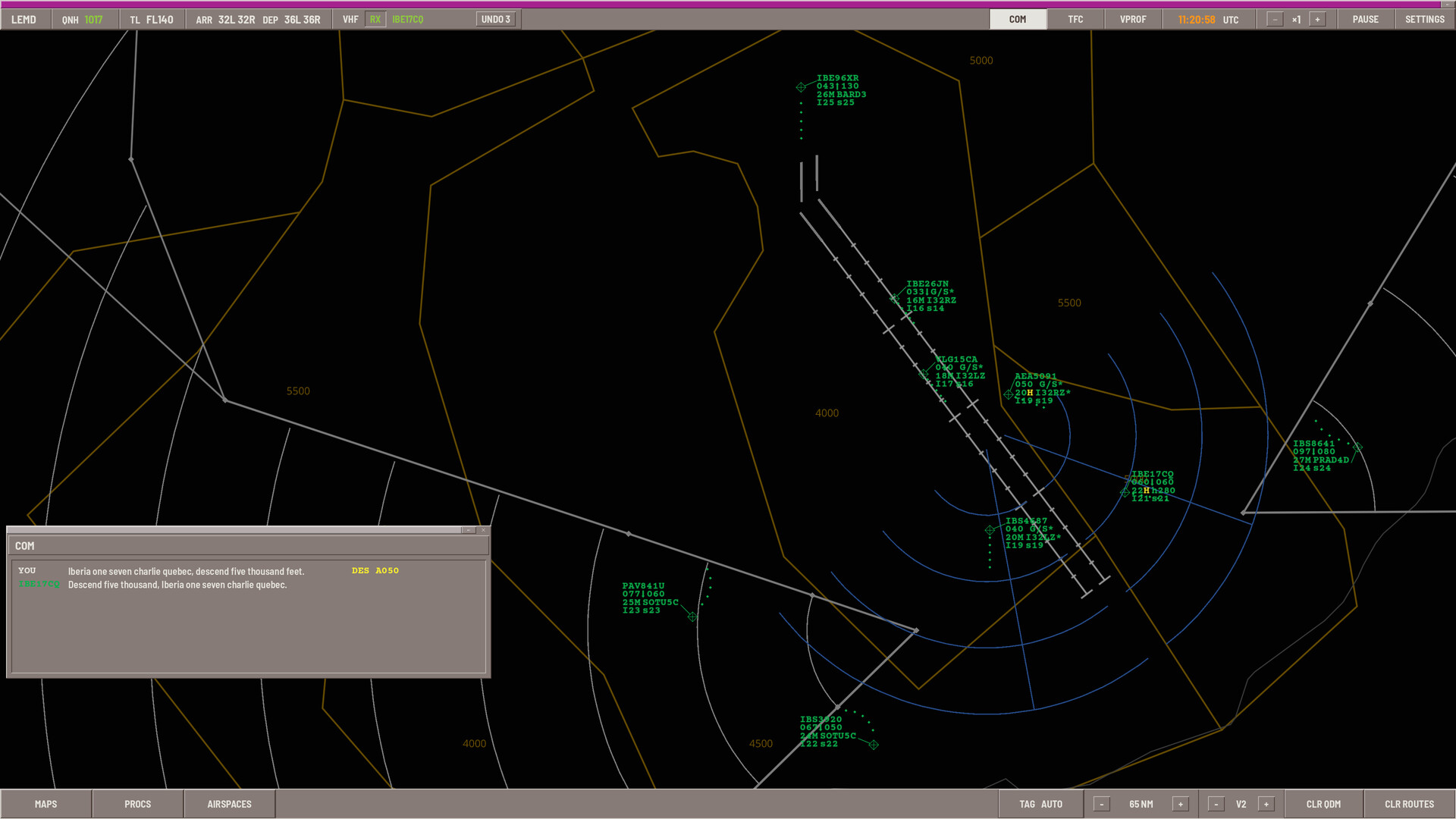
Three visual skins—Generic, Spain SACTA and United States STARS—determine the radar layout for every airport. You may select a single skin for all airports or assign a different skin per airport, allowing you to match the look of real ATC displays.
All skins share the same functional features; changing the visual style does not add or remove commands, only the presentation of labels and maps.
- Choose the United States skin if you are familiar with US‑style radar layouts.
- Try the Spanish skin to experience a different labeling convention.
04 / THE GUIDE
Tutorials & Learning Curve
Four tutorials cover the essentials of the ATC role, the user interface, radio operation and a short shift scenario set at Ibiza. Each tutorial includes a coach that shows exactly what to say and what actions to perform.
These lessons are designed to ease new players into the steep learning curve typical of realistic ATC simulations, providing step‑by‑step guidance before you tackle full‑scale traffic.
- Complete the Ibiza shift tutorial before attempting busy sectors.
- Refer back to the coach prompts whenever you feel uncertain.
05 / THE GUIDE
Community Mods & Navigraph AIRAC
The game supports sharing of sectors, runway configurations, routes, visual approaches, colour profiles and skins through GitHub and Steam Workshop. This lets players expand the world with custom airports and procedures.
A bundled AIRAC cycle from Navigraph provides real‑world fixes; the bundled data is fully playable even without a live Navigraph subscription, though it will not reflect the latest cycle.
- Browse the Workshop for new airport configurations and visual approaches.
- Check the Discord for community‑created content and support.

COMMUNITY
Player discussion