 GameWiki
GET YOUR BEARINGS
About Vivid World
Vivid World is a party‑building roguelike auto‑battler where characters from Vivid Knight appear as jewels. Players assemble a team, enhance it by merging copies, equip Orbs, and send the party through dungeons in a mysterious Underworld.
The title supports single‑player and online co‑op, runs on Windows and macOS, and includes features such as Steam Achievements, Steam Cloud, custom volume controls, color alternatives, and partial controller support.
01 / THE GUIDE
Party Building
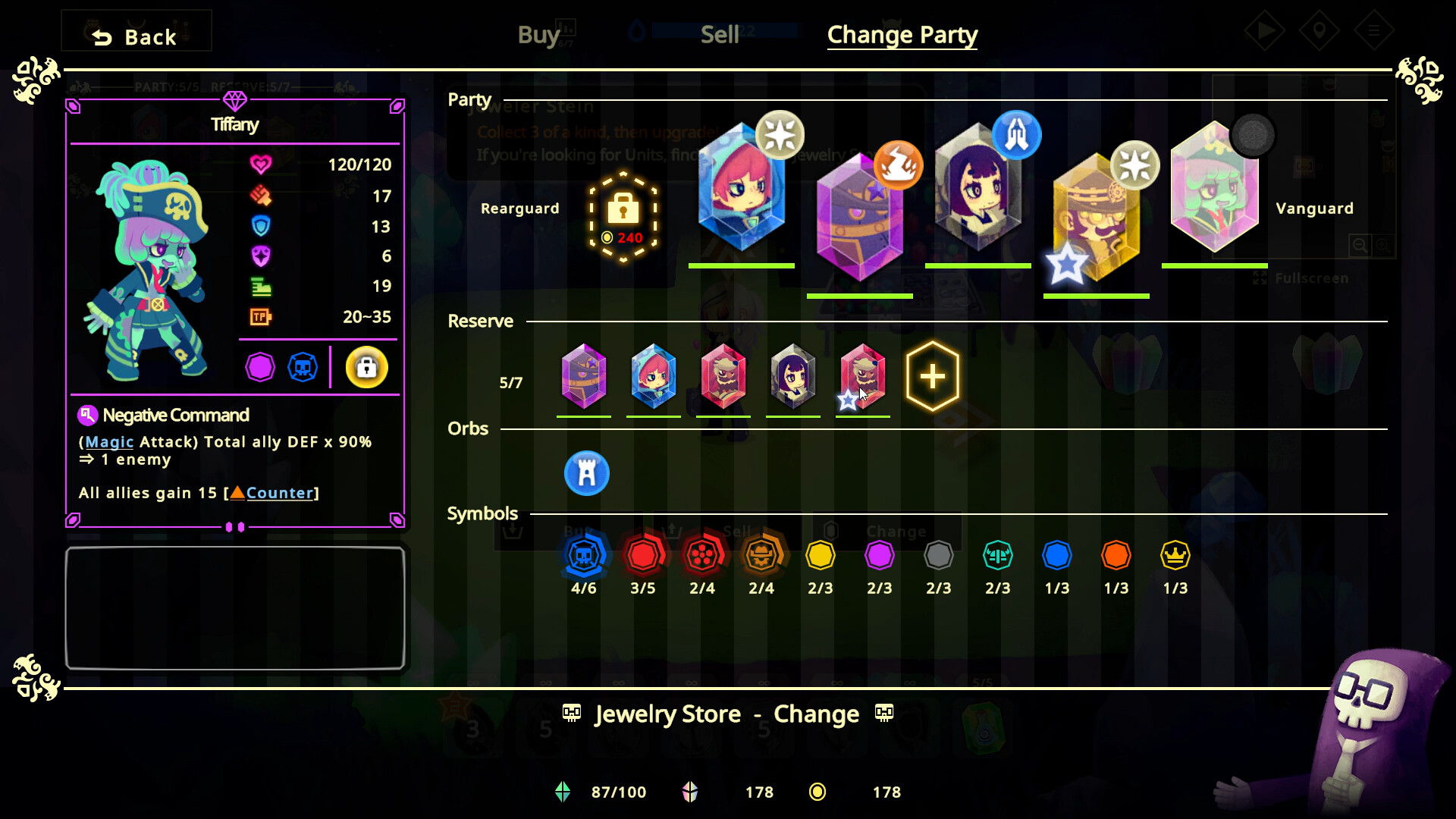
Jewel characters are collected and can be merged with identical copies. Merging creates buffs and synergy that grow as more copies are combined, reflecting the game’s emphasis on gathering multiple jewels of the same type.
The design references the proverb “Three heads are better than one,” indicating that three or more identical jewels produce stronger effects, encouraging players to focus on building clusters of the same jewel.
- Prioritize acquiring several copies of a jewel before merging to maximize buff potential.
- Experiment with different jewel types to discover which combinations yield the most useful synergies.
02 / THE GUIDE
Orbs System
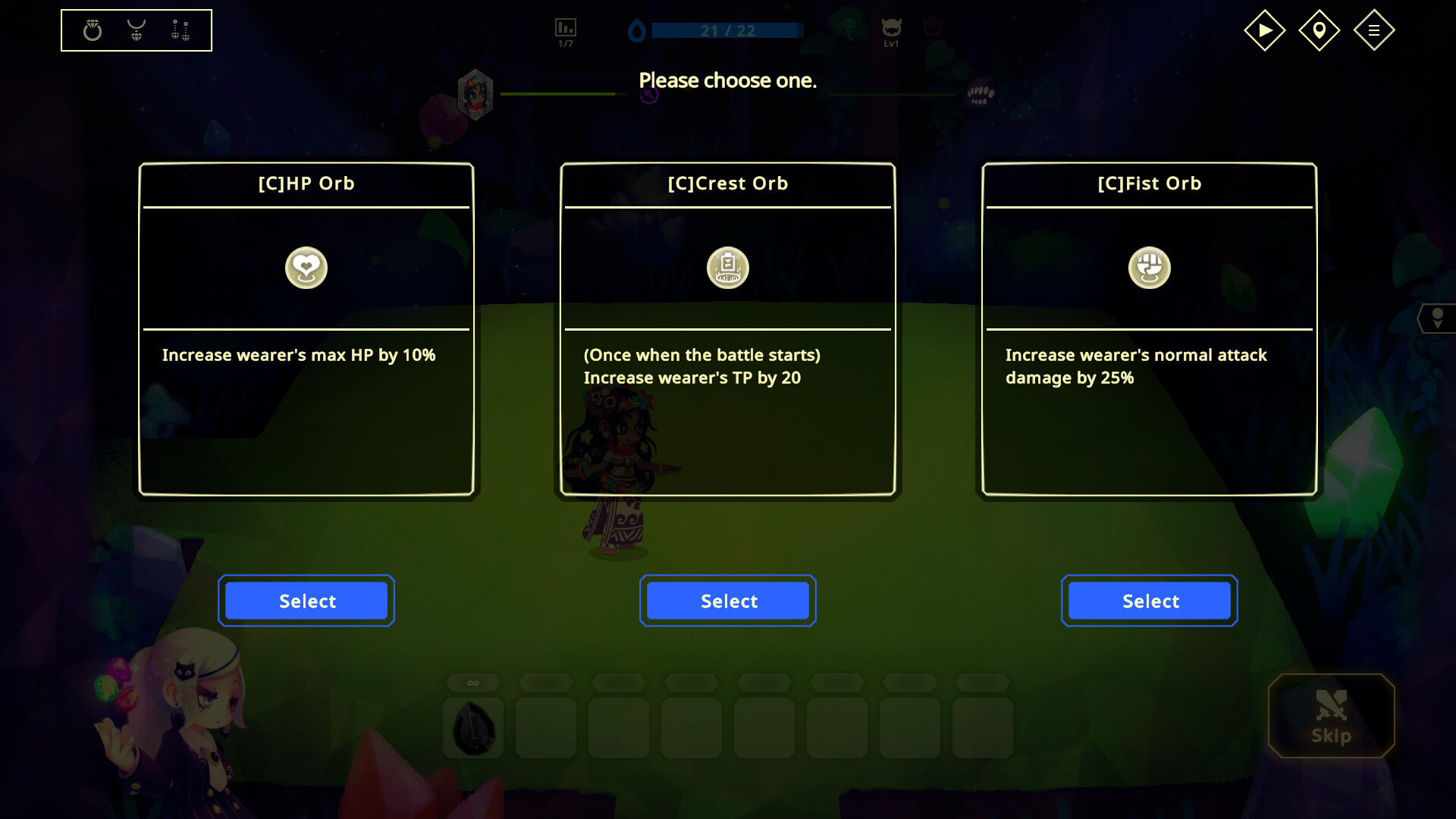
Each jewel can equip a single Orb, which modifies the jewel’s abilities. This adds a layer of customization beyond the base jewel, allowing players to tailor each party member’s role.
Because Orbs are interchangeable, players can swap them between battles to adapt to new dungeon challenges without rebuilding the entire party.
- Test multiple Orbs on the same jewel to see how each changes its contribution.
- Swap Orbs before tougher dungeons to match the expected enemy types.
03 / THE GUIDE
Auto‑Battle Mechanics
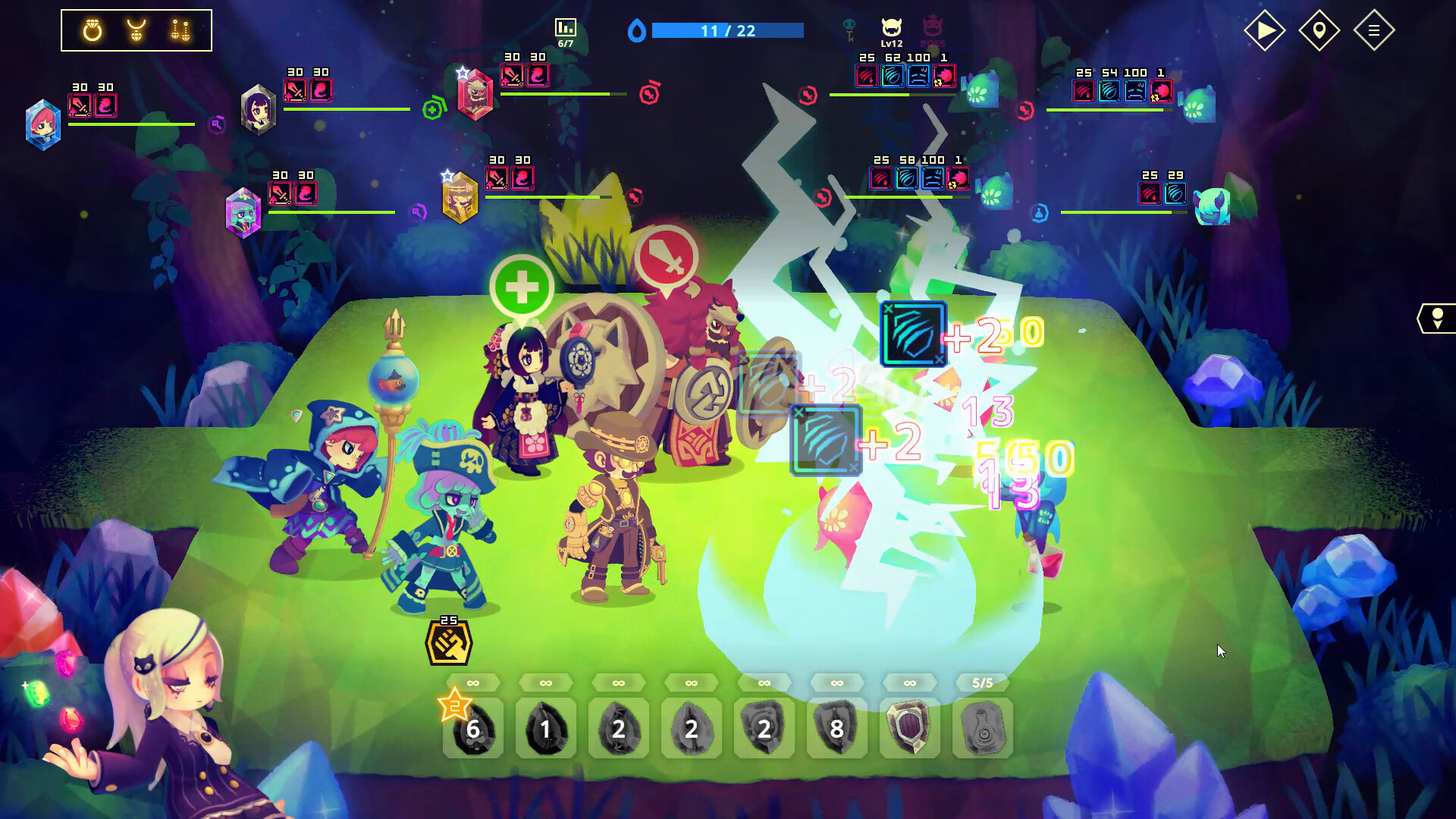
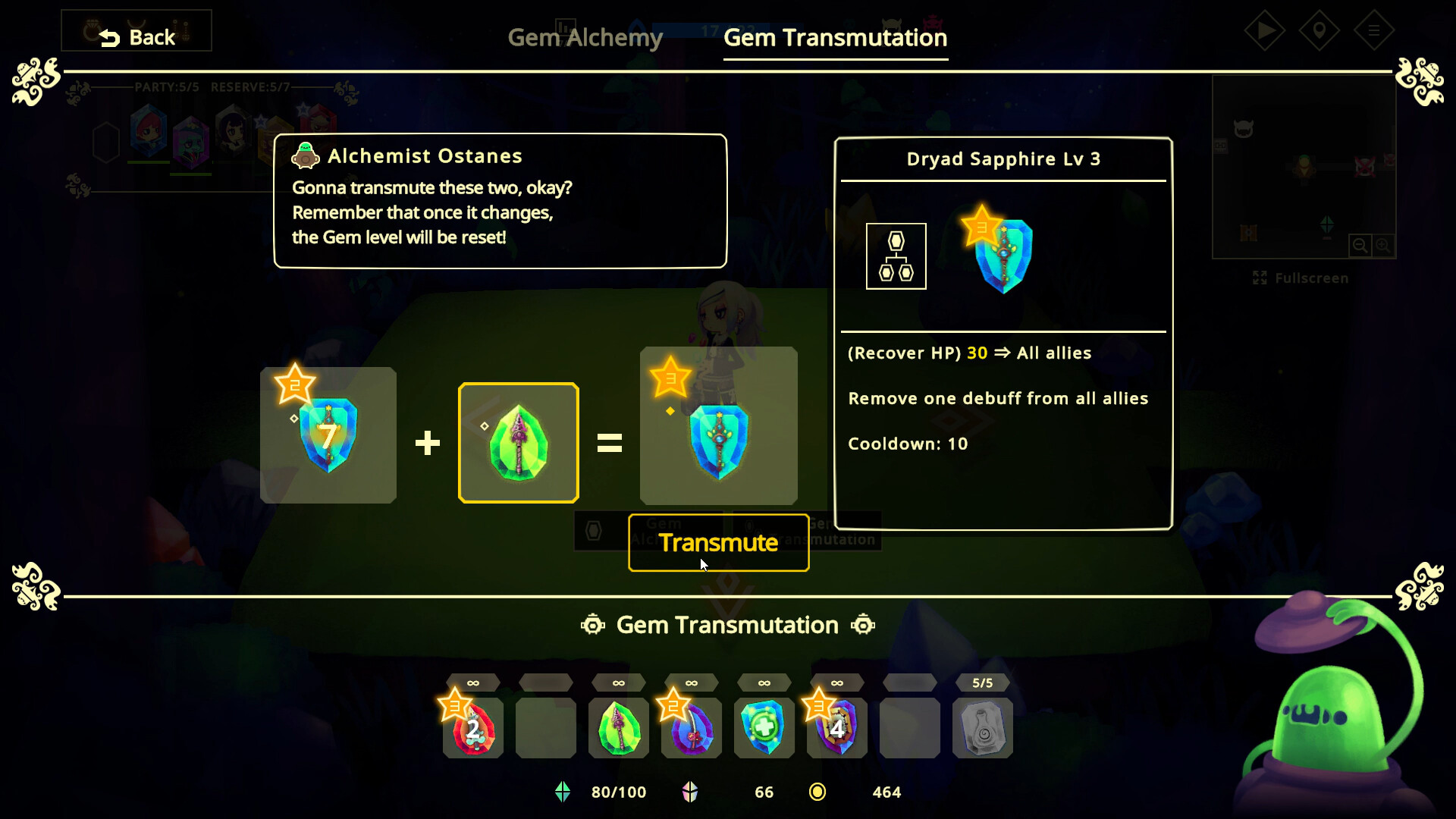
Combat runs automatically while the player uses Gems during battle phases. Gems can be combined for larger effects or used individually for precise actions, giving strategic influence without direct unit control.
The system is described as offering greater freedom than previous versions, meaning players can decide when to combine Gems or unleash a single Gem’s power to affect the outcome.
- Combine Gems when facing groups of enemies to maximize area impact.
- Reserve a high‑value single Gem for boss encounters or critical moments.
04 / THE GUIDE
Resource Management
Jewels can be bought, sold, and strengthened by merging multiple copies. This flexible economy lets players shape their roster, but excessive greed may lead to being trapped in an inescapable dungeon.
Balancing purchases, sales, and merges is essential; the description warns that over‑extending resources can result in a dungeon that “you can't get out of.”
- Merge jewels gradually to keep a reserve of resources for future runs.
- Sell excess jewels before attempting high‑risk dungeons to maintain a safety net.
05 / THE GUIDE
Underworld Exploration
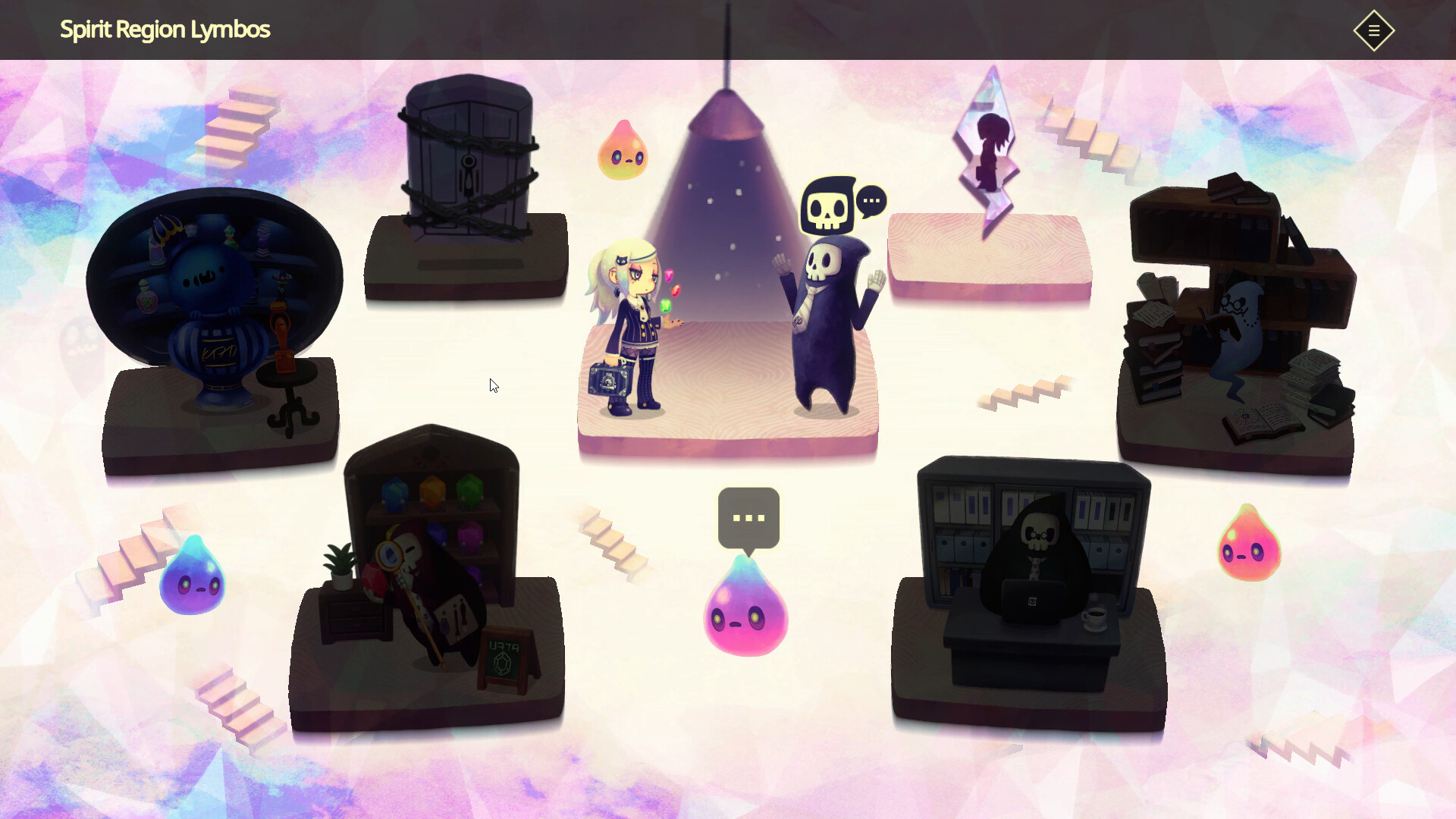
Dungeons are set in the Underworld, described as deep, dark, and full of secrets. Progress through these areas reveals lore about the jewel‑transformed characters and the world itself.
Interaction with Underworld denizens and conquering dungeons gradually uncovers the hidden narrative, aligning story discovery with gameplay progression.
- Take time to explore each dungeon corridor for narrative clues.
- Engage with denizens when possible to learn more about the jewel characters.
COMMUNITY
Player discussion