 GameWiki
GET YOUR BEARINGS
About Vision Soft Reset
Vision Soft Reset is a 2D time‑travelling metroidvania where you play a clairvoyant cyborg on a mission to stop a planetary disaster. The game blends classic run‑jump‑shoot action with modern mechanics like time reversal and future‑vision combat cues.
Designed for fast‑paced movement and concise level design, the title offers diverse puzzles, hidden techniques for out‑of‑order progression, and a polished pixel‑art style with a rousing soundtrack. It supports both controller and keyboard input on Windows.
01 / THE GUIDE
Time Manipulation Mechanics
Reverting time lets you solve puzzles, undo damage taken, and even cheat death, giving players a flexible way to correct mistakes. The Time Tree system tracks varying timelines, letting you manage the adventure’s temporal branches.
These mechanics are central to both combat and exploration, encouraging creative use of the rewind ability to navigate obstacles and experiment with different solutions.
- Experiment with rewinding at different moments to discover alternate puzzle solutions.
- Observe how timeline changes affect enemy placements for strategic planning.
02 / THE GUIDE
Future Vision Combat
A unique edge in combat comes from viewing enemy attacks a second before they occur, allowing pre‑emptive reactions. This foresight integrates directly with the fast‑paced movement, rewarding timing and anticipation.
The vision system adds a layer of strategy, as players can decide whether to dodge, counter, or use time reversal based on the previewed attack.
- Use the one‑second preview to time dodges rather than relying on reflex alone.
- Combine vision cues with time rewind for combo opportunities.
03 / THE GUIDE
Level Design & Exploration
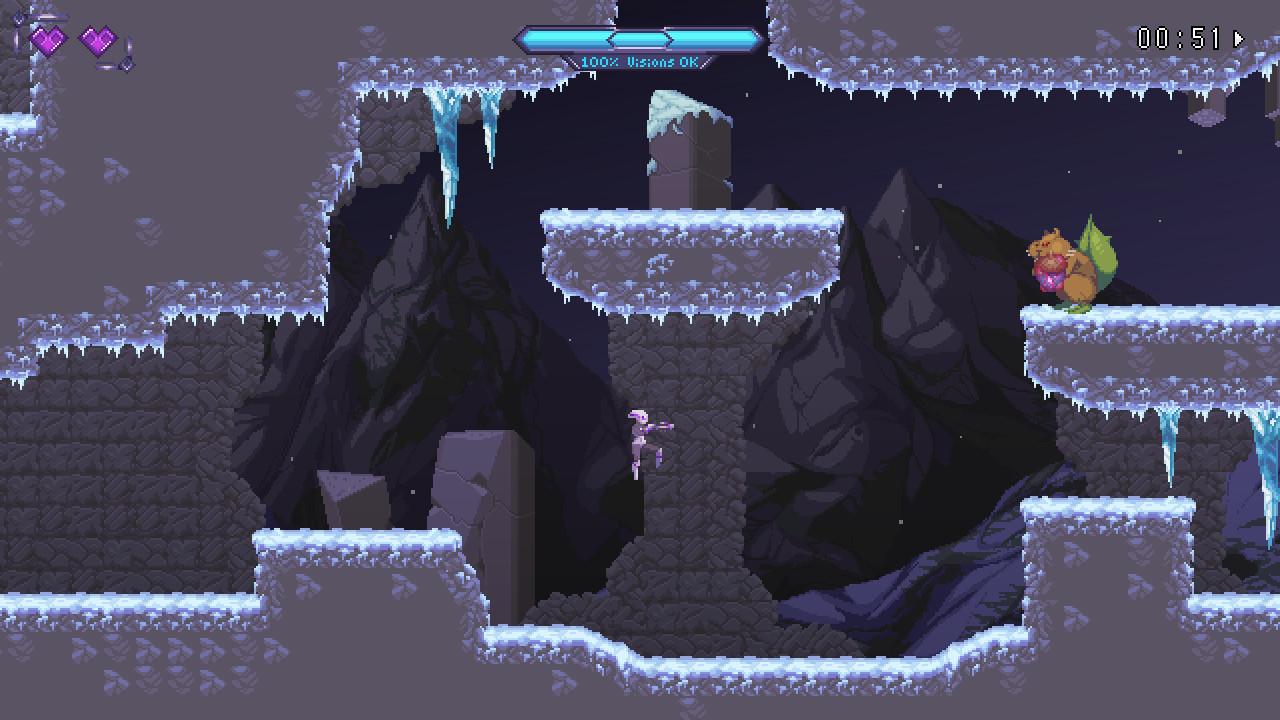
Levels are crafted to be concise, trimming excess while respecting player time. Fast‑paced movement and combat keep traversal fluid, and diverse puzzles make creative use of the player’s abilities.
Hidden techniques let skilled players complete sections out of order, offering freedom to forge personal paths through the metroidvania structure.
- Look for hidden techniques that may open shortcuts to later areas.
- Take note of puzzle elements that interact with time mechanics.
04 / THE GUIDE
Controls and Input Options
Using a controller is highly recommended, and most types are supported, including DualShock. Keyboard input is also available with rebindable keys, giving players flexibility in how they play.
Family Sharing is listed among the game's supported features.
- Try both controller and keyboard to see which feels more natural for precise platforming.
- Utilise key rebinding to customize controls for comfort.
05 / THE GUIDE
Audio‑Visual Presentation
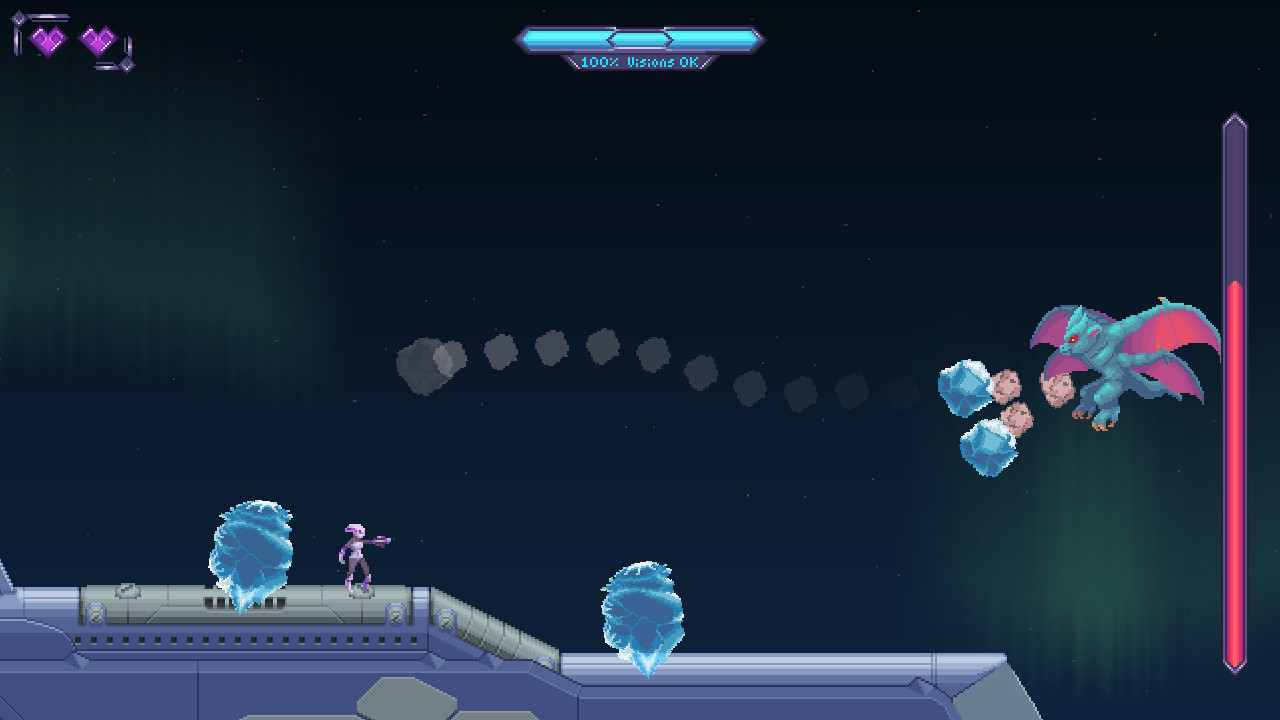
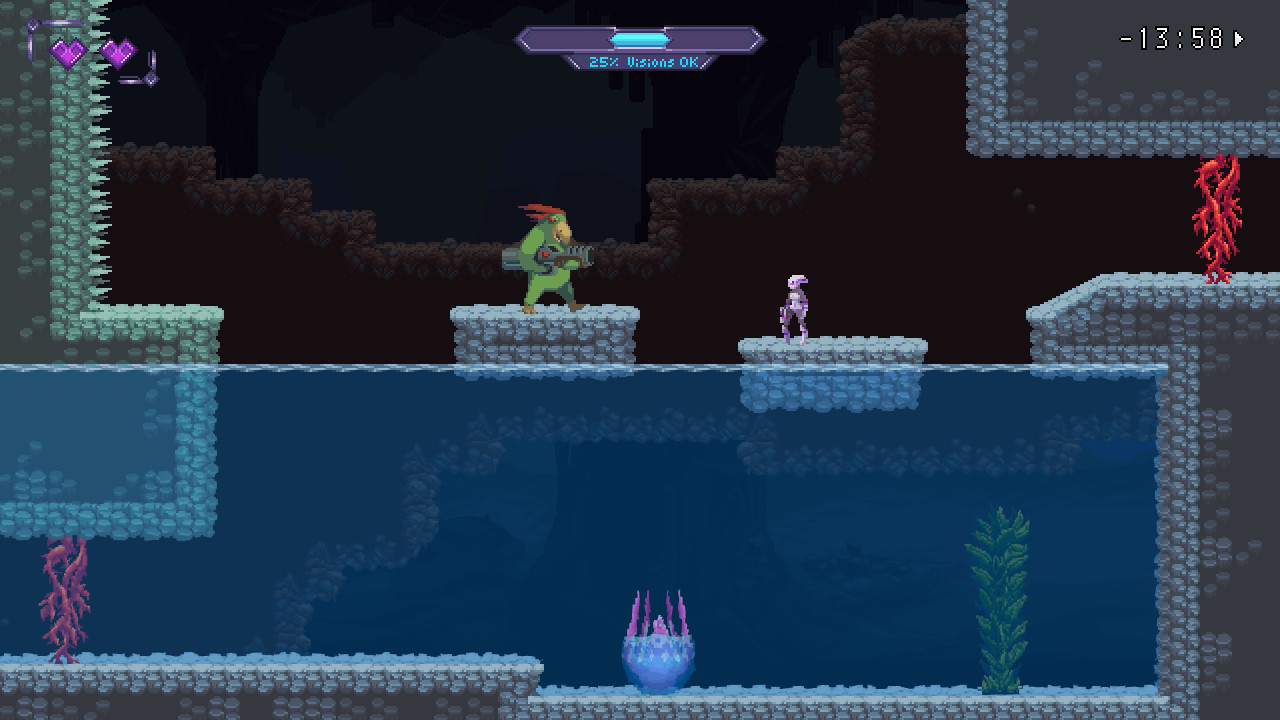
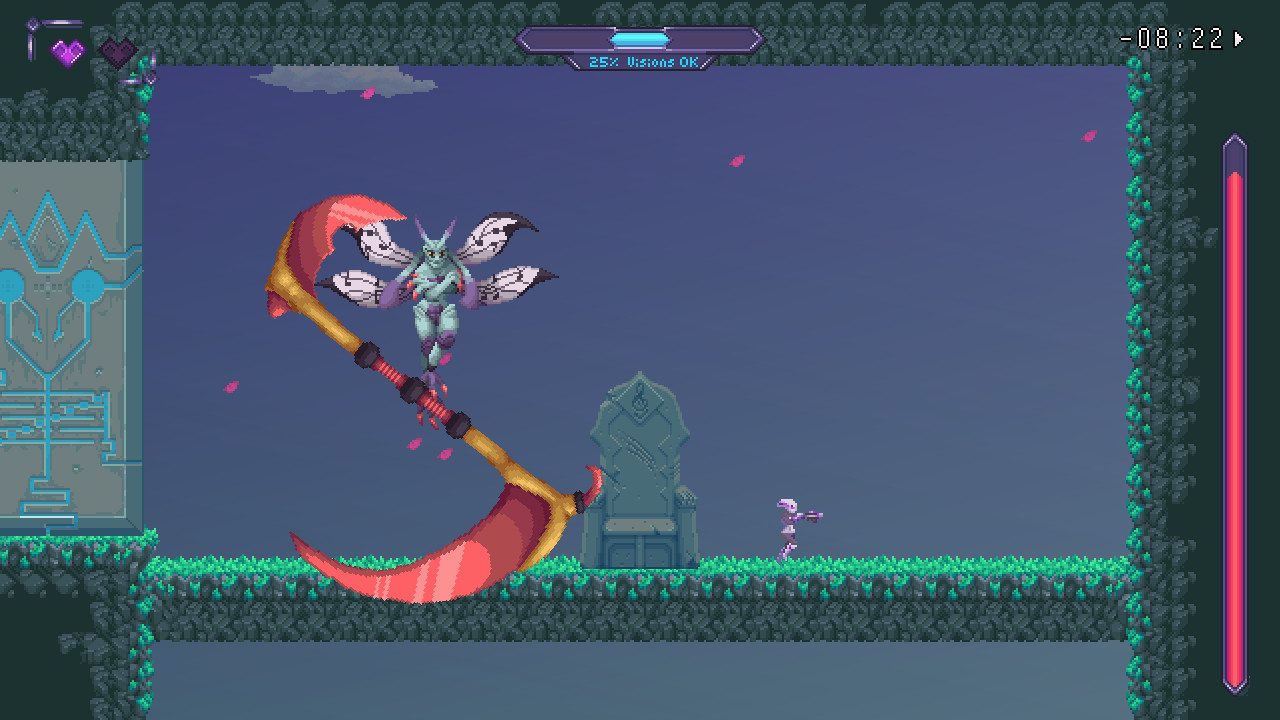
The game features fantastic pixel art by Arron Johnson, delivering a vibrant retro aesthetic. Complementing the visuals, Will Savino provides a rousing soundtrack that enhances the fast‑paced action.
Together, the art and music create an immersive atmosphere that supports both exploration and intense combat sequences.
- Adjust volume levels to balance soundtrack intensity with sound effects.
- Observe visual cues in the pixel art that may hint at hidden paths.

COMMUNITY
Player discussion