 GameWiki
GET YOUR BEARINGS
About Virtual Interactive Fireplace
Virtual Interactive Fireplace offers a nostalgic, cozy simulation that turns any screen into a warm hearth. With a single click you can light a fire, watch retro‑inspired graphics flicker, and hear gentle crackles that create a calming atmosphere. Ideal for autumn evenings, winter nights, or holiday gatherings, the experience provides a peaceful escape for gamers, holiday lovers, and anyone seeking a moment of calm without leaving their seat.
01 / THE GUIDE
Starting the Fire
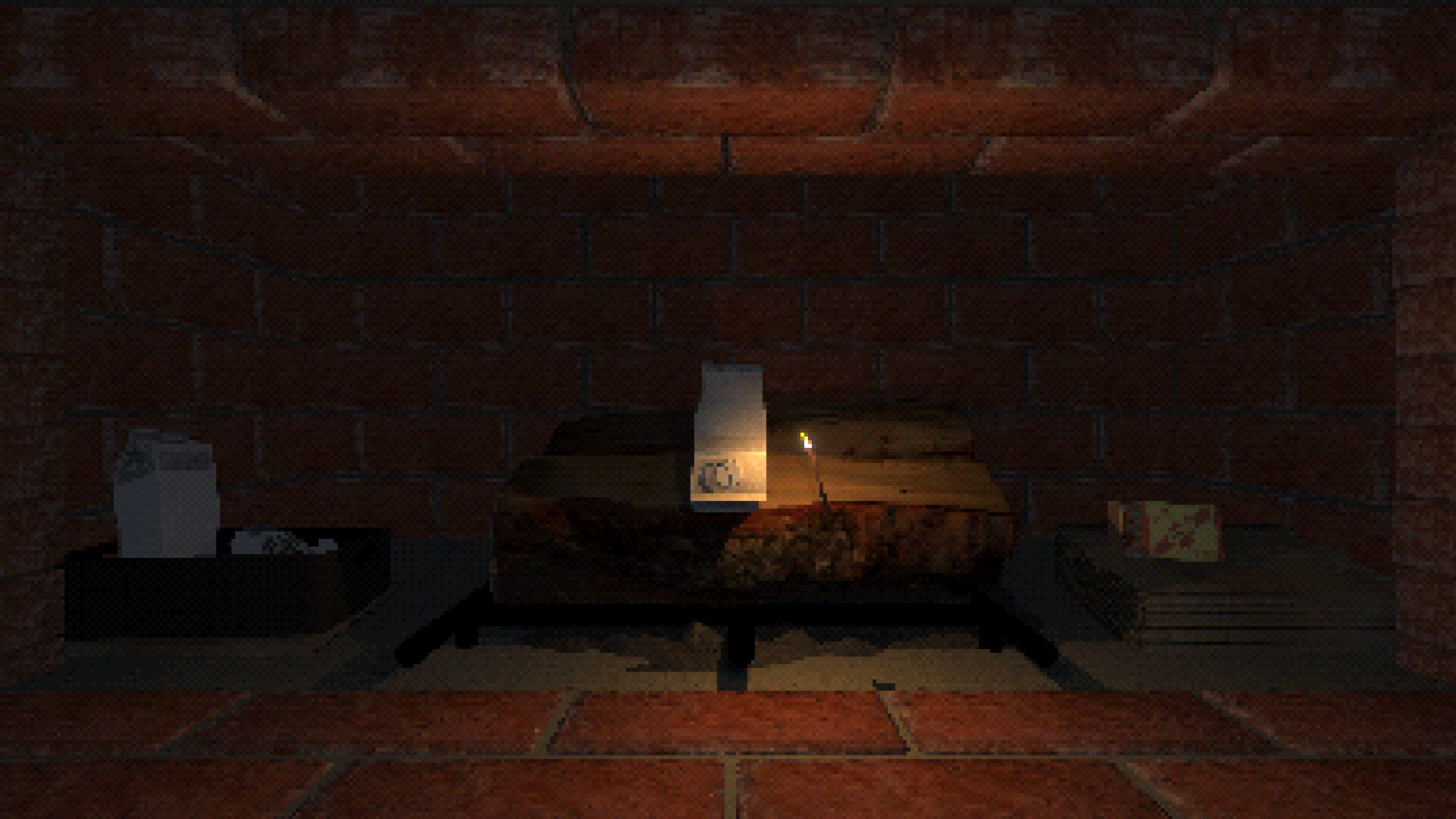
The simulation begins by placing tinder in the fireplace, then lighting a match to ignite it. The burning tinder is used to set the logs alight, creating the core of the virtual fire.
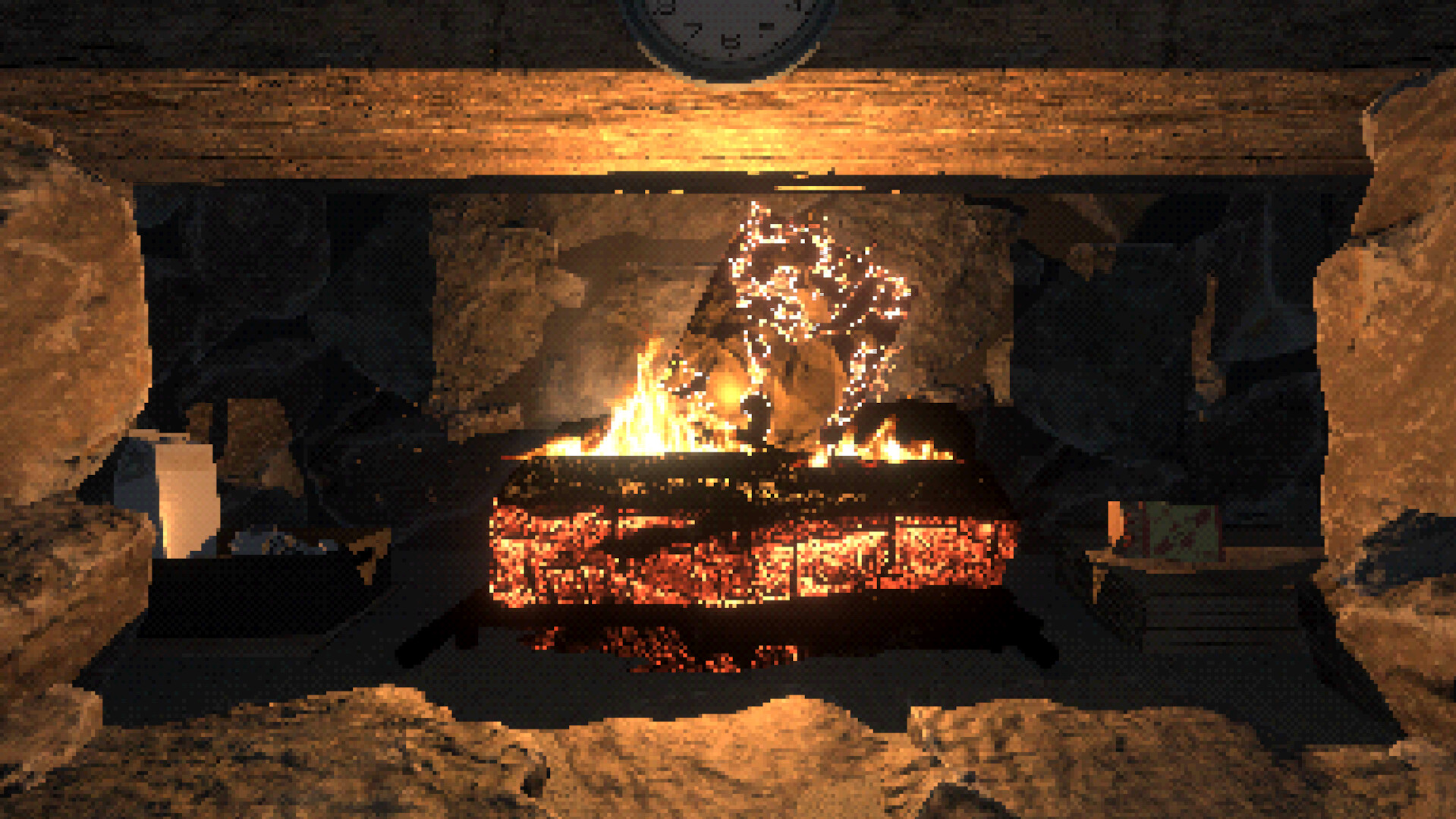
Once the logs catch fire, the fireplace displays a continuous, cozy flame. This simple sequence mirrors the real‑world ritual of building a fire, offering an interactive yet straightforward experience.
- Try positioning the tinder centrally for a balanced ignition.
- Observe how quickly the logs catch fire after the tinder is lit.
02 / THE GUIDE
Audio Ambience
Gentle pops and flickers mingle with ambient crackles, providing a soothing soundscape. The audio is designed to complement the visual fire, enhancing the feeling of warmth.
These sounds create a sensory escape that works well for relaxation, background ambience during gatherings, or focused work sessions.
- Adjust your speaker volume to match the room’s quiet level.
- Listen for the subtle variations in crackle to gauge immersion.
03 / THE GUIDE
Visual Style
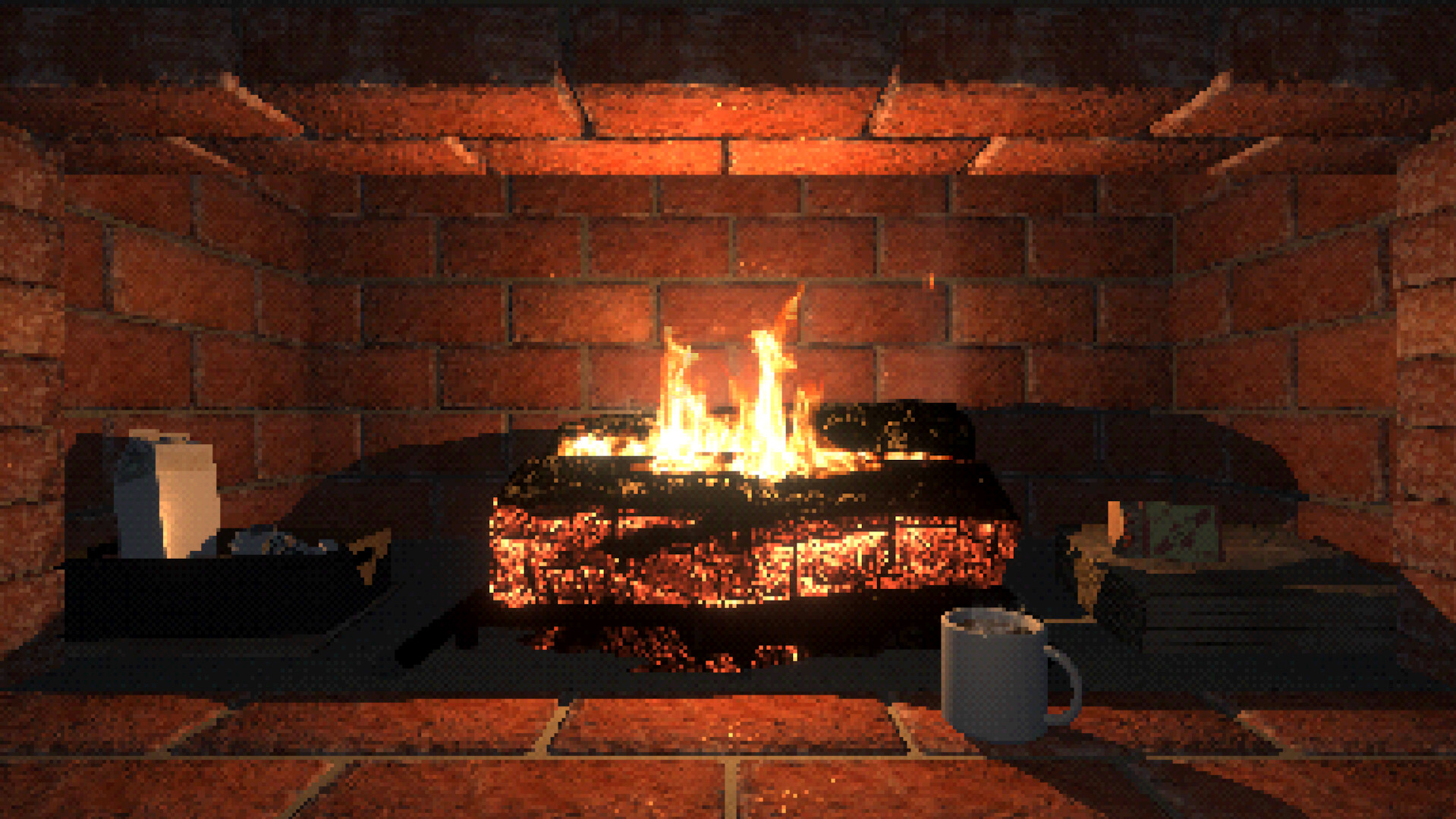
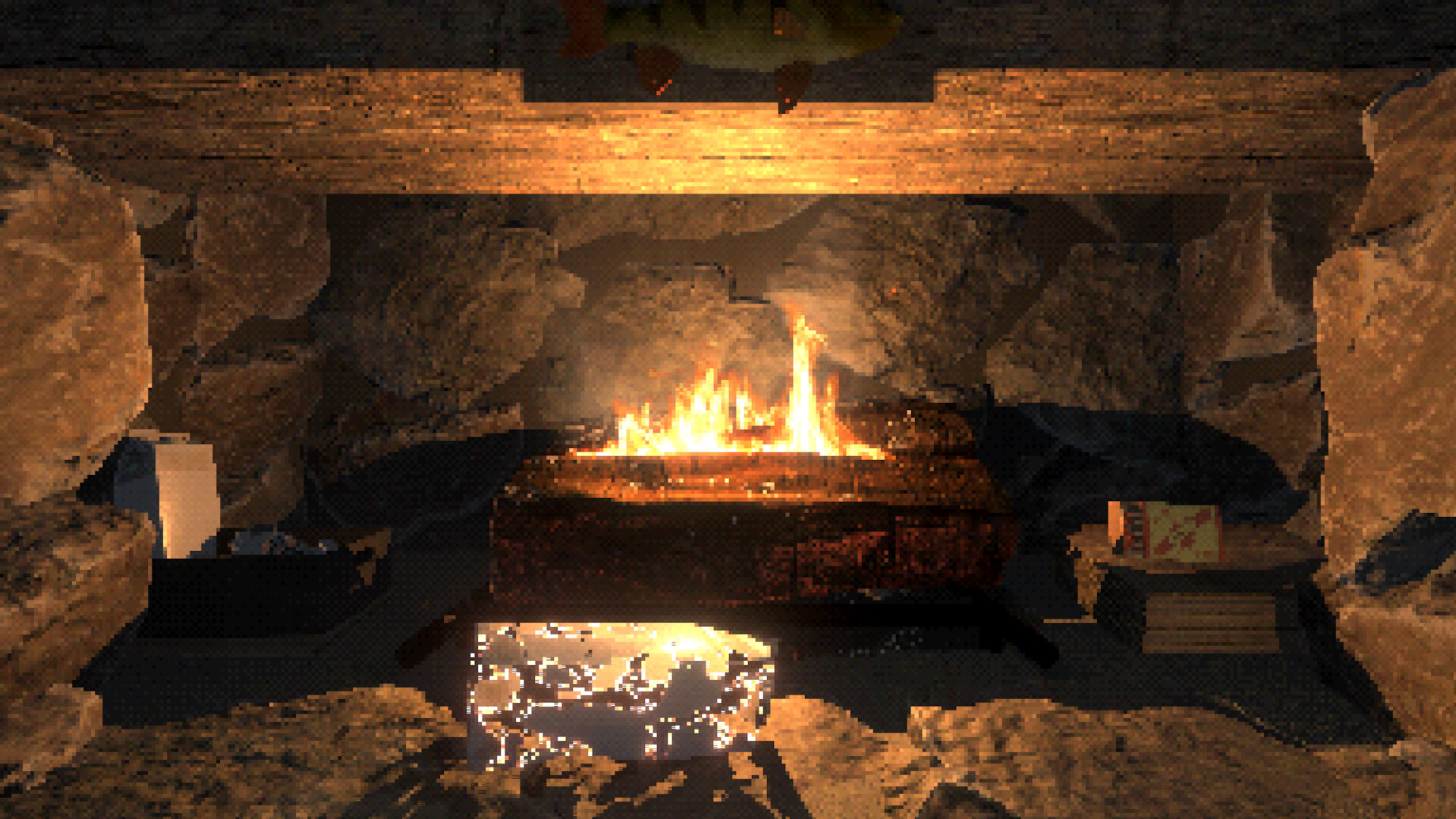
The fireplace uses retro‑inspired graphics that evoke classic hearth visuals. The flame’s flickering motion and the glowing logs create a nostalgic aesthetic.
This visual approach aims to evoke the comfort of gathering around a real fire while staying within a digital, stylized presentation.
- Observe how the colors shift as the fire grows.
- Compare the visual style to traditional fireplace imagery.
04 / THE GUIDE
Achievements and Purchases
The game supports Steam Achievements, allowing players to earn recognition for interacting with the fireplace. In‑app purchases are also available for optional enhancements.
Family Sharing lets multiple accounts enjoy the same experience, making it suitable for households that want to share the cozy simulation.
- Check the achievement list to see which actions are tracked.
- Consider the value of in‑app purchases before buying.
05 / THE GUIDE
Platform Availability
Virtual Interactive Fireplace is released for Windows computers. It is not listed for macOS or Linux platforms, focusing its support on the Windows ecosystem.
Players on supported systems can download and run the simulation directly, taking advantage of the single‑player mode without needing additional hardware.
- Verify your Windows version meets the game’s requirements.
- Use the single‑player mode for a personal, uninterrupted experience.

COMMUNITY
Player discussion