 GameWiki
GET YOUR BEARINGS
About Virtual Cottage
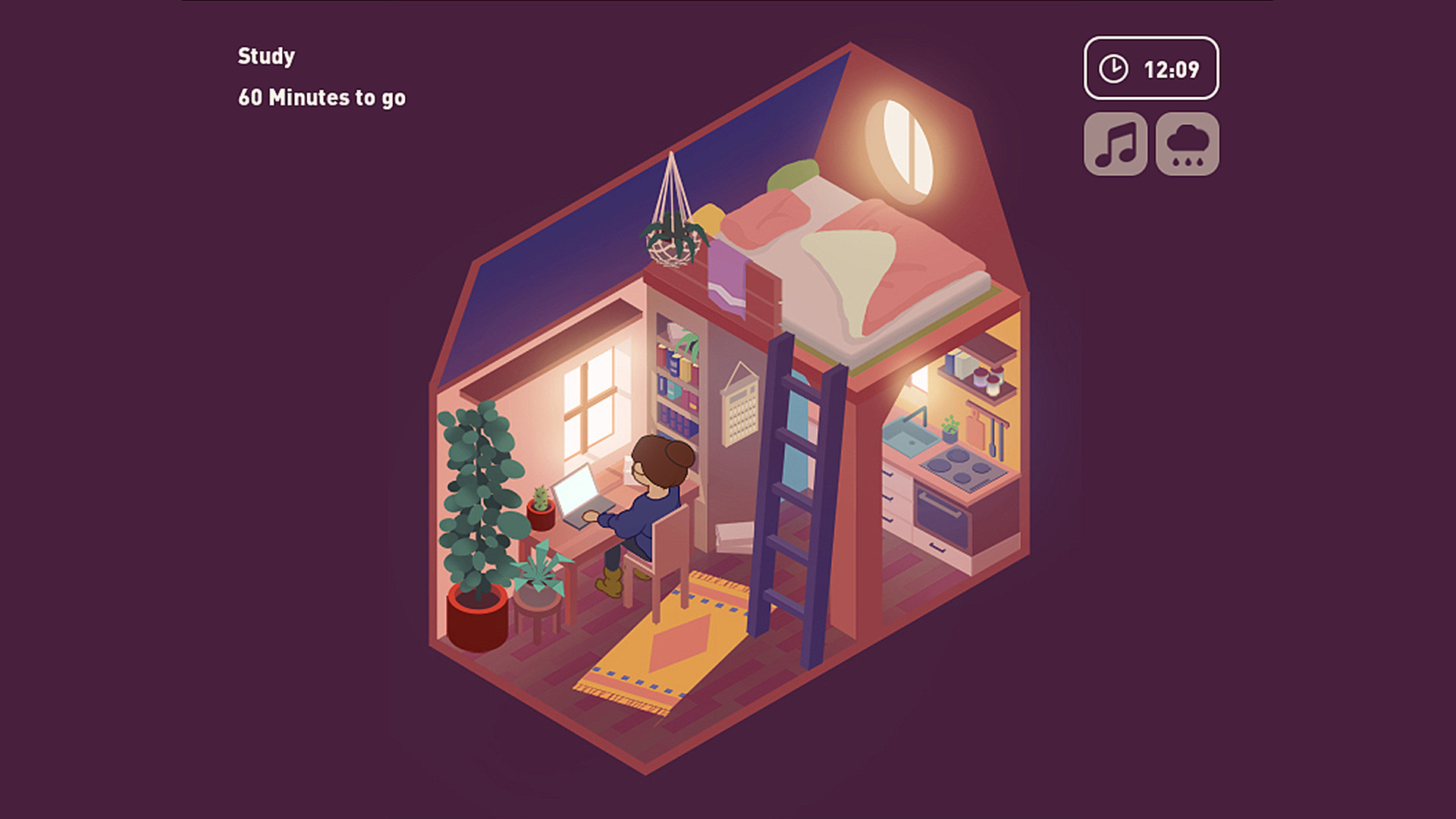
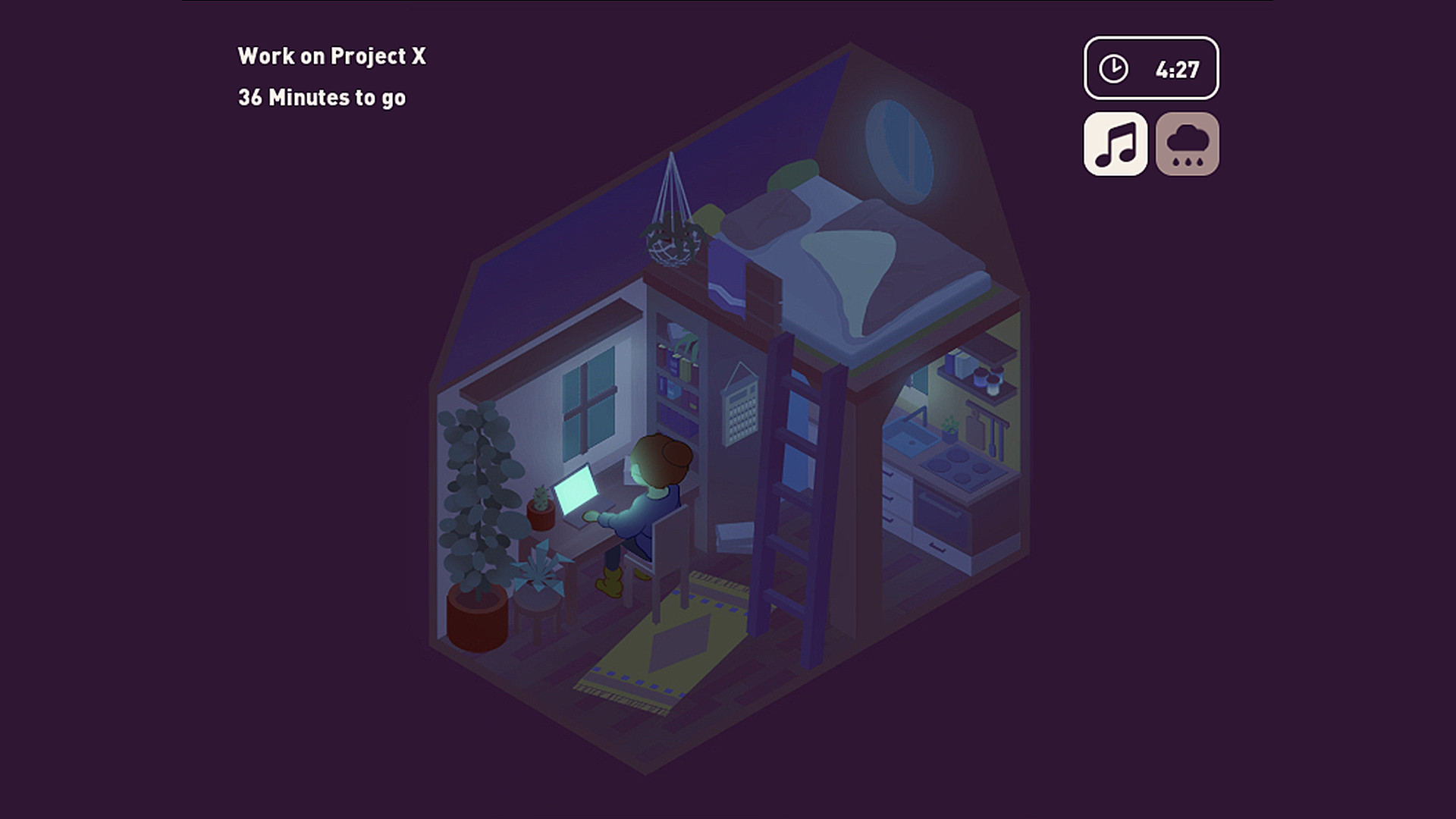
Virtual Cottage offers a calm, distraction‑free space where you can linger as long as you like. The game encourages you to pick a task you’ve been avoiding and use the soothing environment to begin it.
A lo‑fi soundtrack and optional rain sounds create a relaxing backdrop, while the visual lighting mirrors your computer’s local time. The experience runs without timed input, and the only way to end the timer is to quit the game.
01 / THE GUIDE
Dynamic Lighting Sync
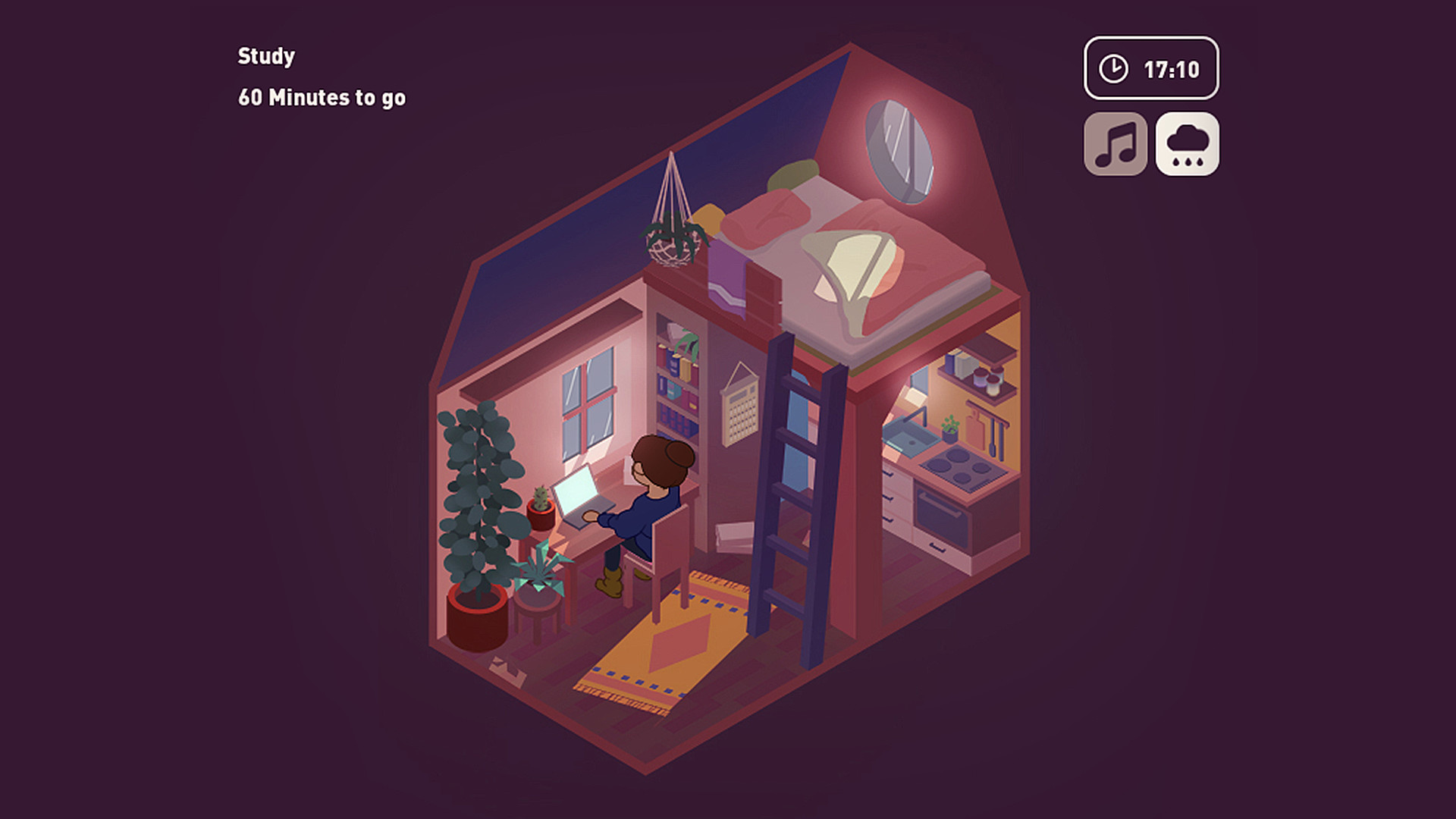
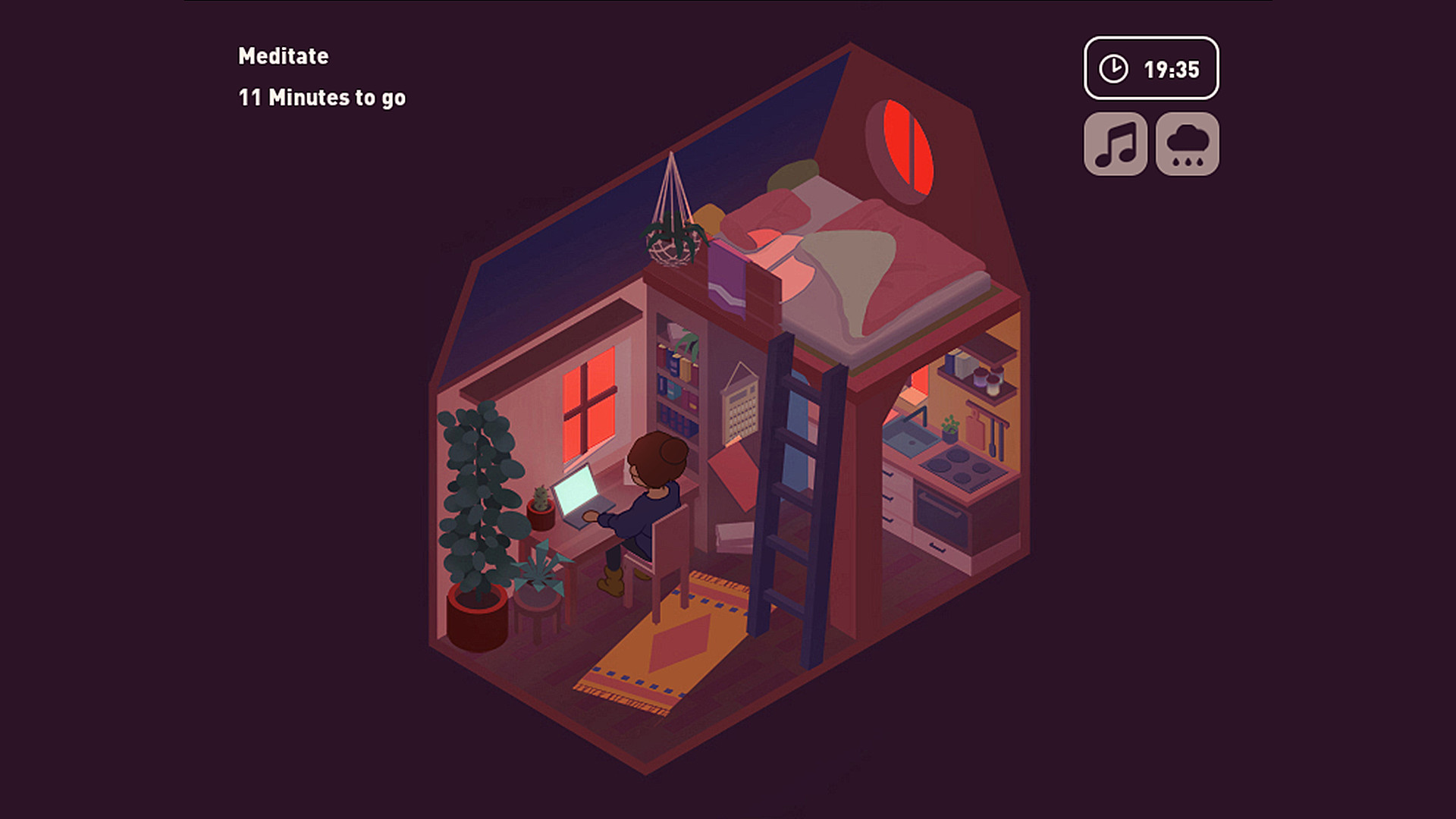
The cottage’s lighting automatically matches your local time, giving a day‑or‑night feel that changes if you adjust your computer clock. This visual cue reinforces the real‑world time of day.
Because the lighting reacts to the system clock, you can experiment with different times to see how the cottage looks at sunrise, noon, or night, adding a personal touch to the environment.
- Try setting your clock to a different hour to preview alternate lighting moods.
- Observe how the lighting shift influences your focus before starting a task.
02 / THE GUIDE
Audio Customization
Virtual Cottage features a lo‑fi soundtrack from various artists, and you can toggle rain sounds on or off. Custom volume controls let you adjust the audio to your preference.
These audio options let you craft a personal soundscape that supports concentration, whether you prefer just music, just rain, or a blend of both.
- Adjust the volume lower if you find the audio distracting while working.
- Use the custom volume controls to set the audio level you enjoy most.
03 / THE GUIDE
Activity Commitment & Timer
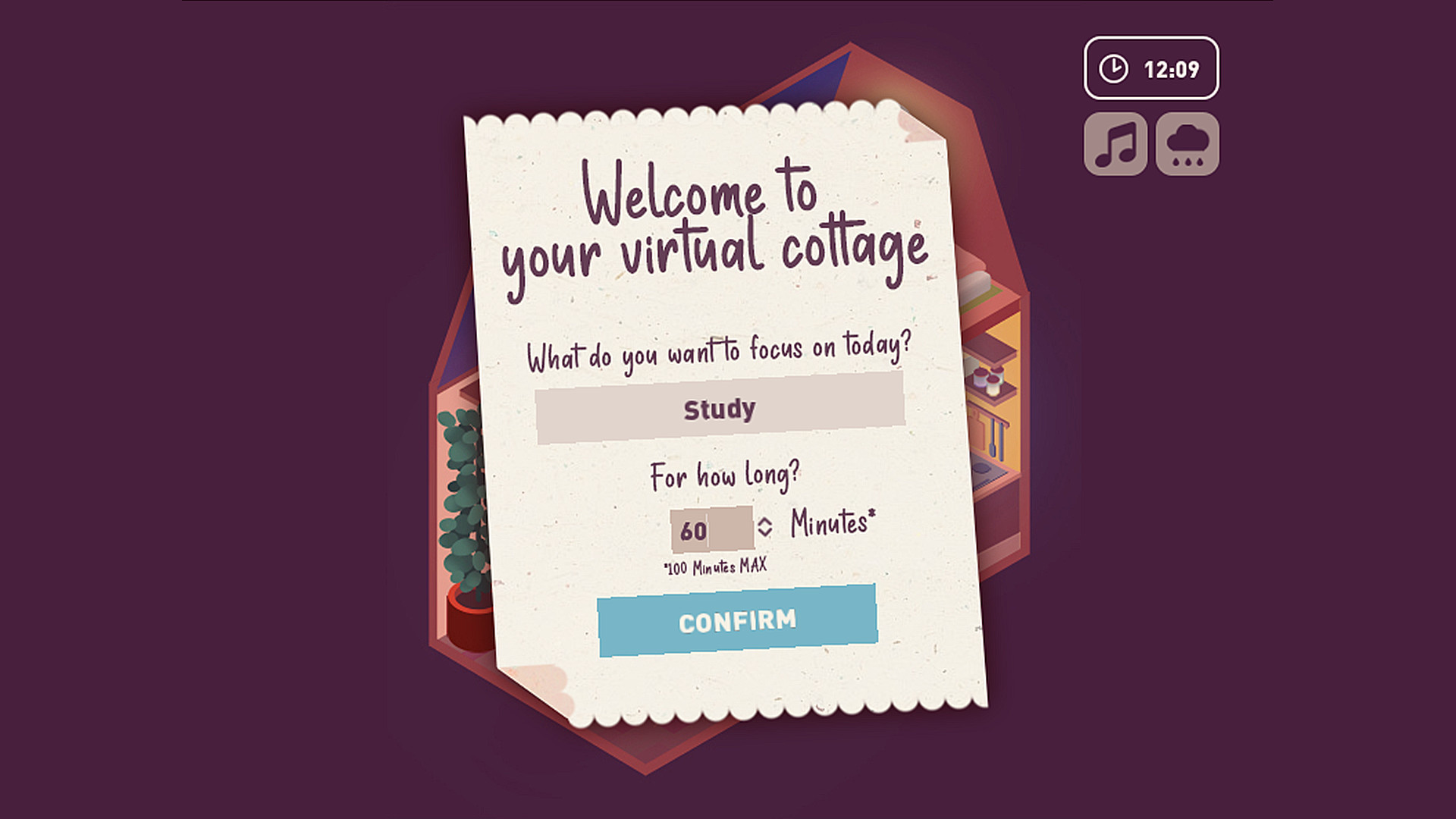
When you enter the cottage, you commit to an activity you want to accomplish. The game starts a timer that cannot be stopped except by quitting, encouraging sustained focus.
This design means you stay engaged with your chosen task for the duration of the session, using the environment as a motivator rather than a distraction.
- Pick a specific, manageable task before starting to make the timer feel purposeful.
- Use the timer as a cue to track how long you stay productive.
04 / THE GUIDE
Input Options
The game supports mouse‑only and touch‑only controls, allowing you to interact without a keyboard. It also runs without timed input, meaning you aren’t forced to act within a set period.
These options make the experience accessible on various devices, letting you choose the input method that feels most comfortable for a relaxed session.
- If using a touchscreen, tap to toggle rain sound for quick adjustments.
- Use mouse clicks to navigate menus if you prefer precise control.
05 / THE GUIDE
Platform Availability
Virtual Cottage is available on Windows, macOS, and Linux, and it supports family sharing, allowing multiple accounts to access the same installation. Steam achievements are also included for added motivation.
Being free‑to‑play and cross‑platform ensures a wide audience can experience the cottage without needing additional purchases or hardware.
- Enable family sharing to let friends or family try the cottage on their own accounts.
- Check your Steam achievements list for progress markers.
COMMUNITY
Player discussion