 GameWiki

GET YOUR BEARINGS
About Virtual Cottage 2
Virtual Cottage 2 offers a calm, customizable space where you can focus on tasks while listening to chill beats or ambient sounds. The game blends simple productivity tools—timers, to‑do lists, habit tracking—with a virtual home you can decorate and share.
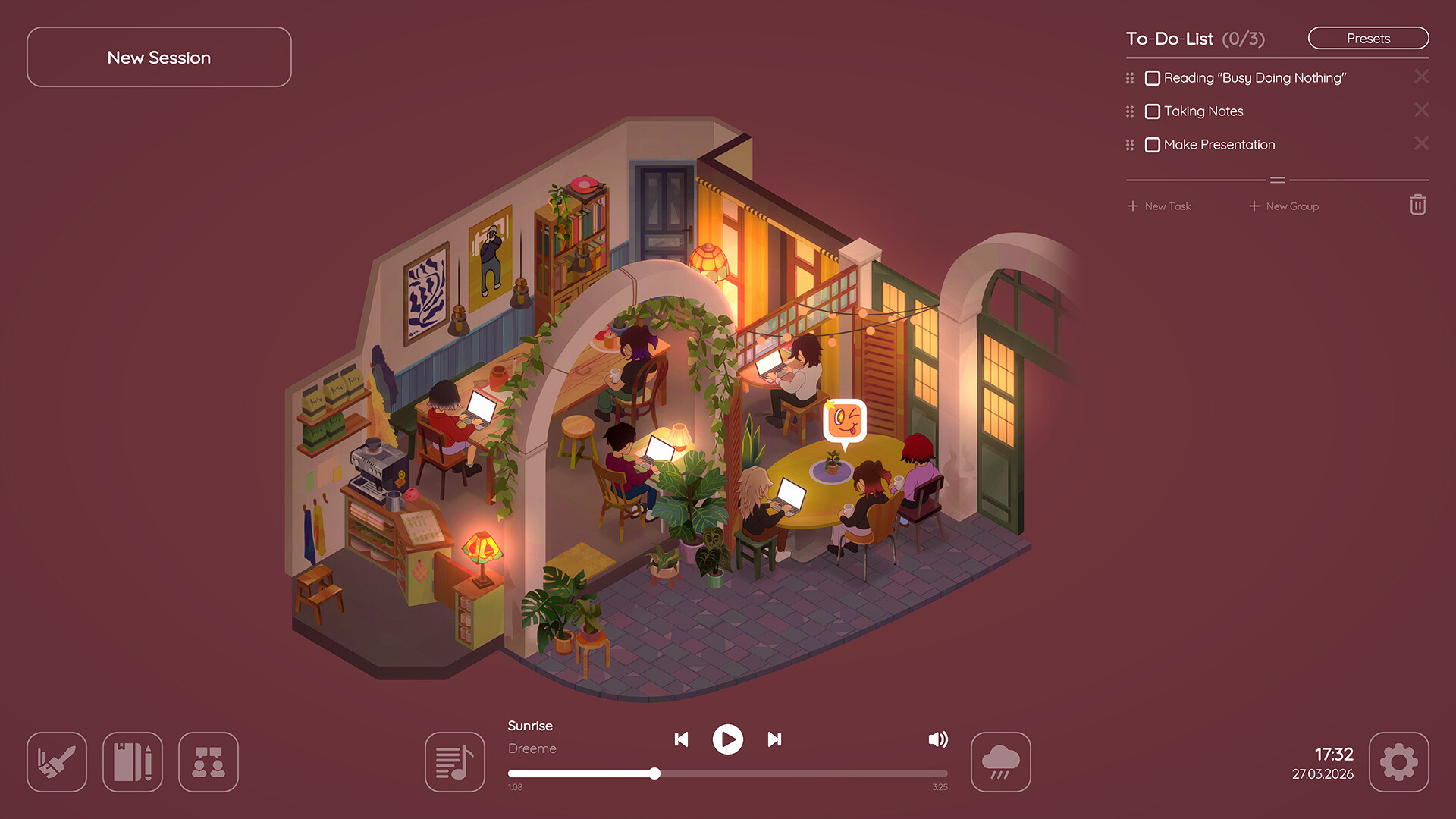
You can study alone or invite friends to a shared cottage or a multiplayer cafe, using minimal chat and reactions to stay motivated. The experience runs on Windows, macOS and Linux and supports single‑player, online co‑op and Steam features such as achievements and cloud saves.
01 / THE GUIDE
Focus Tools
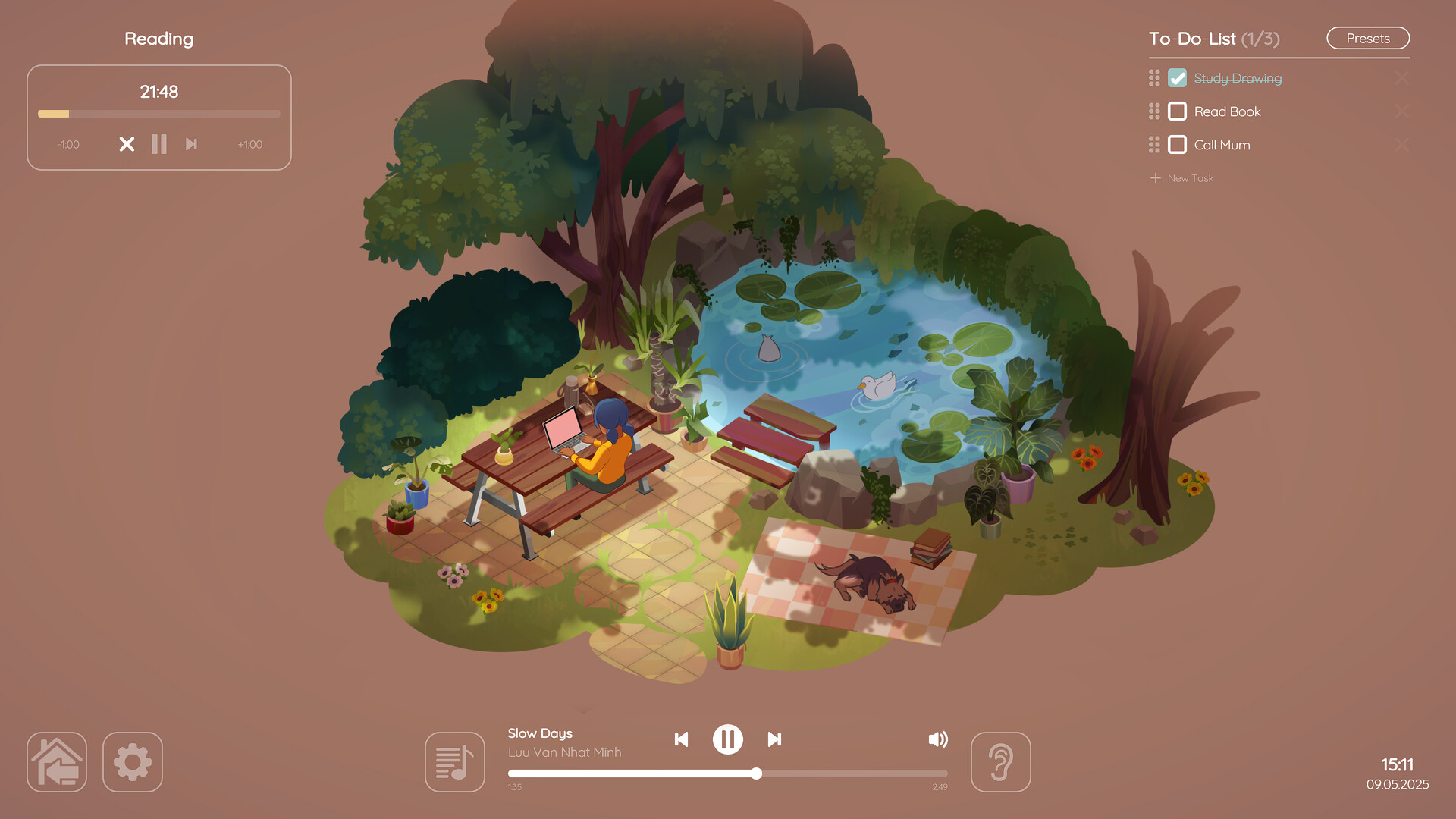
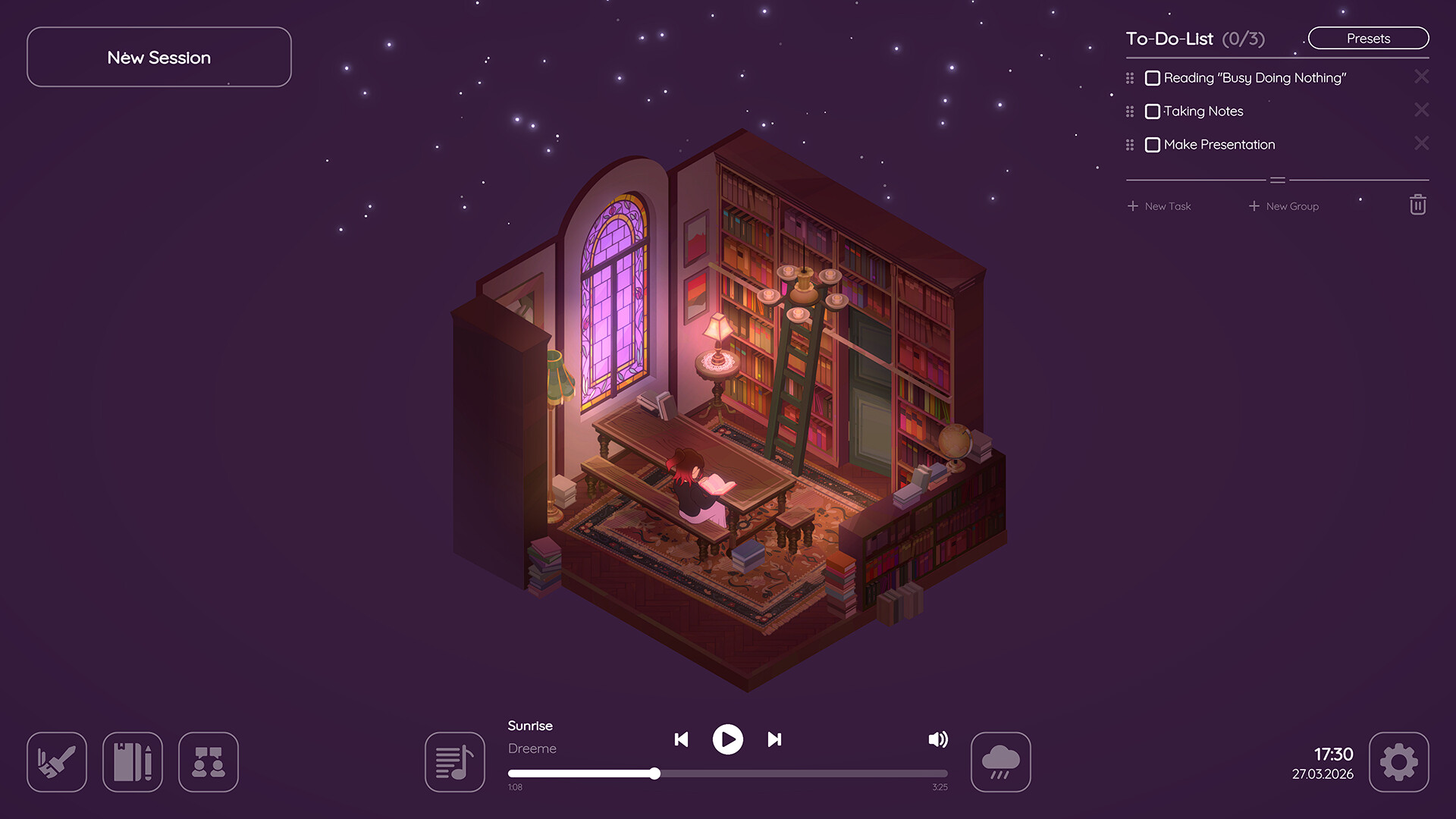
Virtual Cottage 2 includes a Classic Timer, Pomodoro Timer, Stopwatch, To‑Do List and Habit Tracker. Each tool lets you create tasks, set durations or intervals, and monitor progress while you work.
These utilities are built into the cottage environment, so you can start a timer and keep your eyes on the screen without leaving the space.
- Try the Pomodoro Timer for short bursts of work followed by brief breaks to maintain concentration.
- Use the Habit Tracker to visualize weekly patterns and stay accountable.
02 / THE GUIDE
Cottage Customization
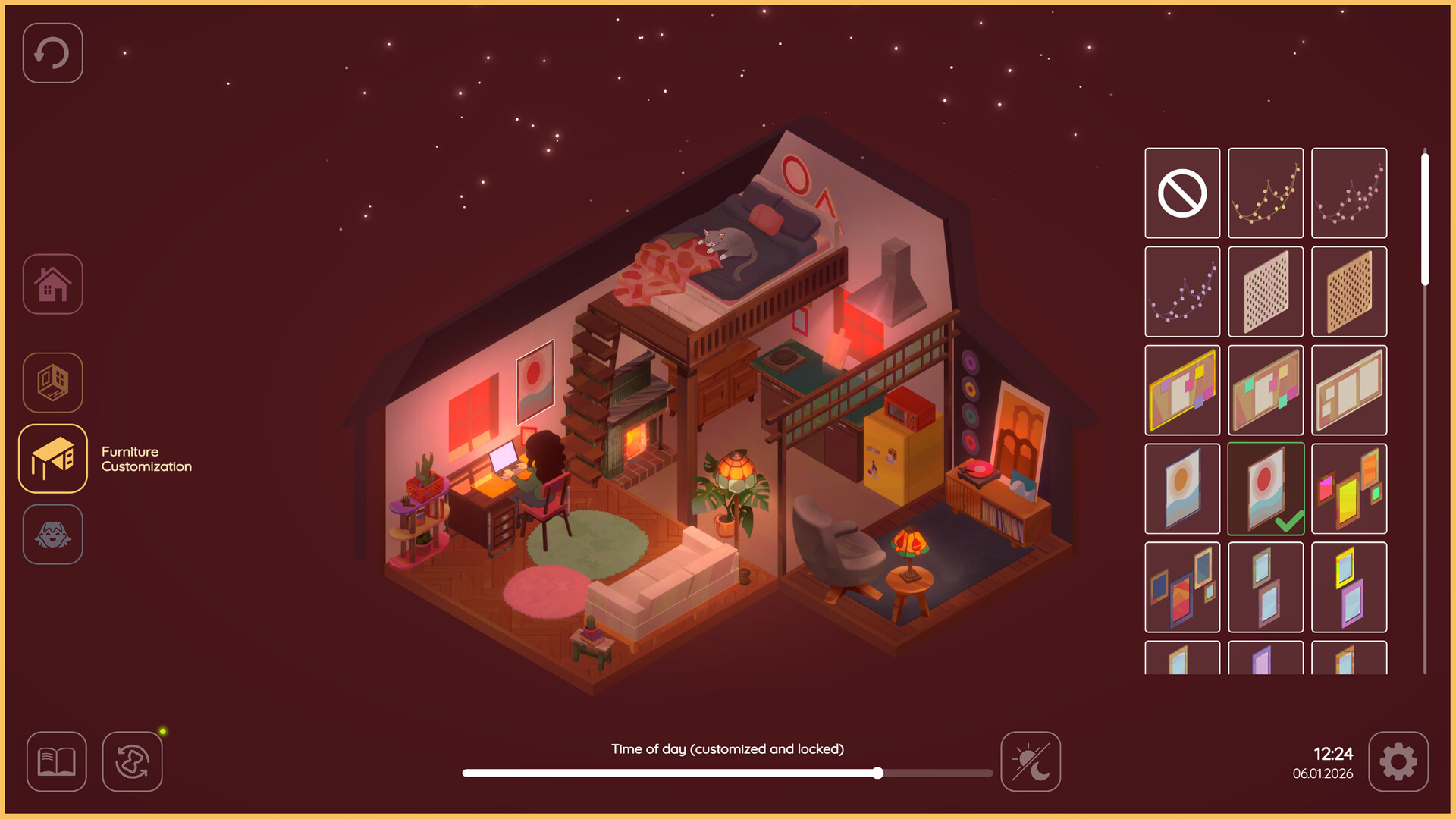
Hundreds of furniture and decoration items let you design a cottage that feels comfortable. New items are awarded daily as you study, expanding your options.
You can choose from several layout presets—Classic Cottage, The Apartment, or future outdoor locations—and place a cat, dog and bird together.
- Earn daily items by studying consistently to unlock more décor.
- Mix different layout presets for fresh visual variety.

03 / THE GUIDE
Multiplayer Study
Invite friends to a shared cottage or the larger multiplayer cafe, where you can work side‑by‑side on school projects or simply keep each other company.
Communication is limited to a minimalistic chat and cute reactions, keeping the environment focused and distraction‑free.
- Use the cafe for larger group sessions to avoid crowding a single cottage.
- Leverage reactions for quick encouragement without breaking concentration.
04 / THE GUIDE
Audio Atmosphere
The game ships with chill beats and ambient sounds such as soft breezes or gentle rain. You can mix these or load your own music to suit your study mood.
Music purchased for Virtual Cottage 1 carries over automatically, so existing DLCs remain usable.
- Combine rain ambience with low‑tempo beats for a soothing background.
- Load personal playlists to keep the soundscape fresh.
05 / THE GUIDE
Platform Support
Virtual Cottage 2 runs on Windows, macOS and Linux, offering Steam features like achievements, trading cards, cloud saves and family sharing.
The game can be played without timed input and supports custom volume controls, allowing flexible play sessions.
- Enable Steam Cloud to keep your cottage layout synced across devices.
- Adjust volume controls to balance ambient sounds with your own music.
COMMUNITY
Player discussion