 GameWiki
GET YOUR BEARINGS
About Virtual Circuit Board
Virtual Circuit Board (VCB) is a sandbox‑only logic simulator that lets players draw digital circuits and write assembly programs. It features a high‑performance tick‑based simulation engine and an assembly editor that creates a virtual memory for circuit access.
The game assumes users already understand basic logic gates; it offers no tutorials, levels, or challenges, focusing on unrestricted creation on Windows and Linux platforms.
01 / THE GUIDE
Sandbox Philosophy
VCB is built around a sandbox experience, giving players complete freedom to set their own goals. The game does not include tutorials, levels, or challenges, and it does not teach digital logic or assembly.
Its development philosophy targets players with basic knowledge of logic gates, encouraging experimentation rather than guided progression.
- Define a personal project before opening the editor to keep focus.
- Use the lack of preset goals to explore unconventional circuit designs.
02 / THE GUIDE
Powerful Simulation Engine
The simulation runs on a tick‑based system where signals move between components one tick at a time. This design supports frequencies of up to millions of updates per second.
During simulation mode you can interact with the circuit while watching assembly instructions execute, allowing real‑time observation of logic behavior.
- Experiment with high tick rates to test circuit timing limits.
- Observe signal propagation step‑by‑step to debug complex paths.
03 / THE GUIDE
Assembly Editor
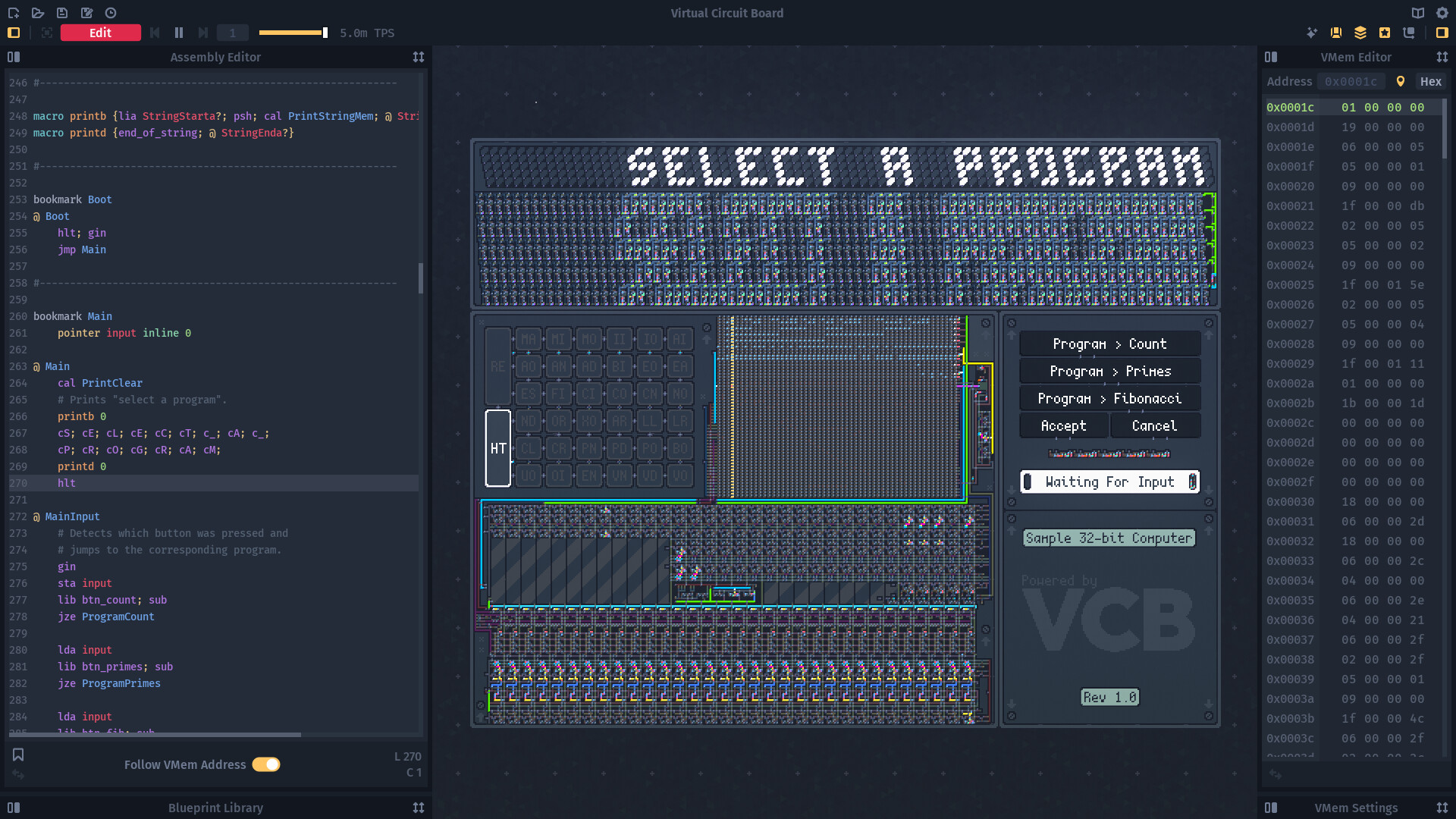
VCB includes an assembly editor where users define custom instructions. These instructions are assembled into a virtual memory that circuits can access during simulation.
The editor operates alongside the drawing tools, letting you program behavior that directly influences circuit operation.
- Start with simple instruction sets before expanding complexity.
- Link assembly output to visual components to verify correct execution.
04 / THE GUIDE
Drawing‑Based Interface
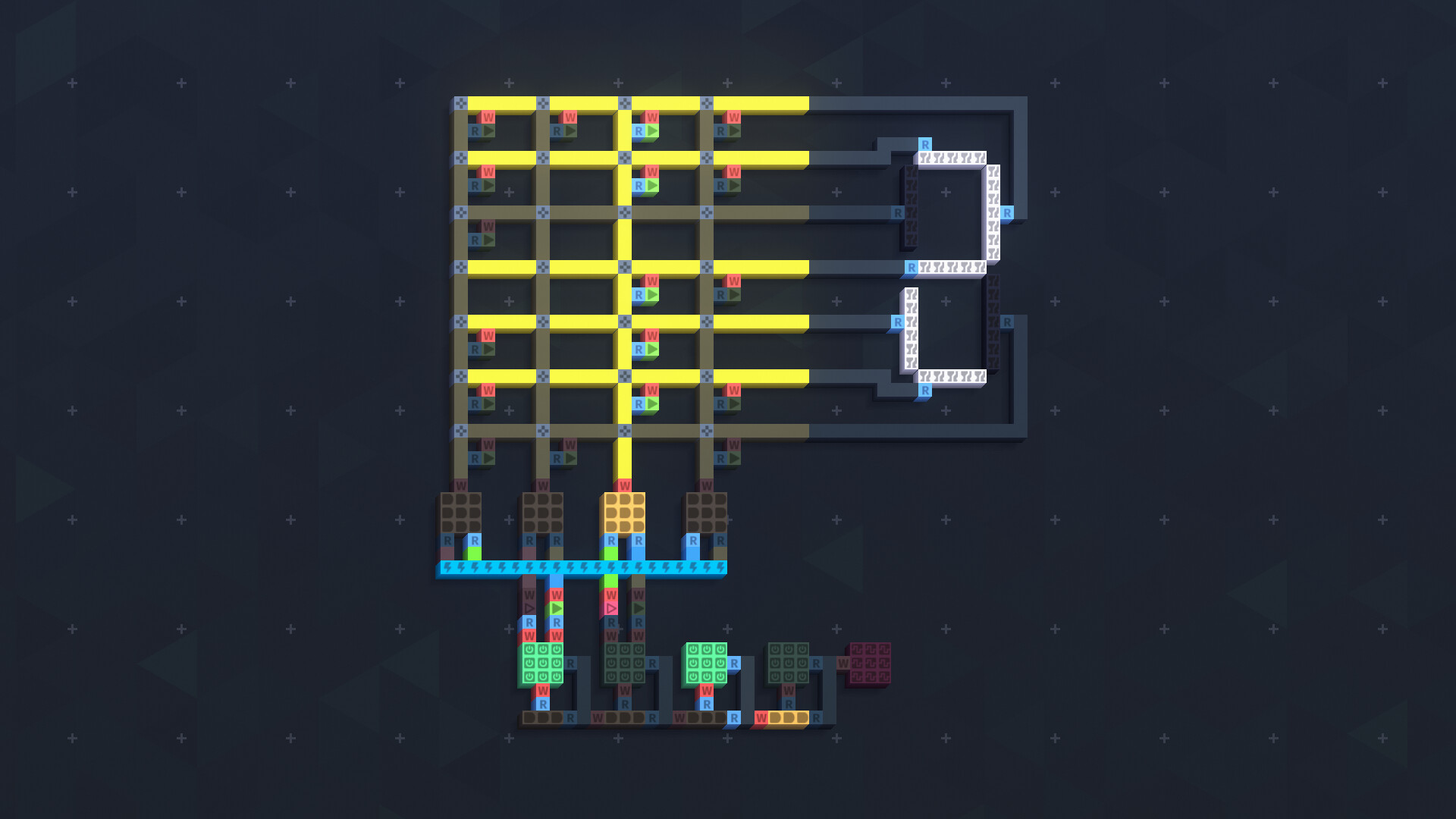
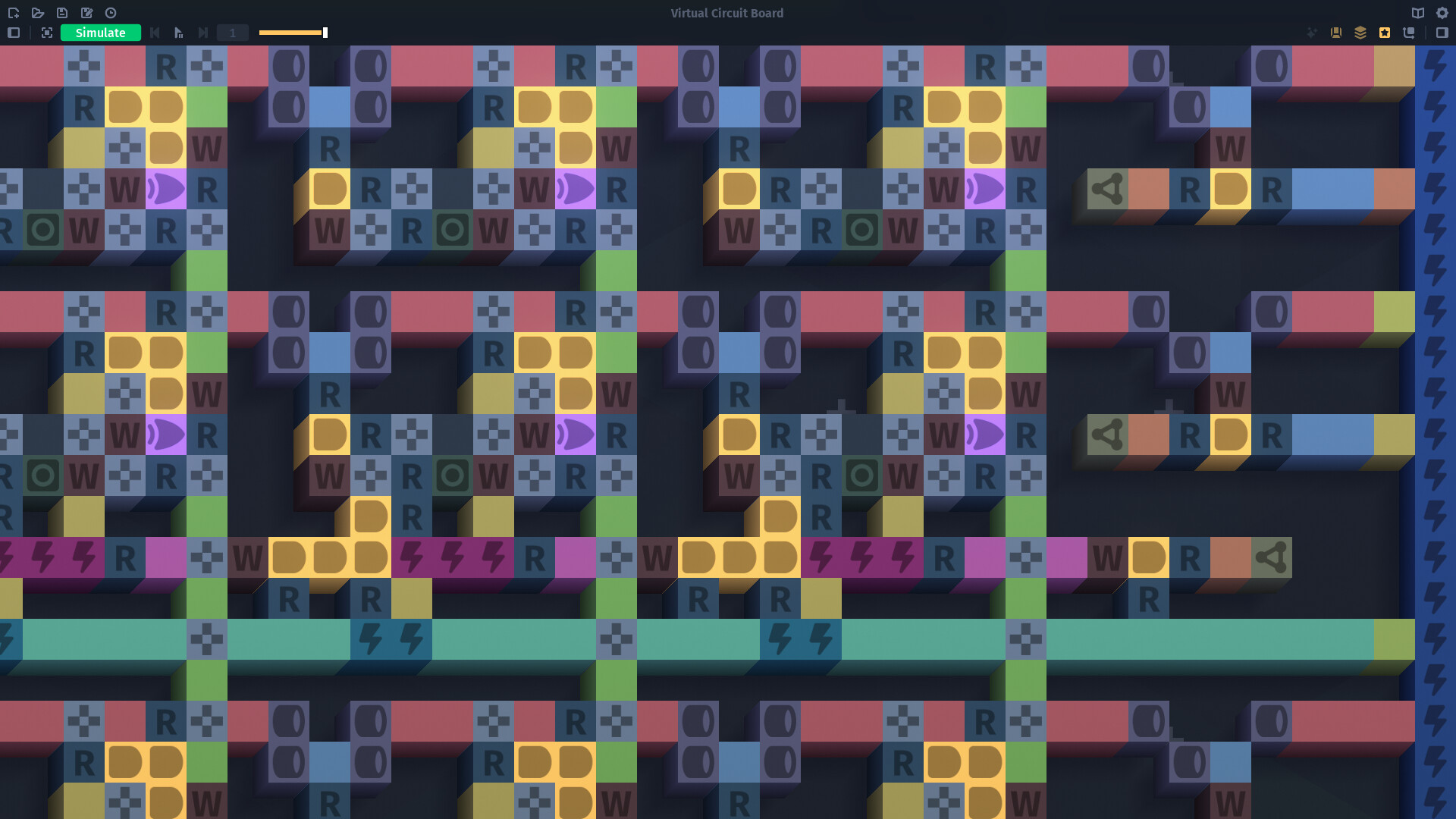
Circuits are built by drawing color‑coded entities such as logic gates and traces. Specialized tools like the Array let you place multiple traces at once, streamlining large designs.
Both components and traces support multiple input and output connections, giving flexibility in how signals are routed.
- Use the Array tool for repetitive wiring to save time.
- Color‑code different logic families for easier visual debugging.
05 / THE GUIDE
Decoration Layers
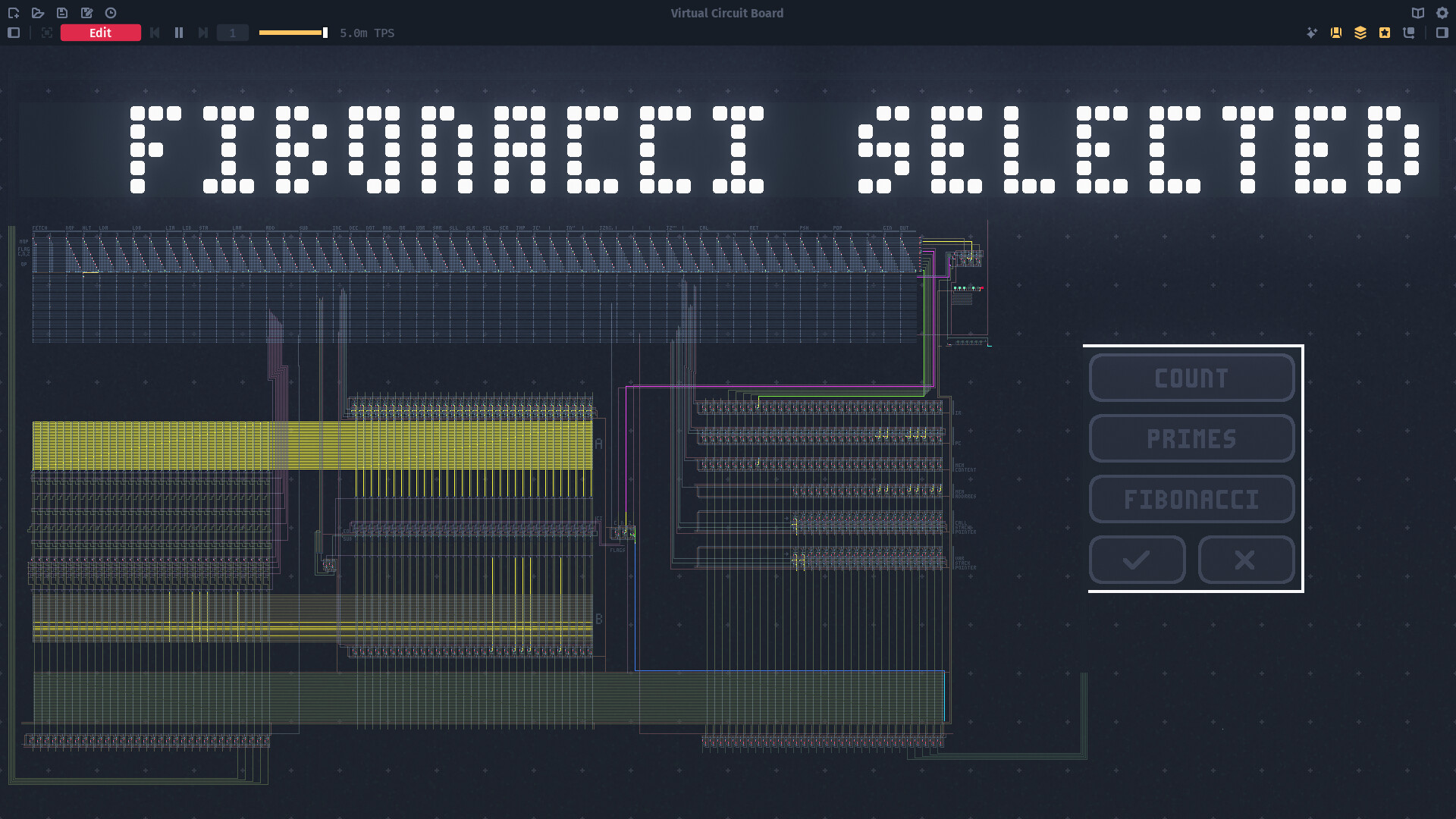
Decoration layers let you customize the appearance of components, overriding default colors. This can be used to create visual elements like buttons or labels that change with component state.
These decoration layers override the component's default colors, giving you aesthetic control and visual cues that change with component state.
- Assign distinct colors to indicate active versus idle states.
- Create labeled sections to organize complex layouts.

COMMUNITY
Player discussion