 GameWiki
GET YOUR BEARINGS
About Virtua Fighter 5 R.E.V.O. World Stage
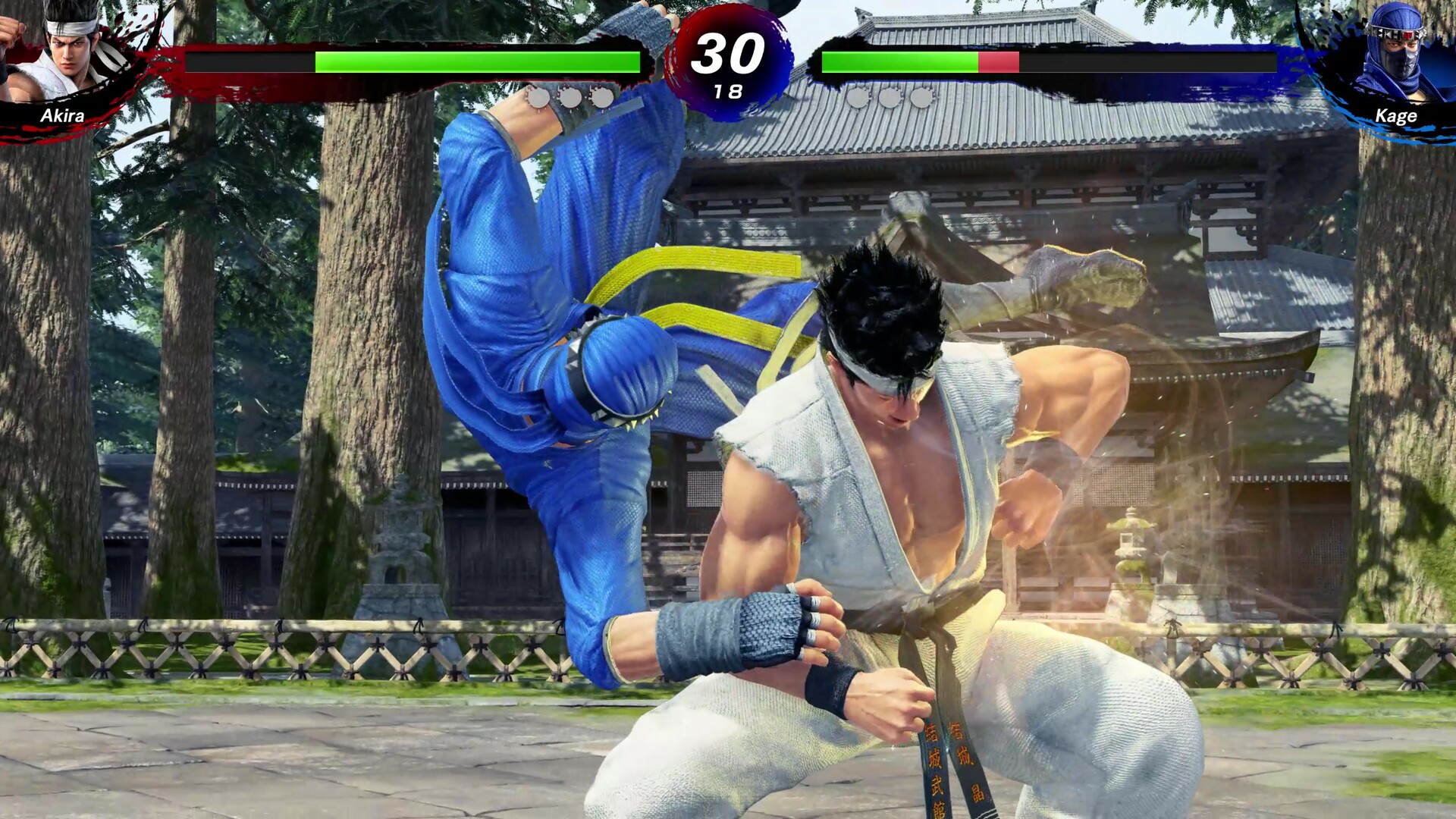
Virtua Fighter 5 R.E.V.O. World Stage brings the classic 3‑D fighting system to Steam, preserving the core combat while adding modern online infrastructure. The base game includes the original Virtua Fighter 5 mechanics together with new tools for practice and replay analysis.
A fresh single‑player campaign called World Stage joins the offering, and the title supports full controller use on Windows. Steam integration adds achievements, cloud saves, trading cards and family sharing, rounding out the package for Windows players.
01 / THE GUIDE
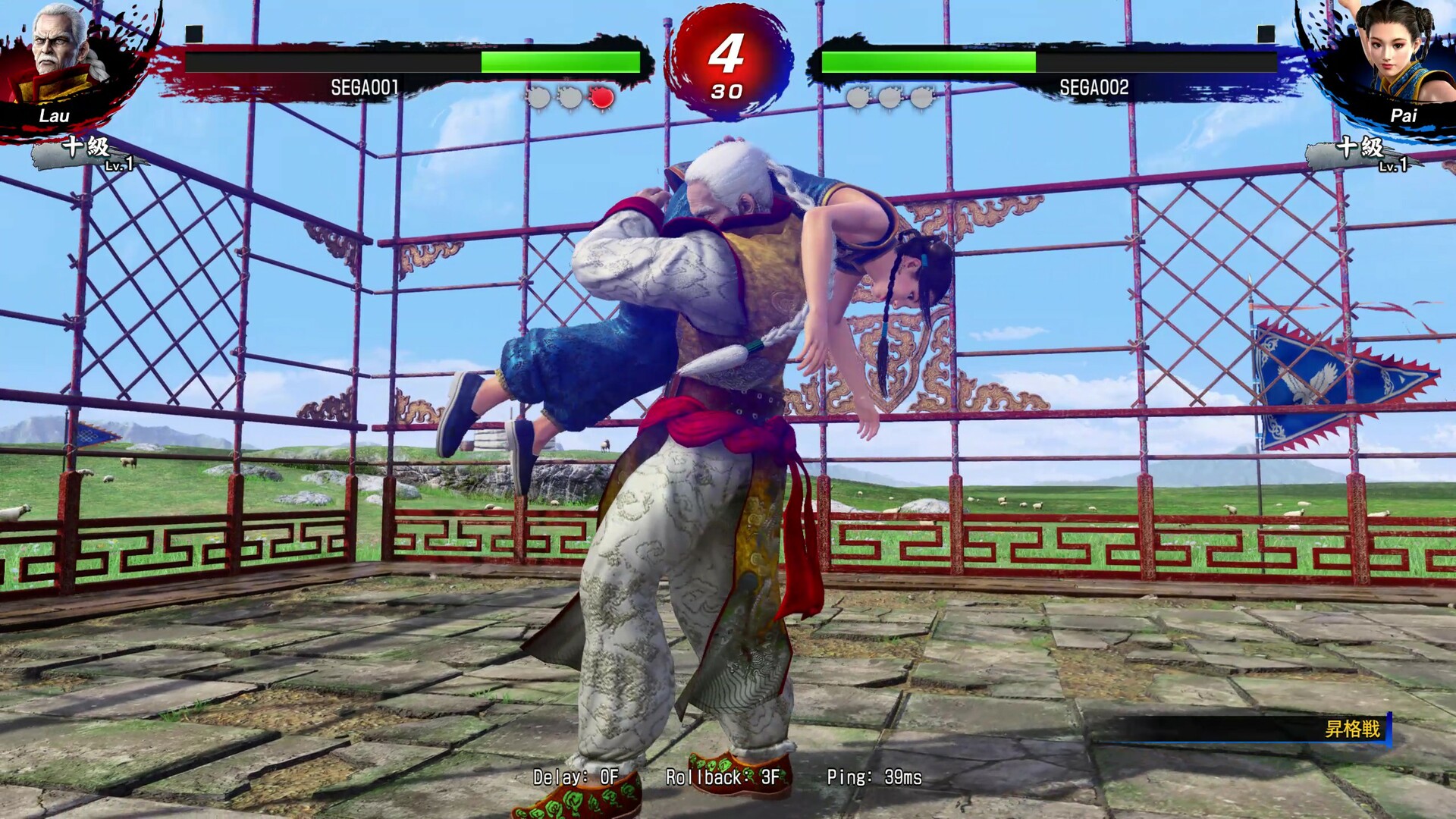
Rollback Netcode & Cross‑Play
The product description lists rollback netcode, a technology that predicts player inputs to reduce perceived latency. This aims to keep fights responsive even when opponents are far apart.
Cross‑play is also mentioned, letting players take on challengers anywhere across the globe. Both features are part of the base Steam release.
- Try a short match with a friend on a different network to feel the netcode’s impact.
- Observe how the fight flow changes when you switch from local to online play.
02 / THE GUIDE
World Stage Single‑Player Mode
World Stage is described as a brand‑new solo quest where players challenge a series of powerful rivals to become the ultimate fighter. It expands the single‑player content beyond the traditional training mode.
The mode is included in the base product and does not require any additional content. Progression follows a structured sequence of opponent battles.
- Use World Stage to familiarize yourself with each character’s move set before online matches.
- Watch opponent patterns during the solo battles to improve timing and defense.
03 / THE GUIDE
Enhanced Replay & Training Tools
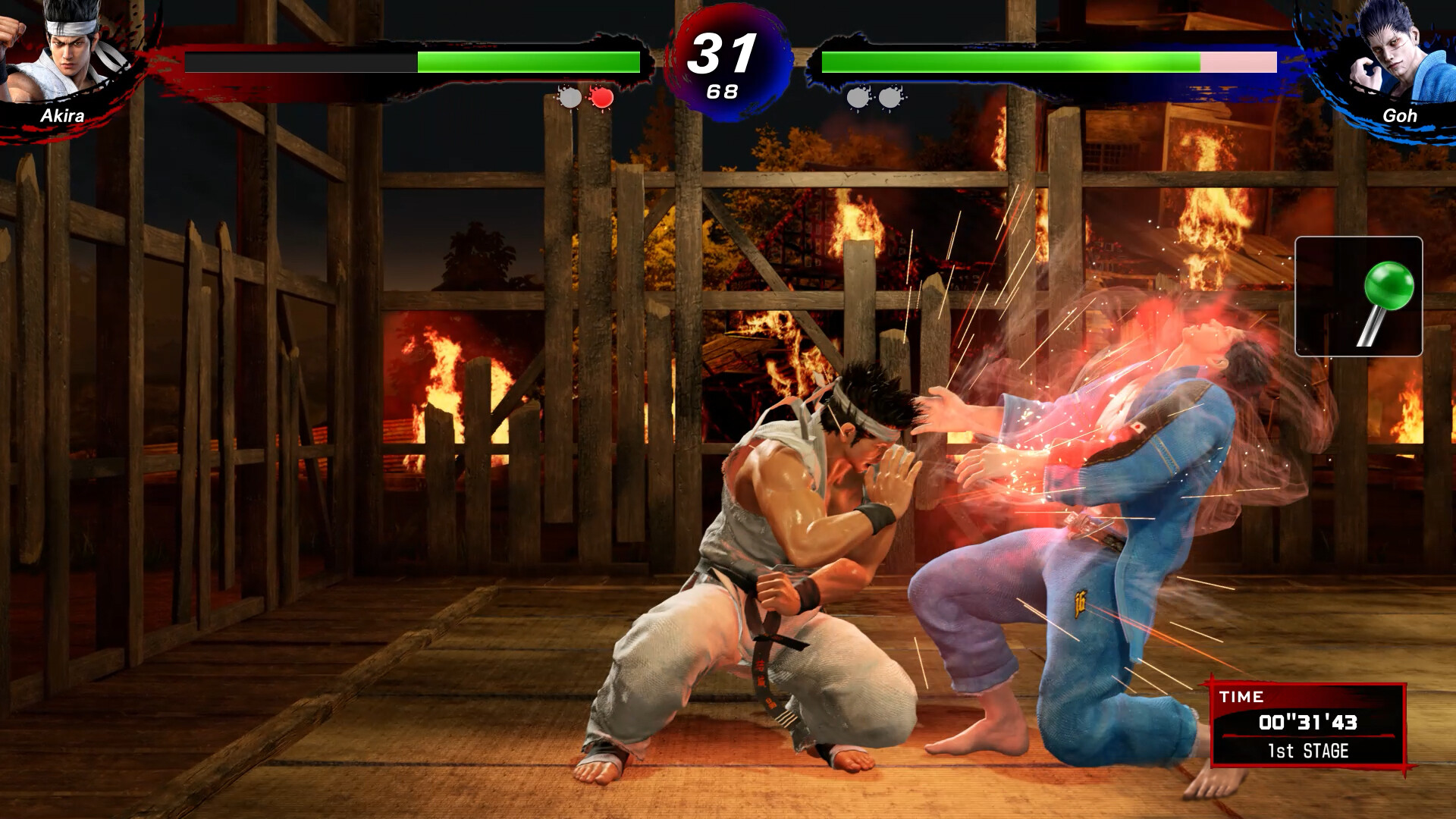
The description notes enhanced replay functionality, allowing players to review past fights. This can help identify timing errors or strategic choices after a match.
Improved training tools are also mentioned, giving more precise control over practice scenarios. Both utilities are part of the base installation.
- Record a match and watch it frame‑by‑frame to spot missed inputs.
- Set specific training conditions to focus on a weak combo.
04 / THE GUIDE
Full Controller Support
Full controller support is listed, including DualShock and DualSense compatibility via the Steam Input API. This ensures that supported gamepads work with the game’s controls on Windows.
The feature does not specify other input methods, but it guarantees that the named controllers function with the title.
- Test both DualShock and DualSense to see which feels more natural for your play style.
- Check Steam Input settings if a button seems unresponsive during a match.
05 / THE GUIDE
Steam Features
Steam integration includes achievements, cloud saves, trading cards and family sharing. These services operate alongside the core gameplay without altering combat mechanics.
Cloud saves keep progress across installations, while achievements provide milestones. Trading cards and family sharing add community and accessibility benefits.
- Earn an achievement in World Stage to track a clear milestone.
- Enable cloud sync to preserve your progress if you reinstall the game.
COMMUNITY
Player discussion