 GameWiki
GET YOUR BEARINGS
About VIDEOVERSE
VIDEOVERSE is a decision‑driven narrative adventure that follows Emmett, a young gamer‑artist, as he explores the fictional Videoverse social network on the Kinmoku Shark system. Choices affect friendships, fan‑art sharing, and the ultimate fate of the community.
The game draws inspiration from early‑2000s platforms such as Miiverse and MSN Messenger, features a pixel‑art style with a chill soundtrack by Clark Aboud, and offers a range of accessibility options. It runs on Windows, macOS, and Linux with keyboard‑only and partial controller support.
01 / THE GUIDE
Narrative Choices
The story centers on Emmett’s personal growth, friendships, and romantic threads. Each decision influences how relationships develop and which side stories become available, creating multiple possible outcomes for the Videoverse network.
Dialogue options are recorded without timed input, allowing players to save at any point as they explore alternative branches.
- Observe early dialogue options; they often reappear later with new consequences.
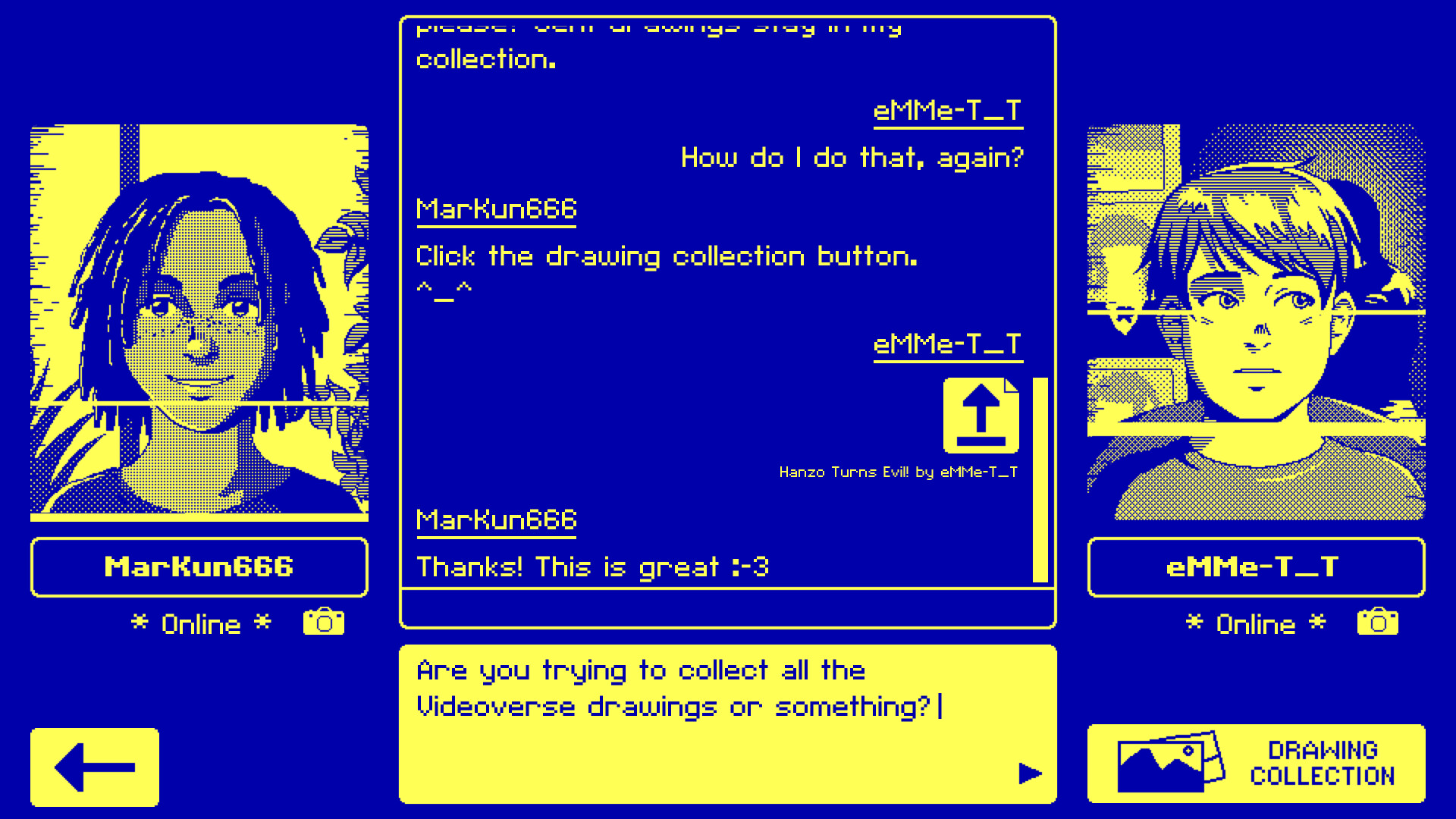
- Try sharing fan art and see how other users respond.
02 / THE GUIDE
Videoverse Social Network
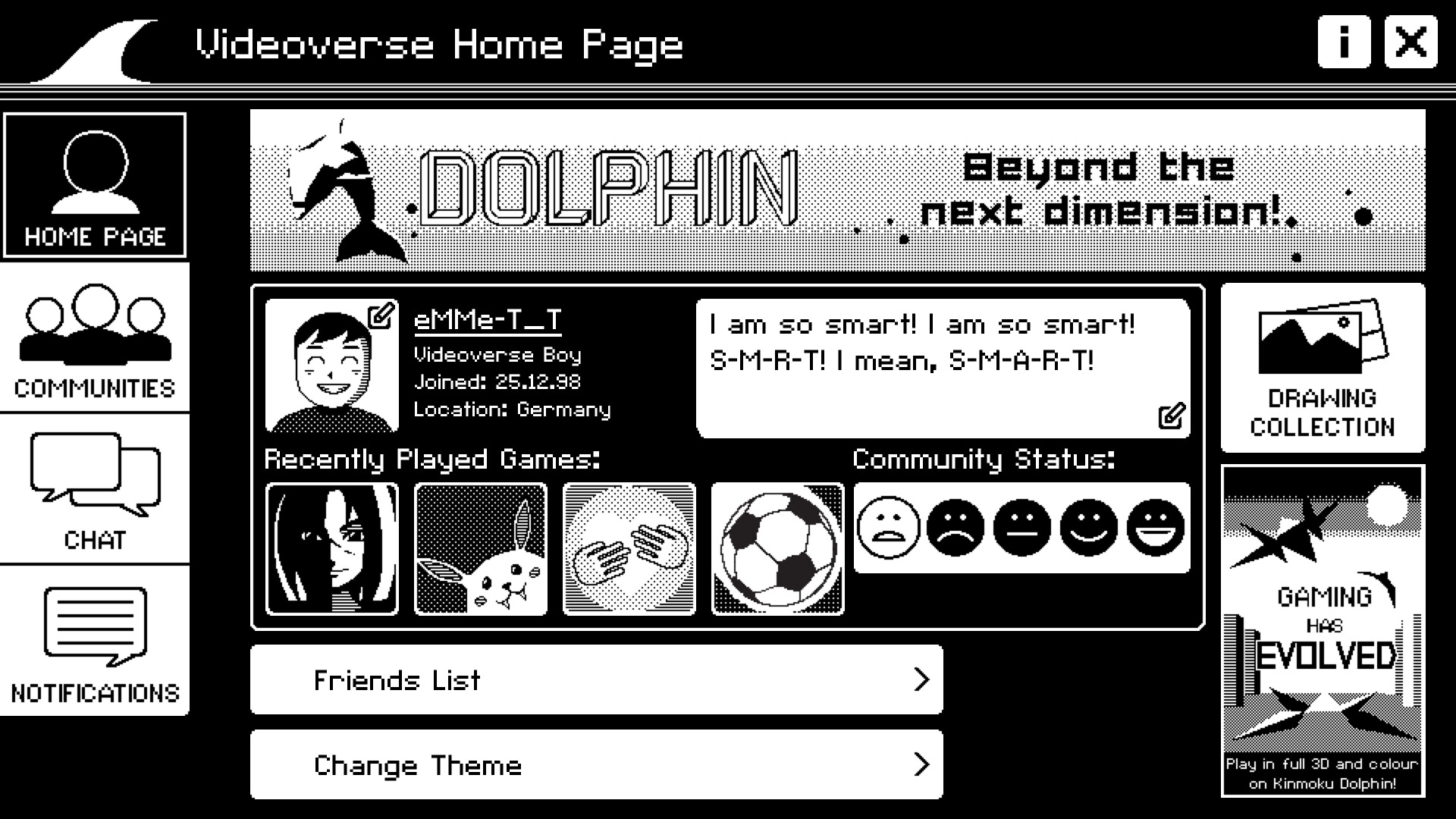
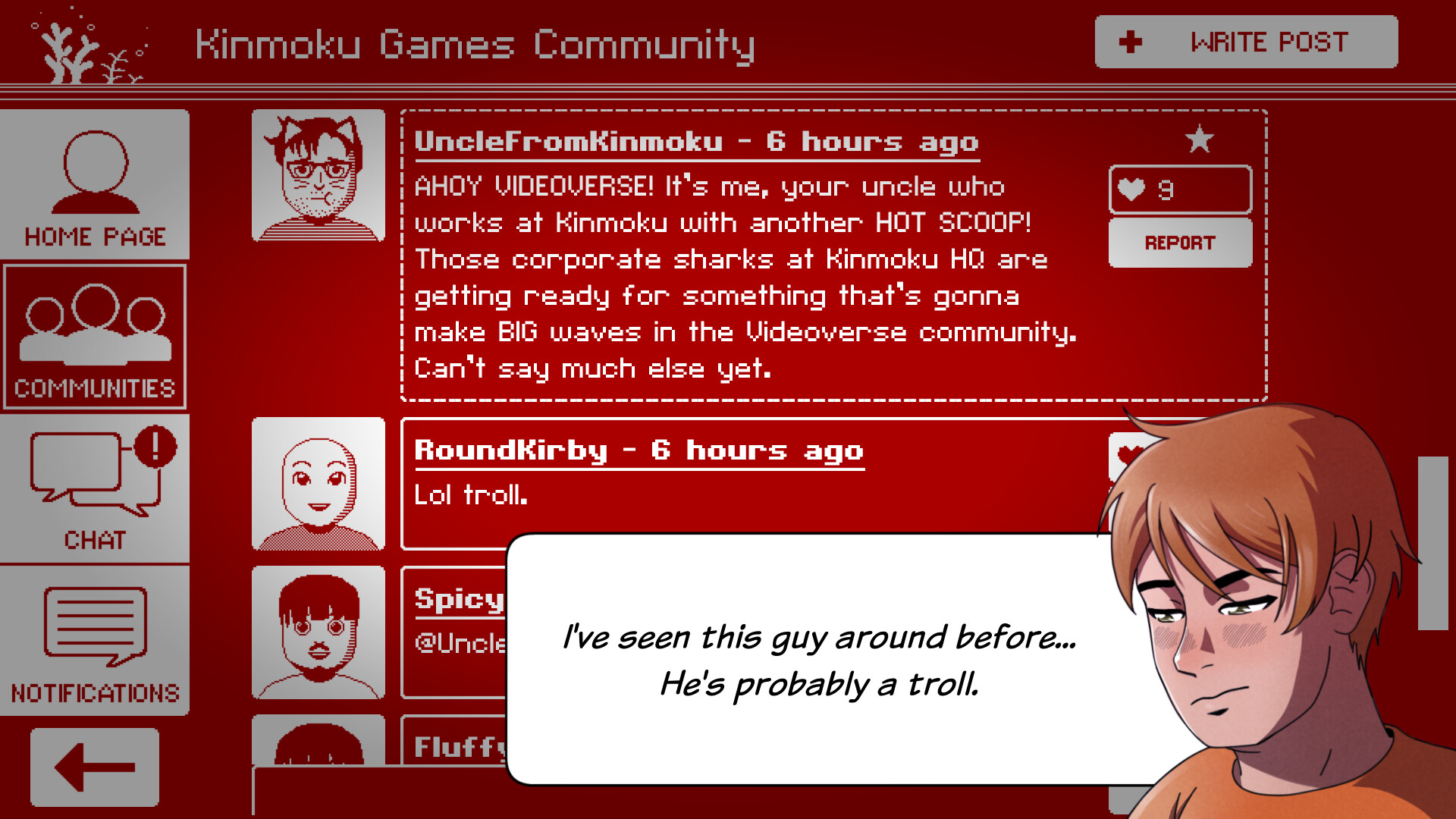
Players navigate the fictional Videoverse, a community styled after Miiverse and early internet forums. Emmett can set an avatar, personal quote, and theme while browsing posts and pixel doodles.
Specific hubs such as the Feudal Fantasy Fans area let players discuss the in‑game JRPG and exchange tips, expanding the lore beyond Emmett’s personal story.
- Try different avatar themes to see varied community reactions.
- Visit the Feudal Fantasy Fans hub for extra background on the JRPG.

03 / THE GUIDE
Accessibility Options
VIDEOVERSE provides Clear Font, Closed Captions, Color Alternatives, and adjustable sound, music, and voice volumes. These settings offer flexible adjustments to suit different player needs.
Additional tools such as a Tip Button and Subtitle Options give extra visual guidance for players who prefer text cues over audio narration.
- Activate Closed Captions if you rely on visual dialogue cues.
- Adjust the sound, music, and voice volumes separately.
04 / THE GUIDE
Input Support
The title supports DualShock and DualSense controllers, a Keyboard Only option, a Touch Only option, and Partial Controller support. Each of these input options offers a way to play the game.
Narrated game menus and the ability to save anytime support flexible play styles across supported devices.
- Experiment with Partial Controller support if you prefer a hybrid setup.
- Use Keyboard Only for precise menu navigation.
05 / THE GUIDE
Platform Availability
VIDEOVERSE is released on Windows, macOS, and Linux through Steam, offering single‑player gameplay, Achievements, Trading Cards, Steam Cloud saves, and Family Sharing. The game is available on each of these platforms.
Steam Cloud and Family Sharing are listed among the game's Steam features.
- Steam Cloud is listed as one of the game's Steam features.
- Check Family Sharing settings if you want others to play on your device.

COMMUNITY
Player discussion