 GameWiki
GET YOUR BEARINGS
About Vending Machine Co.
Vending Machine Co. is a cozy management and job simulator set in a Japanese‑style city. Players start with a few vending machines and choose an opening district such as the quiet Komorebi Homes or the bustling Otaku Alley.
The core loop involves stocking machines, setting prices, upgrading equipment, and exploring minigames. Progress is measured by unlocking new neighborhoods, adding items, and increasing profit, all within a relaxed single‑player experience.
01 / THE GUIDE
Areas and Customer Types
The city is divided into separate districts that unlock as the business expands. Each district hosts a distinct group of customers—office workers who favor quick drinks, tourists who look for novelty items, and other locals with specific preferences.
Placing machines in a particular district influences sales because the local clientele respond differently to product mixes. Expanding into new zones therefore creates fresh opportunities to diversify inventory and raise earnings.
- Observe which items sell fastest in a new district before adding more stock.
- Combine essential drinks with novelty goods to attract a broader range of customers.
02 / THE GUIDE
Vending Machine Upgrades
Machines can receive upgrades such as heaters, coolers, and other features. These upgrades broaden the range of products that can be offered and can affect the profitability of each machine.
Upgrading lets you respond to daily trends, keeping machines relevant to the needs of the district’s customers and helping maintain steady income.
- Prioritize upgrades that match the dominant demand of the district you are in.
- Test a single upgraded machine before applying the same upgrade to all machines.
03 / THE GUIDE
Restocking Mechanics
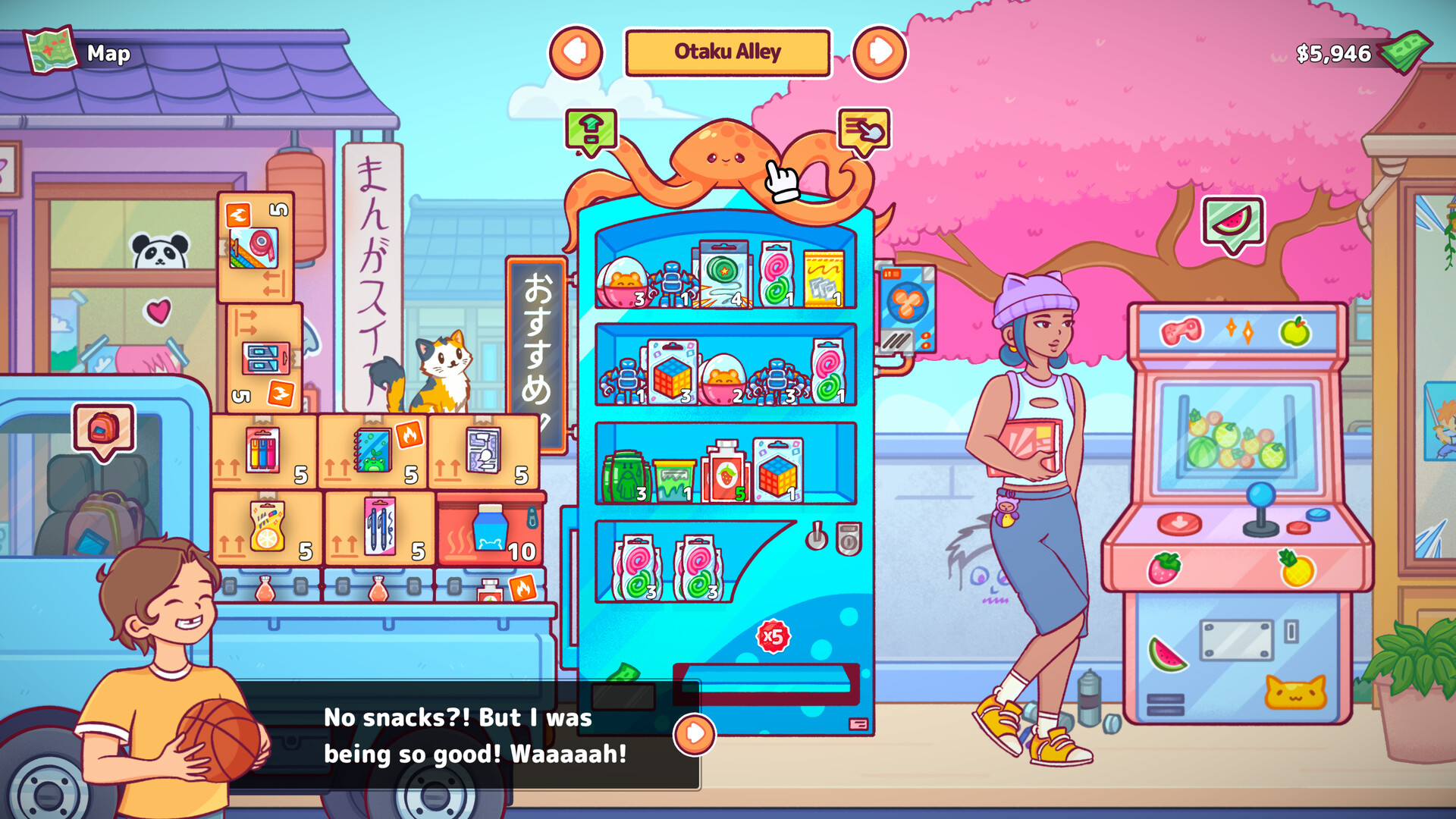
Restocking is handled through a simple truck system. Items are moved into the truck and then transferred to machines using Shift + Click or Double Click actions on boxes.
These shortcuts make the process quick and satisfying, allowing you to keep machines stocked without navigating lengthy menus.
- Use Shift + Click for bulk transfers when you have many items to move.
- Double‑click to top‑up a machine rapidly during busy periods.
04 / THE GUIDE
Minigames and Side Activities
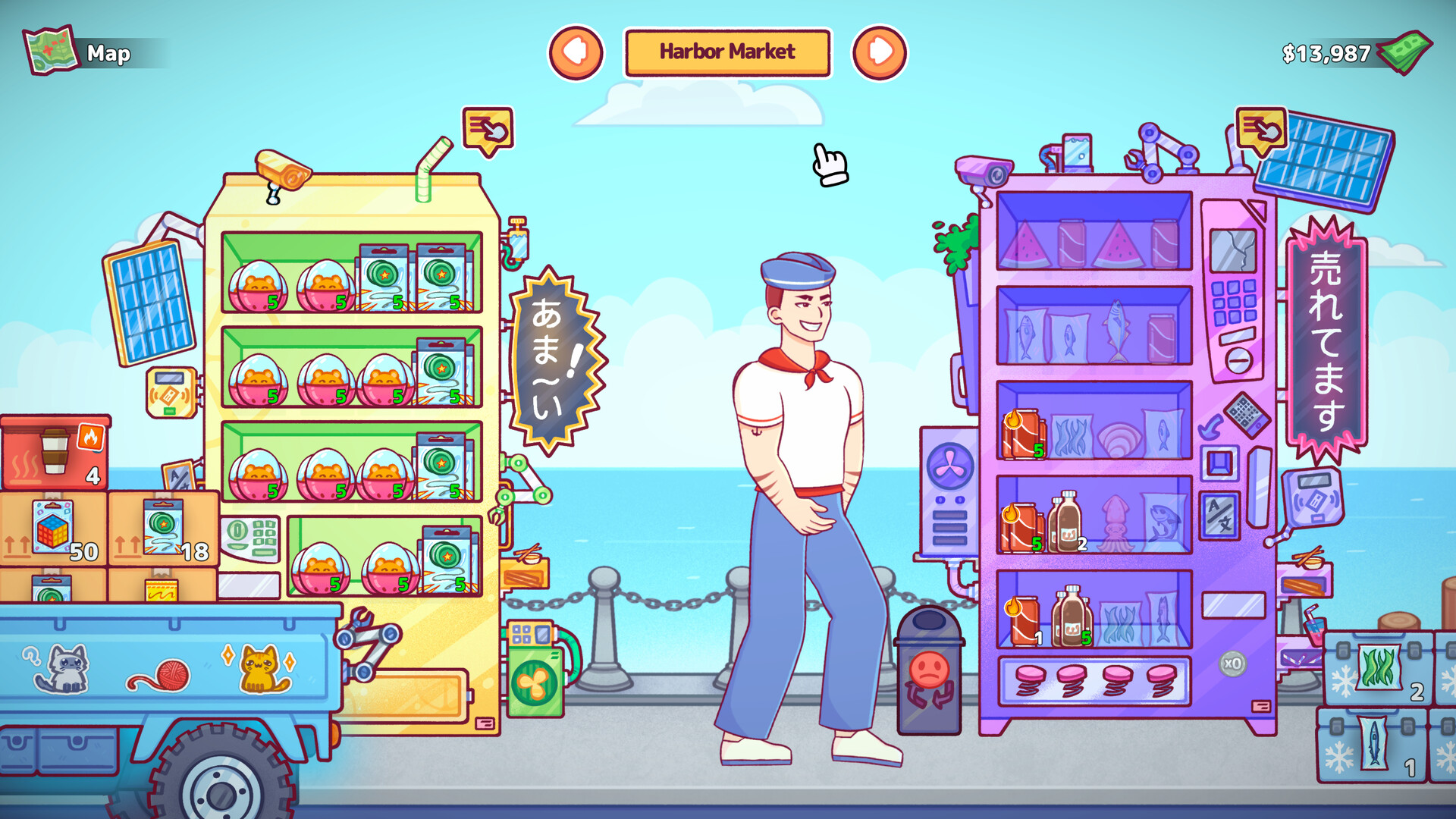
Beyond core vending tasks, the game offers minigames and side activities that generate extra money, such as fishing at Harbor Market and other contract‑style tasks.
These activities provide a break from routine stocking while still contributing to overall profit, especially on slower days.
- Try a minigame when vending sales are low to keep earnings steady.
- Compare earnings from different side activities to see which fits your play style.
05 / THE GUIDE
Truck Customization
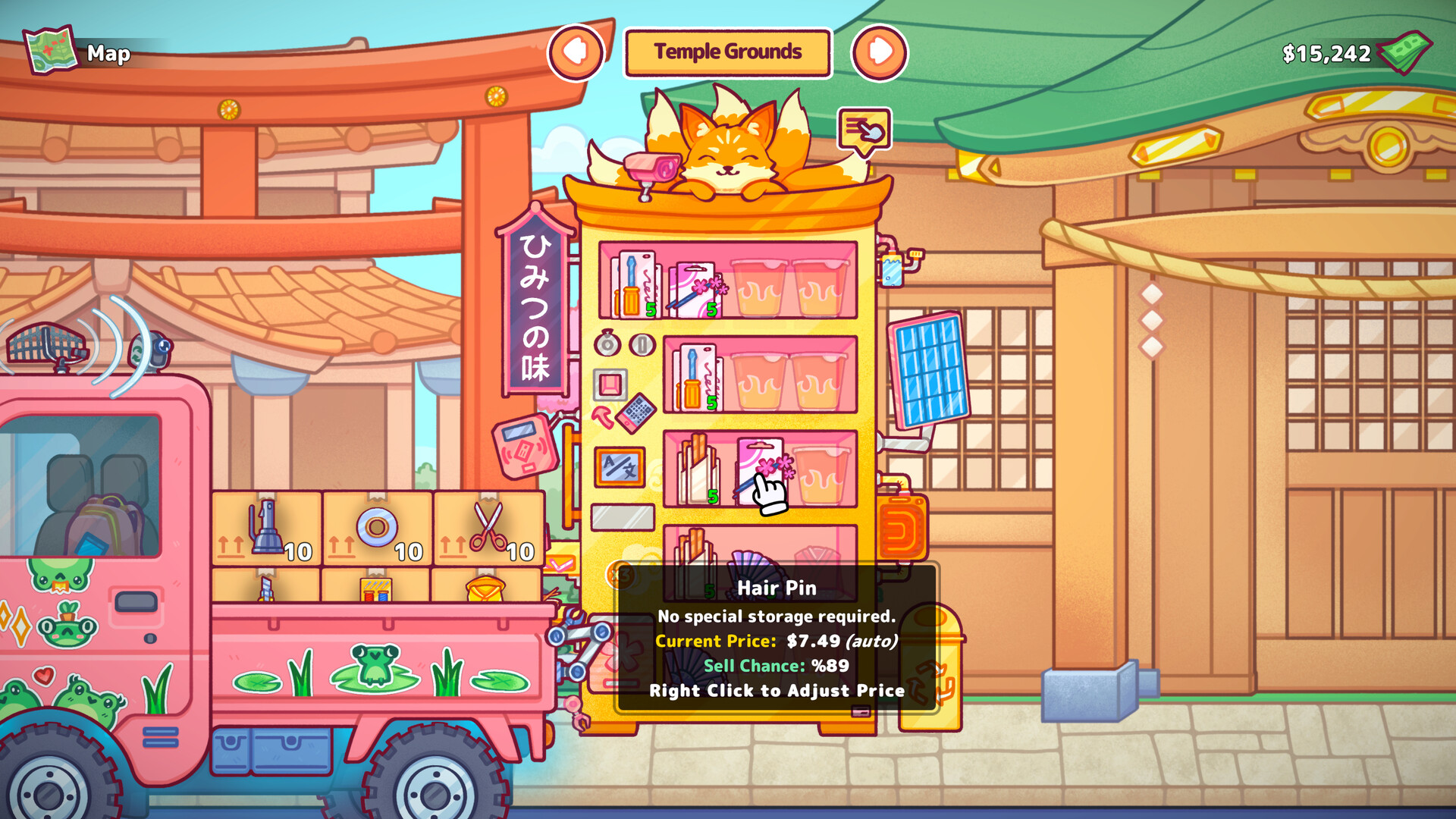
Your delivery truck can be personalized with color changes and stickers. The game lists these options as visual customizations available to the player.
Customizing the truck offers a way to make the restocking routine feel more personal.
- Choose colors that stand out for a satisfying visual cue.
- Mix and match stickers for a unique look each time you restock.


COMMUNITY
Player discussion