 GameWiki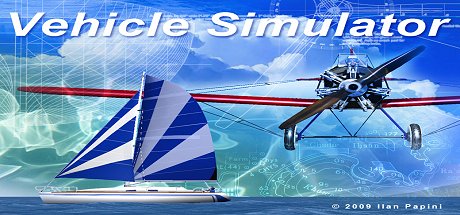
GET YOUR BEARINGS
About Vehicle Simulator
Vehicle Simulator is an open‑world simulation where players can fly, drive, and sail across a single seamless environment. The game emphasizes accurate flight physics and marine dynamics, allowing users to explore any location and practice various forms of transportation.
Developed by Ilan Papini and first released in March 2009, the title builds on the earlier Micro Flight and Virtual Sailor simulators. It adds denser scenery, more advanced physical simulation, and a built‑in vehicle designer that serves both as a learning tool and a preliminary design platform.
01 / THE GUIDE
Open World Exploration
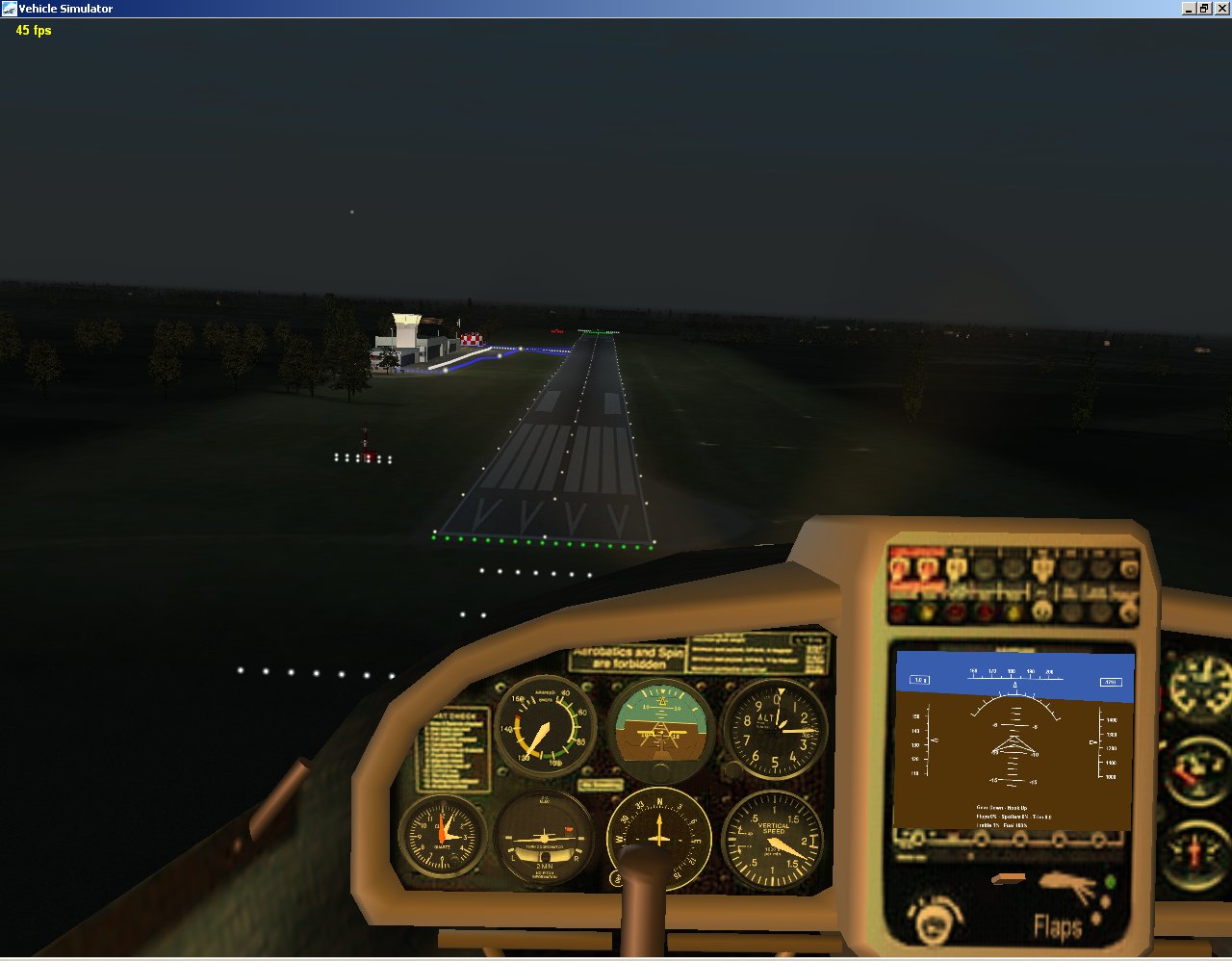
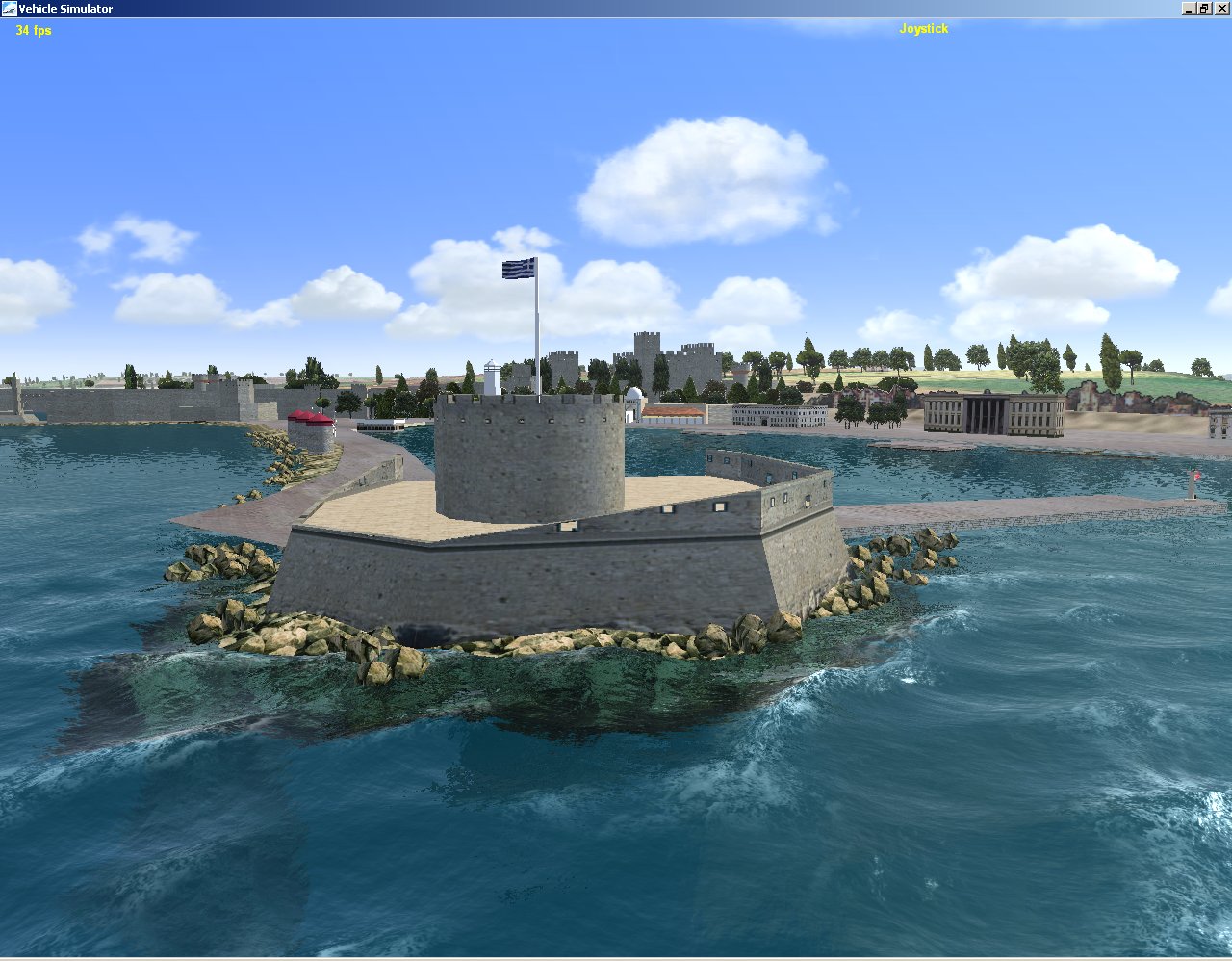
The simulator presents a single, continuous world that contains land, airspace, and water. Players can transition between flying, driving, and sailing which encourages freeform movement and discovery.
Scenery density is higher than in the predecessor titles, providing more visual detail for navigation and for appreciating the physics‑driven behavior of vehicles.
- Observe how terrain elevation influences aircraft lift versus how open water affects boat buoyancy.
- Use the same map view to plan routes that combine air and sea travel for efficient exploration.
02 / THE GUIDE
Physics Simulation
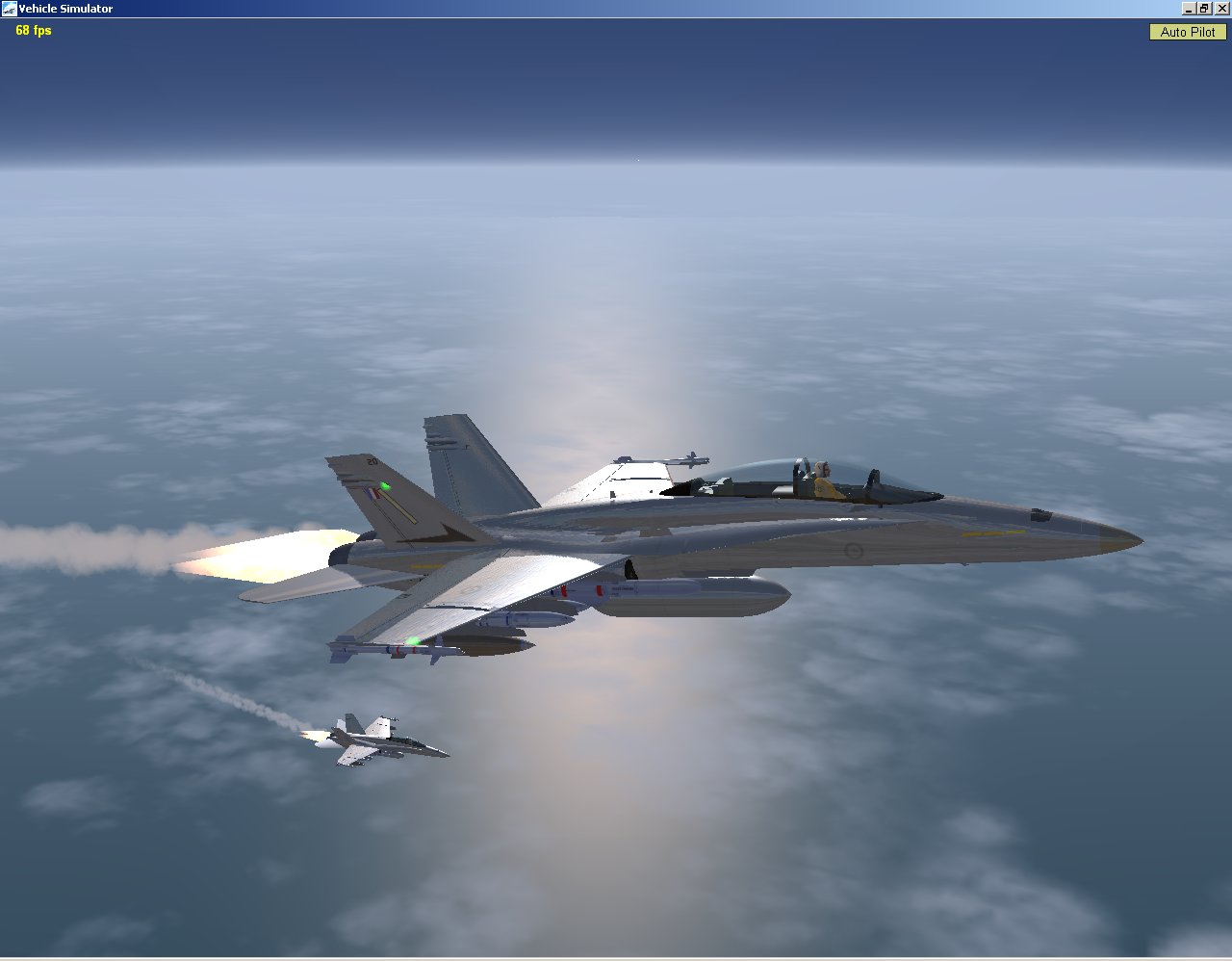
Flight physics model lift, drag, and thrust, while marine dynamics simulate buoyancy and water resistance. These systems respond directly to user inputs, producing realistic handling for both aircraft and boats.
Because the physics are central, the simulator can be used as a practical training environment for aviation and sailing enthusiasts seeking realistic feedback.
- Compare throttle response while airborne with throttle response while on water to notice the differing resistance.
- Watch how wind direction alters both flight path and sailing course for a clearer sense of environmental impact.
03 / THE GUIDE
Vehicle Designer
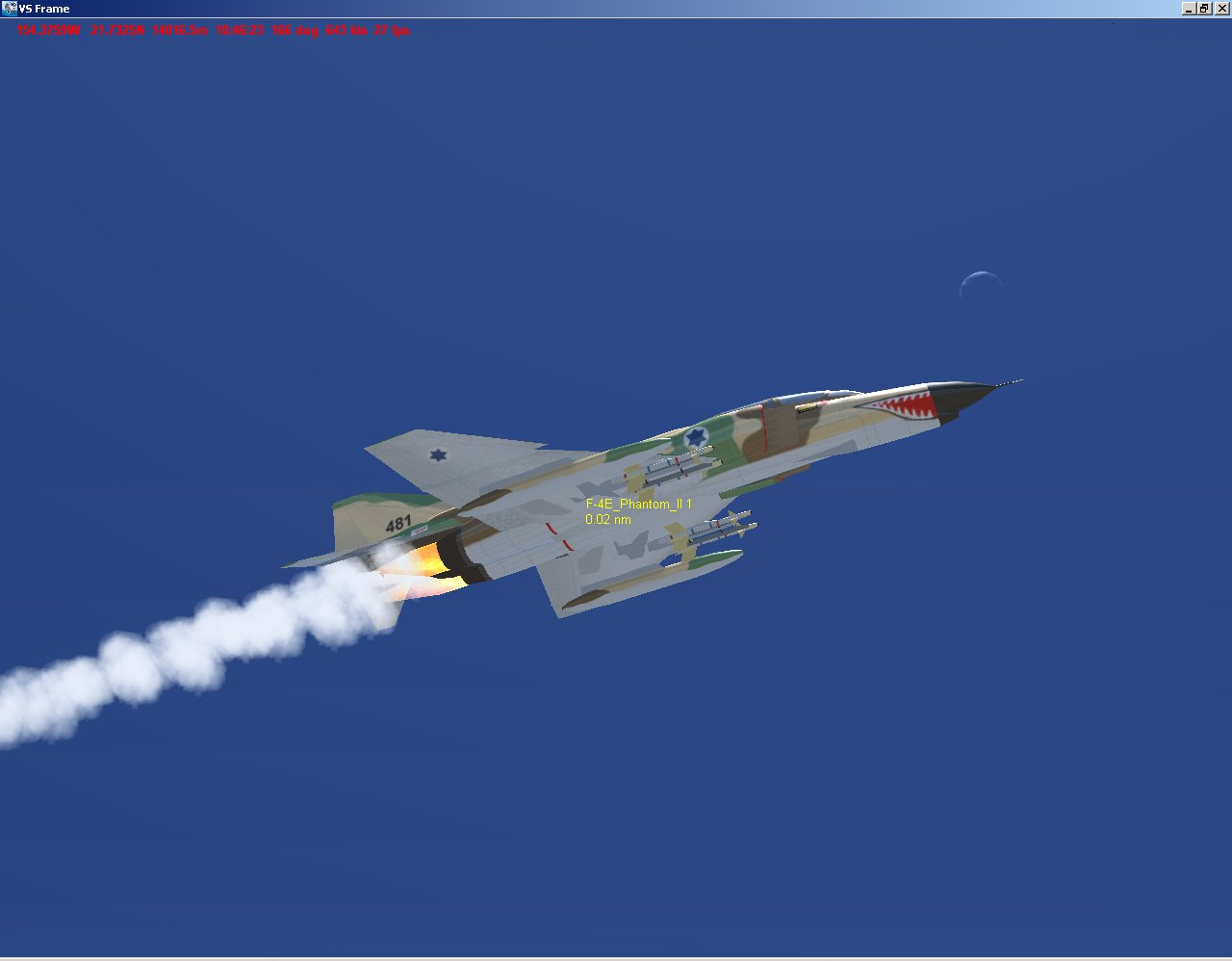
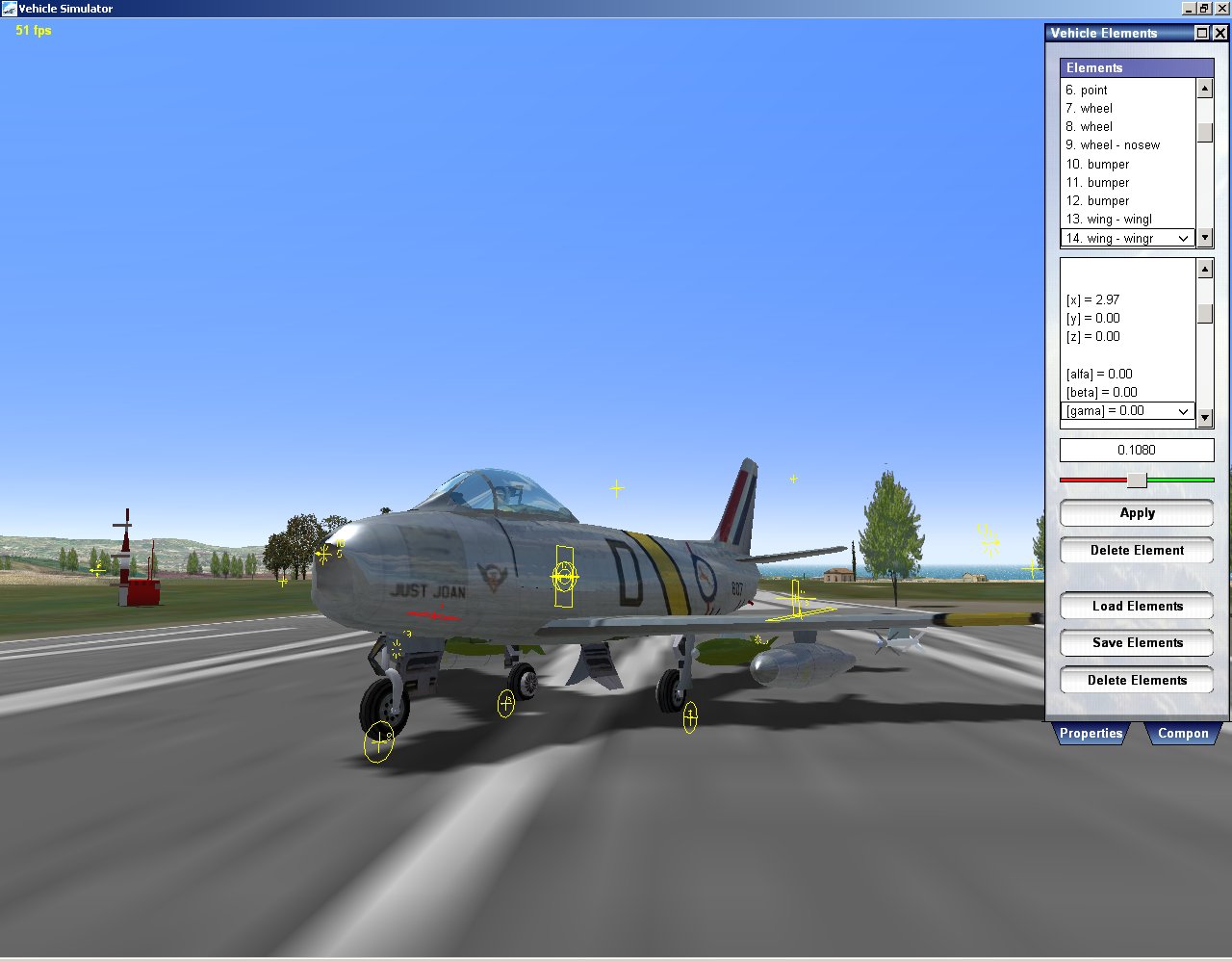
A built‑in designer lets users create custom planes and boats, then test them directly in the open world. The tool is described as simple yet powerful, supporting both learning and preliminary design work.
Created vehicles can be shared with other users, extending the community’s content library.
- Start with basic shapes to understand how changes affect handling before adding complexity.
- Share a design and examine how others balance performance and aesthetics for new ideas.
04 / THE GUIDE
Multiplayer Support
Vehicle Simulator lists multiplayer as a feature, indicating that more than one player can occupy the same program simultaneously. Players may choose to fly, drive, or sail together in shared sessions.
Multiplayer does not replace single‑player; both modes are available within the same application, allowing users to decide which experience suits their needs.
- Coordinate with friends to compare vehicle performance in real time.
- Use multiplayer sessions to test designs under varied player‑controlled conditions.
05 / THE GUIDE
Platform and Controller Support
The game runs on Windows and includes partial controller support, meaning some controller functions are available alongside traditional inputs. No macOS or Linux support is listed.
Family Sharing is also noted, allowing multiple accounts to access the same installation, which can be useful for households with several players.
- Experiment with controller input to see whether it feels more natural for your vehicle type.
- Enable Family Sharing so another account can launch the simulator without purchasing a separate copy.
COMMUNITY
Player discussion