 GameWiki
GET YOUR BEARINGS
About Vanguard Galaxy
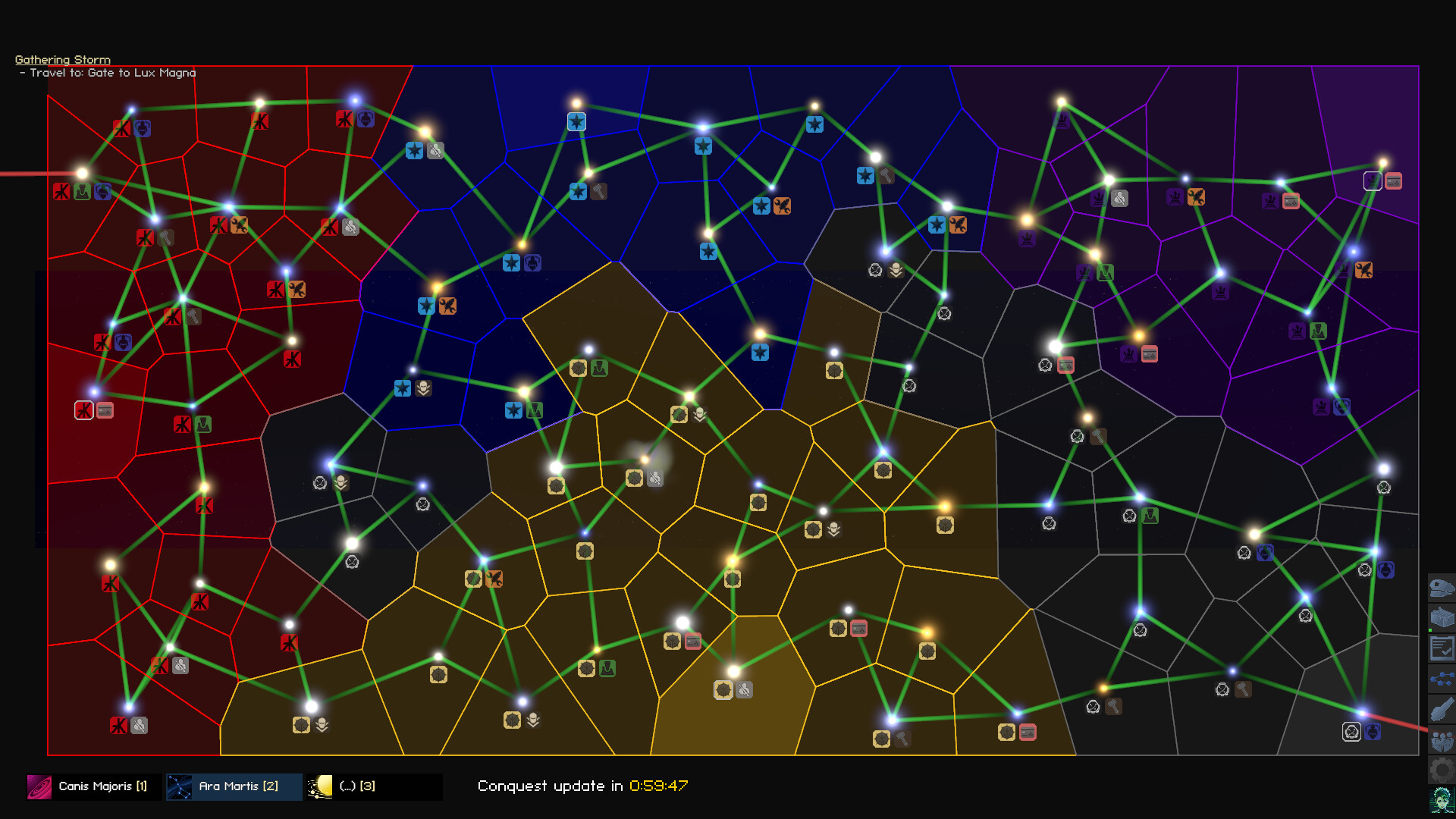
Vanguard Galaxy drops you into the Canis Major dwarf galaxy after a risky jump through the Great Gate. You begin with a ship and can choose a playstyle that focuses on combat, mining, salvage, trading, or a mix of these activities.
The galaxy is procedurally generated and reacts to your actions, such as pledging to a corporation or staying neutral. An autopilot system can handle basic tasks while the game runs full‑screen or sits at the bottom of your desktop.
01 / THE GUIDE
Combat and Weaponry
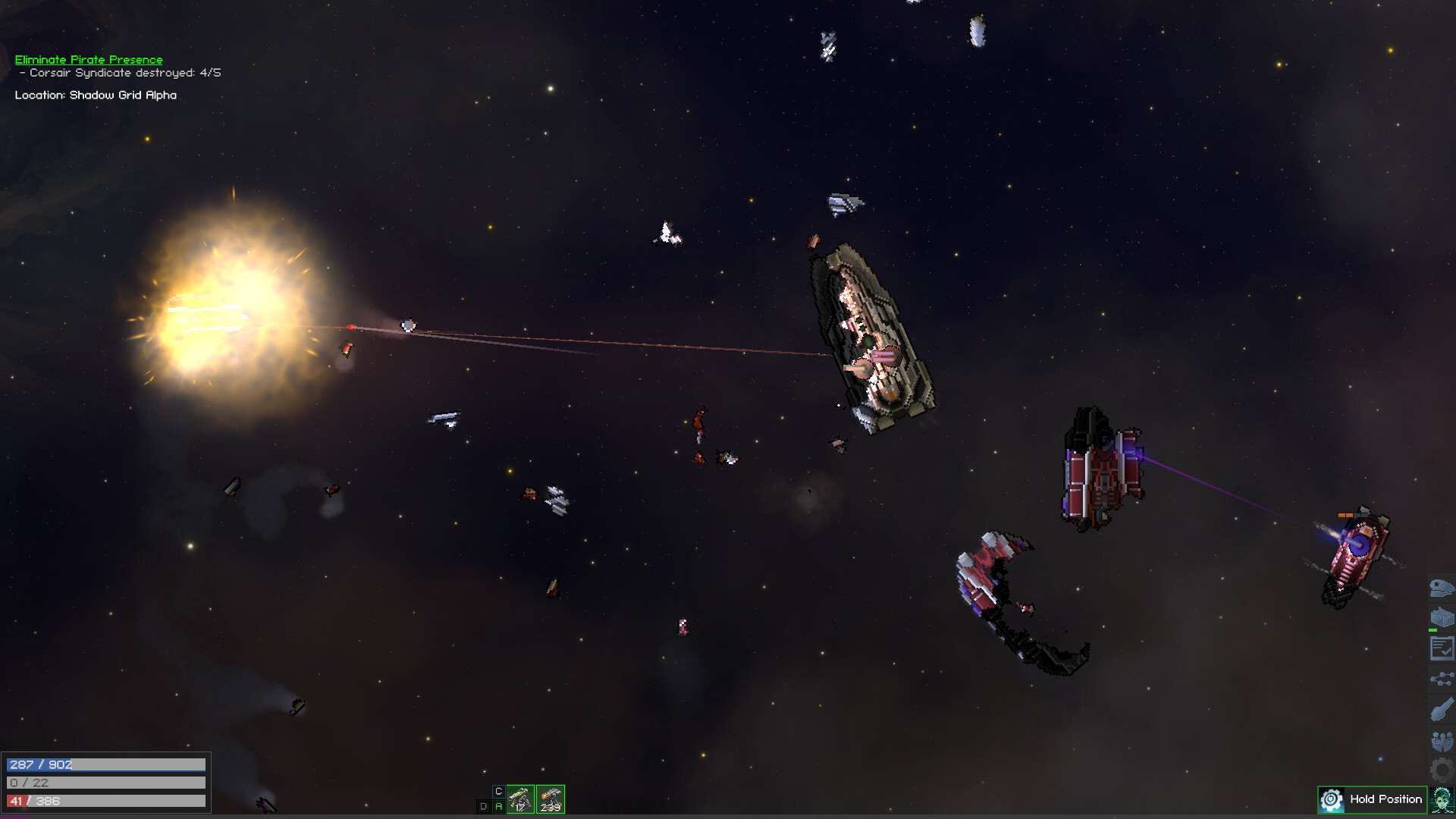
You can fight hostile NPC captains using a wide range of ship‑mounted weapons. Battles occur while traveling through sectors, and defeating enemies yields powerful gear and rare items that can be equipped on your ship.
Dynamic NPC captains include pirates, corporate forces, and other rivals. Choosing to engage, ally, or avoid them influences the storyline and may affect future mission options.
- Try different weapon types in low‑risk encounters to see which suit your ship’s strengths.
- Observe enemy attack patterns; some captains are easier to bypass than to defeat.
02 / THE GUIDE
Mining and Salvage
Asteroid surfaces can be scraped or blown apart to harvest their cores, providing raw ore that can later be refined into usable materials for crafting or profit.
Derelict ships and wreckage are also salvageable, giving additional resources that can be turned into gear or sold for a profit.
- Target asteroids with visible cores for higher ore yields.
- Use salvage opportunities to diversify material types before crafting.

03 / THE GUIDE
Trading and Economy
The game offers trade routes where you can buy low and sell high to generate profit. You can explore different systems to find the most advantageous routes.
Trading can be combined with other activities; for example, you may transport refined ore from mining operations to sell at a higher price in a distant market.
- Check several nearby systems for price differences before committing to a large shipment.
- Consider pairing a trade run with a mission that places you in the same region to reduce travel time.
04 / THE GUIDE
Ship and Crew Customisation
A wide variety of ships—from small miners to large destroyers—can be purchased and upgraded using refined materials or bought components, allowing you to tailor capabilities to your chosen playstyle.
Crew members with different professions provide passive perks and unique bonuses that enhance your skill trees, letting you focus on combat, industry, or a hybrid approach.
- Match crew professions to the skill tree you plan to develop for synergistic bonuses.
- Balance offensive upgrades with cargo capacity if you intend to focus on trading.
05 / THE GUIDE
Autopilot and Idle Play
Vanguard Galaxy can be played full‑screen or placed at the bottom of your desktop, allowing the game to continue while you attend to other tasks.
Engaging Autopilot lets the ship’s ECHO system complete most basic tasks—such as mining, trading, and simple combat—with minimal player input.
- Test Autopilot on low‑risk routes before trusting it with valuable cargo.
- Use desktop mode to monitor progress without disrupting other activities.


COMMUNITY
Player discussion