 GameWiki
GET YOUR BEARINGS
About Vampires' Melody
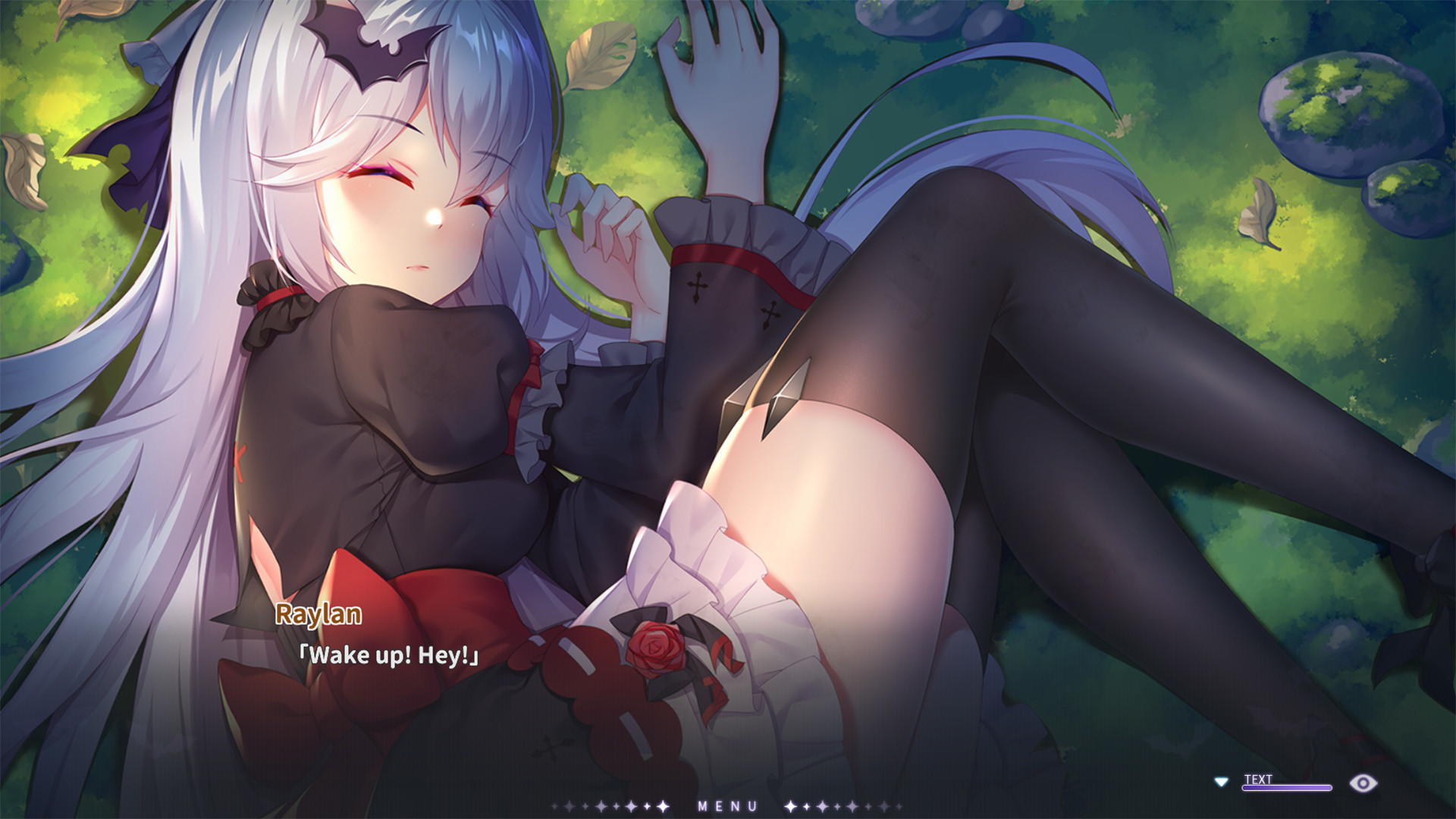
Vampires' Melody follows young chef Raylan Monroe, who flees a thunderstorm and hostile scouts in a mountain forest. He discovers a sleeping girl named Yella, who calls herself a vampire, and the story unfolds from that encounter.
The game presents high‑definition backgrounds, Live2D character sprites, an original soundtrack, and full voice acting for the heroine. It supports multiple languages and runs on Windows and macOS, while offering Steam achievements, trading cards, cloud saves, and family sharing.
01 / THE GUIDE
Branching Narrative
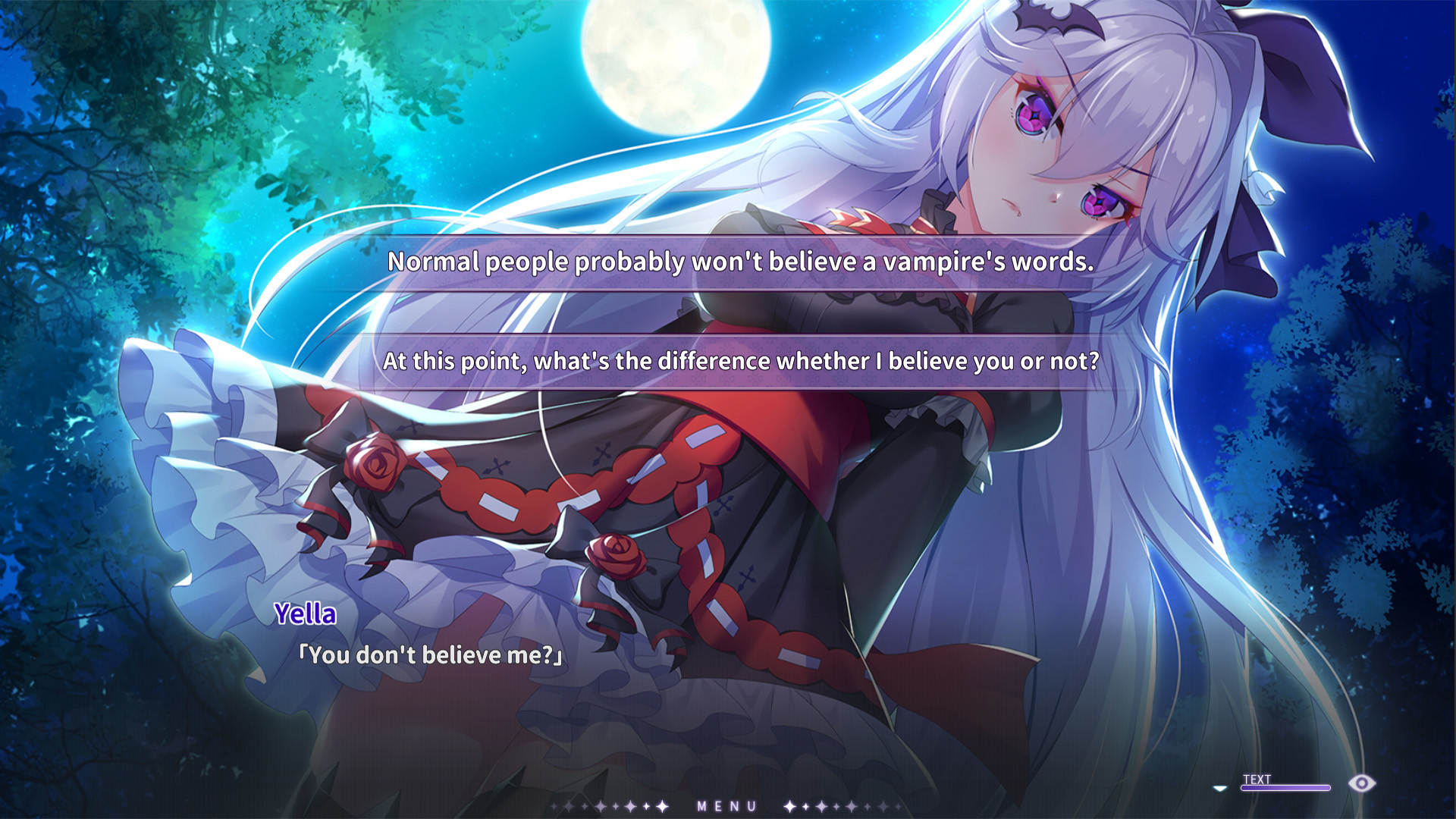
The plot advances through a simple branching system, where each player choice can open new routes. The description notes that more than ten distinct endings are available, encouraging exploration of different decision paths.
Because the system is described as intuitive, players can experiment with choices without complex mechanics, allowing each playthrough to feel fresh while still following the same core story beats.
- Try making contrasting early decisions to see how later scenes shift.
- Notice dialogue options that hint at hidden routes.
02 / THE GUIDE
Live2D Artwork
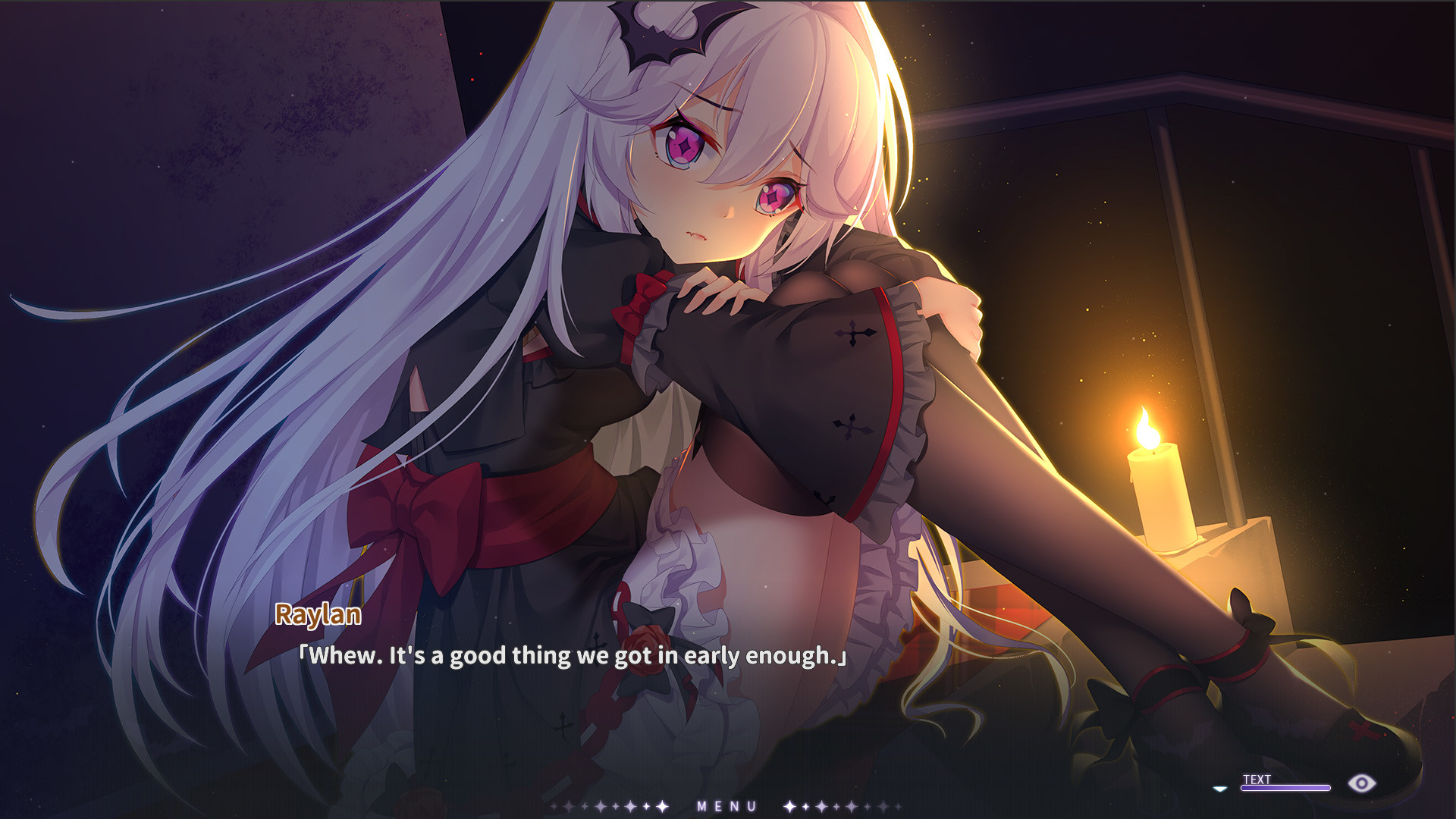
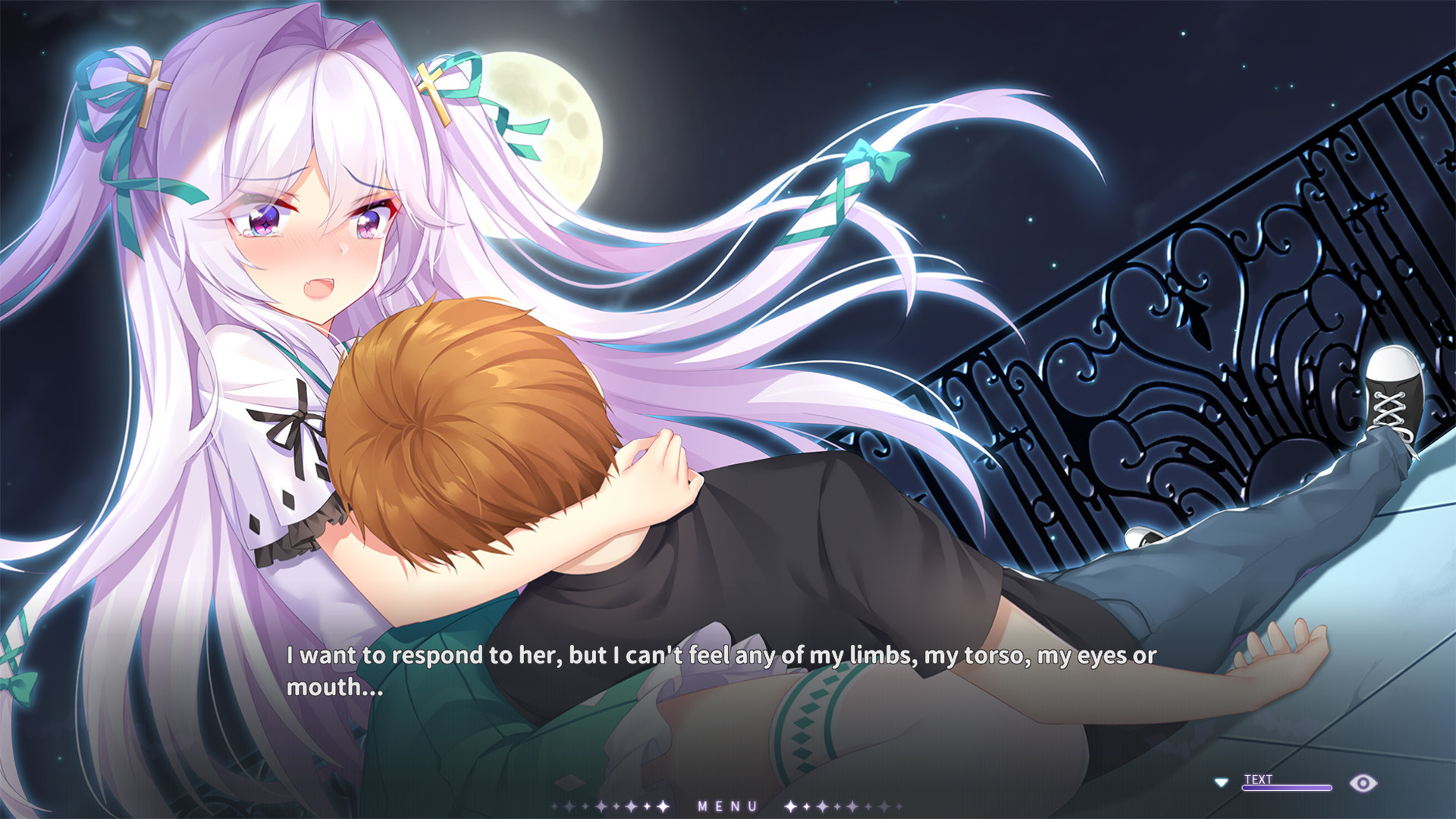
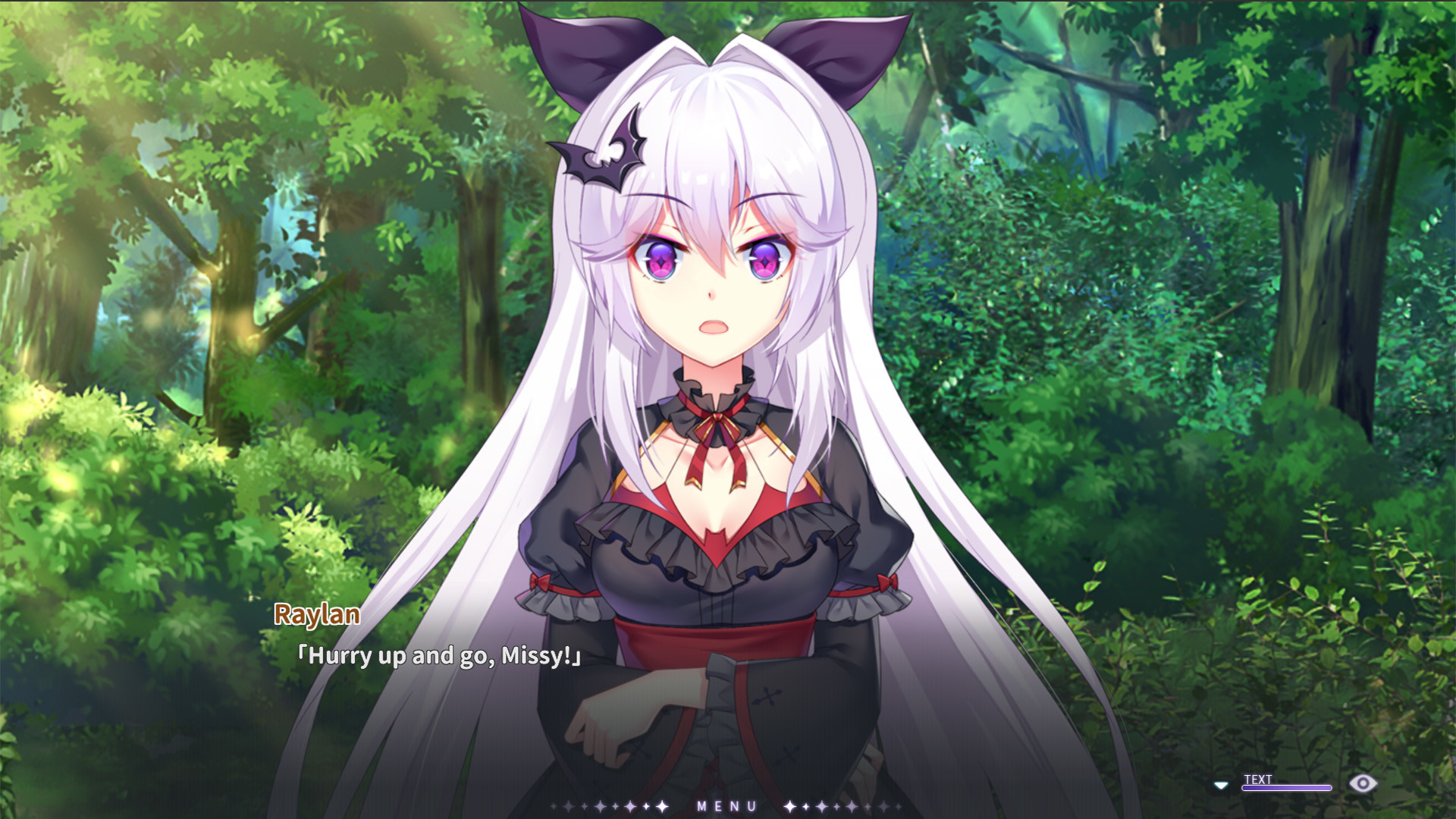
Characters are rendered with Live2D technology, providing fluid movements that add a lifelike quality to scenes. The sprites interact with high‑definition background images and CGs, creating a vivid visual atmosphere.
The use of Live2D is highlighted as a way to bring immersion, allowing facial expressions and gestures to convey emotion alongside the narrative text.
- Observe how character expressions change during key moments.
- Compare scenes with and without Live2D to appreciate the animation detail.
03 / THE GUIDE
Voice Acting
Full voice acting is provided for the main heroine, Yella Lester, voiced by 佐倉杏. This adds emotional depth to her interactions with Raylan and supports the story’s tone.
The voice work is paired with the original BGM and theme song, creating a cohesive audio experience that complements the visual presentation.
- Listen for vocal cues that may hint at hidden story branches.
- Adjust your system volume to balance voice and music for clarity.
04 / THE GUIDE
Multilingual Support
The game includes subtitles and text in several languages, with English subtitles supplied by woosk. This broadens accessibility for non‑native speakers and allows players to follow the plot comfortably.
Multiple language options let players select their preferred language before starting, ensuring the narrative remains clear regardless of linguistic background.
- Select your preferred language in the settings before beginning.
- Compare subtitle translations to notice cultural nuances.
05 / THE GUIDE
Steam Integration
Steam services are integrated, offering Achievements, Trading Cards, Cloud saves, and Family Sharing. These features provide ways to track progress, share the game, and keep save data synchronized.
Steam Cloud is listed among the game's features, which can help keep save data synchronized across installations on supported platforms.
- Enable Cloud sync to keep your branching progress safe.
- Collect Trading Cards for a visual record of your playthroughs.
COMMUNITY
Player discussion