 GameWiki
GET YOUR BEARINGS
About Vacuum Pilot
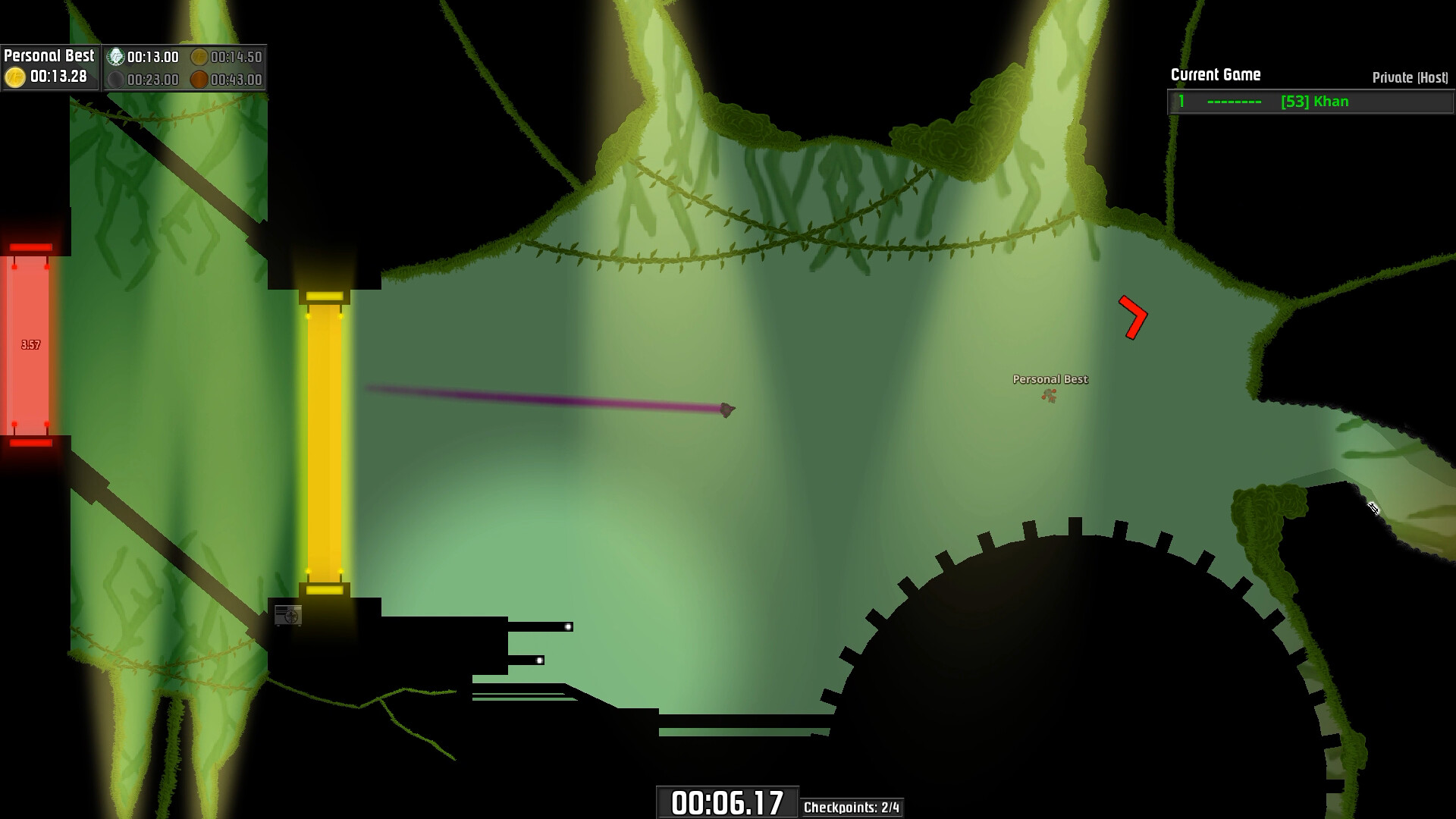
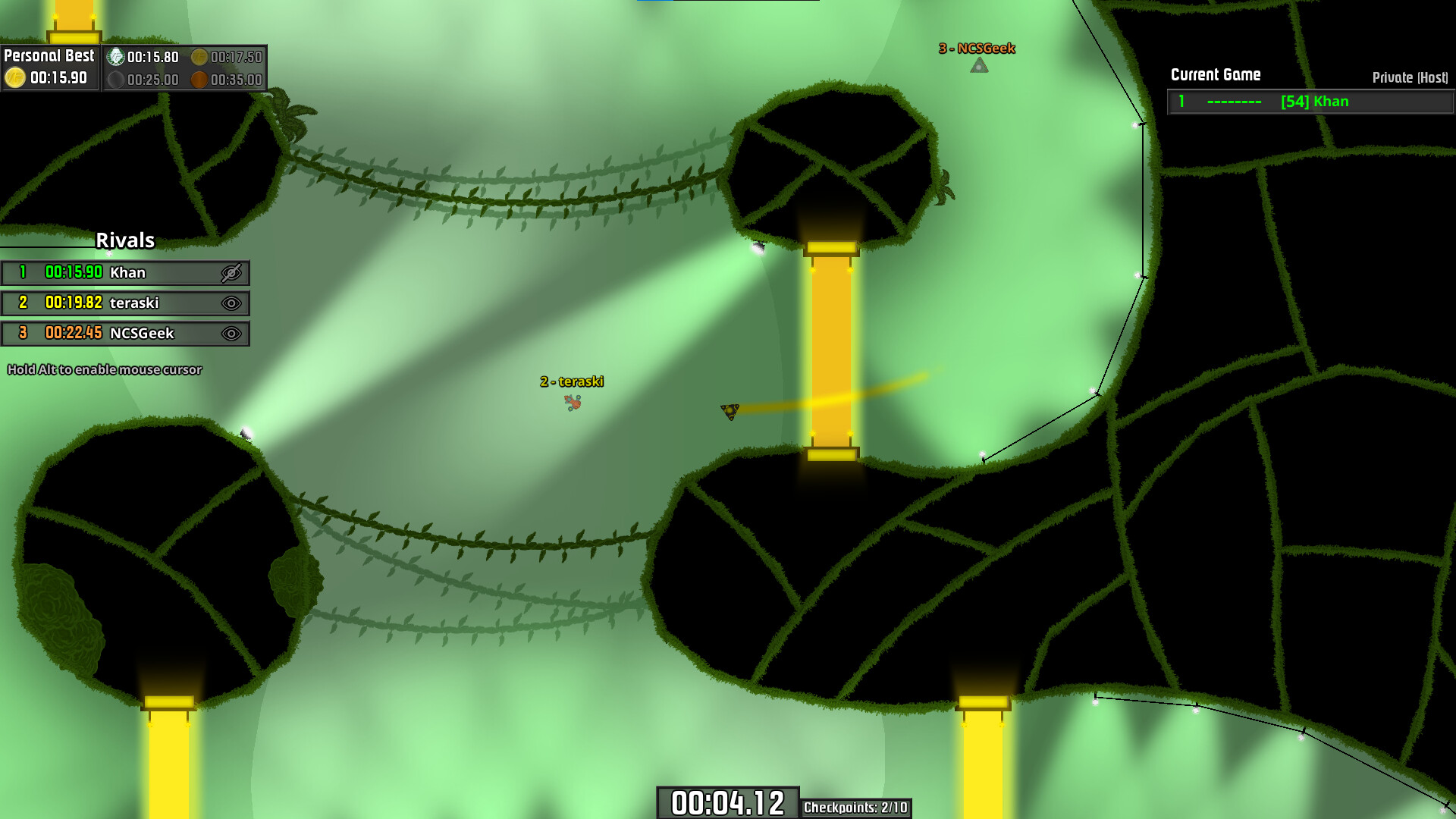
Vacuum Pilot is a 2D speedrunning title where the left mouse button accelerates your ship toward the mouse cursor. Momentum is largely retained, allowing smooth drifts around corners and obstacles, which creates a simple entry point but a deep mastery curve.
The game includes a built‑in level editor that uses the same tools as official tracks, and Steam Workshop integration lets creators share maps. Three multiplayer options—Free (1‑10 players), Arcade (solo), and Competitive (2‑5 players)—provide varied ways to race and compare times.
01 / THE GUIDE
mouse‑based controls
Pressing and holding the left mouse button propels the ship directly toward the current cursor position. Because most momentum is kept, the ship continues to glide after release, turning a single click into a nuanced drift.
Fine mouse movements become essential for shaving seconds off a run. Small cursor adjustments let you steer while preserving speed, making the control scheme easy to learn yet challenging to perfect.
- Make incremental cursor shifts to keep momentum through tight turns.
- Briefly release the button to gauge coasting distance before re‑accelerating.
02 / THE GUIDE
multiple game modes
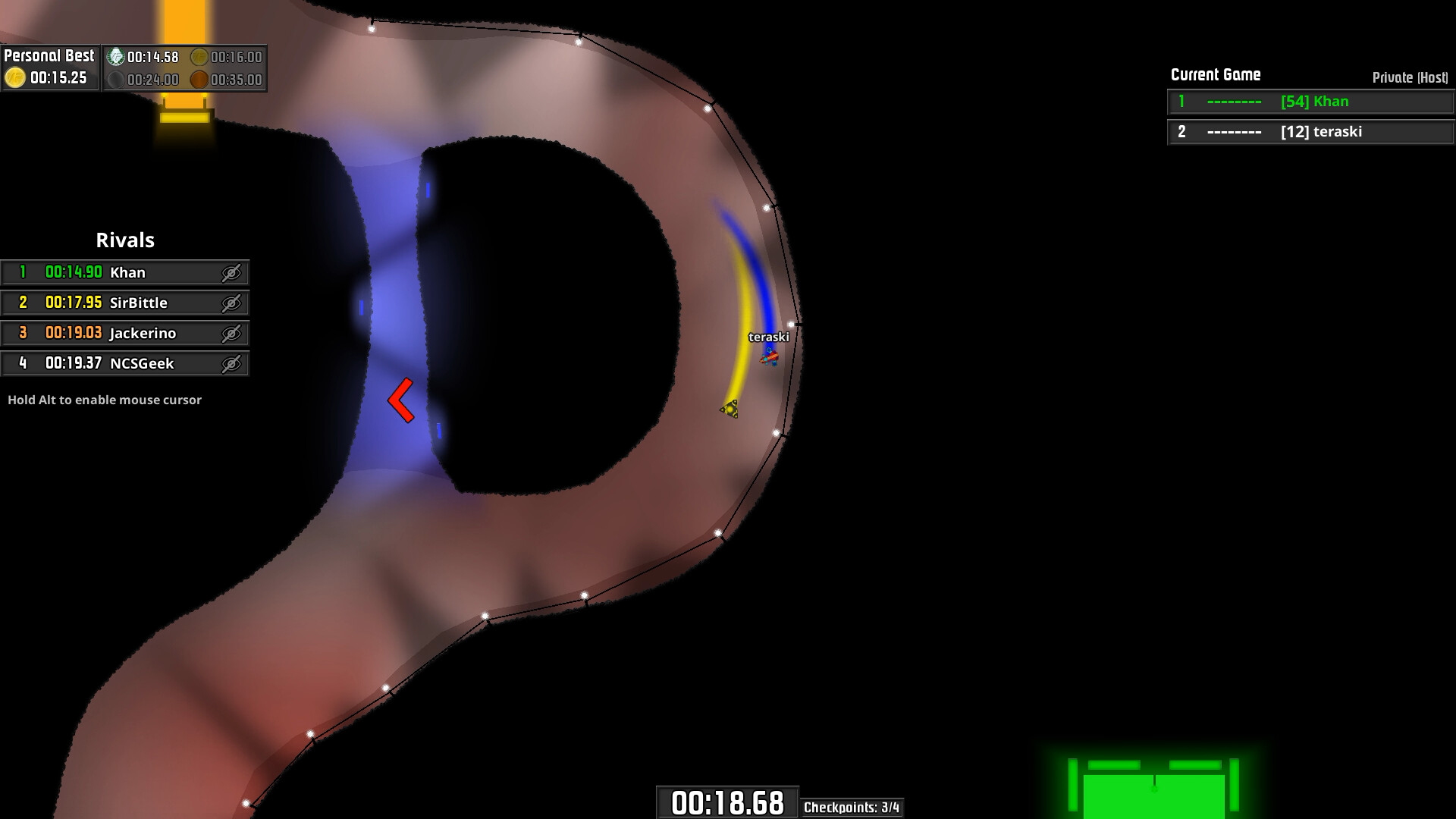
Free Mode supports 1‑10 players, allowing you to play official or Workshop levels, earn medals, and view shared leaderboards. The system matches players on the same level for side‑by‑side time comparison without direct competition.
Arcade Mode is a solo challenge where random levels must be completed without crashing before a shrinking time limit, with three lives per level. Competitive Mode pits 2‑5 players of similar skill against each other, feeding results into ranked leaderboards.
- Use Free Mode to familiarize yourself with a new level before entering Competitive play.
- Practice Arcade’s time pressure to improve quick‑decision drifting.
03 / THE GUIDE
level editor & steam workshop
The built‑in editor employs the same tools the developers use for official tracks, letting creators design custom layouts with familiar objects and obstacles. Completed maps can be uploaded to the Steam Workshop for community distribution.
All Workshop levels become playable in Free Mode, appearing alongside official stages and maintaining their own leaderboards, which gives creators a venue for competition and visibility.
- Experiment with obstacle spacing to discover drift‑friendly challenges.
- Browse popular Workshop maps to see design patterns that yield fast times.
04 / THE GUIDE
leaderboards
Every level—official or Workshop—features its own leaderboard where players post their best times. Rankings are visible to friends and the broader community, encouraging continual improvement on each map.
You can compare your personal best with others after each run, and you can also compare your times with friends.
- Check your rank after each attempt to identify where time can be saved.
- Challenge friends by viewing their times on the same level.
05 / THE GUIDE
ship customization
Players can combine various parts to build a unique spaceship. New components become available as you level up through gameplay, expanding the parts you can combine for your craft.
Customization lets you build a unique ship, and you can experiment with different part combinations as you unlock more.
- Mix parts to create a visual style you enjoy.
- Focus on leveling up to unlock additional customization options.

COMMUNITY
Player discussion