 GameWiki

GET YOUR BEARINGS
About Vacation Cafe Simulator
Vacation Cafe Simulator puts you in the role of an Italian vacation cafe owner, letting you manage a cozy restaurant while cooking classic dishes like pizza, pasta, and bruschetta. The game blends cooking mini‑games, restaurant expansion, and local exploration, offering both single‑player and cooperative online experiences.
01 / THE GUIDE
Cooking Mini‑Games
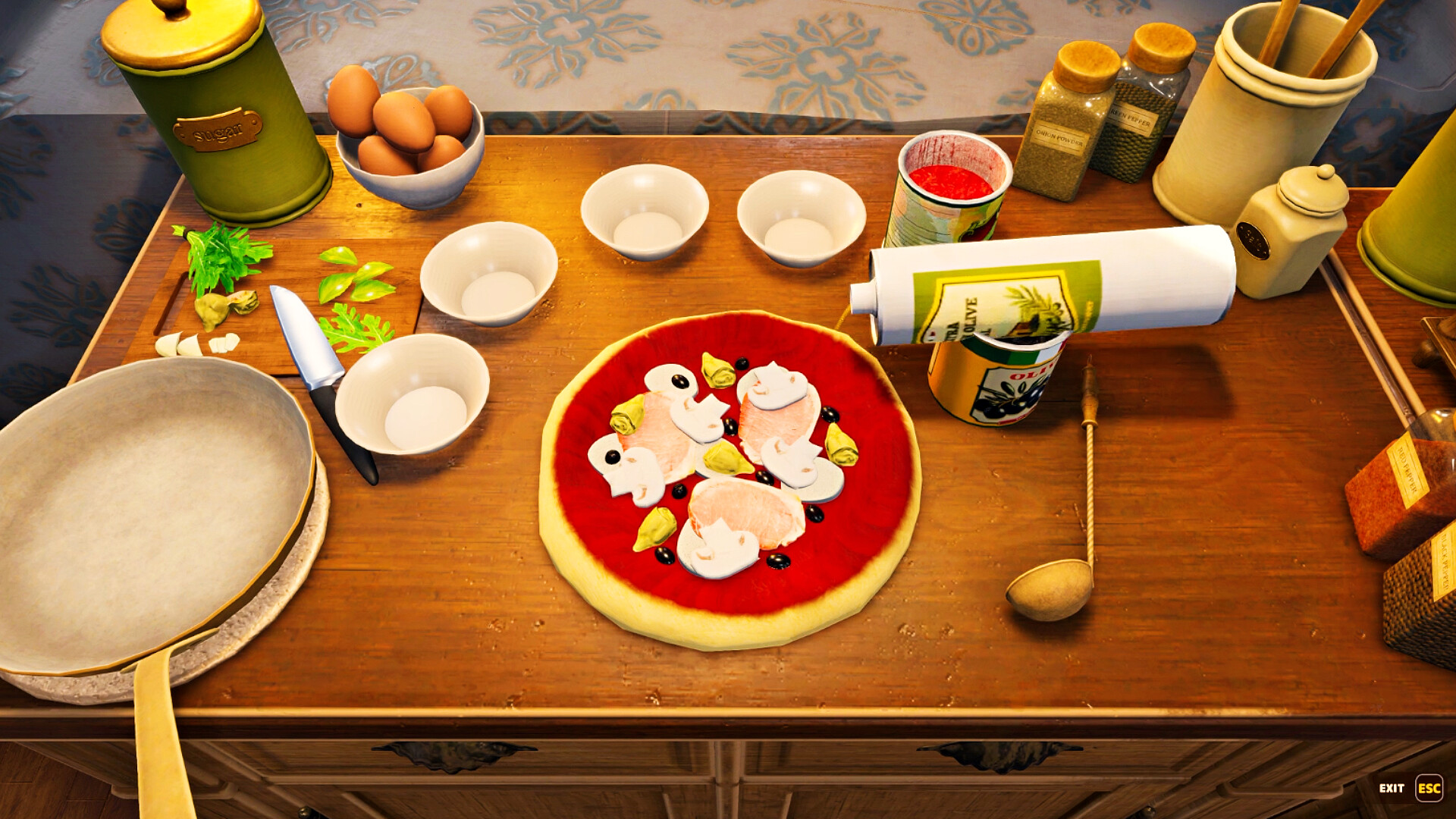
The core of the game is a series of cooking mini‑games that let you master traditional Italian recipes. You prepare pizza, pasta, bruschetta, and other dishes by following on‑screen prompts that simulate real‑world cooking steps.
Success in these mini‑games directly affects the quality of the meals you serve, influencing customer satisfaction and the earnings you can reinvest in your cafe.
- Focus on timing cues to improve dish quality.
- Practice each recipe to learn the optimal sequence of actions.
02 / THE GUIDE
Restaurant Development
Earnings from serving customers can be spent on new equipment, menu expansion, and interior upgrades. Each investment enhances the cafe’s ambience and can attract more patrons.
The game encourages strategic spending, as better equipment can streamline cooking mini‑games while décor improvements boost overall appeal.
- Prioritize equipment that speeds up cooking.
- Balance décor upgrades with menu variety for steady growth.
03 / THE GUIDE
World Exploration
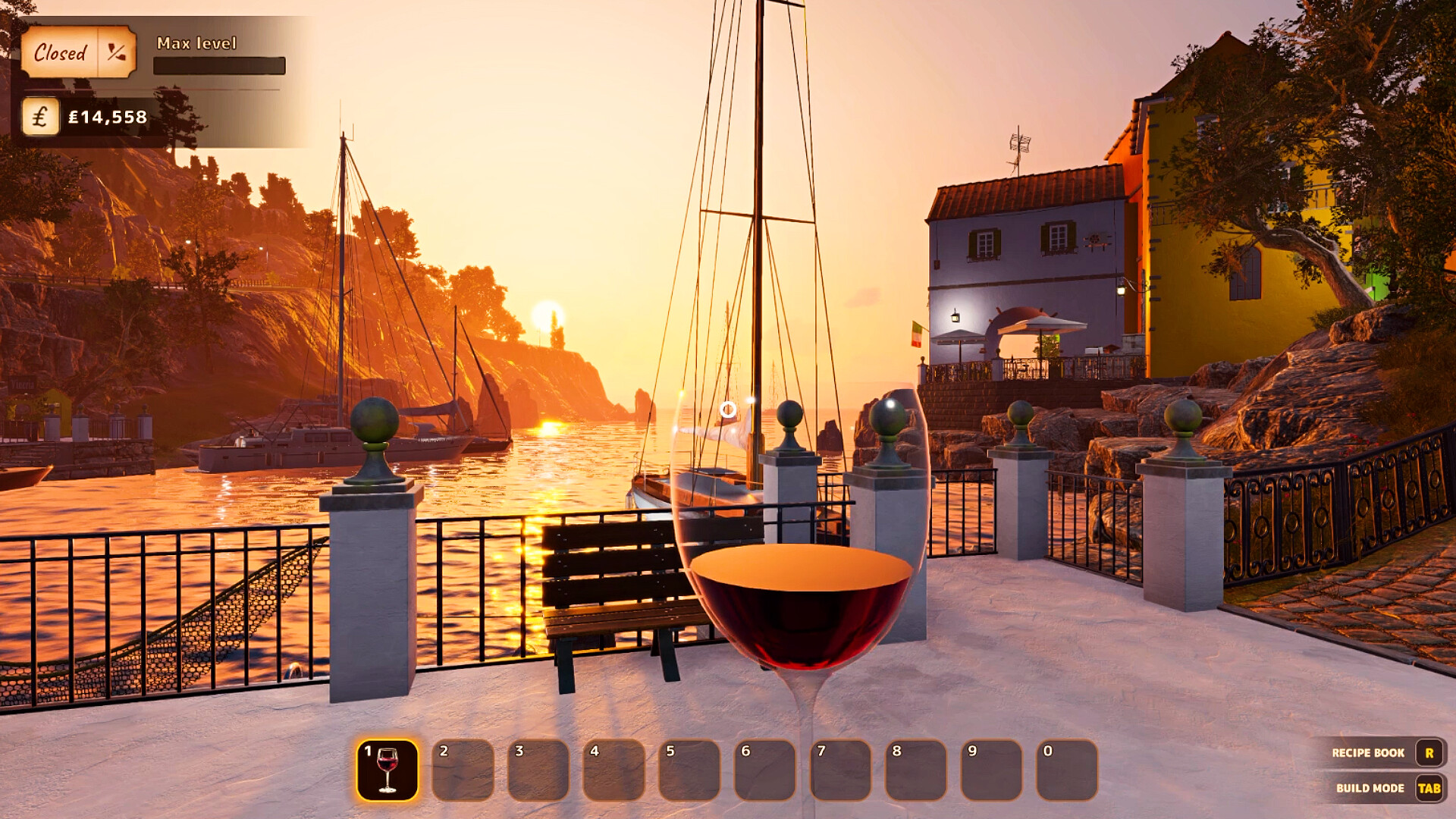
Beyond the cafe, you can visit nearby shops, wineries, and farms. These locations provide new opportunities, such as sourcing unique ingredients or adding special touches to your establishment.
Exploration is optional but can unlock items that differentiate your menu and décor, adding depth to the simulation.
- Visit farms regularly for fresh produce.
- Check wineries for exclusive beverage options.
04 / THE GUIDE
Customer Service
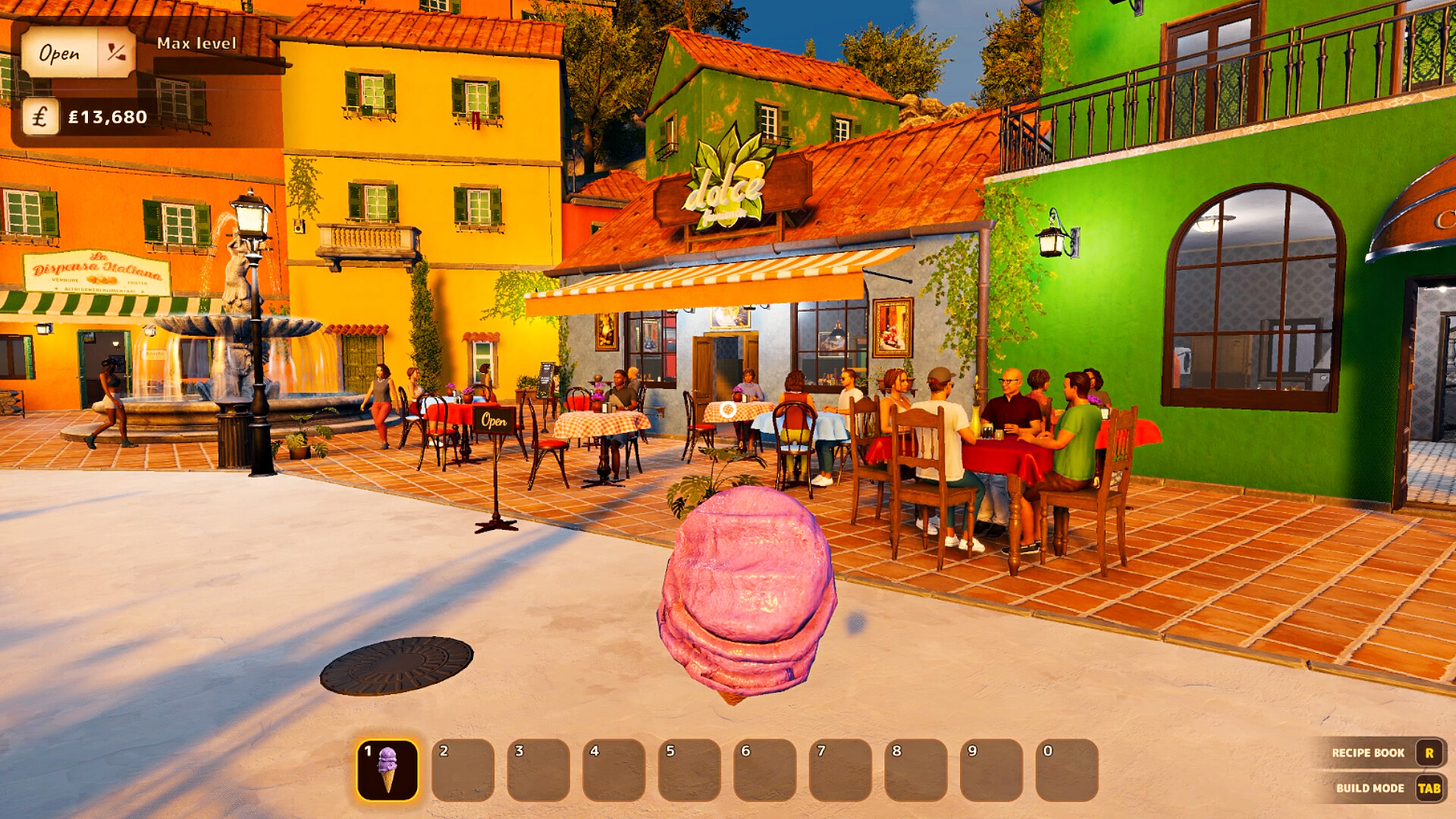
Taking orders, serving meals, and delivering drinks are central to building a loyal following. Prompt, accurate service raises customer happiness, which in turn improves your reputation.
The game tracks service quality, rewarding players who consistently meet or exceed expectations with higher tips and repeat business.
- Serve orders in the order they arrive to reduce wait times.
- Pay attention to special requests for bonus satisfaction.
05 / THE GUIDE
Multiplayer Co‑Op
Vacation Cafe Simulator supports both local and online co‑op play, allowing friends to manage the cafe together. Players can share responsibilities such as cooking, serving, and upgrading.
Co‑op mode integrates the same cooking and management mechanics, but coordination between players becomes essential for smooth operation.
- Assign clear roles—one player cooks, another serves.
- Communicate upgrades to avoid duplicate purchases.


COMMUNITY
Player discussion