 GameWiki
GET YOUR BEARINGS
About Utawarerumono: Prelude to the Fallen
Utawarerumono: Prelude to the Fallen drops players into a wounded protagonist’s world, guided by a girl with twitching furry ears and a bushy tail. As memory fades, you rise to lead villagers, confront nobles, and uncover hidden histories.
The game blends visual‑novel storytelling with tactics‑RPG combat, offering over 30 hours of narrative, dynamic chain attacks, and an evocative soundtrack. It runs on Windows with full controller, keyboard, and mouse support, plus cloud saves and remote play options.
01 / THE GUIDE
Story and Setting
The narrative follows a gravely injured protagonist awakening in a mysterious village, cared for by a girl with animal‑like features. As you recover, you assume leadership, defending villagers against threatening nobles while piecing together a lost past. The game promises a touching narrative with a moving ending, delivering more than 30 hours of story content that intertwines personal memory loss with broader political conflict.
- Take notes on character dialogue.
- Explore all conversation options.
02 / THE GUIDE
Combat System
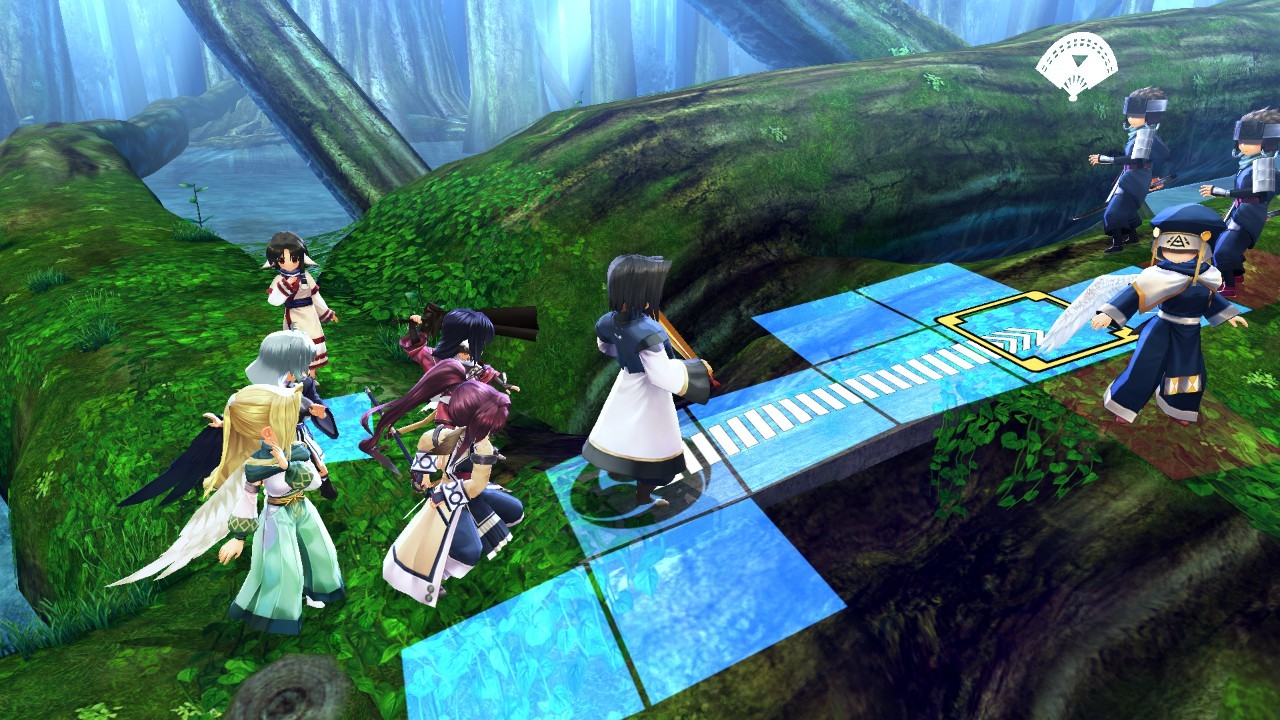
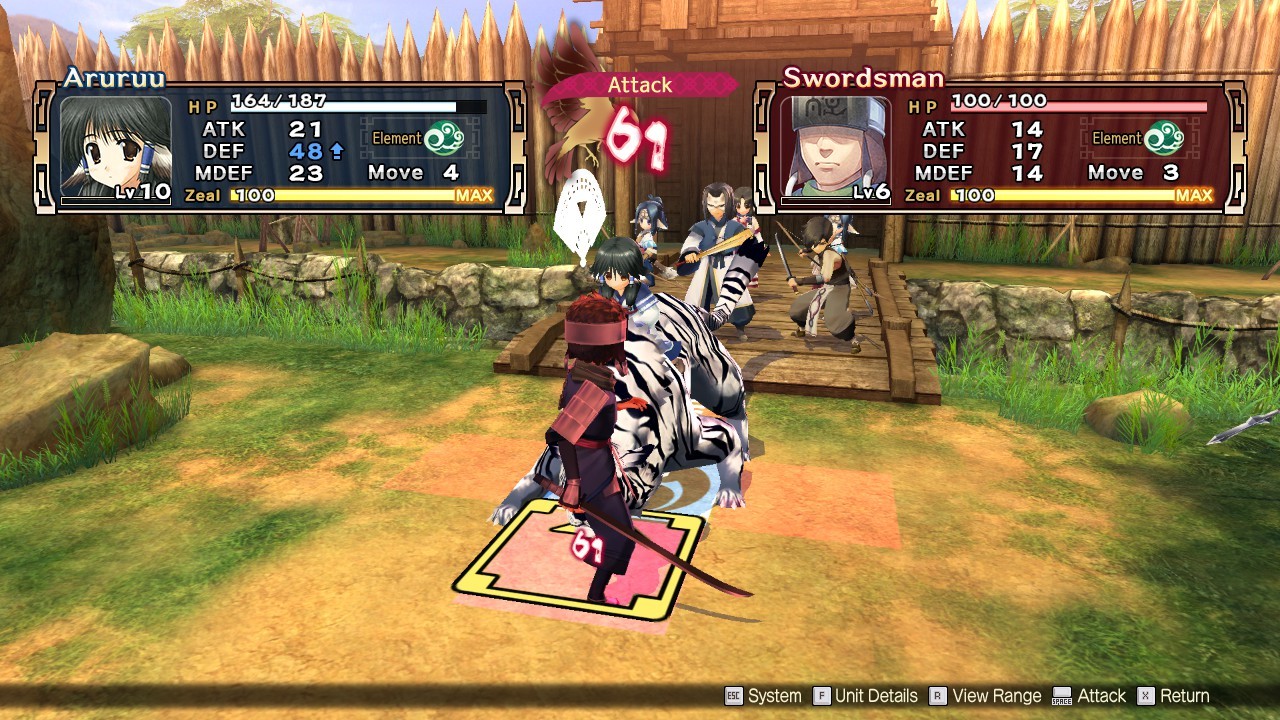
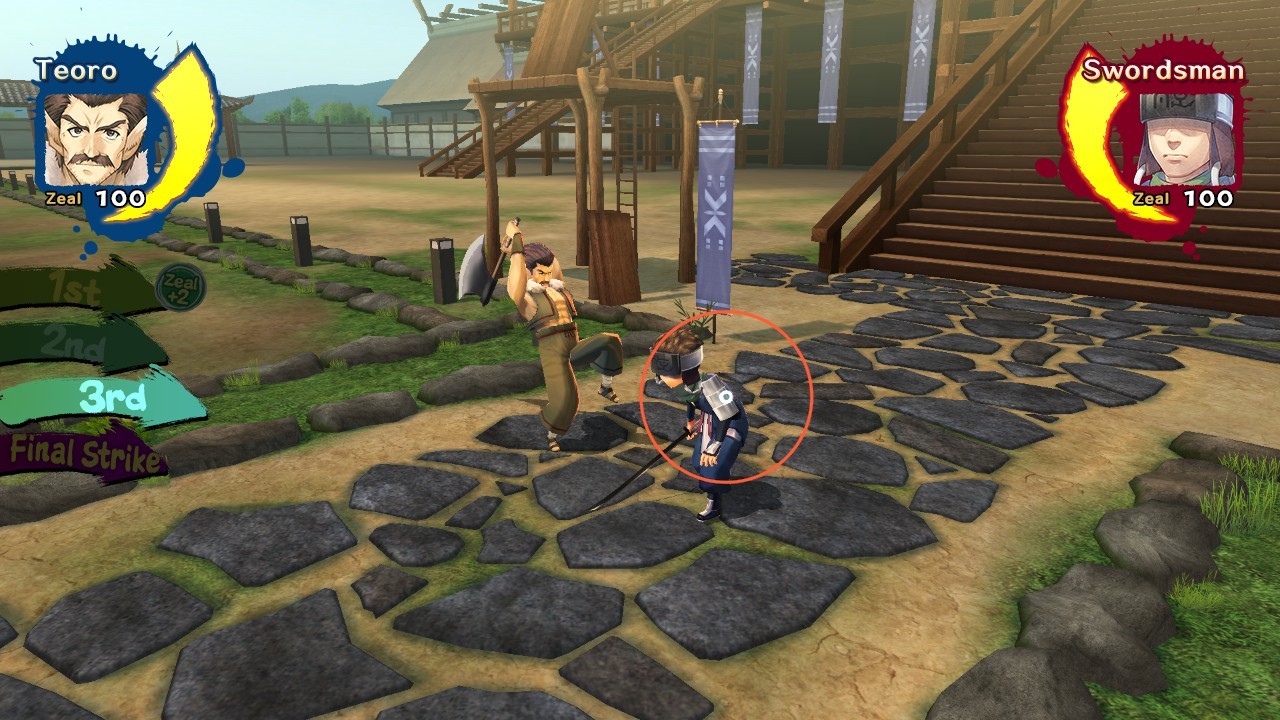
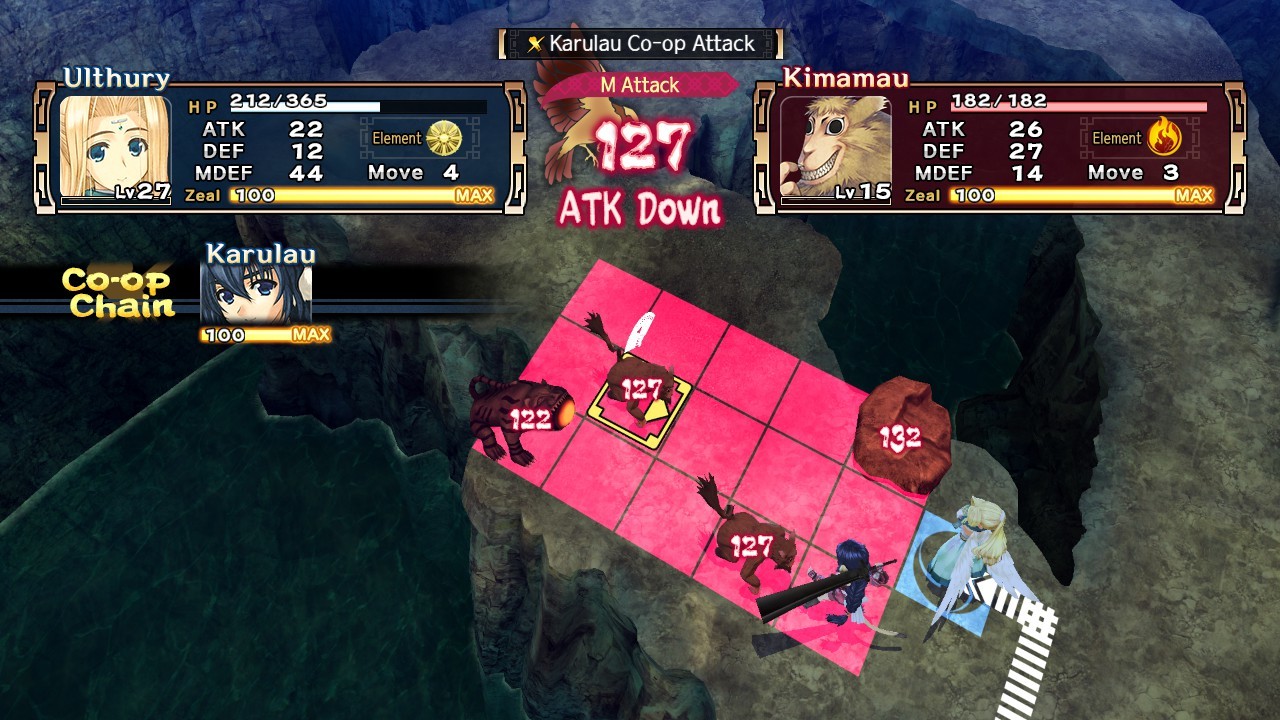
Combat is presented as a tactics‑RPG where players command comrades in grid‑based battles. The system features dynamic chain attacks that link units for amplified damage, and flashy co‑op chains that enhance visual flair. While the game is single‑player, these chain mechanics provide a sense of coordinated action, encouraging strategic positioning and timing to maximize attack potential.
- Position units for chain bonuses.
- Watch enemy patterns closely.
03 / THE GUIDE
Control Options
Players can customize keyboard and mouse inputs or use full controller support, including DualShock and DualSense devices. The game’s settings allow remapping to suit personal preferences, ensuring accessibility across play styles. Remote Play extends control flexibility, letting you stream the game to phones, tablets, or TVs while retaining the same input options.
- Test controller sensitivity early.
- Save a custom key layout.
04 / THE GUIDE
Save and Cloud Features
An all‑new auto‑save system records progress automatically, reducing the need for manual saves. Steam Cloud integration backs up save files, allowing seamless continuation across multiple devices. Family Sharing also permits other Steam accounts on the same hardware to play without losing personal progress.
- Verify cloud sync after updates.
- Check auto‑save timestamps.
05 / THE GUIDE
Audio‑Visual Presentation
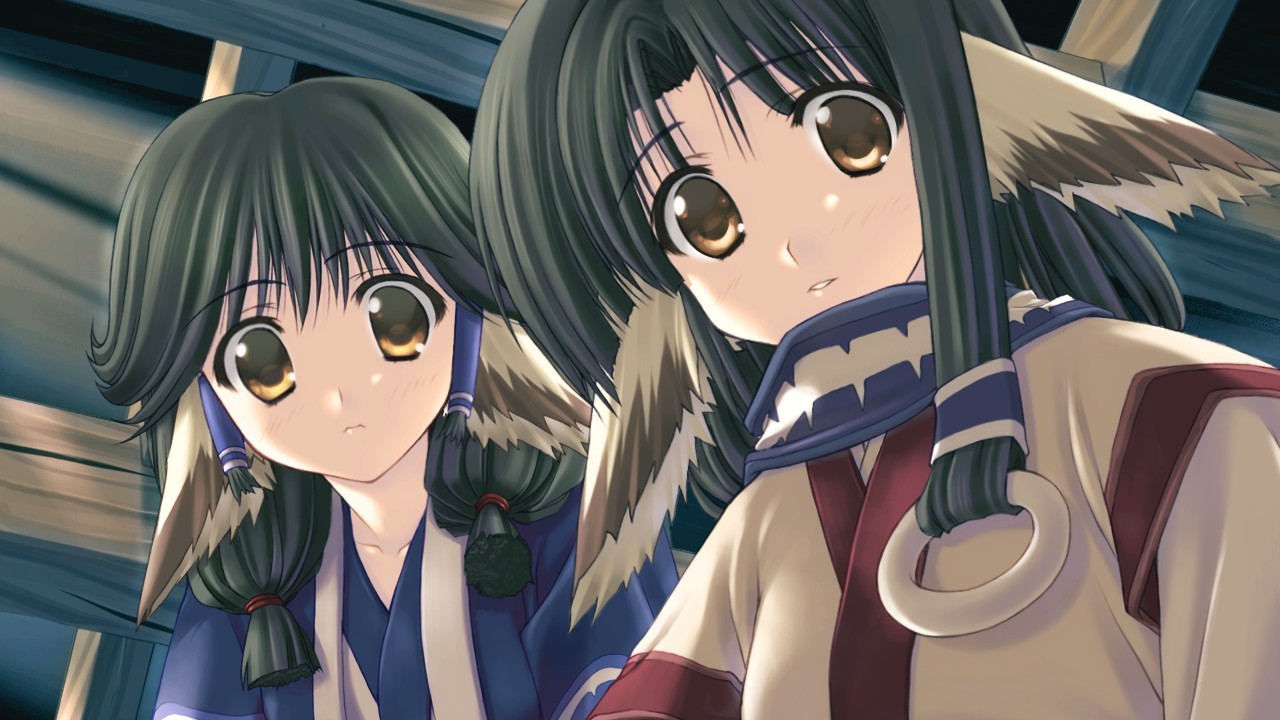
The game features an unforgettable, evocative soundtrack that underscores key narrative moments, enhancing emotional impact. Visuals combine traditional visual‑novel art with tactical battle maps, delivering a cohesive aesthetic throughout the experience. The soundtrack and art style together aim to immerse players in the world’s mystery and drama.
- Enable subtitles for clarity.
- Adjust volume for dialogue.
COMMUNITY
Player discussion