 GameWiki
GET YOUR BEARINGS
About Use Your Words
Use Your Words is a local party game for 3‑6 players that uses each participant’s smartphone or tablet as a controller. The game presents a series of prompts across four distinct mini‑games, letting players type funny answers that are then voted on.
A single screen shows the prompts while up to 1,000 spectators can watch and vote, and a Family Mode filters adult content. All content is English‑only, runs on any HTML5‑enabled device, and features a vintage soundtrack by Bob Thompson.
01 / THE GUIDE
Mini‑Games
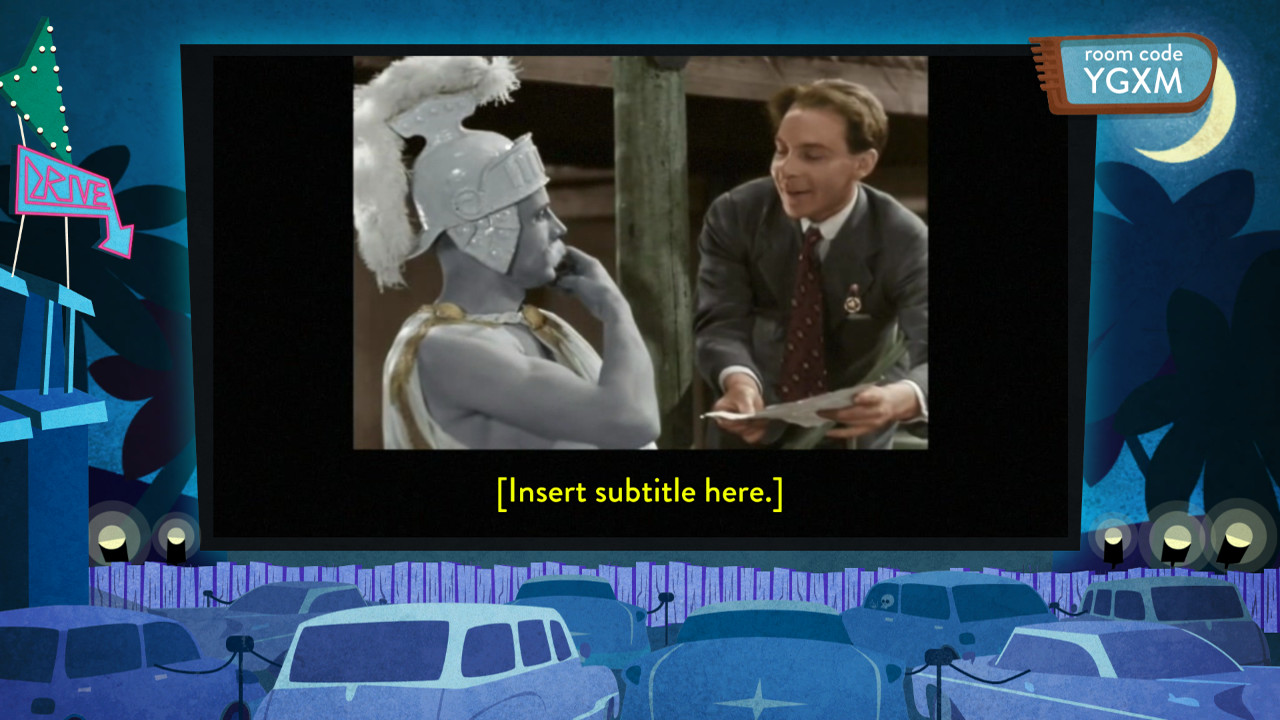
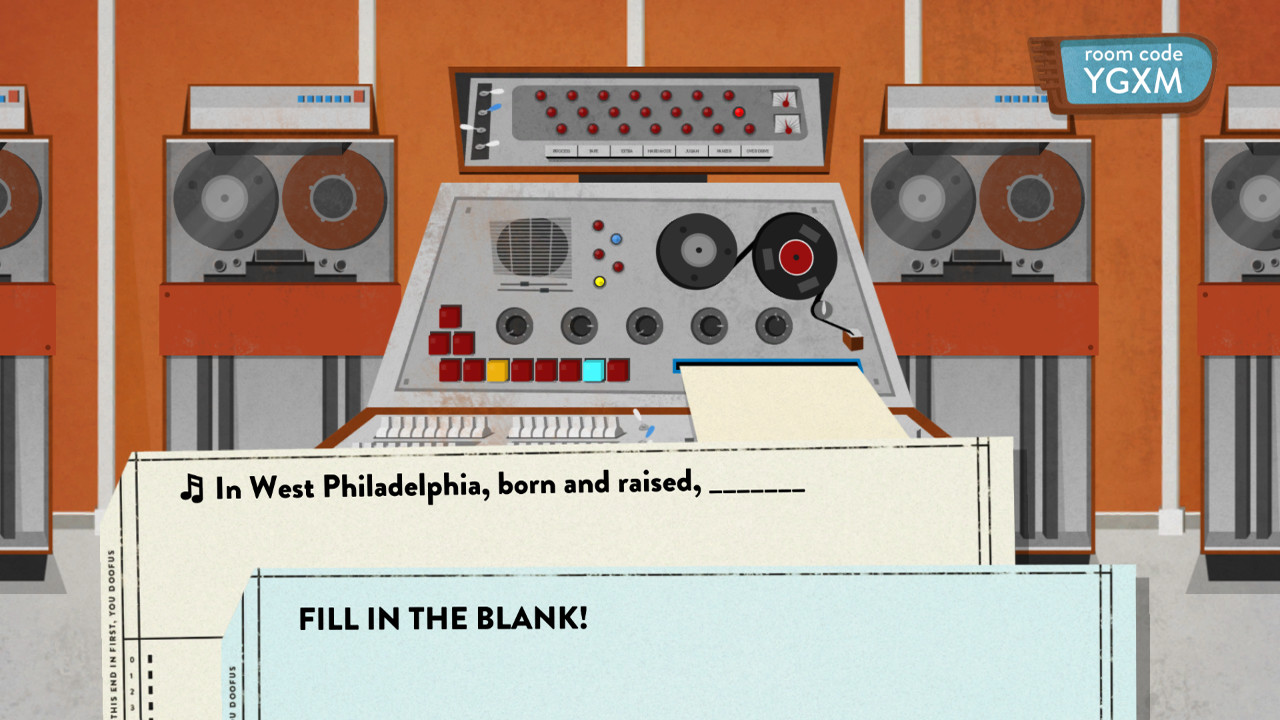
Use Your Words includes four mini‑games: Sub The Title, Blank‑o‑Matic, EXTRA, EXTRA! and Survey Says. Each mini‑game delivers a specific type of prompt, such as subtitling a foreign‑film clip or completing a sentence.
The prompts are written by professional comedy writers, ensuring that even players with little experience can generate amusing responses that fit the game’s tone.
- Match the mood of the clip in Sub The Title for a stronger punchline.
- In Survey Says, answer quickly to keep pace with the lightning‑round format.
02 / THE GUIDE
Phone Controllers
Players join by opening a web page on their phone or tablet, turning the device into an individual controller. This keeps the main display free for shared prompts and voting.
Because the controllers run in a browser, no extra software or hardware is required, and any HTML5‑enabled device can be used.
- Connect all devices to the same Wi‑Fi network for reliable communication.
- Close unnecessary browser tabs to minimise potential lag.

03 / THE GUIDE
Spectator Voting
Up to 1,000 spectators may watch the game and vote for the funniest answers. Spectators see each prompt and the submitted responses before casting a vote.
Spectators vote for their favorite answers, allowing large groups to participate even when they are not writing answers.
- Encourage spectators to vote promptly to maintain game flow.
- Use a large screen so spectators can read prompts clearly.
04 / THE GUIDE
Family Mode
Family Mode filters out adult or otherwise controversial prompts, making the game suitable for younger players.
Players can enable Family Mode so the content matches the audience’s age range.
- Enable Family Mode for mixed‑age gatherings to keep humor appropriate.
- Review a few prompts after activation to confirm the content shift.
05 / THE GUIDE
Vintage Soundtrack
A vintage soundtrack composed by Bob Thompson plays in the background during prompts and voting, providing an ambient musical layer.
The vintage soundtrack adds a nostalgic feel to the game’s presentation.
- Adjust room volume so the music complements conversation.
- Enjoy the vintage soundtrack’s nostalgic feel during play.

COMMUNITY
Player discussion