 GameWiki
GET YOUR BEARINGS
About Use Your Words 2
Use Your Words 2 returns as a party game that challenges players to write the funniest punchlines to a wide range of prompts. With fresh visuals by Andrew Kolb and over 600 prompts, the game promises up to 20 hours of non‑repeating content for groups of any size. The title supports phone or tablet controllers, lets up to 1,000 spectators join locally or remotely, and includes special modes for streamers and families, making it adaptable for both casual gatherings and online streaming sessions.
01 / THE GUIDE
Mini‑Game Variety
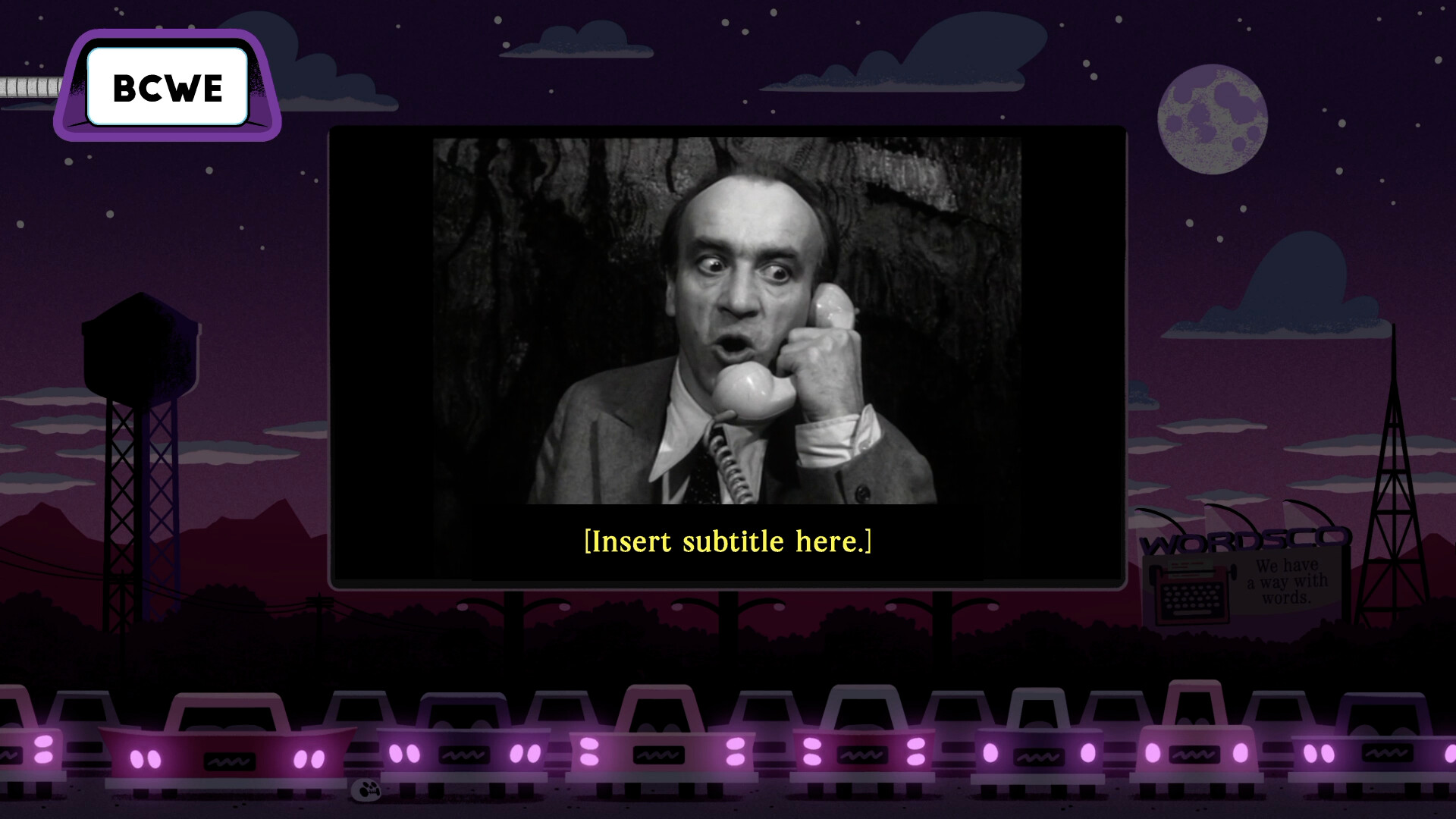
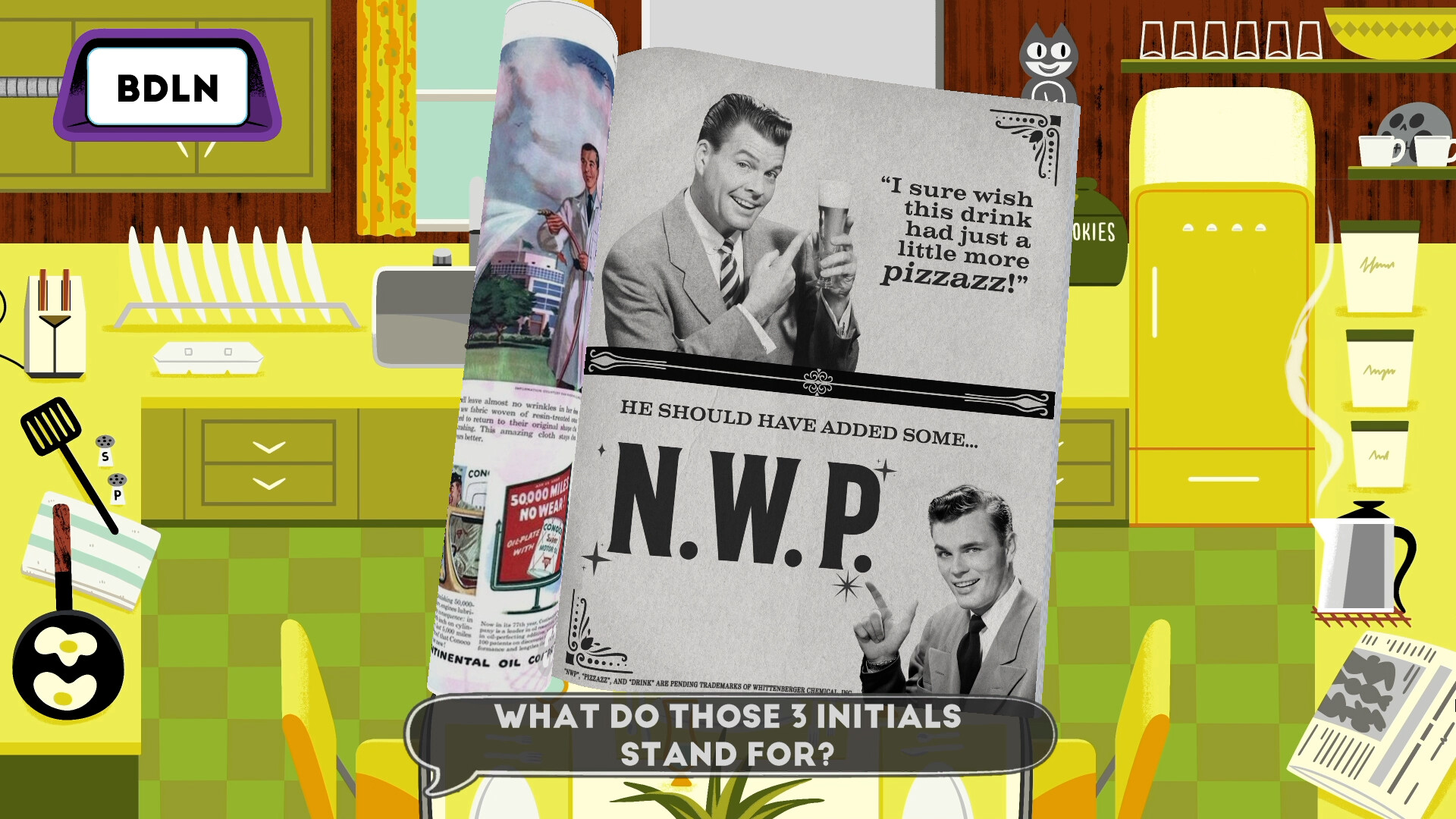
Eight distinct mini‑games give players different ways to craft jokes, from subtitle‑writing for odd film clips to creating click‑bait headlines for ridiculous photos. Each game presents a prompt and asks for a written response that is judged for humor.
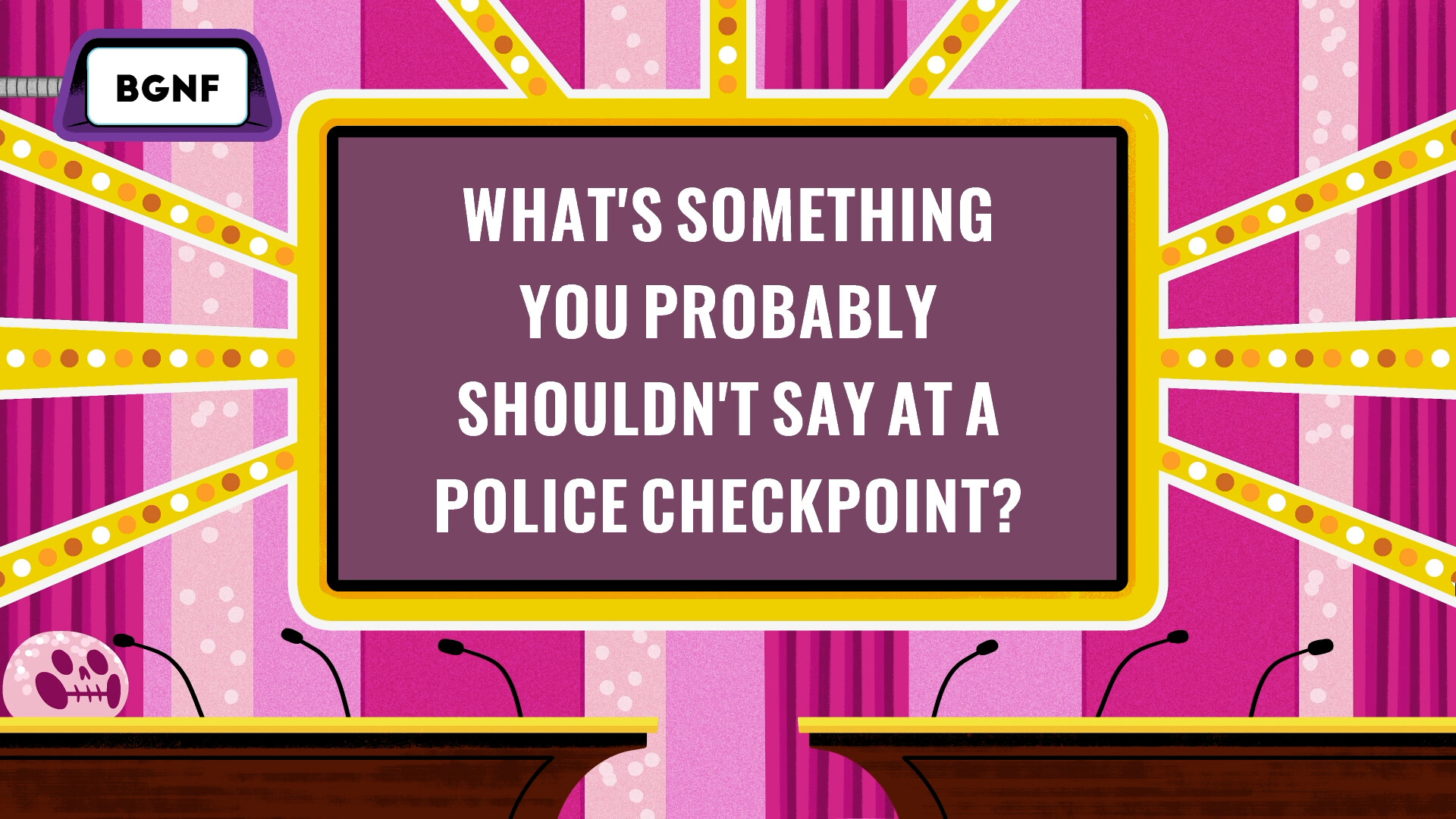
The collection includes Sub The Title, Book It!, Out of the Question, Letterheads, Blank‑o‑Matic, Sign Me Up!, Extra, Extra! and Survey Says, covering formats such as fake trivia, product naming and rapid‑fire rounds.
- Try mixing fast‑paced games like Survey Says with slower, creative ones like Extra, Extra! to keep energy balanced.
- If a prompt feels too obscure, lean on the built‑in “Decoy” answers to stay in the game.
02 / THE GUIDE
Spectator Mode
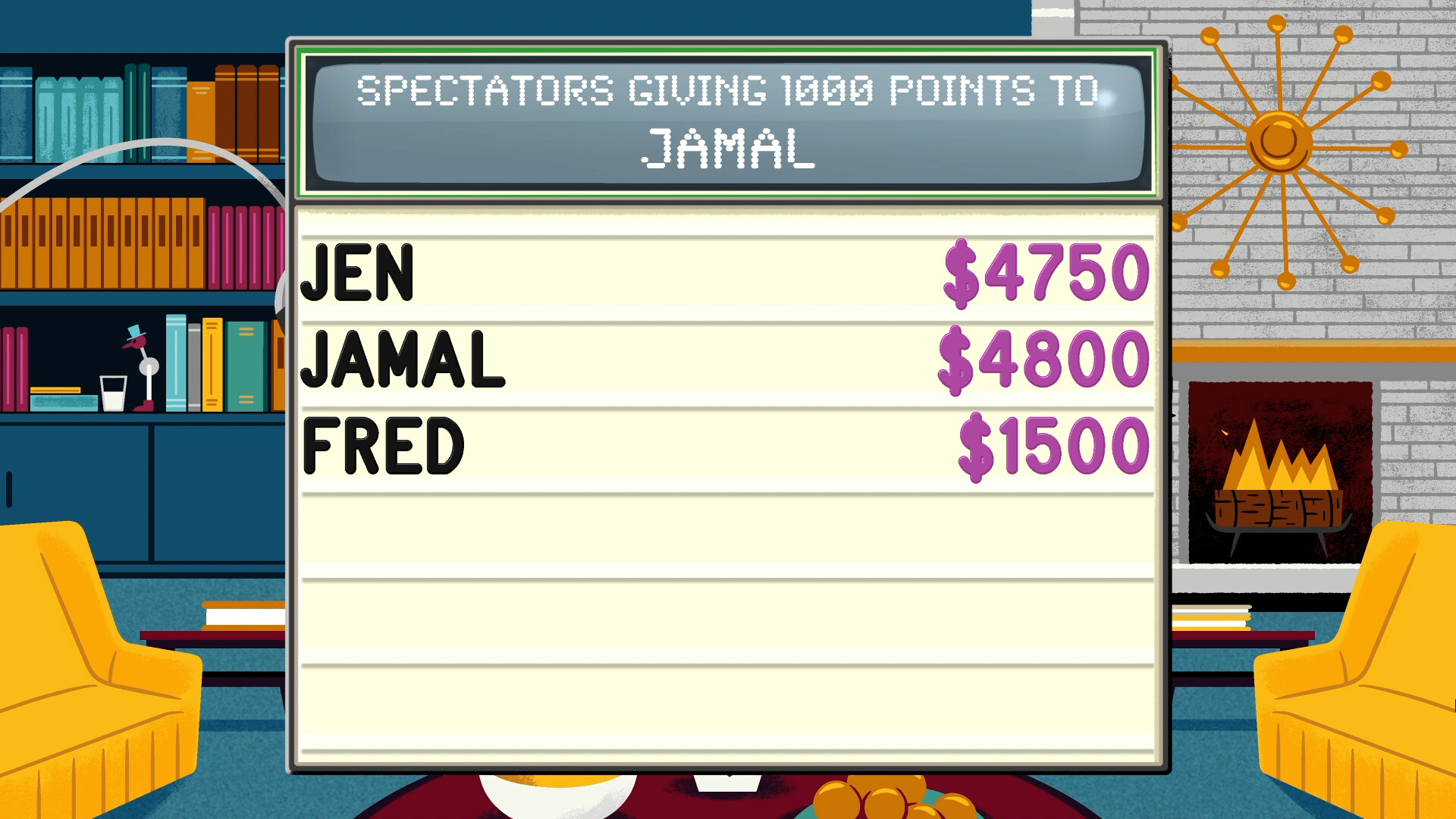
Spectator Mode lets non‑players join an interactive meta‑game where they can affect scores, answer trivia, or tease the main participants. Up to 1,000 spectators may watch and influence the session, either locally or via remote connection.
Spectators are not required to own a copy of the game, and their actions are part of the interactive meta-game that runs alongside the main players.
- Use the score‑changing options sparingly to keep the main game competitive.
- Encourage spectators to ask playful trivia to maintain a lively atmosphere.
03 / THE GUIDE
Streamer Mode
Streamer Mode provides a royalty‑free soundtrack and extends the timer to compensate for stream lag, making the game safe for monetized broadcasts. Viewers can participate without purchasing their own copy.
Separately, the game pays attention to how you are playing and can give tips based on your party's behavior, as well as congratulate or dunk on players as they play.
- Enable the extended timer when streaming to give participants extra time to type responses.
- Switch to the royalty‑free music to avoid copyright claims on platforms like Twitch.
04 / THE GUIDE
Mix‑N‑Match Playlists
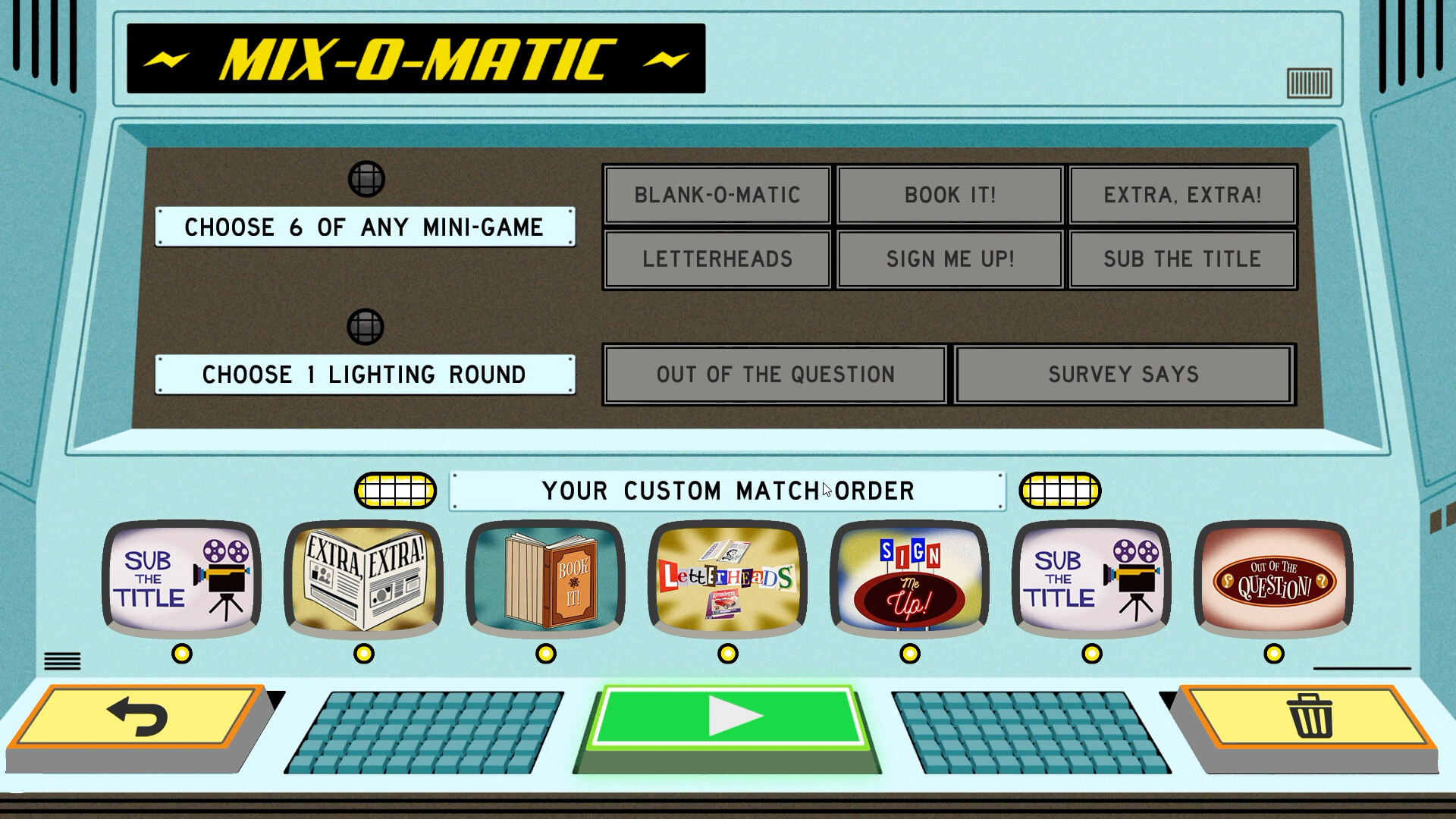
The Mix‑N‑Match mode lets players arrange any of the eight mini‑games in a custom order, even repeating a favorite game multiple times. This flexibility supports tailored sessions for specific group preferences.
Players create a playlist, then the game runs through the selected sequence, allowing for focused or varied gameplay experiences.
- Design a playlist that alternates high‑energy and low‑energy games to manage player fatigue.
- Repeat a favorite mini‑game if the group enjoys a particular humor style.
05 / THE GUIDE
Family & Decoy Features
Family Mode adds a filter to keep content appropriate for all ages, while Decoy answers provide pre‑written punchlines that players can use when they run out of ideas. Both features aim to keep the experience inclusive and continuously flowing.
Both features are optional, so groups can choose whether to use them.
- Enable Family Mode for mixed‑age groups to avoid accidental inappropriate jokes.
- Use Decoy answers as a last resort to keep the round moving without pressure.
COMMUNITY
Player discussion