 GameWiki
GET YOUR BEARINGS
About URBO
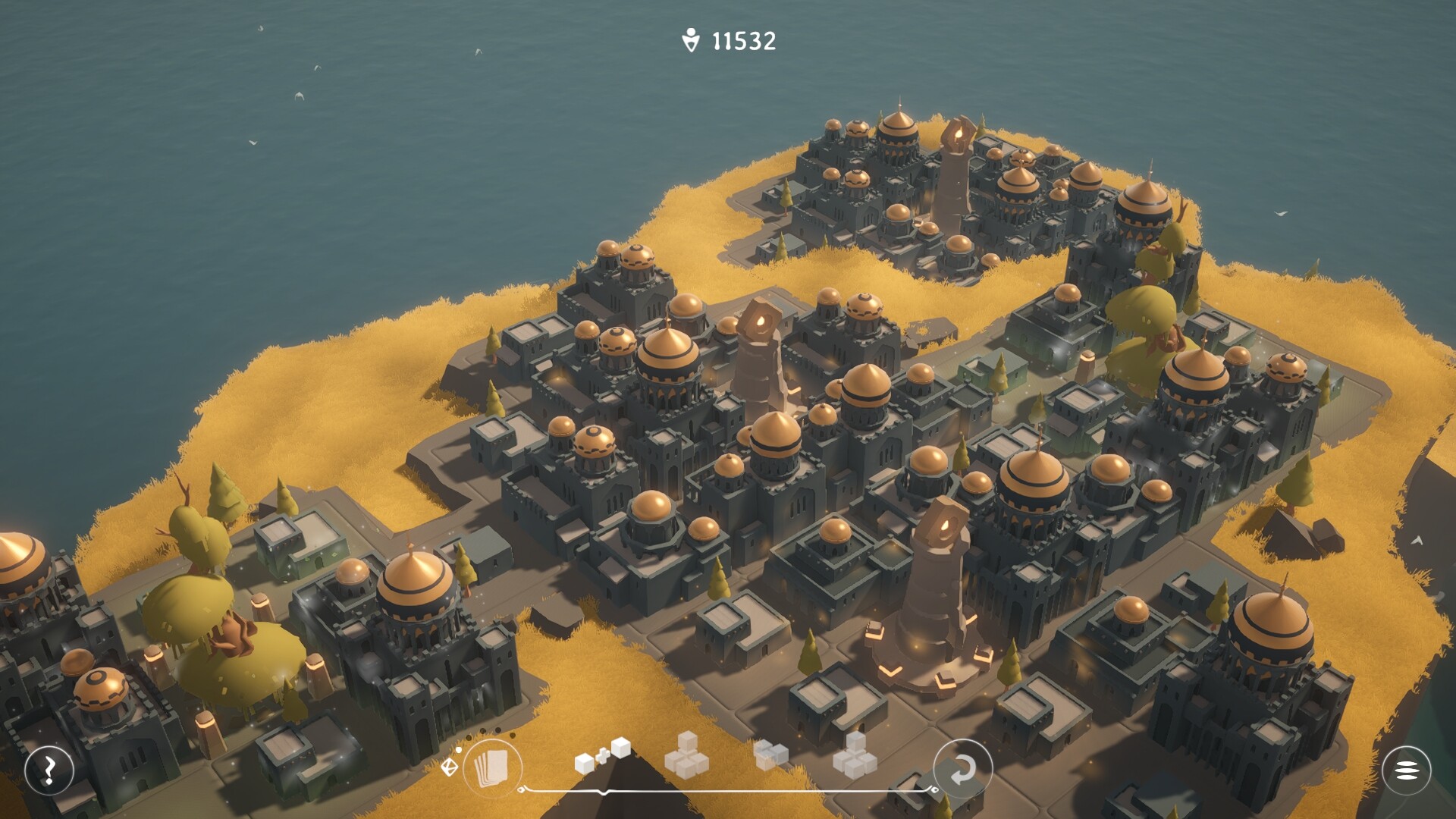
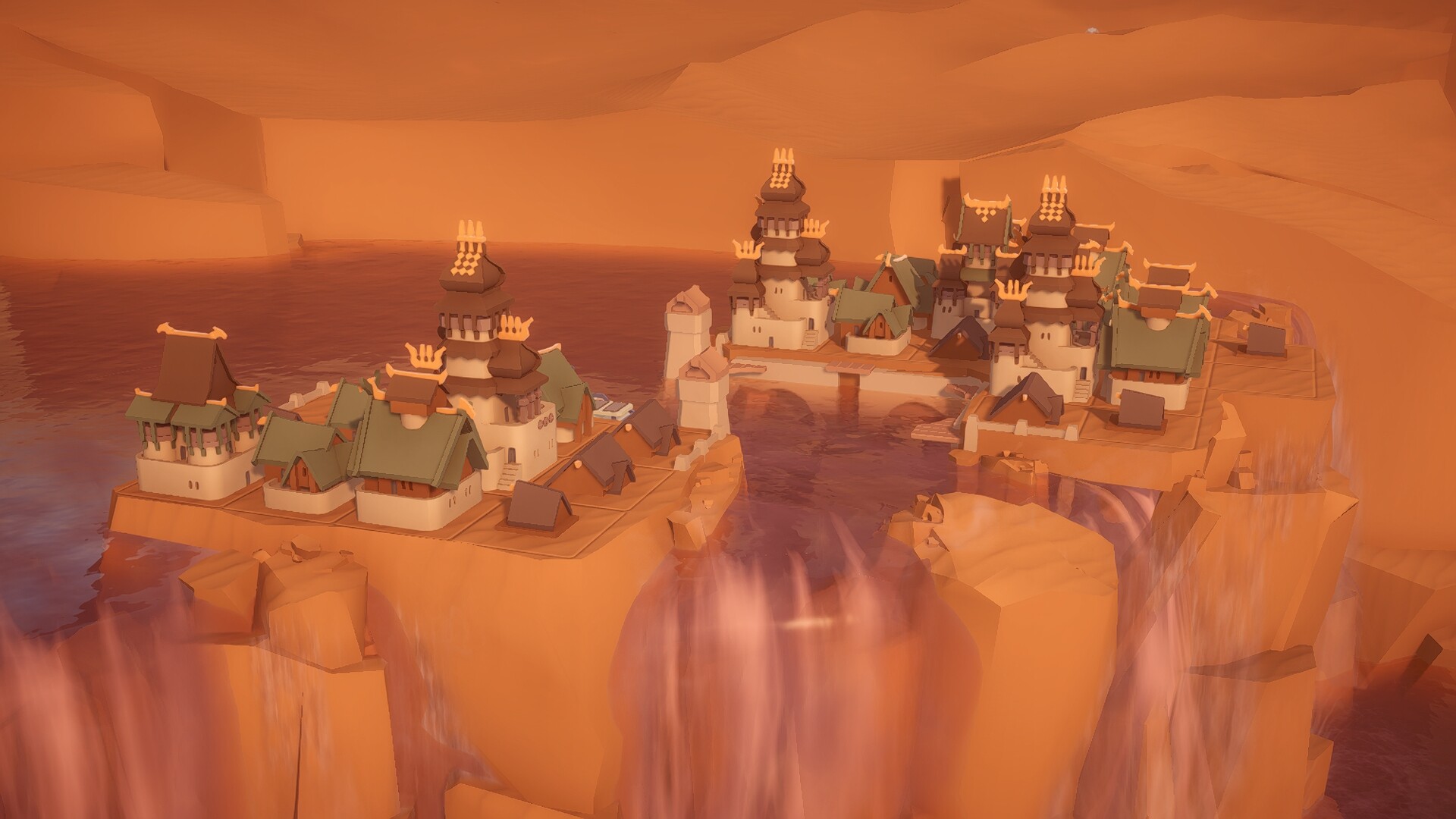
URBO is a cozy city‑building puzzle game where you place houses on floating islands, watch them grow, and expand the population. Each island presents a geometric playing field that fills as buildings enlarge.
The game offers endless islands with varied visual themes, minimalistic graphics, relaxing music, and smooth animations. There is no final goal, only continual expansion and a calm, meditative pace.
01 / THE GUIDE
City Building Mechanics
At the start of a level you receive a geometric field of soil. Small houses can be placed on any free tile, and each house can grow into a larger one, increasing the number of inhabitants.
When every tile on the current island is occupied, the game automatically provides a new island, allowing the building cycle to continue without a hard stop.
- Observe how each building size reduces the remaining free area before a new island appears.
- Consider spacing early placements to keep room for larger structures later.
02 / THE GUIDE
Floating Island Progression
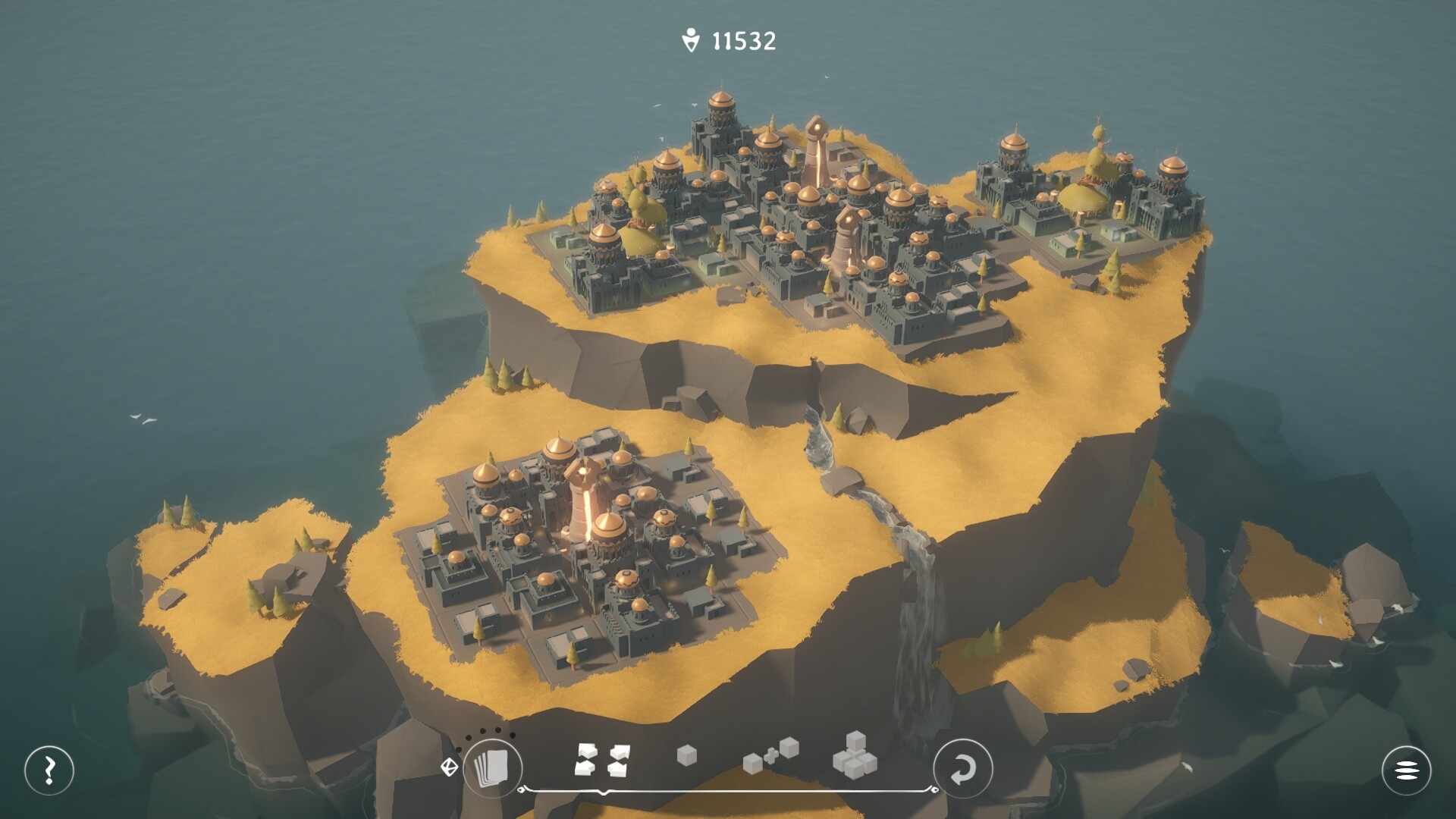
URBO supplies countless floating islands, each with its own geometric shape. The shape determines how buildings can be arranged and which spaces become unavailable as structures expand.
Because the progression is endless, each newly generated island requires a fresh layout strategy, keeping the puzzle aspect alive throughout play.
- Take note of an island’s shape early; adapting your layout can reduce later rearrangements.
- Use the transition between islands as a natural pause to reassess your building plan.
03 / THE GUIDE
Visual & Audio Atmosphere
The game blends visual minimalism with relaxing music and smooth animations, creating a meditative tempo that encourages calm play.
These elements combine to produce dream‑like cityscapes that feel both familiar and otherworldly, reinforcing the soothing intent of each puzzle.
- Play with headphones to fully experience the relaxing soundtrack.
- Watch the smooth animations; they can help you anticipate how buildings will settle.
04 / THE GUIDE
World Variety
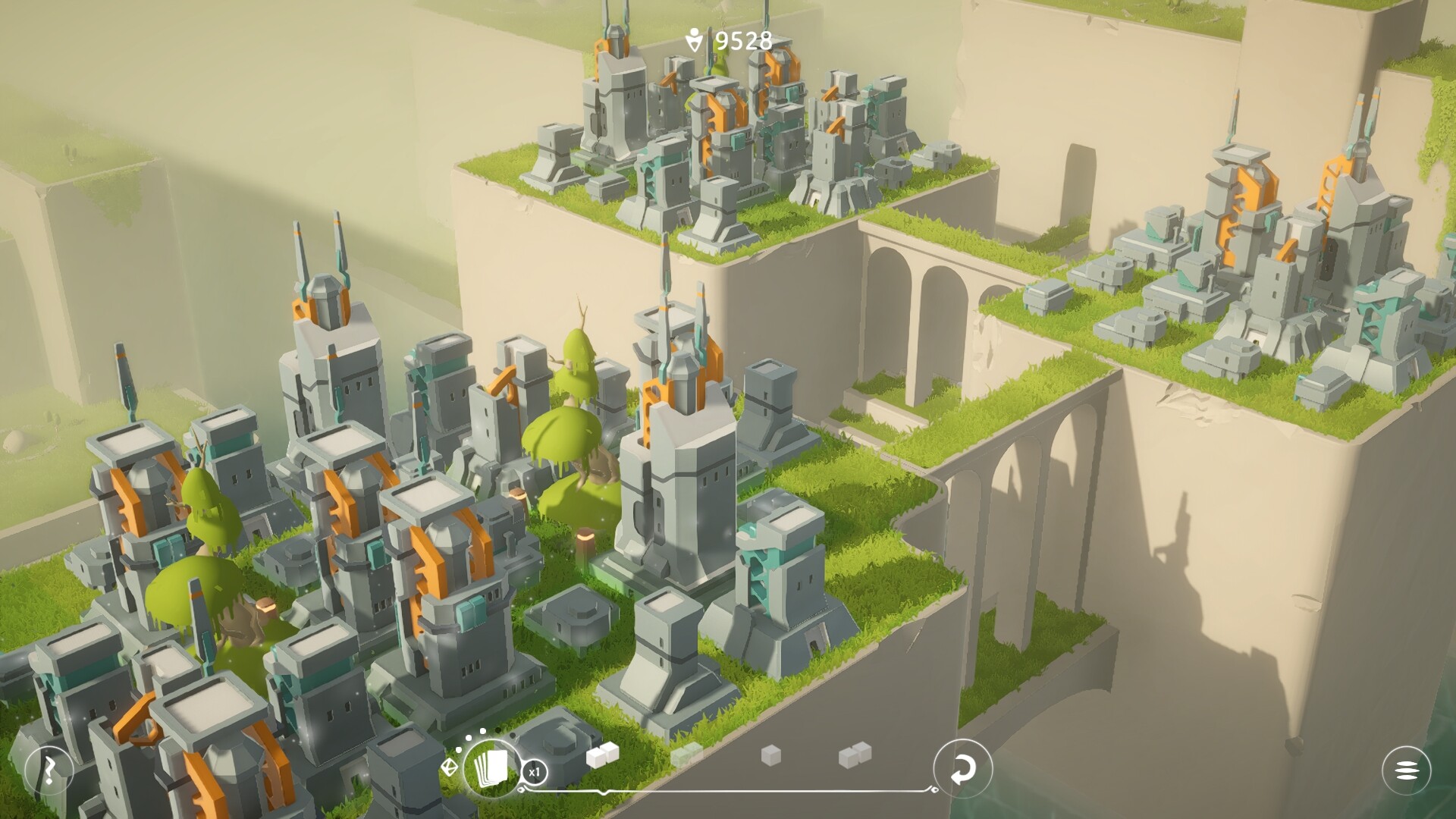
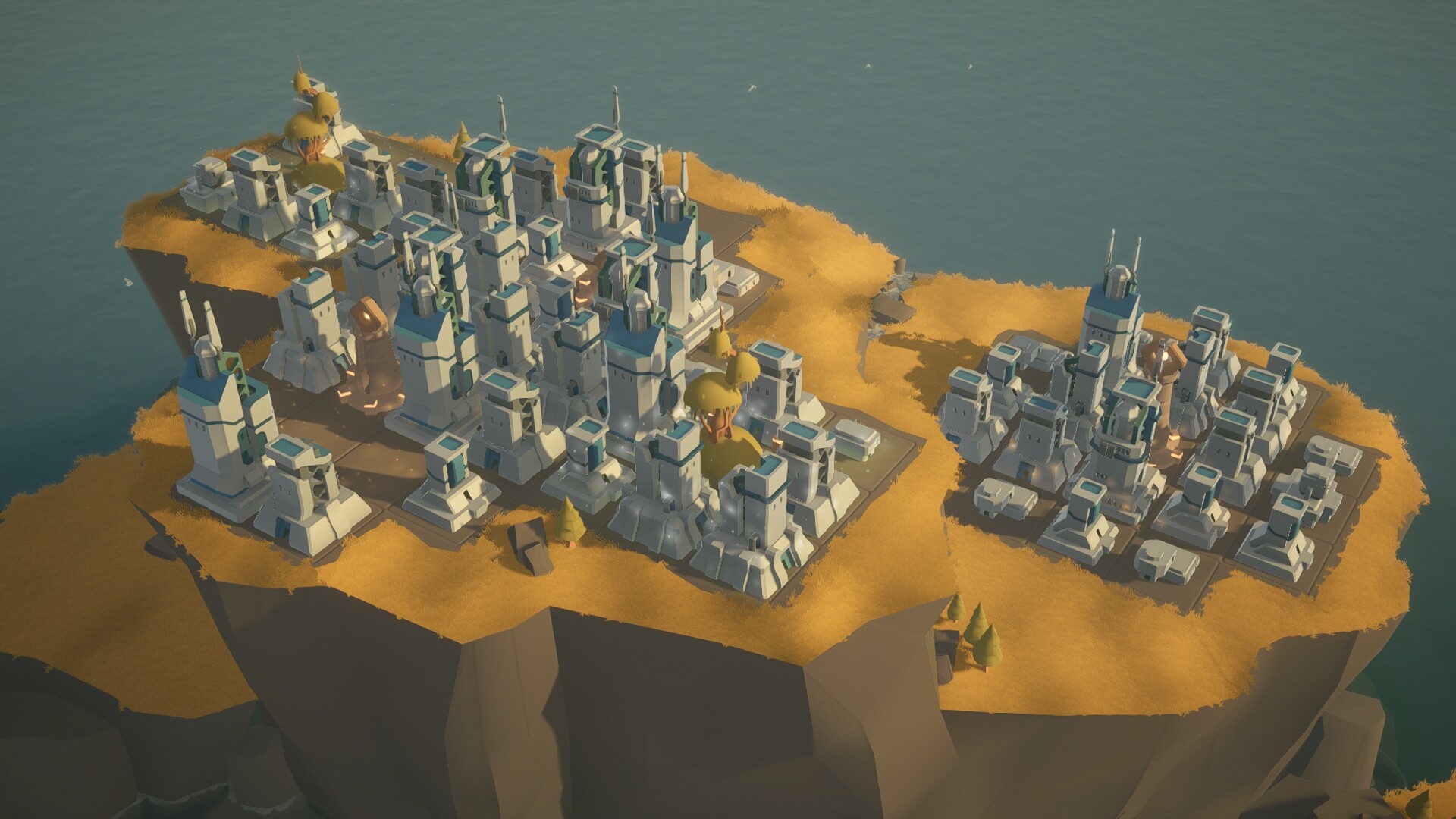
Players can explore many themed worlds, from futuristic floating metropolises to Mediterranean fishing villages and mythical oceanic islands, each using the same building mechanics.
These varied backdrops provide visual diversity while keeping the core puzzle unchanged, giving a sense of travel without altering gameplay.
- Try building in each world to see how visual themes influence your perception of space.
- Use the different settings as inspiration for varied architectural styles in your own designs.
05 / THE GUIDE
Relaxed Play Sessions
URBO is designed for short, stress‑free sessions or longer evenings. There are no enemies or hostile animals, and you can pause whenever needed.
The calm pace encourages taking breaks, using the puzzles as a mental reset, and returning when you feel ready to continue expanding your city.
- Set a timer for a quarter‑hour session to enjoy a focused yet brief play period.
- If you feel stuck, step away briefly; the game’s pace makes returning easy.
COMMUNITY
Player discussion