 GameWiki
GET YOUR BEARINGS
About Uplink
Uplink casts you as a freelance hacker who accepts contracts to breach secure networks, steal data, sabotage rivals, or frame others. Each hack relies on tools such as password crackers and log modifiers while you manage connections and erase traces.
Credits earned from contracts let you purchase faster CPUs, advanced software, and stronger tools, which in turn unlock tougher missions. Your choices about factions or neutrality shape the story and determine which contracts become available.
01 / THE GUIDE
Core Gameplay
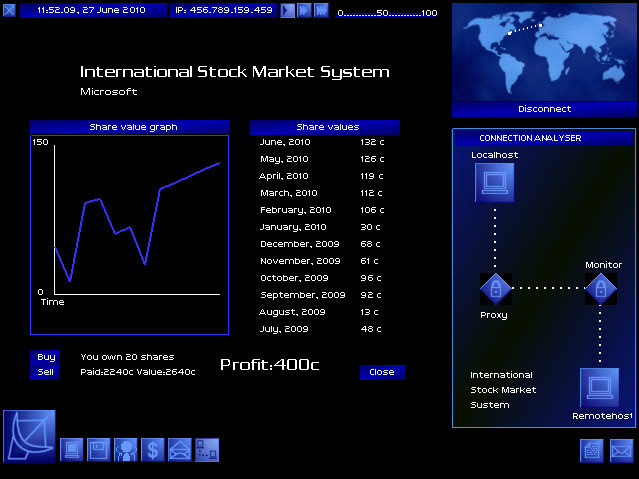
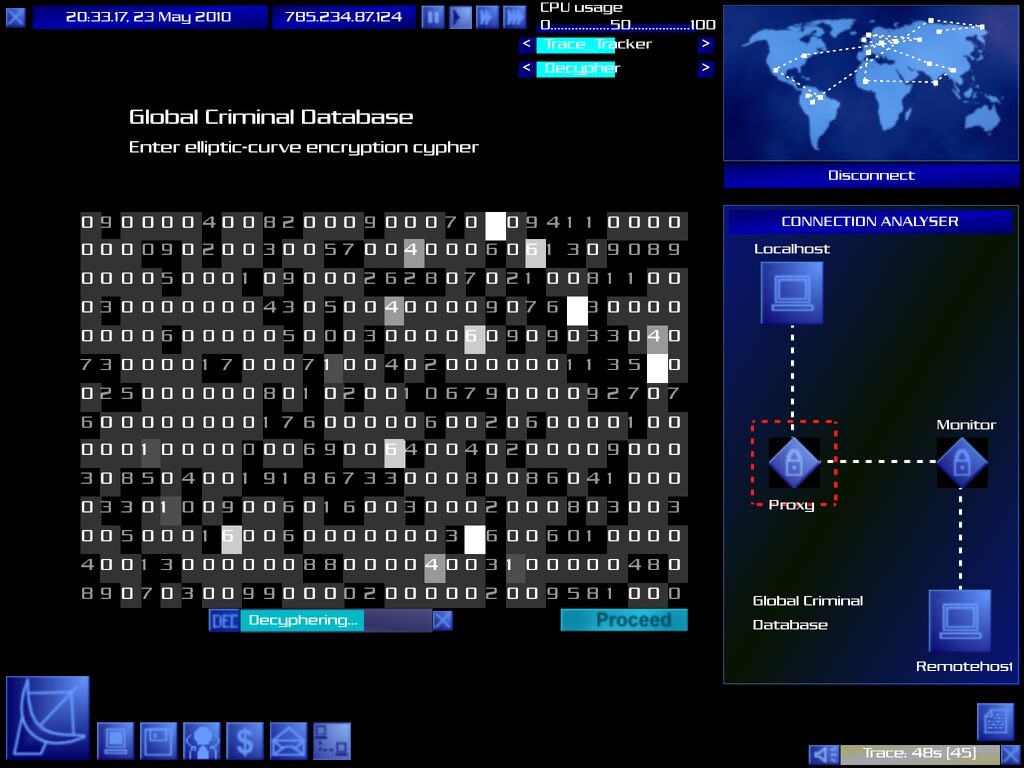
The central loop involves taking on contracts that require breaking into high‑security systems, stealing data, sabotaging opponents, or framing other actors. Success depends on using tools like password crackers and log modifiers while avoiding detection.
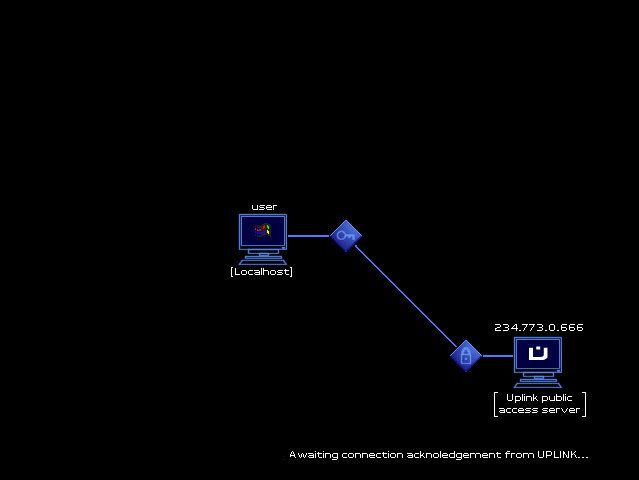
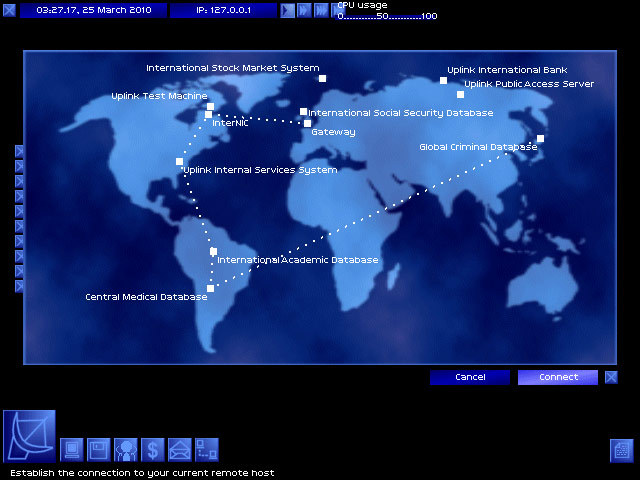
Managing your connection path by bouncing through intermediate nodes and erasing logs creates a risk‑reward cycle that drives each mission’s difficulty and payout.
- Try different tool combinations to see which bypasses security layers most efficiently.
- Watch your detection risk; lower visibility often yields higher net credits.
02 / THE GUIDE
Tool Upgrades
Credits earned from contracts can be spent on faster CPUs, advanced software, and more powerful hacking utilities. Upgrading hardware reduces the time needed for password cracking and log modification.
Each upgrade expands the range of missions you can attempt, turning a rookie setup into a sophisticated hacking suite that handles higher‑risk contracts.
- Prioritise CPU upgrades early to cut overall hack time.
- Balance hardware and software purchases to keep progress steady.
03 / THE GUIDE
Faction Alignment
You may choose to support rival corporations, back a single side, or stay neutral. Each alignment influences the missions offered and the direction of the story.
Neutral freelance work focuses on reputation and wealth, while siding with a faction can unlock specific contracts and alter alliances within the game world.
- Consider long‑term story impact before committing to a faction.
- Neutral play lets you focus on freelance contracts while building reputation and wealth.
04 / THE GUIDE
Progression Loop
Credits from successful hacks fund upgrades, which in turn let you accept higher‑risk, higher‑reward contracts. This loop keeps the gameplay engaging as stakes rise.
Increasing difficulty ensures that each new tool feels necessary, reinforcing the sense of growth from rookie to expert.
- Reinvest earnings regularly to keep pace with mission difficulty.
- Track which upgrades unlock new contract types.
05 / THE GUIDE
Platform Availability
Uplink runs on Windows, macOS, and Linux, providing flexibility for a range of computer setups. The game is single‑player and can be accessed through family sharing.
No additional platform‑specific features are documented for the supported operating systems.
- Verify your OS compatibility before installing.
- Use family sharing to let another account launch the game without extra purchase.
COMMUNITY
Player discussion