 GameWiki
GET YOUR BEARINGS
About UpGun
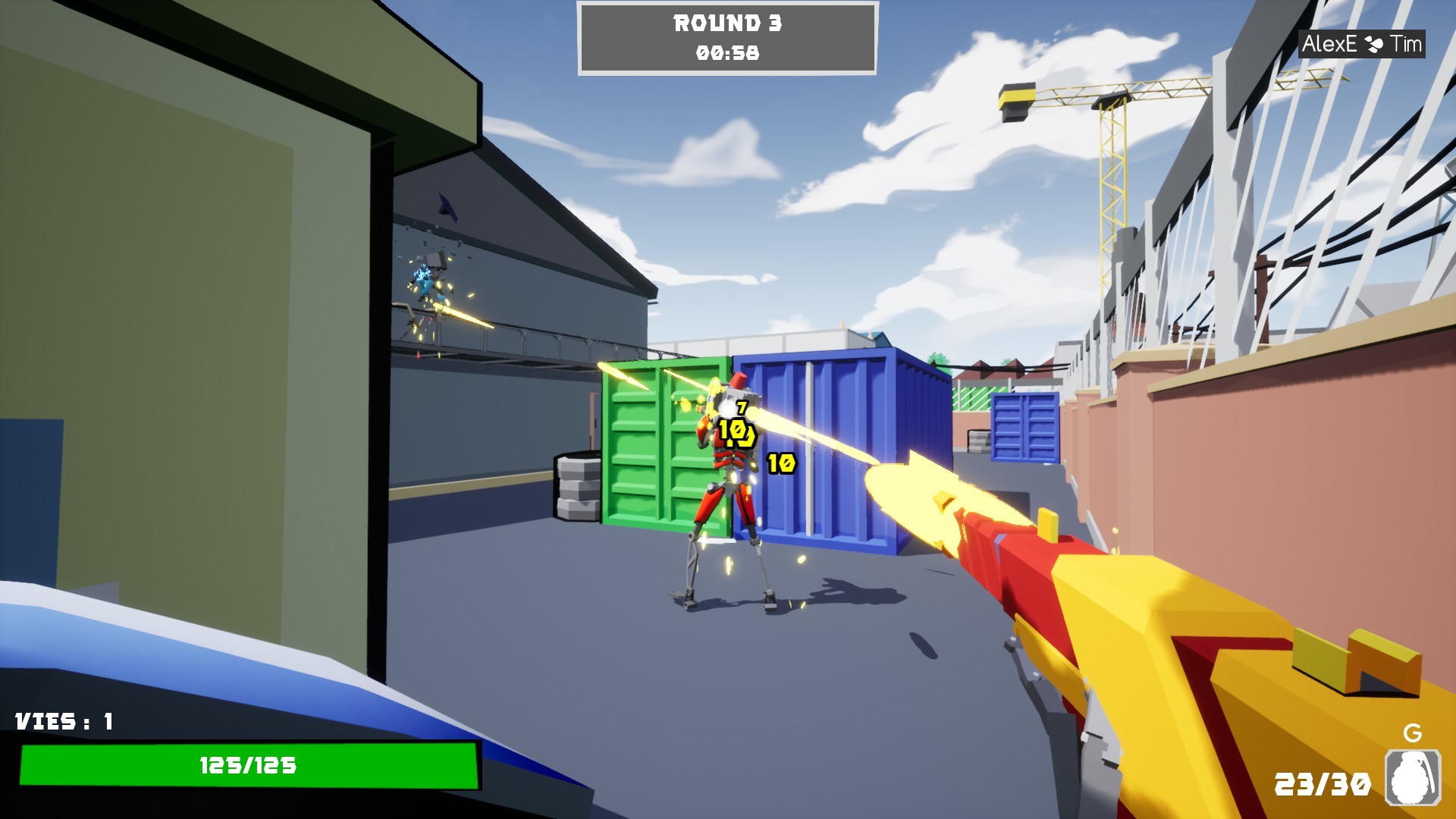
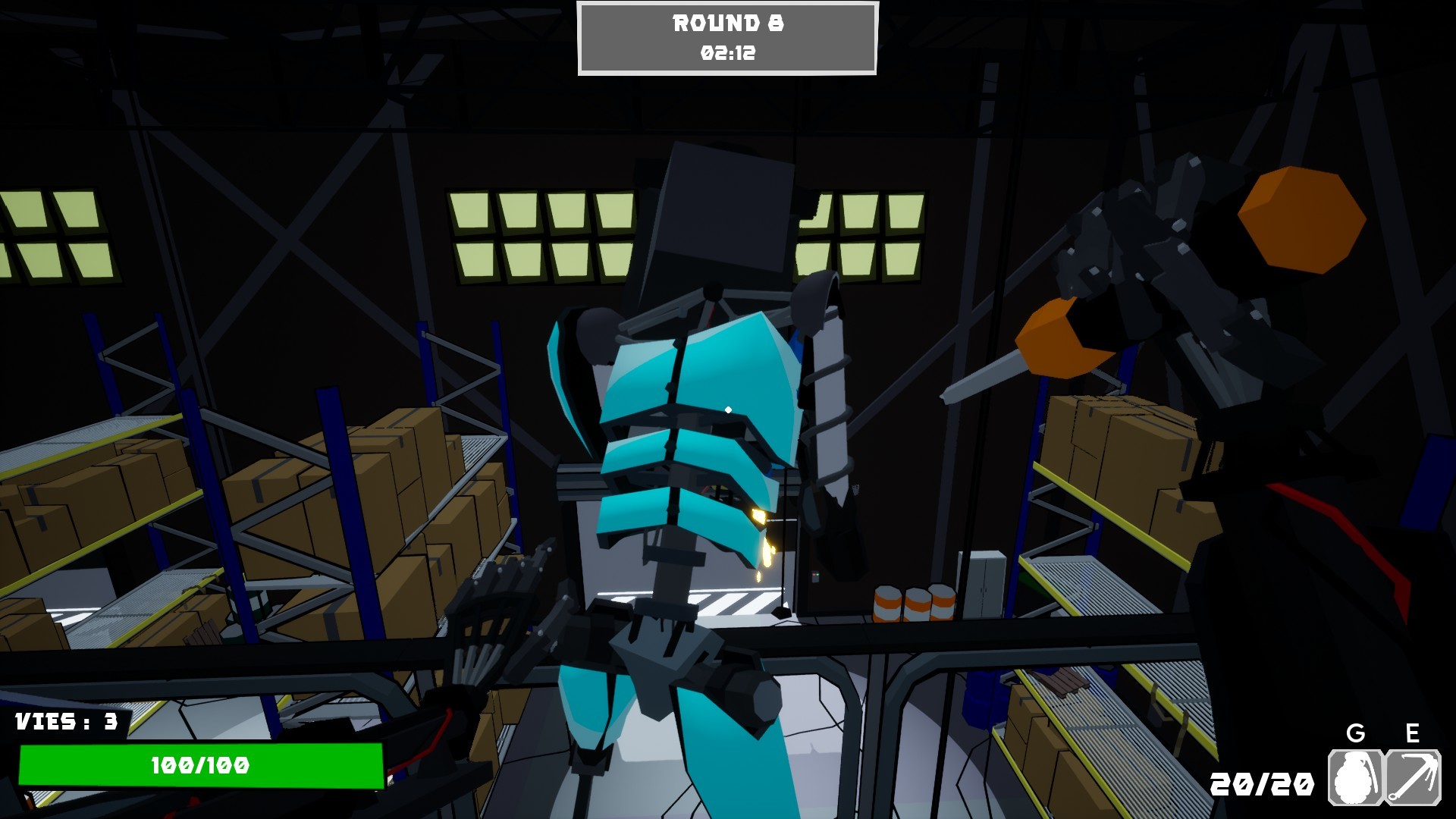
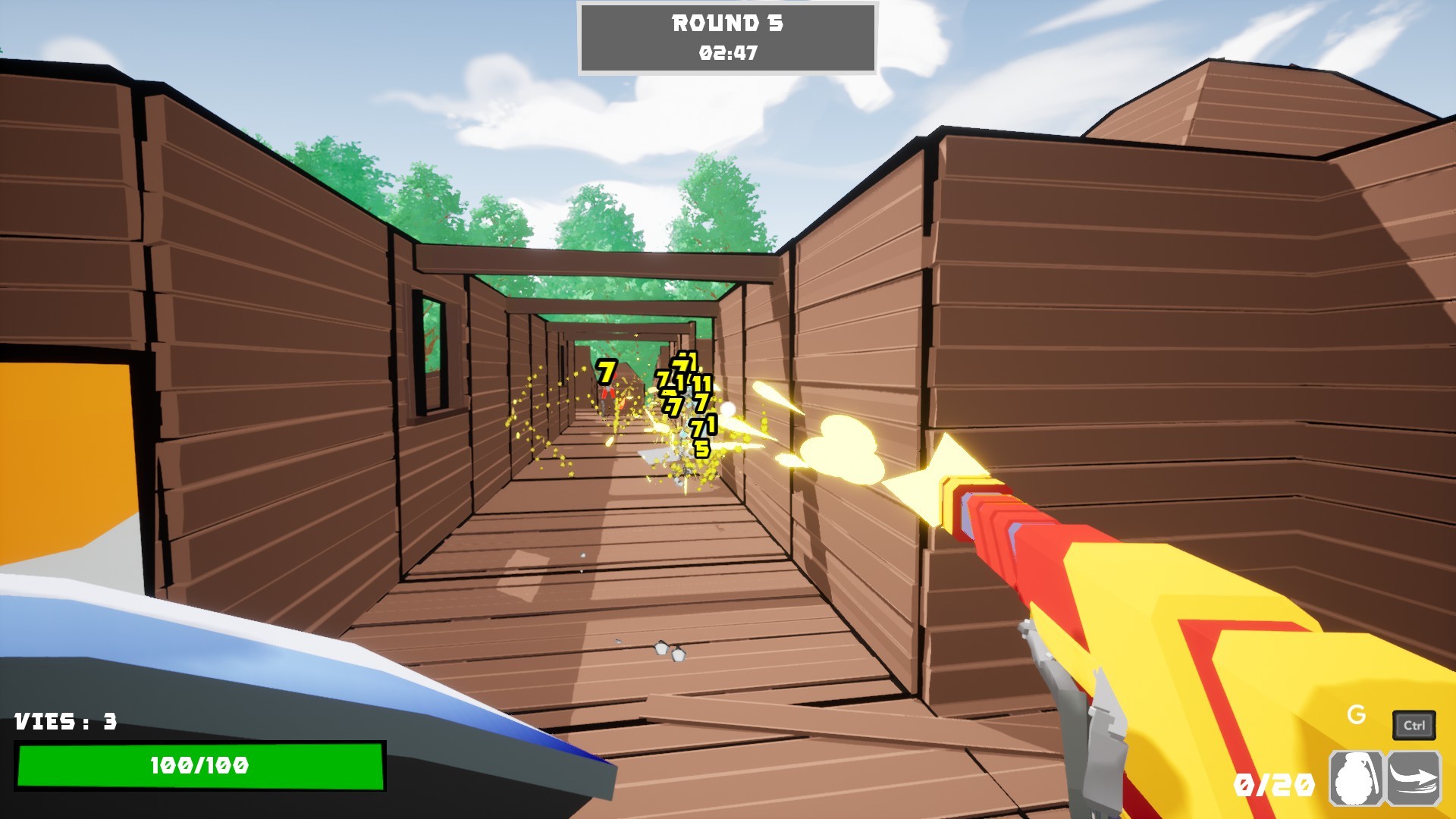
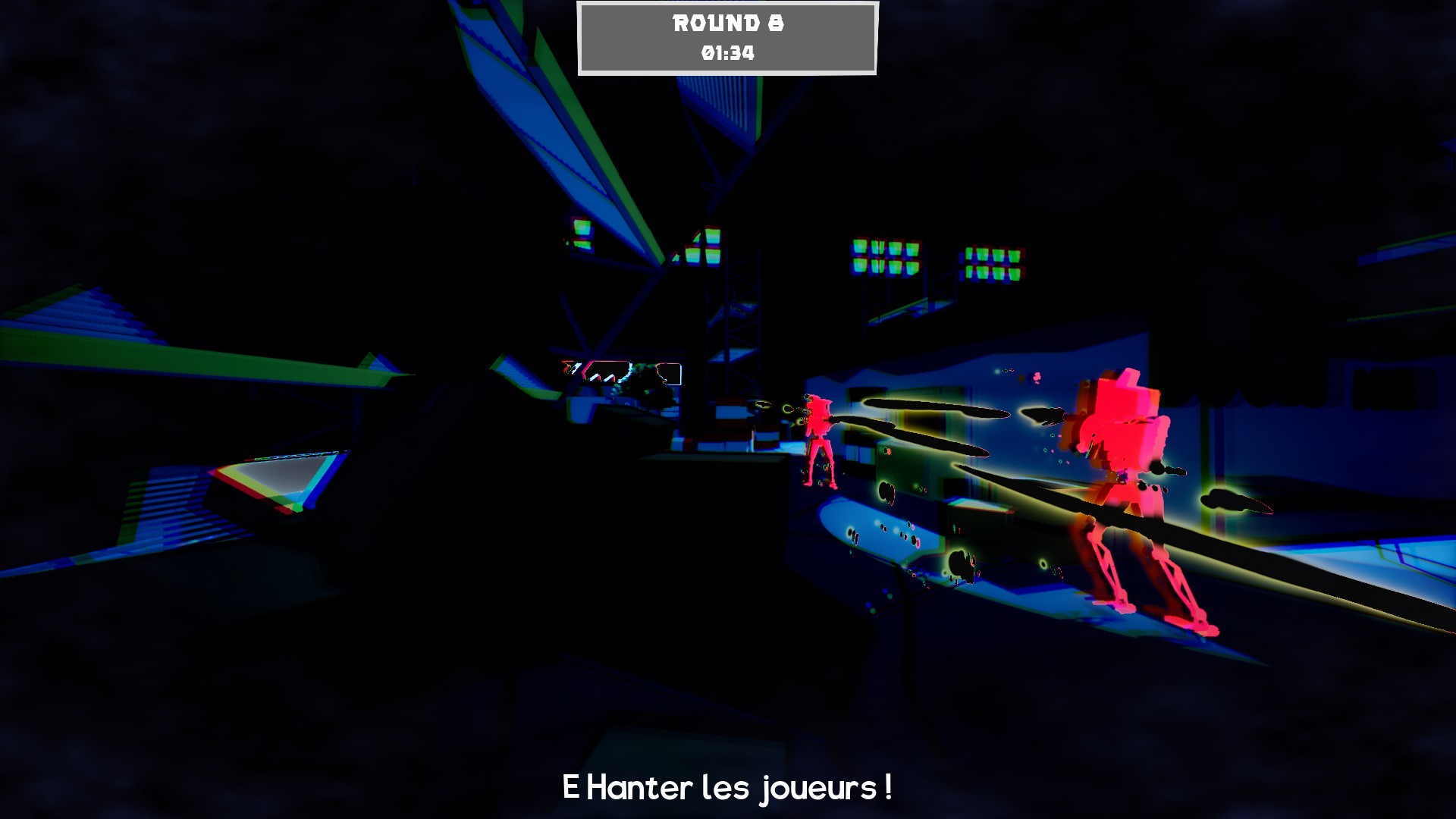
UpGun is a fast‑paced PvP action title where each round you equip a single skill from a pool of over 50 options. Skills range from health bonuses to exploding bullets and grenade‑spawning grenades, creating a round‑by‑round tactical duel.
The game features a cartoon‑inspired visual style, diverse maps that each highlight different playstyles, and more than 200 cosmetic items for robot personalization. Multiplayer can be played online or via LAN and includes partial controller support.
01 / THE GUIDE
Skill Selection
At the start of every round you are offered a choice of one skill to equip. The catalog includes health boosts, explosive projectiles, and grenade‑spawning upgrades, among others, and you must pick exactly one.
Because only a single skill can be used each round, anticipating your opponent’s likely pick and choosing a countering upgrade becomes the core strategic element.
- Watch early opponent picks and select upgrades that directly oppose those abilities.
- Balance defensive options like health bonuses with offensive ones to keep your choices flexible.
02 / THE GUIDE
Map Variety
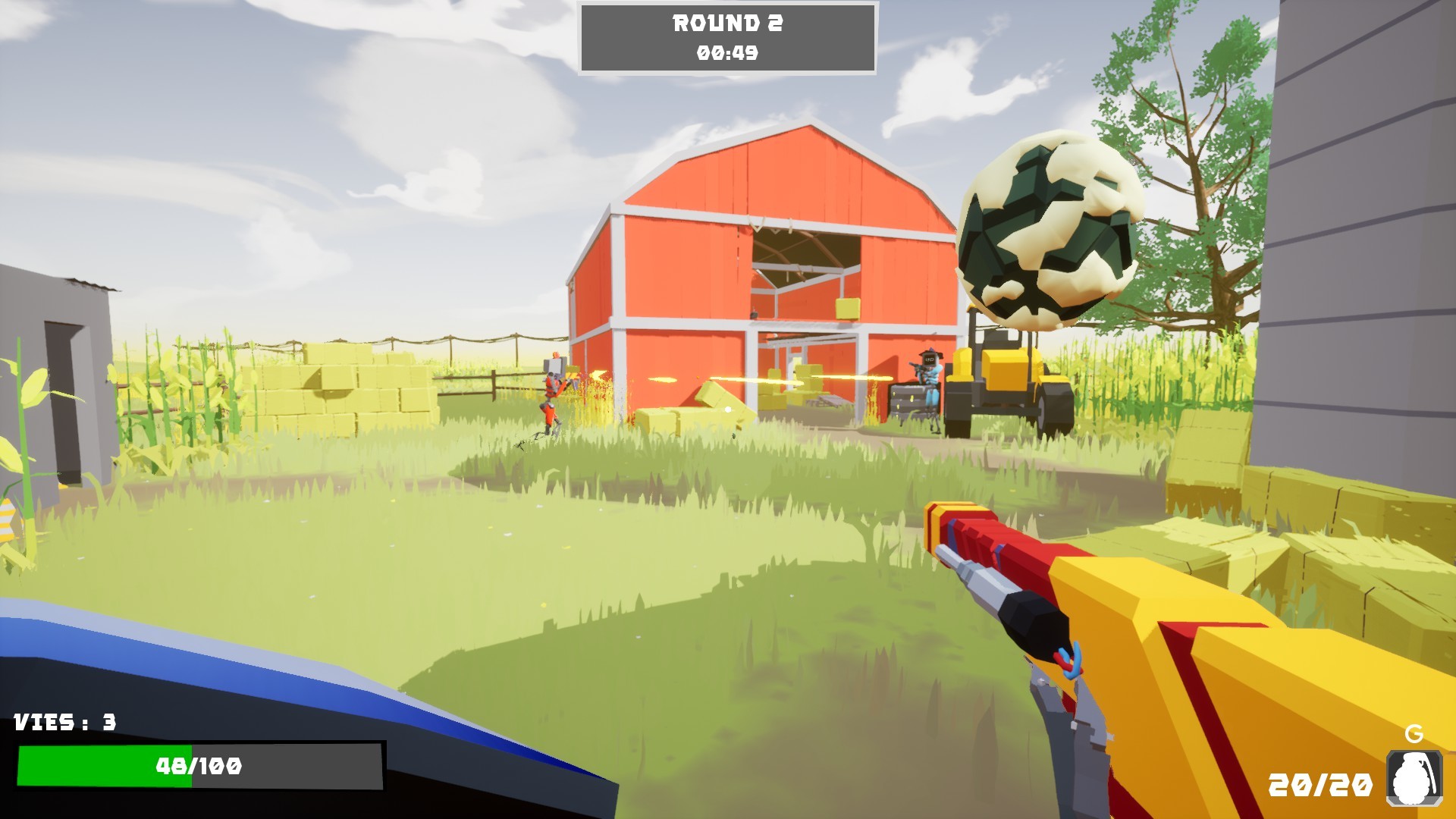
UpGun provides several distinct maps, each emphasizing a particular style of play. Some maps reward long‑range shooting, while others give an edge to explosive or melee tactics.
The map you play on influences which upgrades are most effective, encouraging you to adapt your skill choices to the environment each match.
- Experiment on each map to see which upgrade synergies shine there.
- When facing an explosive‑focused opponent, consider a map that favors long‑range attacks.
03 / THE GUIDE
Cosmetic Customization
Players can personalize their robot with over 200 cosmetic items, including hats and skins. Collect these cosmetics to give your robot a personalized look.
Collecting and swapping cosmetics lets you give each robot a distinct appearance without affecting its performance in matches.
- Mix hats and skins to create a look that you can easily recognize.
- Select a visual theme that you enjoy and keep it consistent across sessions.
04 / THE GUIDE
Multiplayer Modes
UpGun supports online PvP, LAN PvP, and partial controller input for multiplayer sessions. Players can compete against friends locally or over the internet.
Steam leaderboards, achievements, and trading cards are integrated, offering additional goals while the core focus remains on round‑by‑round skill selection.
- Try LAN matches as an alternative to online play when available.
- Check the Steam leaderboards to compare your results with other players.
05 / THE GUIDE
Audio & Visual Settings
The game includes HDR support, stereo sound, and custom volume controls, letting players tailor the audiovisual experience to their preferences.
The game includes color alternatives as one of its listed features.
- Enable HDR if your monitor supports it for richer colors.
- Adjust volume sliders to balance music and sound effects to your liking.
COMMUNITY
Player discussion