 GameWiki

GET YOUR BEARINGS
About Untitled Goose Game
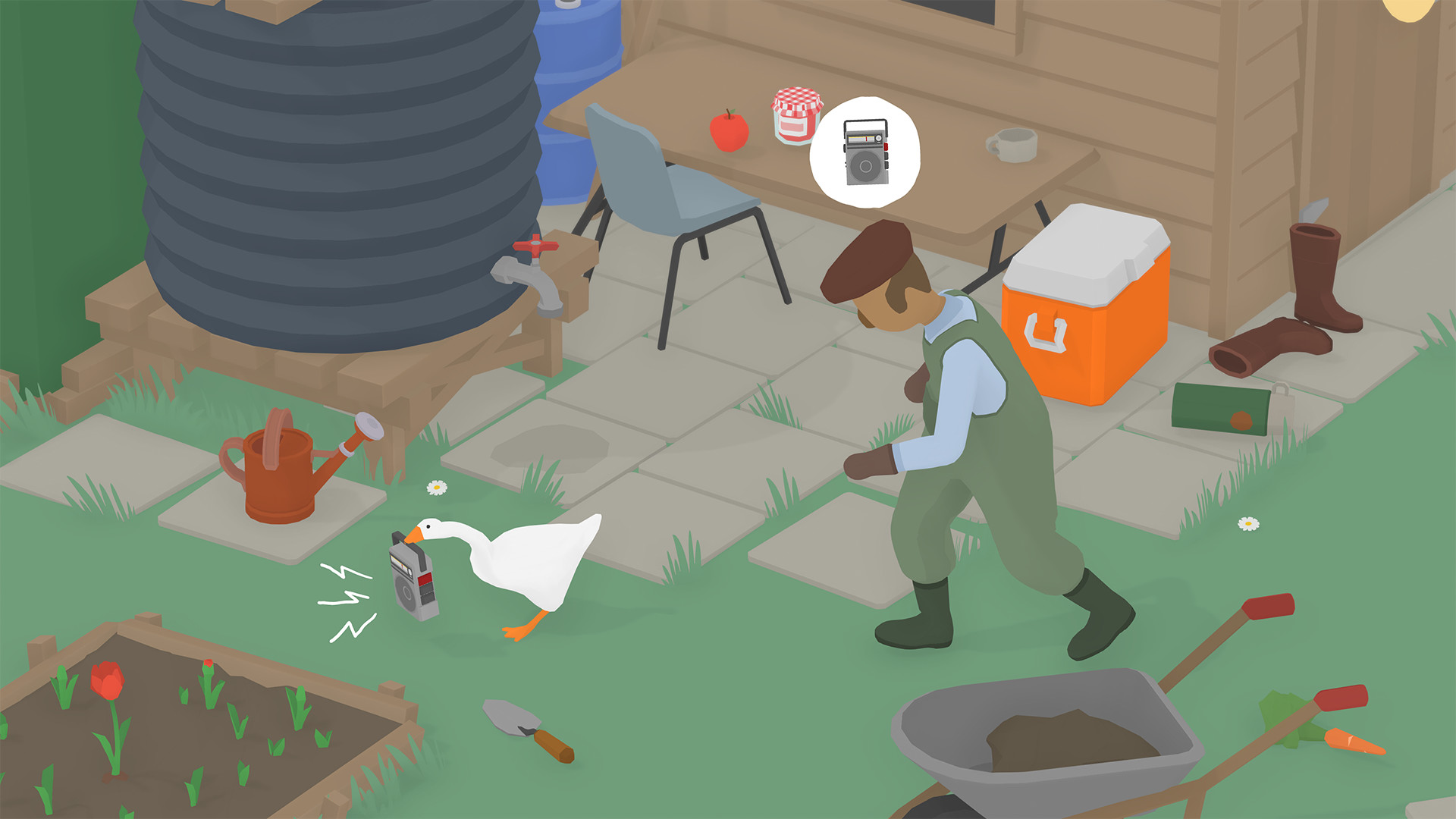
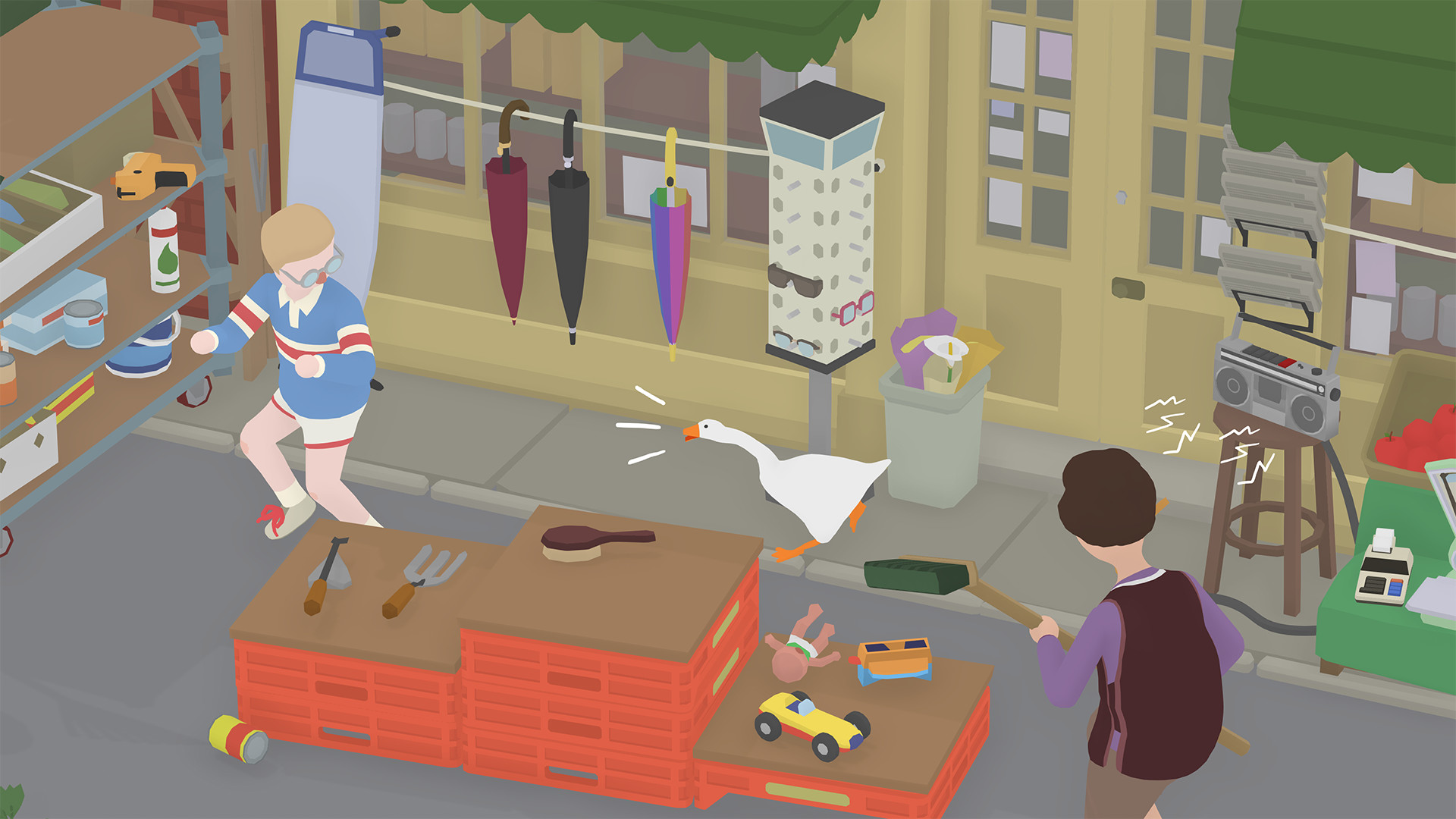
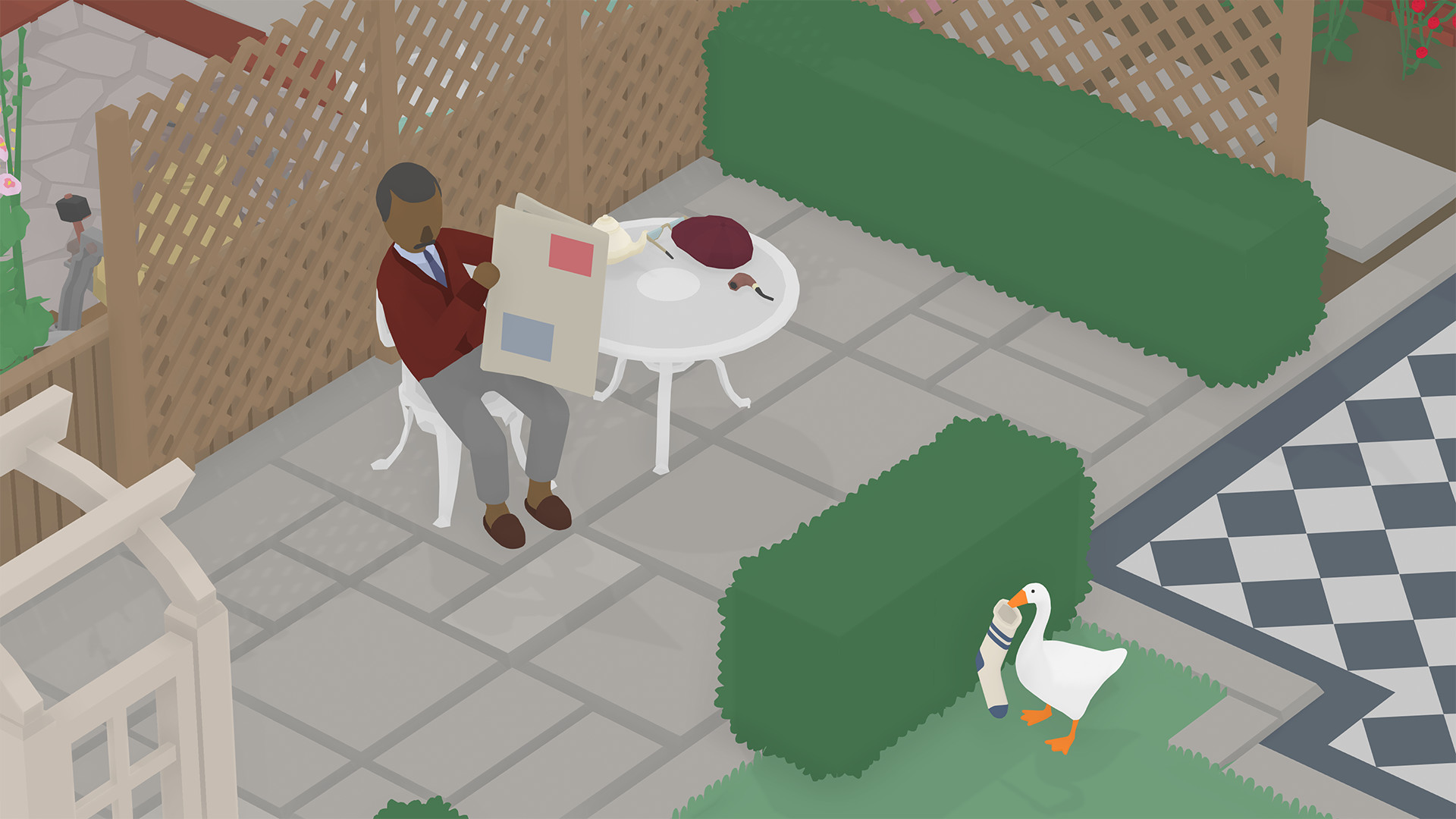
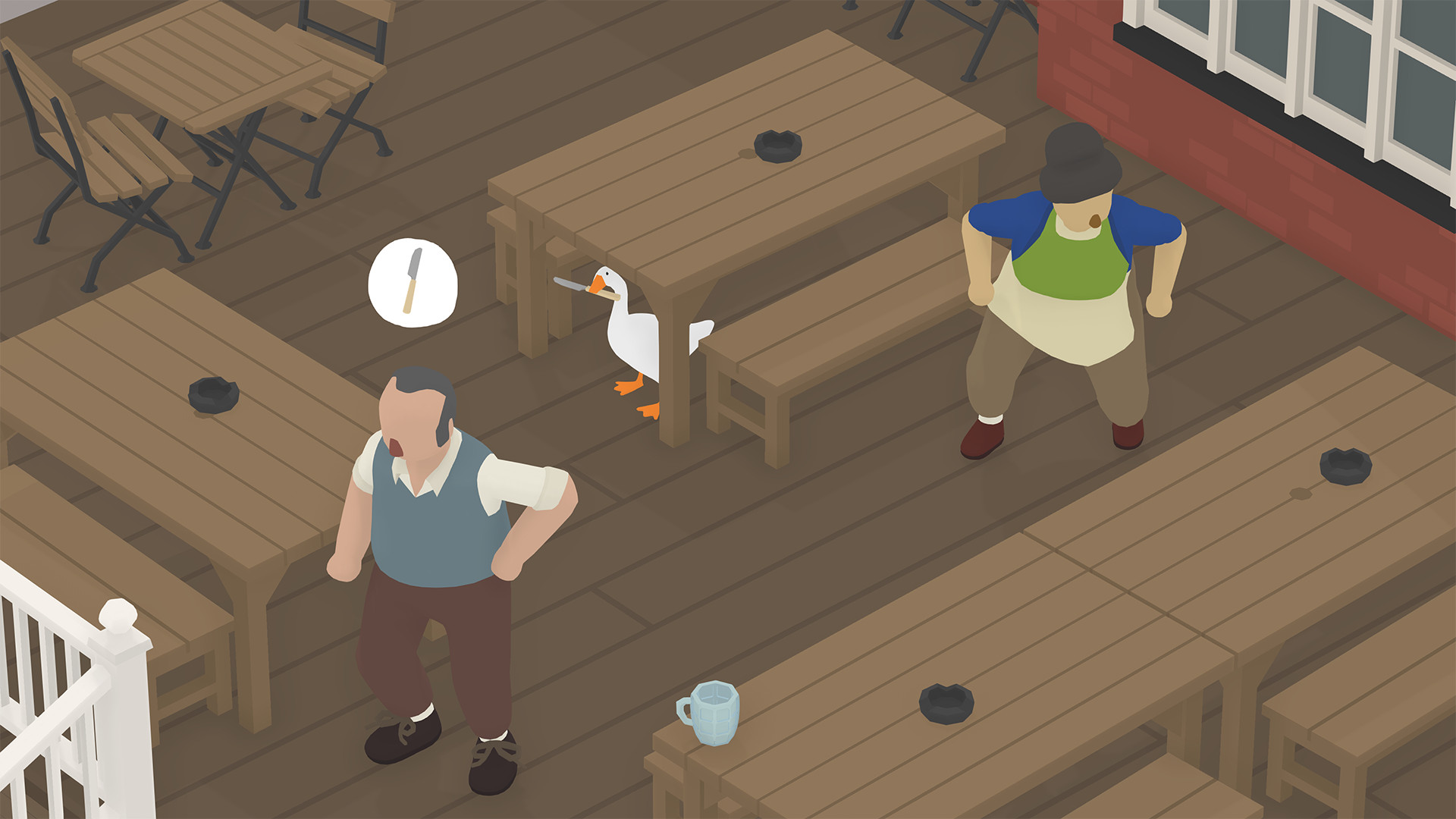
Untitled Goose Game drops you into a quiet village where you play as a horrible goose. It is a slapstick-stealth-sandbox: you wander from back gardens to high-street shops to the village green, setting up pranks, stealing hats, and honking a lot while villagers try to get on with their day.
A free update for all owners adds a two-player cooperative mode, letting a second goose join the chaos with a new honk. The Steam listing supports single-player, shared/split-screen co-op, full controller support including DualShock controllers, Steam Achievements, Steam Cloud, Remote Play options, and Family Sharing on Windows and macOS.
01 / THE GUIDE
Core Gameplay
You control a goose roaming a village full of people just trying to get on with their day. Your business is causing trouble: stealing items, honking, and setting up pranks across back gardens, high-street shops, and the village green.
The game is described as a slapstick-stealth-sandbox, encouraging exploration and disruption of villagers' routines, with a dedicated honk button for maximum effect.
- Watch a villager's routine before acting so your prank lands at the right moment.
- Use the honk deliberately to draw attention when it helps your plan.
02 / THE GUIDE
Co-op Mode
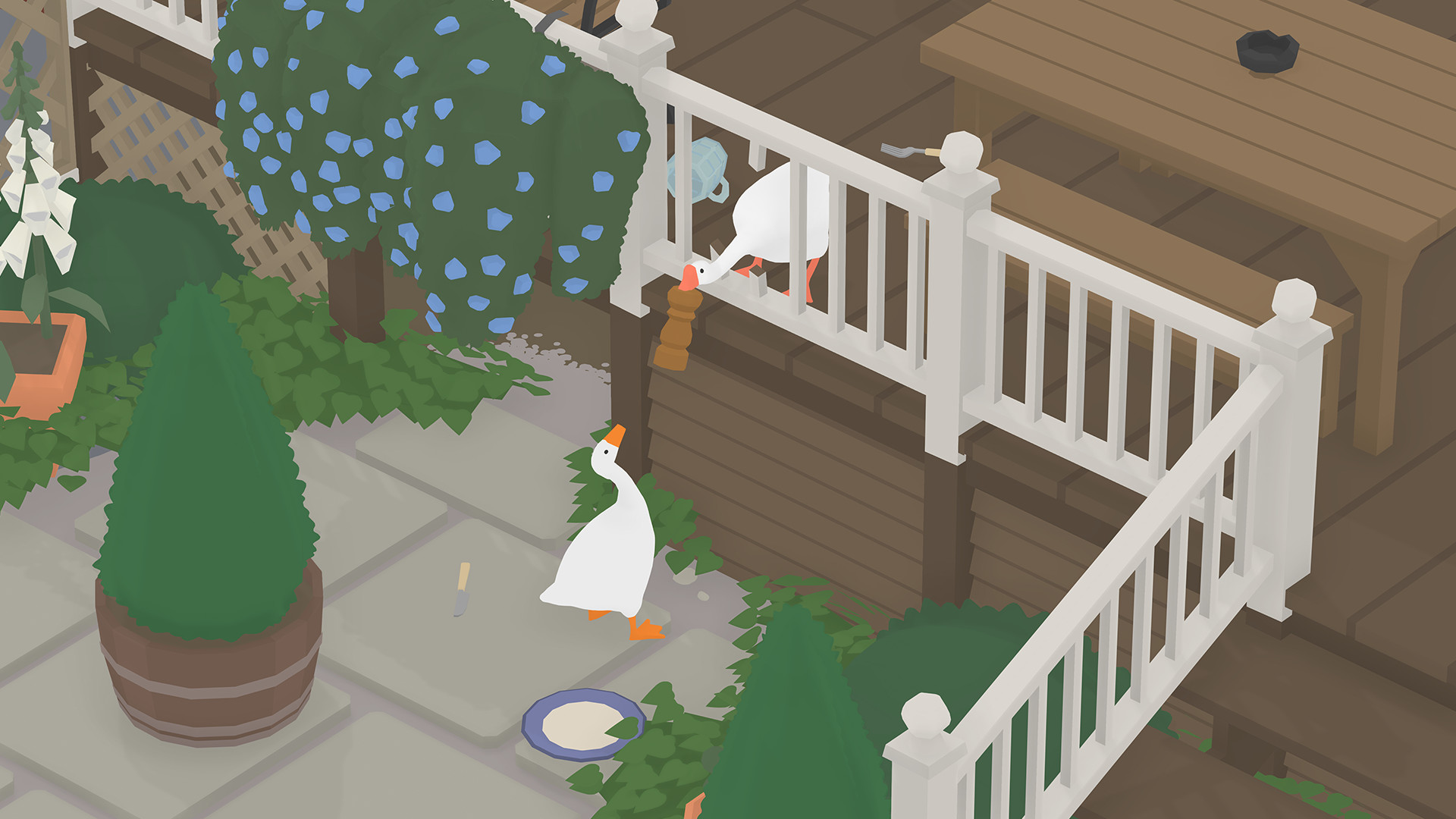
A free update for all owners introduces a two-player cooperative mode where both players control geese simultaneously. The duo can team up to plan pranks and honk twice as much.
The co-op mode covers the entire game with two geese, letting friends coordinate mischief across the same locations, including via shared/split-screen play.
- Talk through plans with your partner so your pranks complement rather than collide.
- Split responsibilities: one goose can distract a villager while the other grabs the item.
03 / THE GUIDE
Controller Support
The Steam listing advertises full controller support and DualShock controller support, so you can play with a gamepad, including the dedicated honk action.
The listing does not document button remapping, vibration settings, or keyboard and mouse support, so treat those as unconfirmed and rely on the advertised controller features.
- The Steam listing lists full controller support and DualShock controller support.
- Try the honk button early in a session so its placement feels natural before tricky pranks.
04 / THE GUIDE
Platform Availability
The Steam listing supports Windows and macOS; Linux is not listed. Steam also provides features such as Steam Cloud, Remote Play on Phone, Tablet, and TV, Remote Play Together, and Family Sharing.
Remote Play Together lets you bring a friend into co-op remotely, extending the two-goose experience beyond a single couch.
- Steam Cloud is a listed feature; check your Steam settings if you want saves synced between devices.
- Use Remote Play Together to play the two-player mode with someone who does not own the game locally.
05 / THE GUIDE
Achievements & Sharing
Steam Achievements are listed as a feature, giving solo and co-op players extra goals to chase while causing chaos. The listing does not detail individual objectives, so check the in-client list for specifics.
Family Sharing is listed, letting multiple accounts on the same household setup access the game without extra purchases.
- Browse the Steam achievement list in the client to see what goals exist before planning a run.
- Family Sharing is a listed Steam feature you can use to let relatives try the game.
COMMUNITY
Player discussion