 GameWiki
GET YOUR BEARINGS
About Unpossess 2: Exorcism Simulator
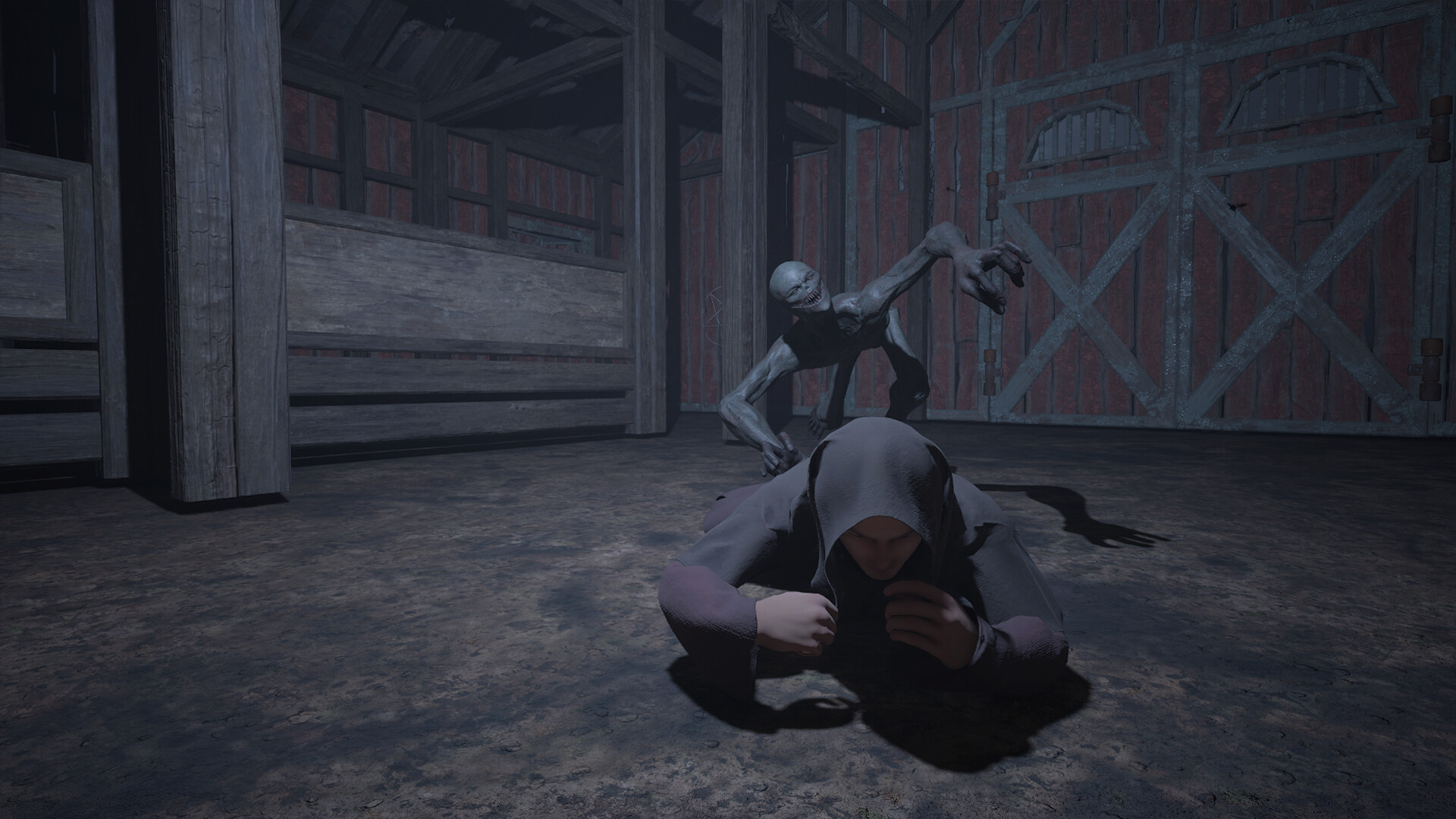
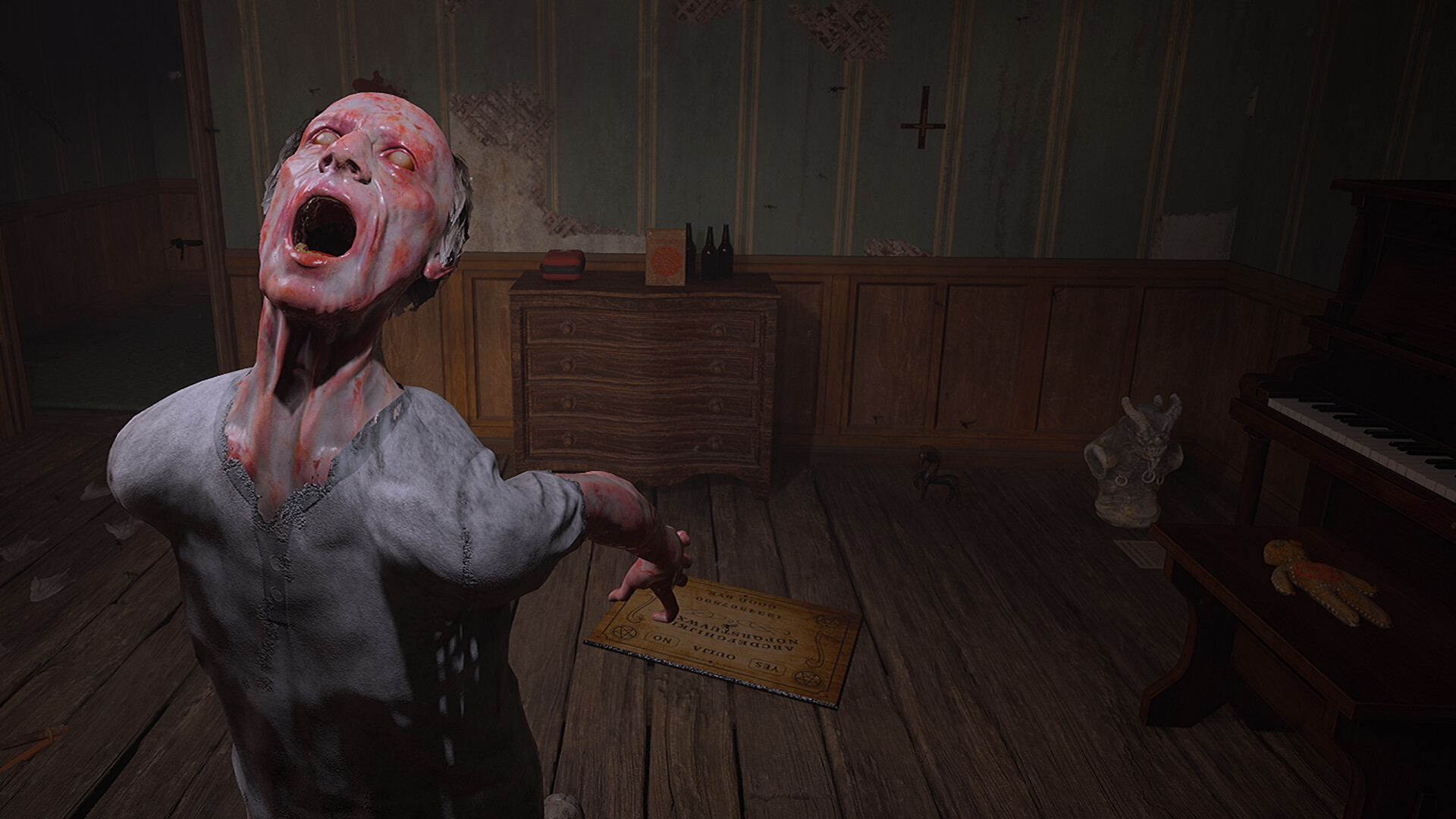
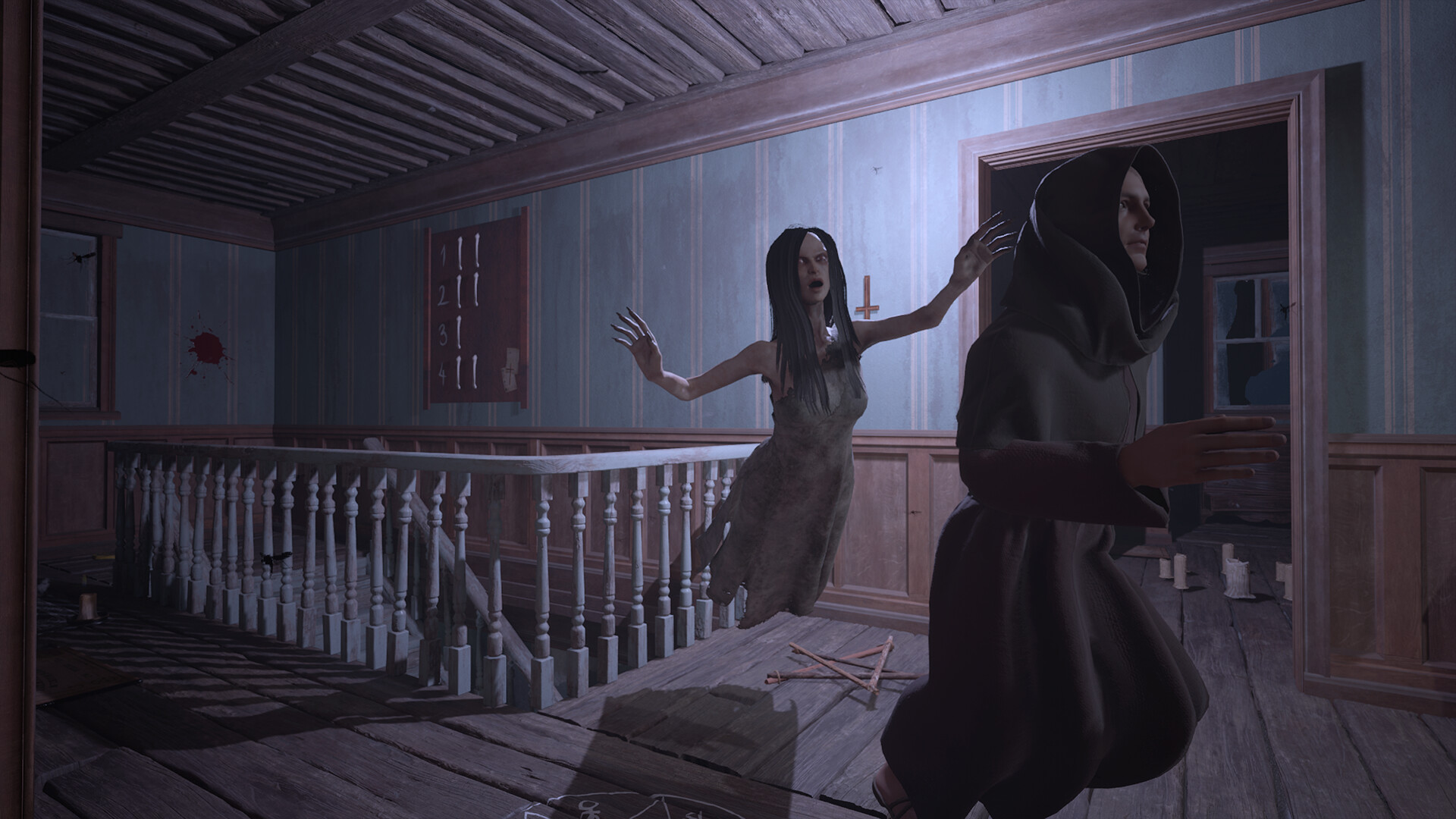
Unpossess 2: Exorcism Simulator is a horror‑themed action‑adventure for 1‑4 players set in the late 1900s. Players act as exorcists who must cleanse haunted locations, gather evidence, and perform rituals to free possessed humans.
Built with Unreal Engine 5, the title emphasizes atmosphere and fear while offering both single‑player and online co‑op. Each exorcist’s health and sanity are tracked, and a suite of comfort options lets players adjust difficulty, camera behavior, and audio.
01 / THE GUIDE
Co‑op Play
The game supports sessions of one to four exorcists who share the same objectives: cleansing, evidence gathering, and ritual execution. Online co‑op lets friends join a common game instance, while a solo player experiences the same tasks alone.
Health and sanity meters belong to each participant, and teams must watch each other's meters and decide when to pause or assist while managing them throughout a case.
- Assign one player to monitor health meters while another watches sanity meters to keep both indicators visible.
- Plan brief pauses when any meter falls low, allowing the group to recover before continuing.
02 / THE GUIDE
Health and Sanity Management
Each exorcist has separate health and sanity values that decrease when encountering hostile phenomena or failing ritual steps. Both values can decrease during a case, so players must monitor and manage them carefully.
Coordinated assistance and careful timing can help keep the team’s health and sanity managed throughout a case.
- When sanity feels threatened, watch that meter closely and coordinate with teammates to manage it.
- Watch health closely and coordinate with teammates when it runs low.
03 / THE GUIDE
Audio and Visual Comfort
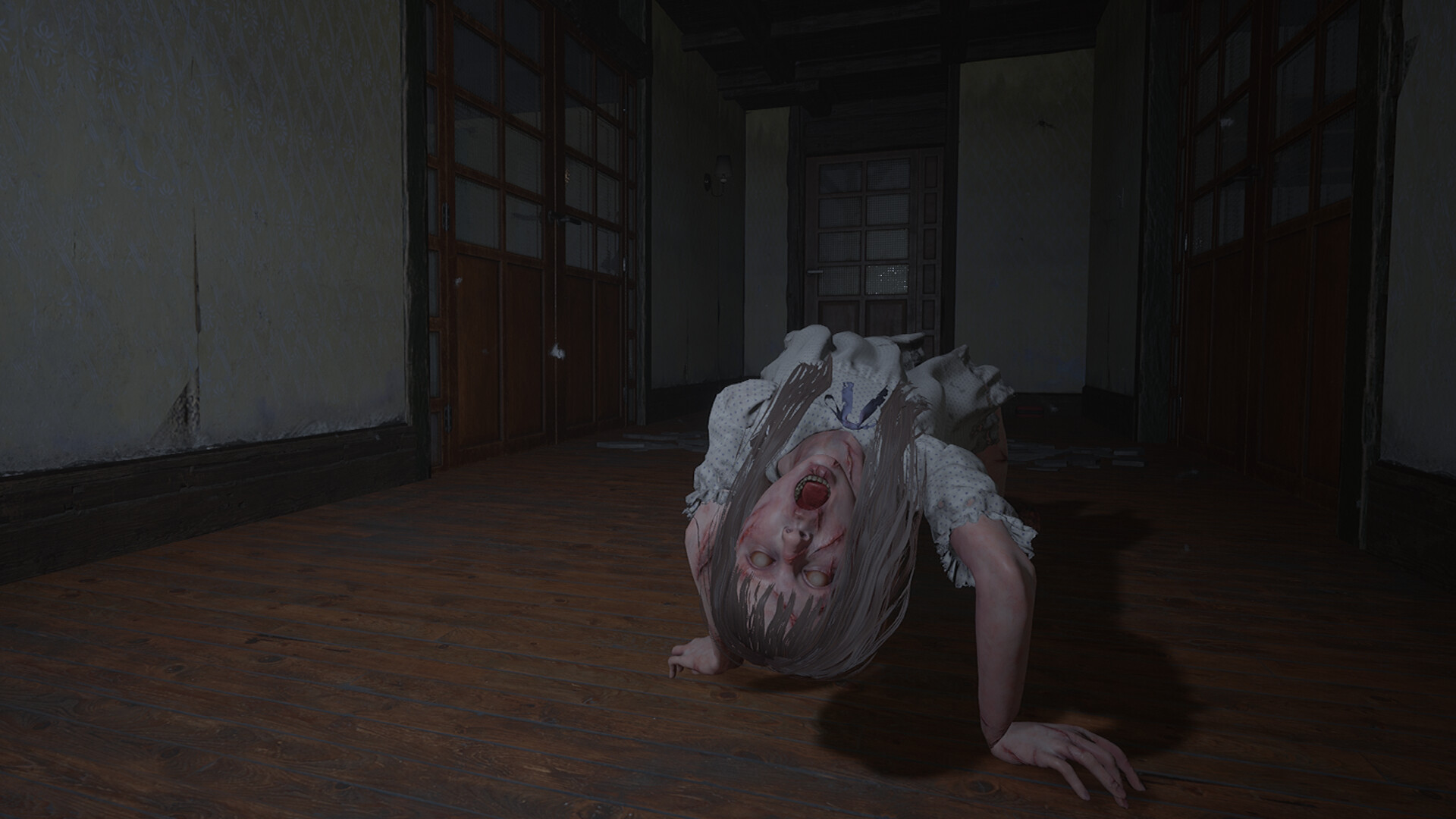
Stereo and surround sound options let players tailor horror audio to their setup, providing directional cues that indicate where demonic activity originates. Visual comfort includes camera‑comfort settings that reduce rapid motion.
Adjustable difficulty works alongside these options, letting users scale the challenge while maintaining immersion and respecting personal tolerance levels.
- Enable surround sound if your system supports it to better locate unseen threats.
- Activate camera comfort if fast camera pans cause discomfort.
04 / THE GUIDE
Custom Volume and Difficulty Controls
Custom volume controls let players tailor audio levels to emphasize cues that matter for gameplay, helping isolate important sounds.
Difficulty is adjustable, letting players match the intensity of the horror to their skill level.
- Adjust volume levels so subtle environmental sounds are easier to hear.
- Start on a lower difficulty to learn exorcism steps before increasing tension.
05 / THE GUIDE
Platform and Cloud Features
Unpossess 2 runs on Windows and integrates Steam Cloud, which stores progress online. This enables the same save data to appear when the game is launched on another Windows device linked to the same Steam account.
Family Sharing is listed, meaning multiple Steam accounts can access the purchased copy.
- Check that Steam Cloud sync is enabled in the client before starting a session.
- Use Family Sharing to let a friend try the game without buying a separate copy.

COMMUNITY
Player discussion