 GameWiki
GET YOUR BEARINGS
About UNO
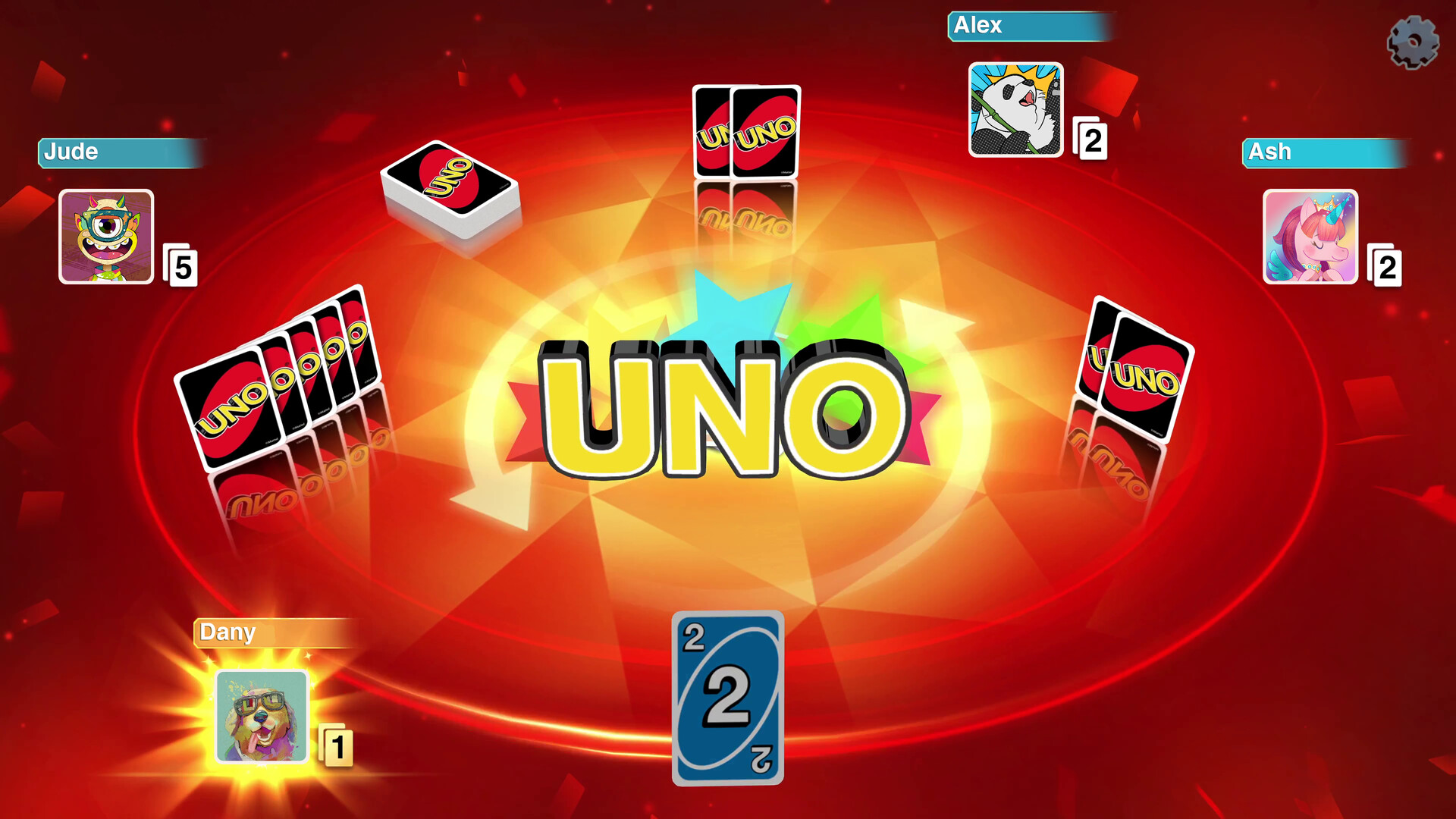
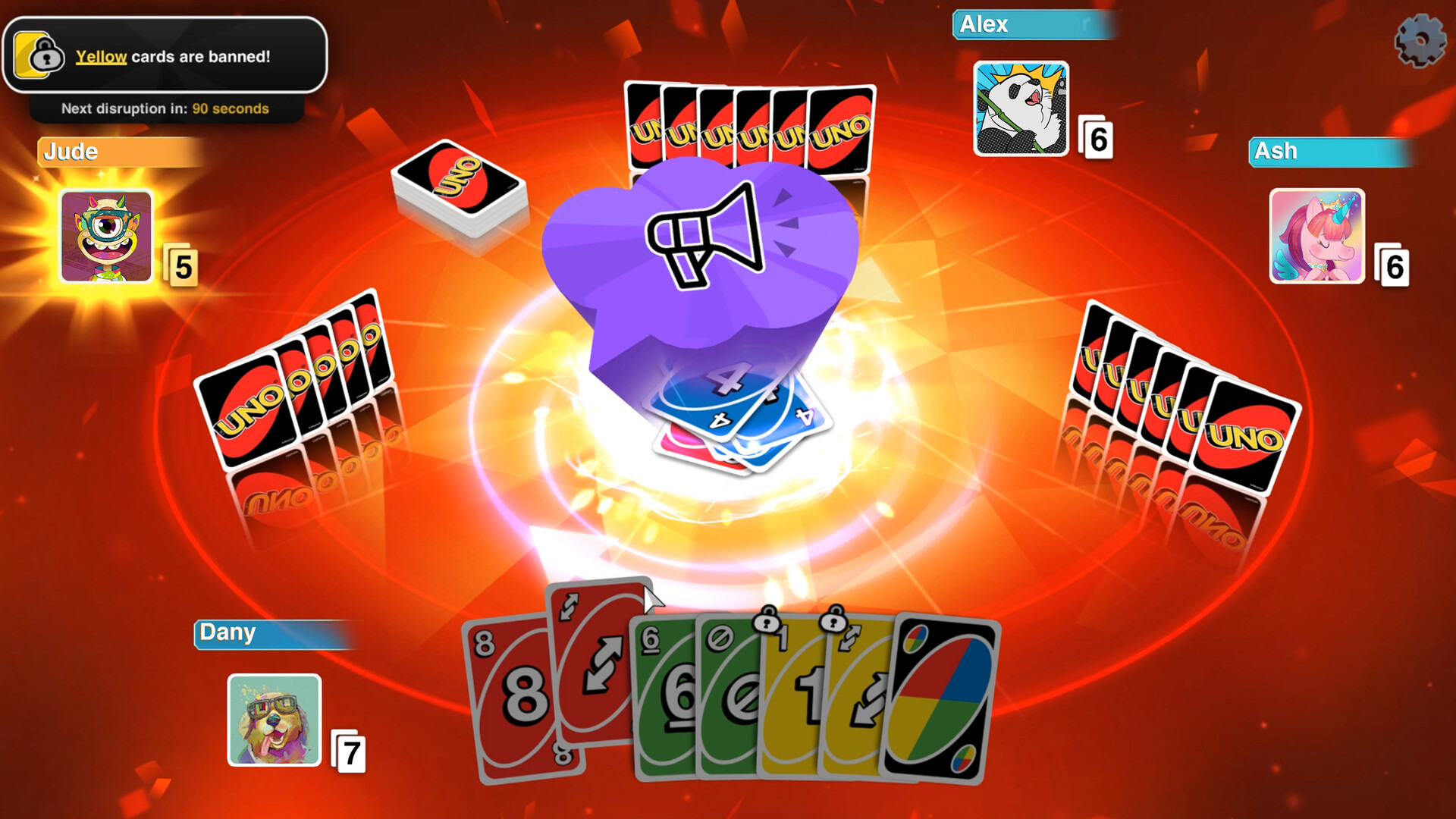
UNO™ brings the classic card game to digital life with vibrant visuals and a host of new options. Players match cards by color, number or symbol, use action cards, and shout “UNO!” when only one remains. The title supports both solo play and competitive matches, letting you team up in 2v2 or go solo in free‑for‑all, online or locally. Customization, weekly free DLCs, and Twitch integration add fresh ways to enjoy the familiar chaos.
01 / THE GUIDE
Game Modes
UNO offers several ways to play: single‑player, online PvP, split‑screen PvP, co‑op, and online co‑op. The modes let you either compete against others or collaborate, with full controller support across platforms.
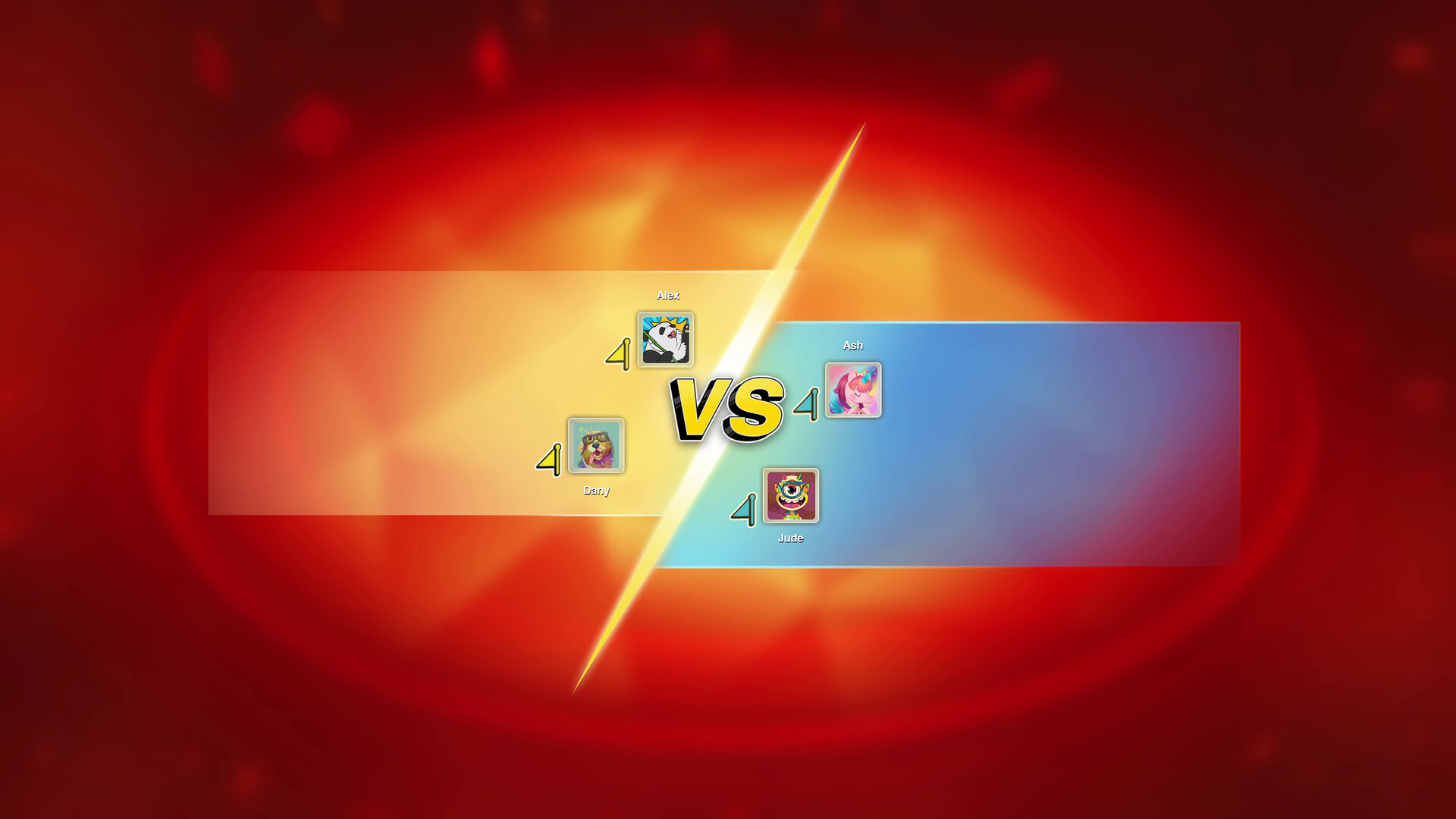
Matches can be 2v2 team battles or free‑for‑all free‑for‑all scrambles, and you can join them from a couch or via the internet. The variety keeps each session feeling fresh.
- Try split‑screen co‑op for a shared‑couch experience.
- Use online PvP to test your strategies against a wider player base.
02 / THE GUIDE
House Rules
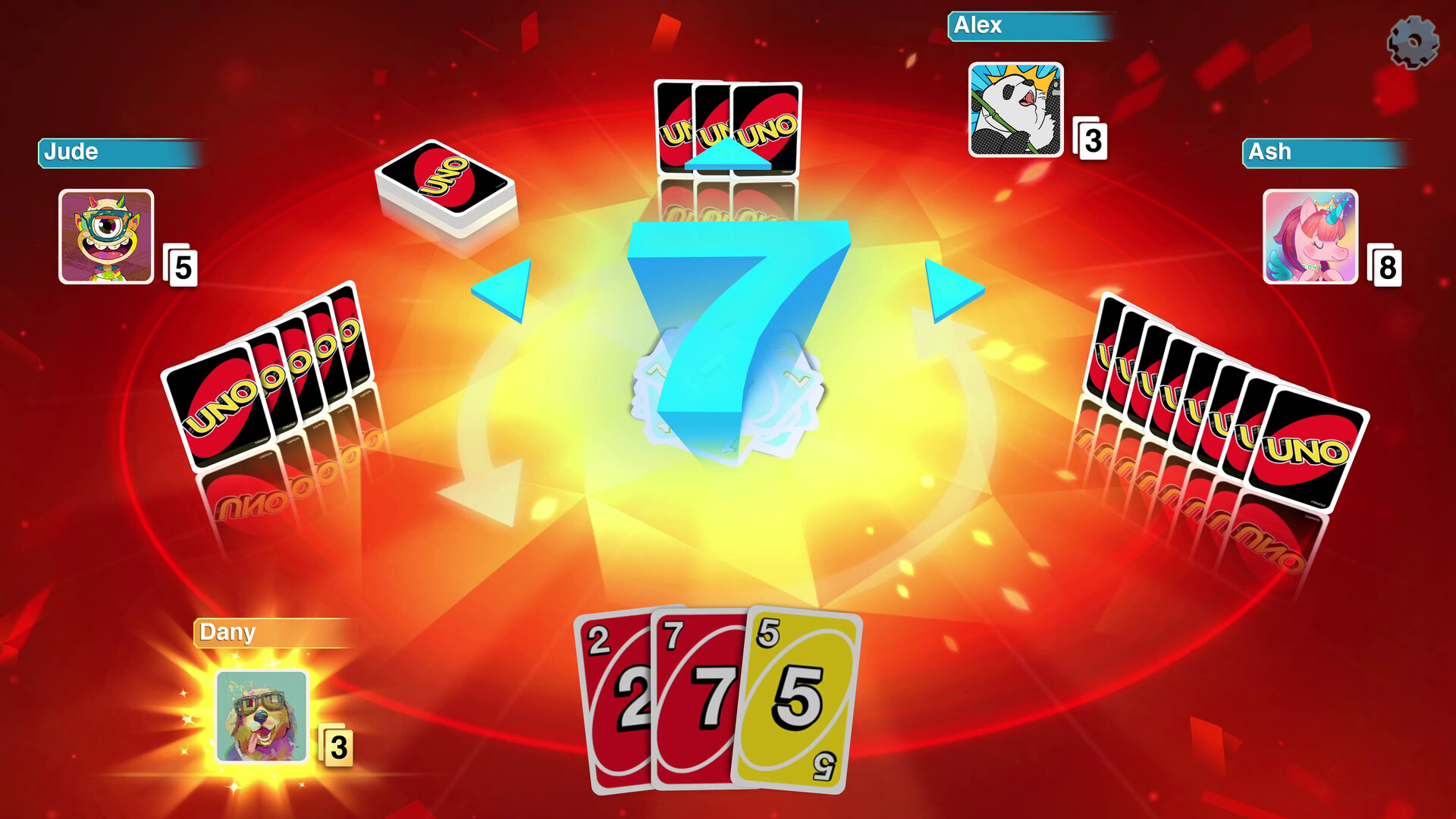
Players can mix and match optional rules such as Jump‑In, Stacking, or the 7‑0 swap to shape the pace of the game. These rules are layered on top of the core mechanics, creating unique chaos each round.
Combining multiple house rules is supported, allowing you to craft a personalized rule set that fits your group’s style.
- Start with one new rule before adding more to avoid overwhelming new players.
- Experiment with 7‑0 swaps for dramatic hand changes.
03 / THE GUIDE
MyDesign Customization
The MyDesign system lets you unlock and apply new boards, card decks, music tracks, avatars, and other visual elements using in‑game coins. Personalizing these assets creates a unique visual identity for each match.
Customization is optional and does not affect core gameplay, but it enhances the social feel of the experience.
- Collect coins during matches to unlock new themes faster.
- Mix and match avatars with board designs for a cohesive look.
04 / THE GUIDE
Weekly DLC and Happy Hour
Each week during Happy Hour, a different downloadable content pack becomes free to try. These DLCs introduce fresh mechanics, themed decks, and new rule variations for a limited time.
After the Happy Hour window closes, the DLC can be purchased separately if you wish to keep it.
- Log in during Happy Hour to test new DLCs without spending coins.
- Take notes on which DLCs you enjoy for future purchases.
05 / THE GUIDE
Twitch Integration
Streamers can enable Chat Chaos mode, allowing viewers to vote on in‑game actions that influence the match in real time. A dedicated Twitch extension expands interaction possibilities.
This feature adds a community‑driven layer of unpredictability, making streamed games more engaging for both players and audiences.
- Enable Chat Chaos for a lively stream and watch viewer choices reshape the game.
- Use the Twitch extension to display current votes for better audience awareness.

COMMUNITY
Player discussion