 GameWiki
GET YOUR BEARINGS
About Unmechanical
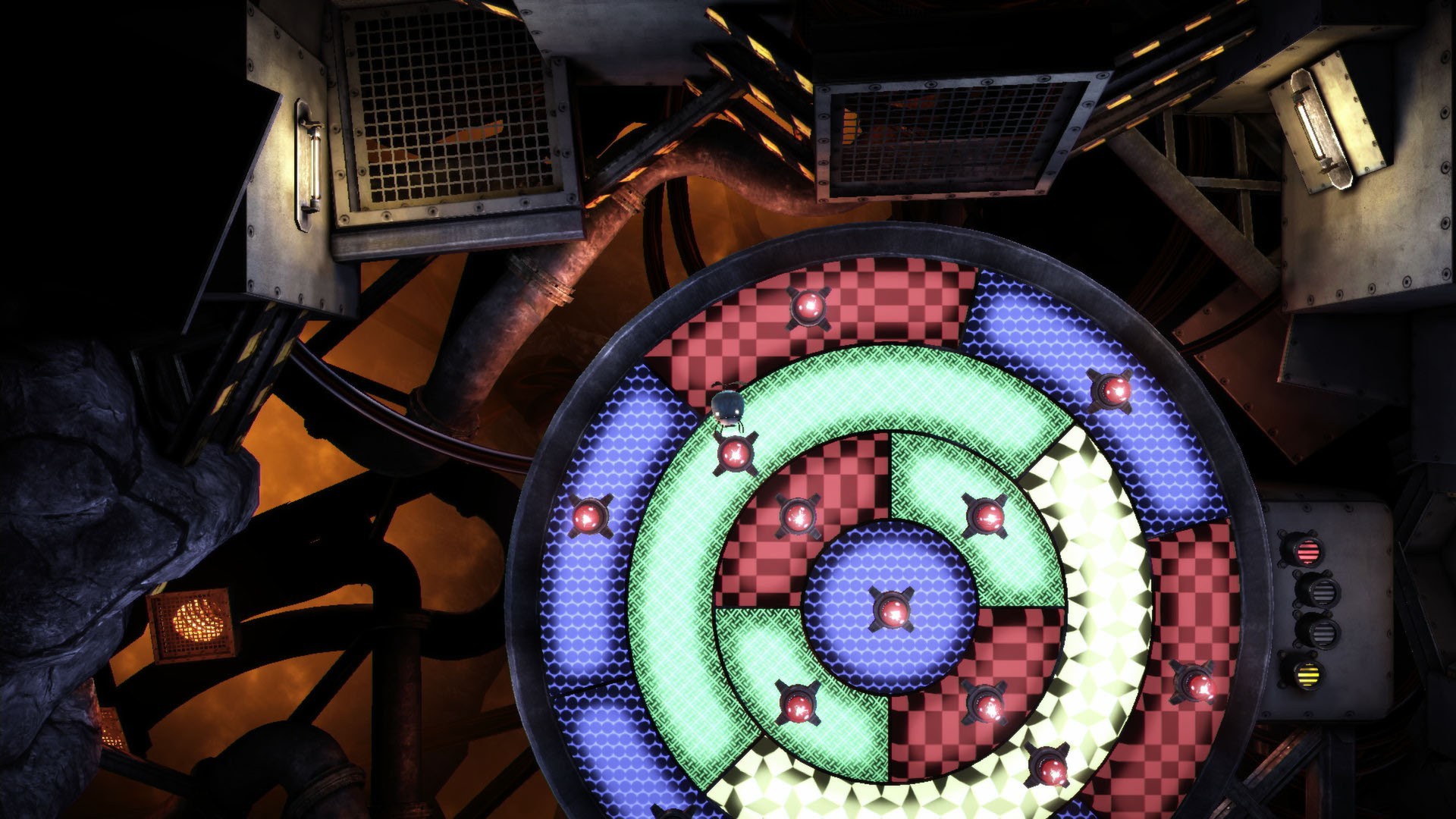
Unmechanical is a puzzle‑adventure that blends challenging puzzles with atmospheric exploration. Players wander a world of flesh, rock and steel, seeking freedom while uncovering a hidden dark secret. The game offers over three hours of solo play, featuring more than thirty distinct puzzles that range from logic to physics and memory challenges, all wrapped in a carefully crafted environment.
01 / THE GUIDE
Puzzle Variety
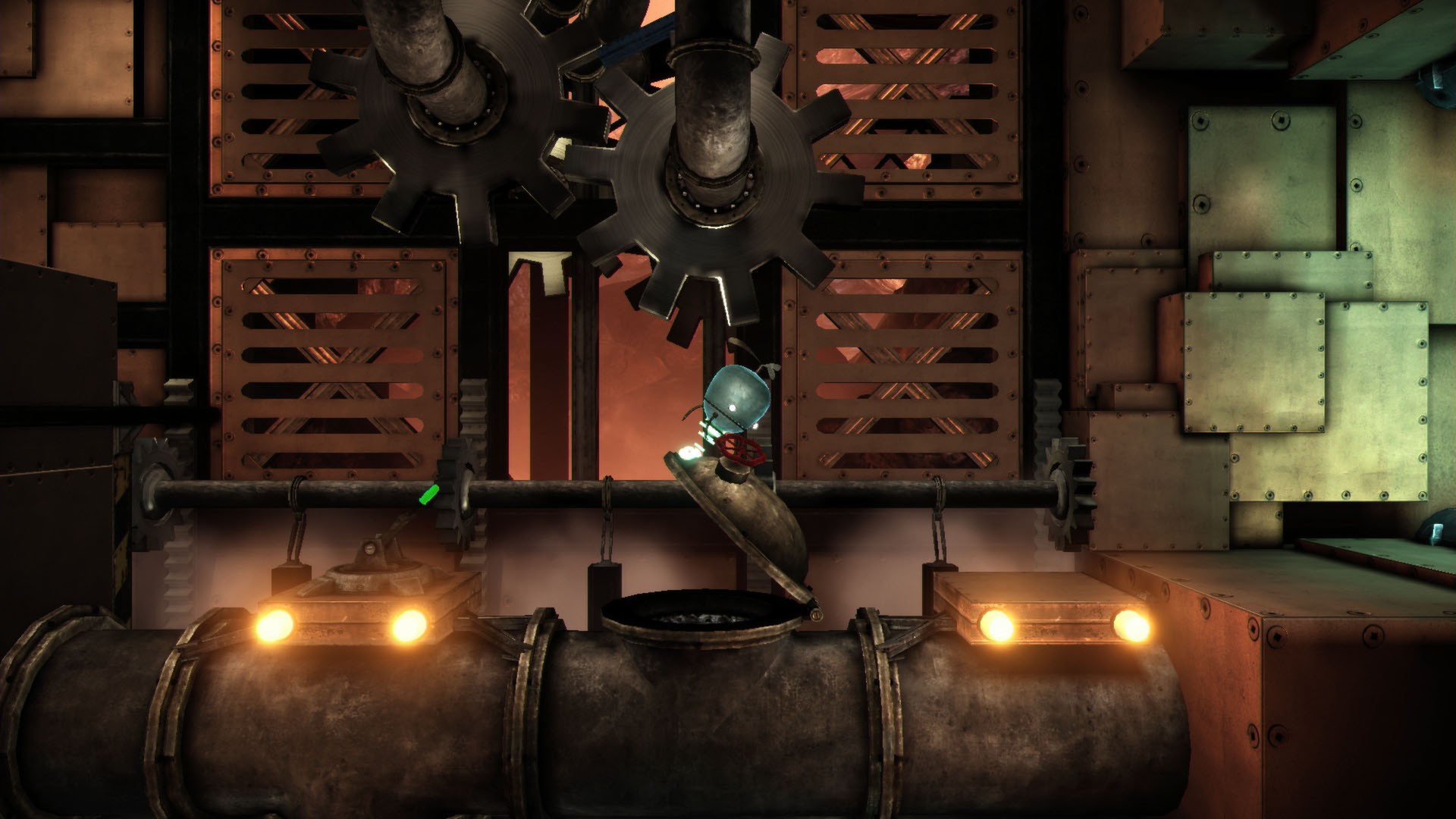
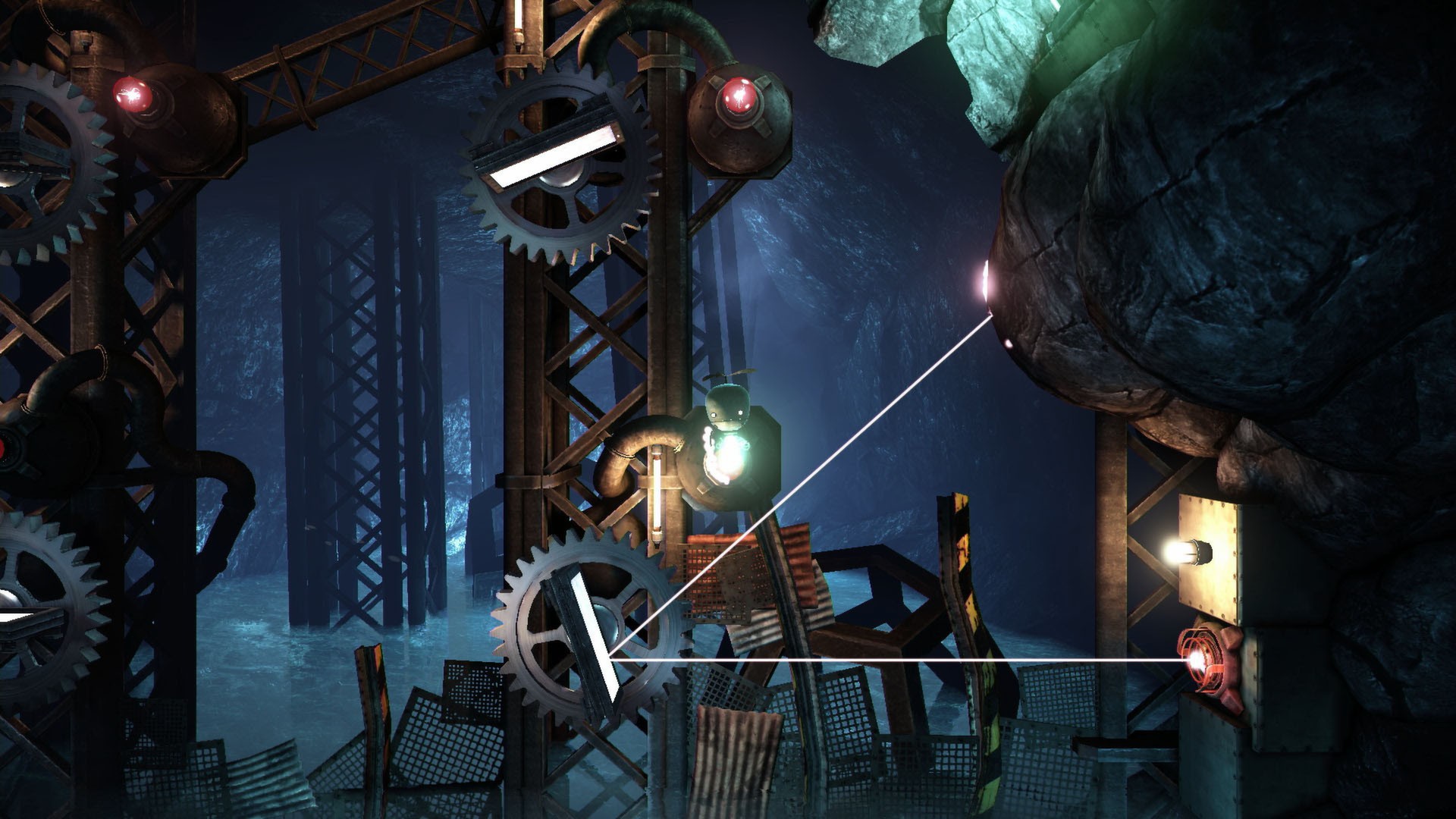
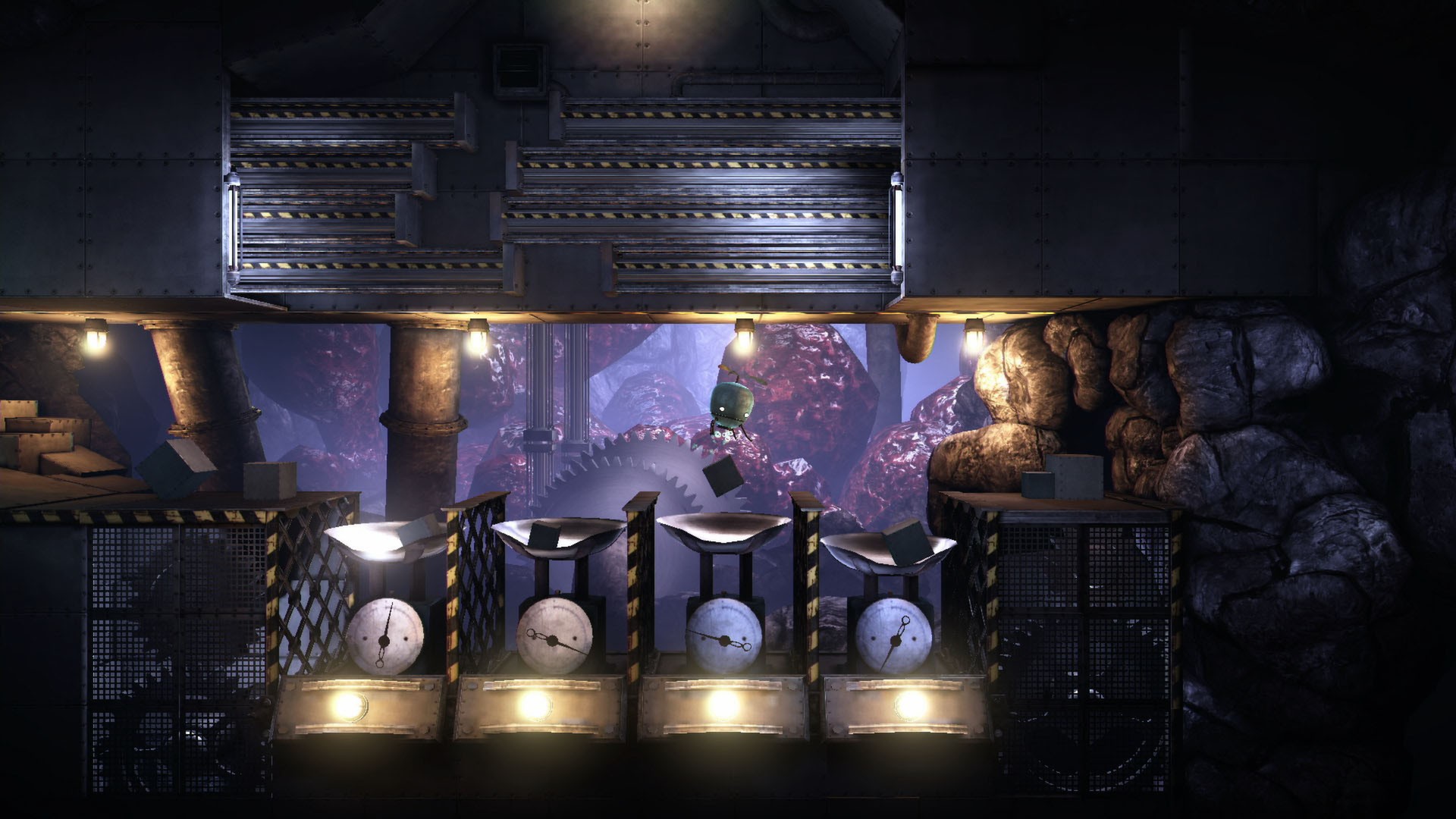
The title promises a great variety of challenges, and the game delivers more than thirty unique puzzles. These include logic‑based, physics‑based, and memory‑oriented tasks that grow harder as you progress. Later puzzles are noted to become very difficult, rewarding careful thought and experimentation.
- Try different approaches before giving up; the game’s design encourages experimentation.
- Observe environmental cues, as they often hint at the solution.
02 / THE GUIDE
Exploration and Atmosphere
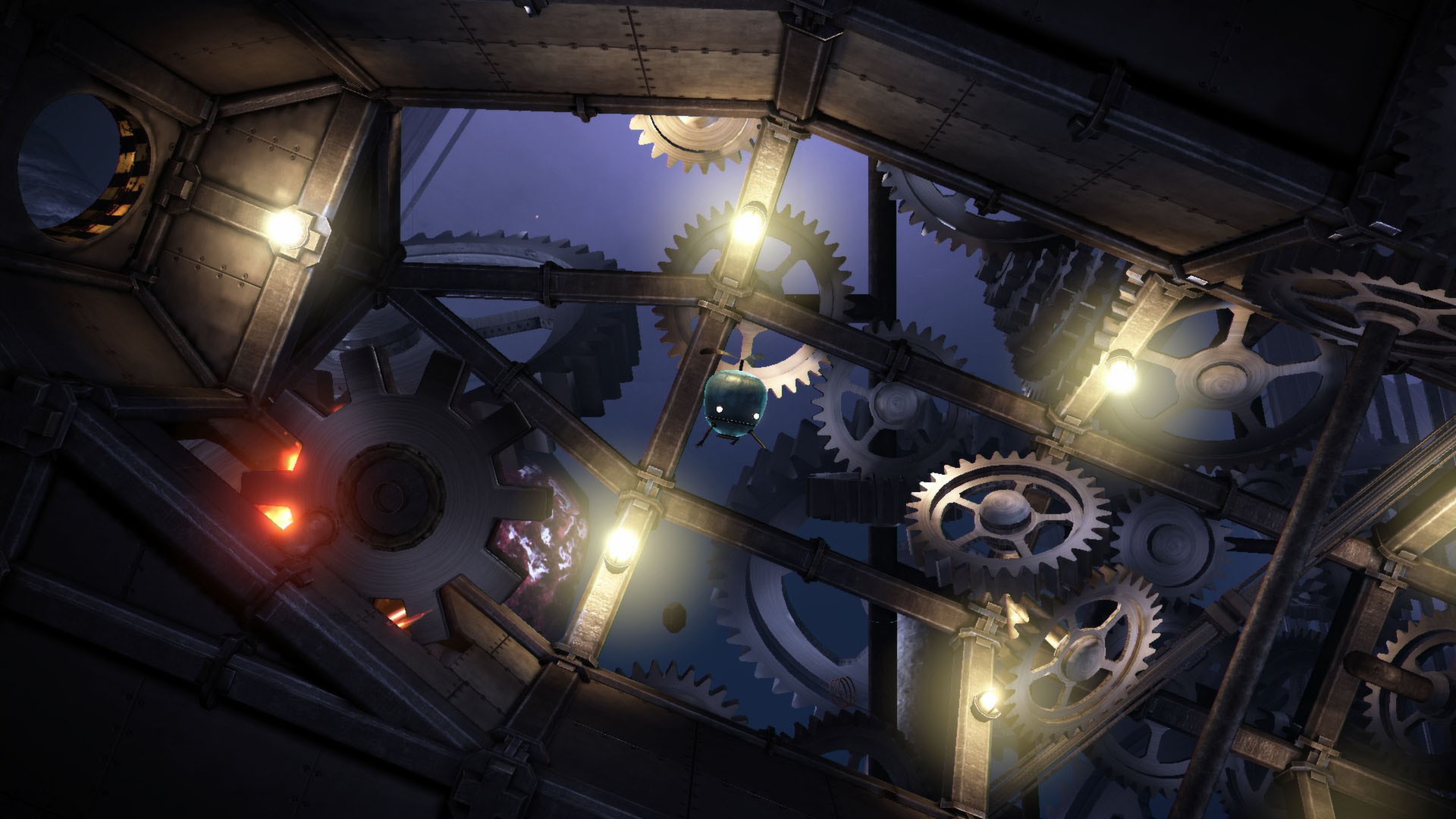
Exploration is central, with a world built from flesh, rock and steel that feels both fantastical and immersive. The atmosphere is described as engrossing, drawing players deeper into the mystery. Uncovering strange clues and events adds narrative depth while you move through distinct environments.
- Take time to absorb the surroundings; visual details often reinforce the mood.
- Follow any unusual objects—they may lead to hidden clues.
03 / THE GUIDE
Controls
Controls are marketed as intuitive and simple, applying to a wide range of interactions throughout the game. This design aims to make the puzzle mechanics accessible to new players. Even as puzzles become harder, the control scheme remains consistent, allowing focus on problem‑solving rather than input complexity.
- Use the default scheme first; its simplicity matches the game’s design.
- If using a controller, test the partial support to see which actions feel natural.
04 / THE GUIDE
Steam Achievements
The game includes Steam Achievements, offering extra goals for players who enjoy tracking progress. The store lists Steam Achievements as an extra goal for players who enjoy tracking progress. They provide a sense of accomplishment for thorough players.
- Check the achievement list early to set personal targets.
- Re‑visit earlier areas to look for anything you may have missed.
05 / THE GUIDE
Platform Availability
Unmechanical runs on Windows, macOS, and Linux, ensuring a broad audience can experience the adventure. The single‑player mode works across all supported operating systems. Family Sharing is also supported, allowing multiple accounts to access the same purchase on the same platform.
- Verify your OS version matches the listed support before installing.
- Use Family Sharing to let friends try the game without extra purchases.
COMMUNITY
Player discussion