 GameWiki
GET YOUR BEARINGS
About UnLoop
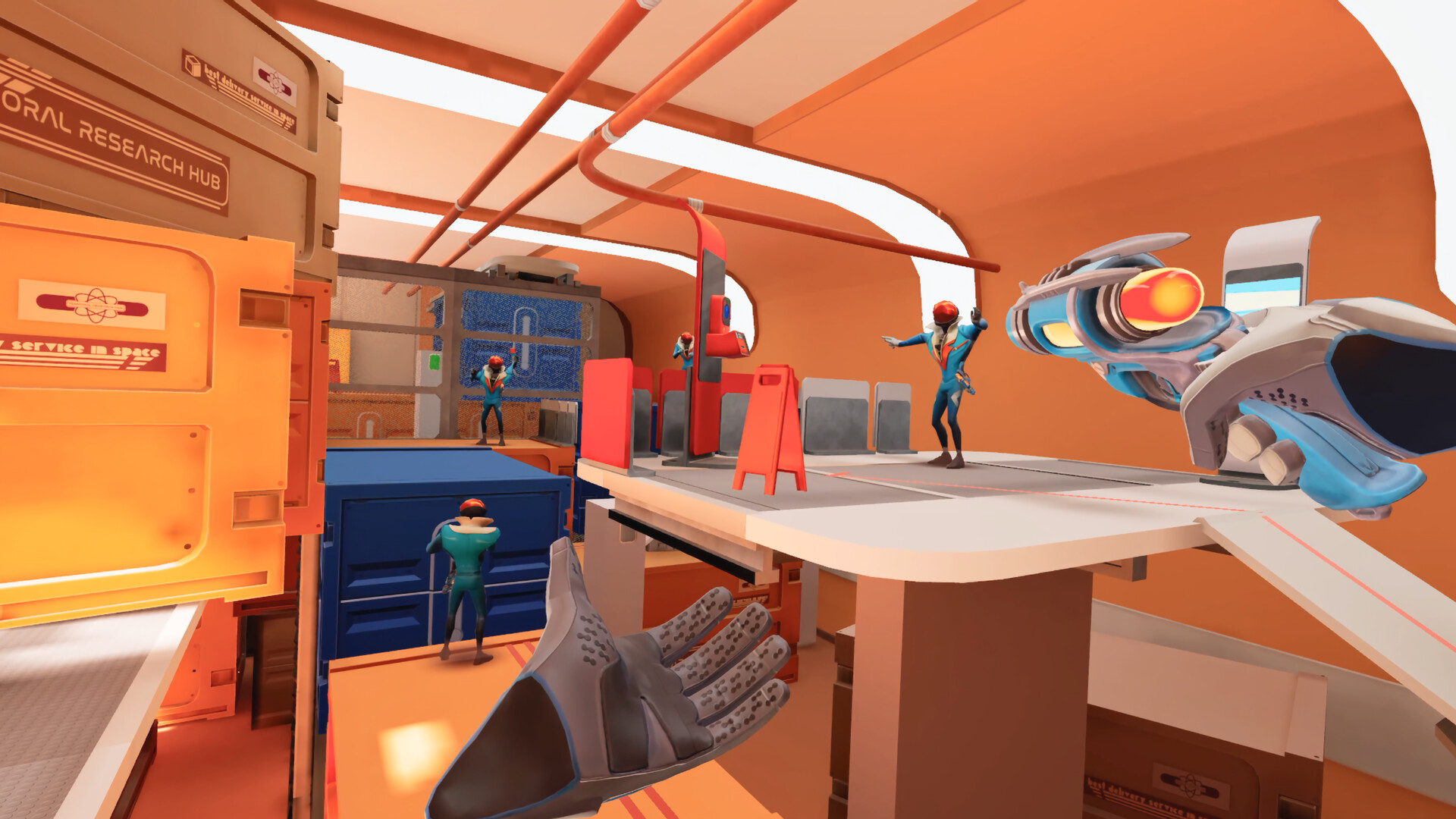
UnLoop drops you into a chaotic VR space‑station where you are the entire squad. Each loop leaves a replica that mimics your exact movements, gestures and voice, forcing you to coordinate with past copies to survive the environment.
Death is merely a tactical undo button: raising your laser gun and shooting yourself or a copy instantly resets the loop. The game includes Adjustable Difficulty, Custom Volume Controls, Camera Comfort options, and runs on Windows‑only VR hardware with Stereo or Surround sound.
01 / THE GUIDE
Loop Mechanics
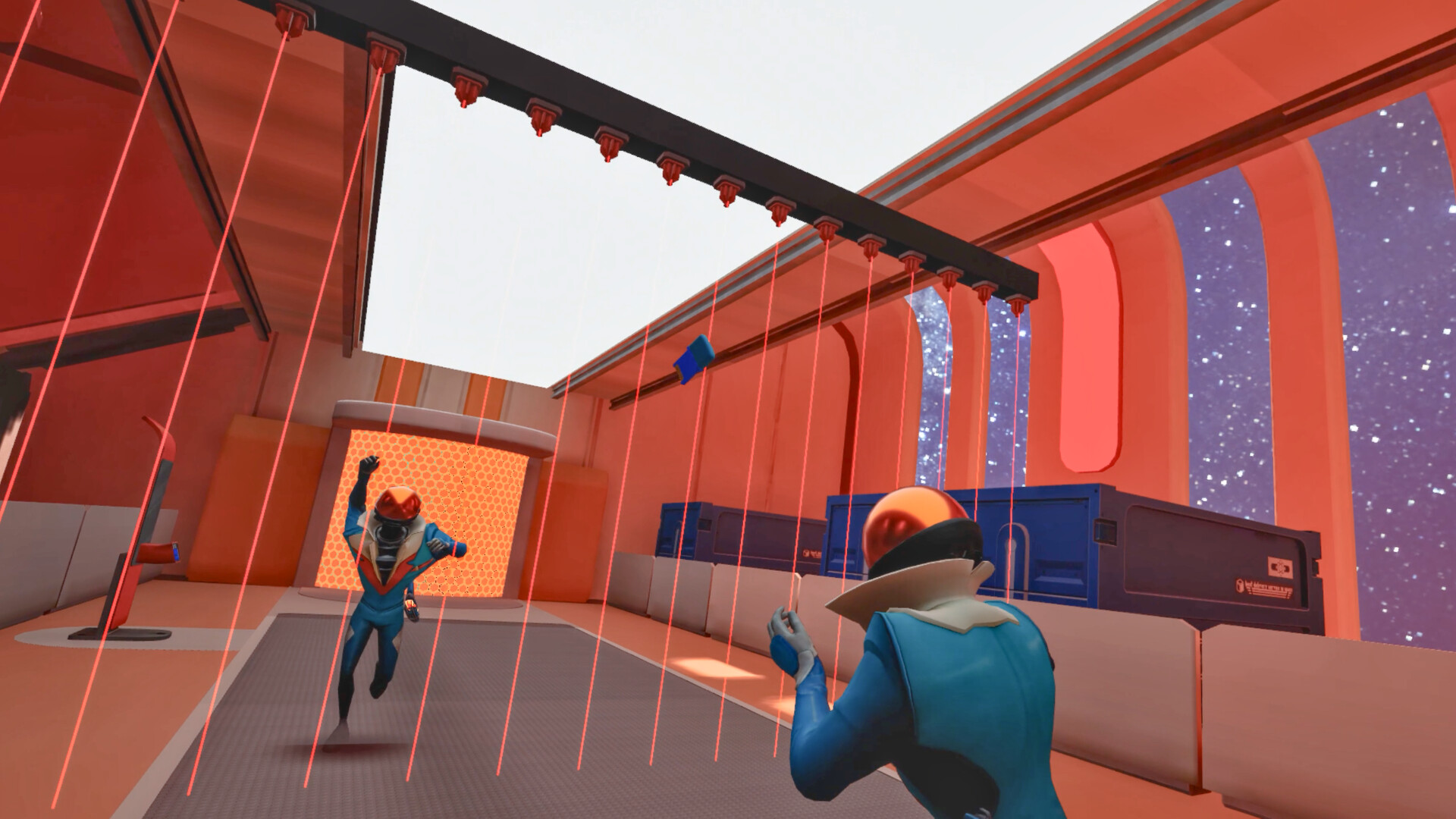
When a loop resets, a copy of you remains in the world, repeating everything you did in real‑time. These copies accumulate, creating a crowd of past selves that coexist with your current actions.
You can trigger a reset at any moment by raising your laser gun and shooting yourself or a copy. The reset occurs instantly, letting you try a different approach without penalty.
- Observe the first few resets to learn how copies behave before tackling complex puzzles.
- Use the reset function to test timing variations without worrying about failure.
02 / THE GUIDE
Coordination with Past Copies
Puzzles require you to align your current actions with those of earlier copies. For example, passing a keycard may need three versions of you to work together in a precise sequence.
You can yell instructions at your future self while flipping off an uncooperative past self, making verbal cues part of the coordination strategy.
- Plan a simple command chain before entering a new area.
- Use distinct gestures to differentiate instructions for each copy.
03 / THE GUIDE
Difficulty & Comfort Settings
Adjustable Difficulty lets you tailor the challenge to your skill and patience levels.
Camera Comfort options and Custom Volume Controls help reduce motion discomfort and let you balance the chaotic voices with ambient sound, supporting play at your own pace.
- Start on a lower difficulty to learn copy timing.
- Adjust volume so past‑self chatter doesn’t drown out important cues.
04 / THE GUIDE
Audio & Visual Options
UnLoop supports Stereo Sound and Surround Sound, delivering the cacophony of multiple copies clearly across the sound field, which aids spatial awareness of each copy’s location.
Camera Comfort settings are included to mitigate VR motion strain, and the game is marked as playable without timed input, allowing you to act at a comfortable speed.
- Enable surround sound for better spatial awareness of copy locations.
- Use camera comfort settings if you feel motion sickness.
05 / THE GUIDE
Progression & Achievements
UnLoop tracks your performance through Steam Achievements, providing concrete goals that reflect how efficiently you manage loops and copies.
Steam Leaderboards record scores from players, letting you compare your results with the broader community.
- Check the leaderboard to gauge how quickly you reset loops compared to others.
- Aim for achievements as you experiment with creative use of past copies.


COMMUNITY
Player discussion