 GameWiki
GET YOUR BEARINGS
About Unless
Unless thrusts players into the withering Forest of Worlds, where they must collect Golden Leaves across 66 distinct screens to restore imagination. The game blends action‑adventure platforming with a strong emphasis on speed and cooperation, offering both solo and shared experiences.
Designed for newcomers and speed‑runners alike, the title includes generous checkpoints, a co‑operative Assist Mode, and a dedicated Speedrun Mode that accelerates transitions and hides dialogue. Accessibility options such as adjustable speed, custom inputs, and high‑contrast UI make the adventure approachable for all ages.
01 / THE GUIDE
Golden Leaves Collection
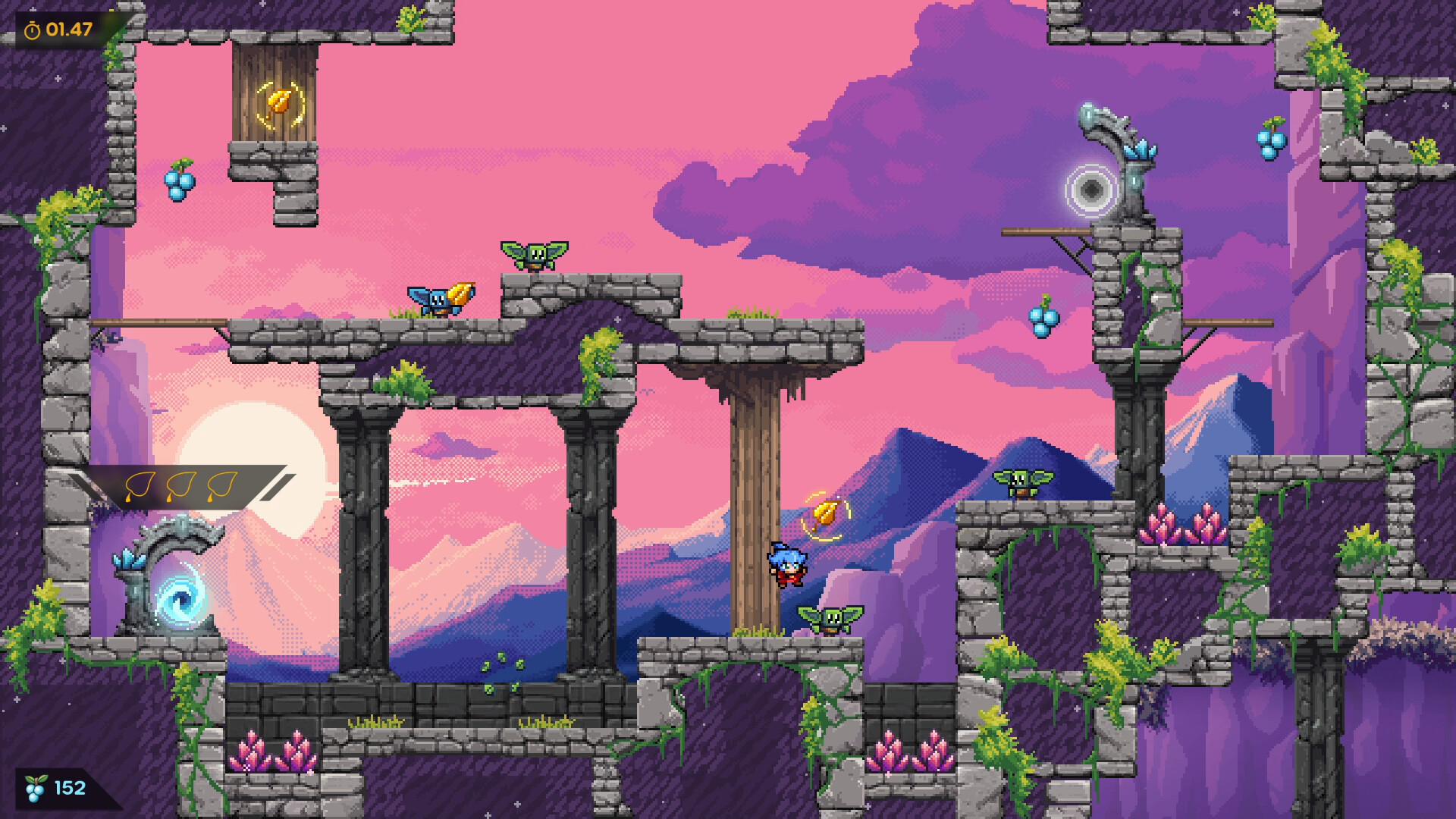
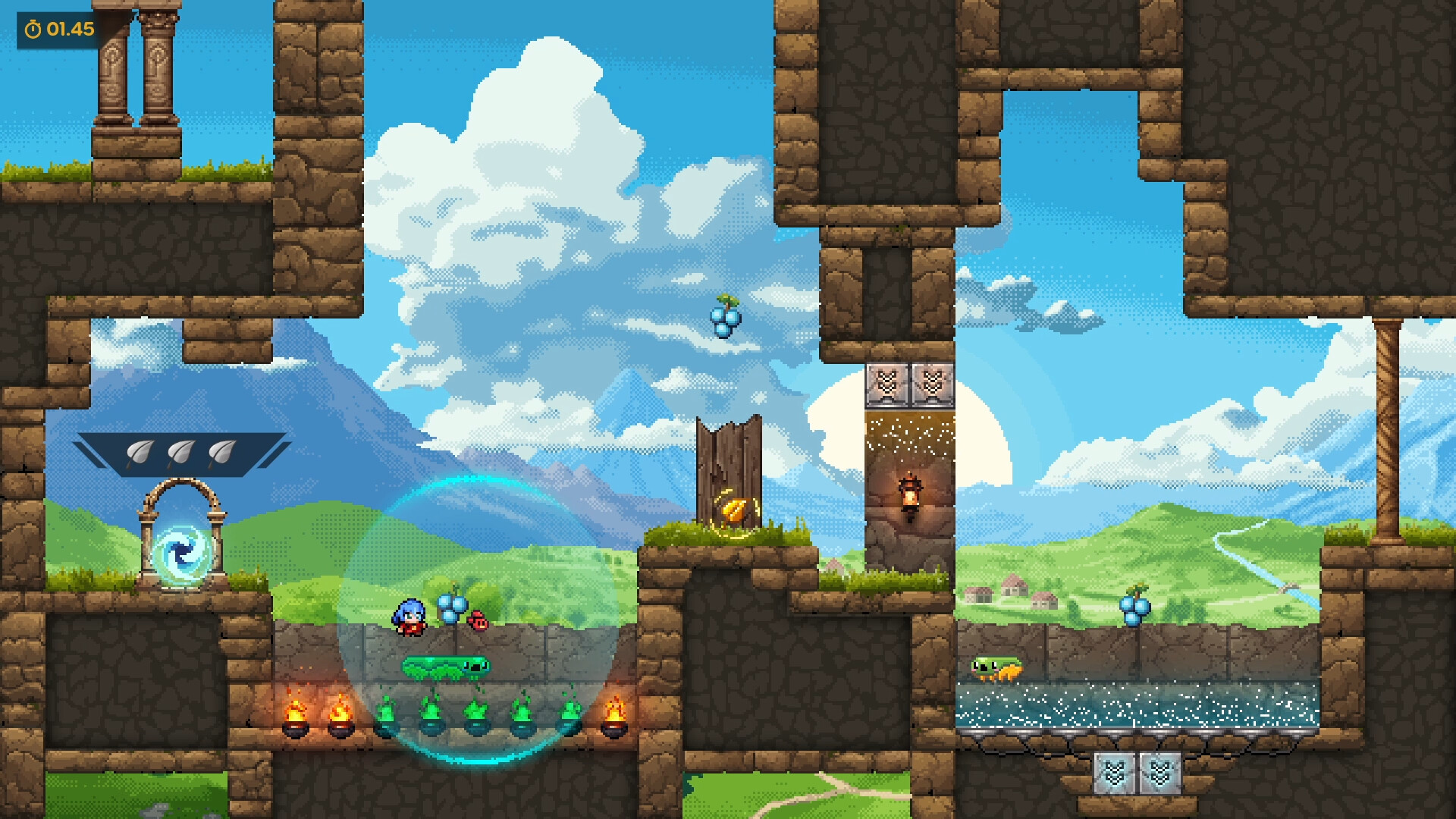
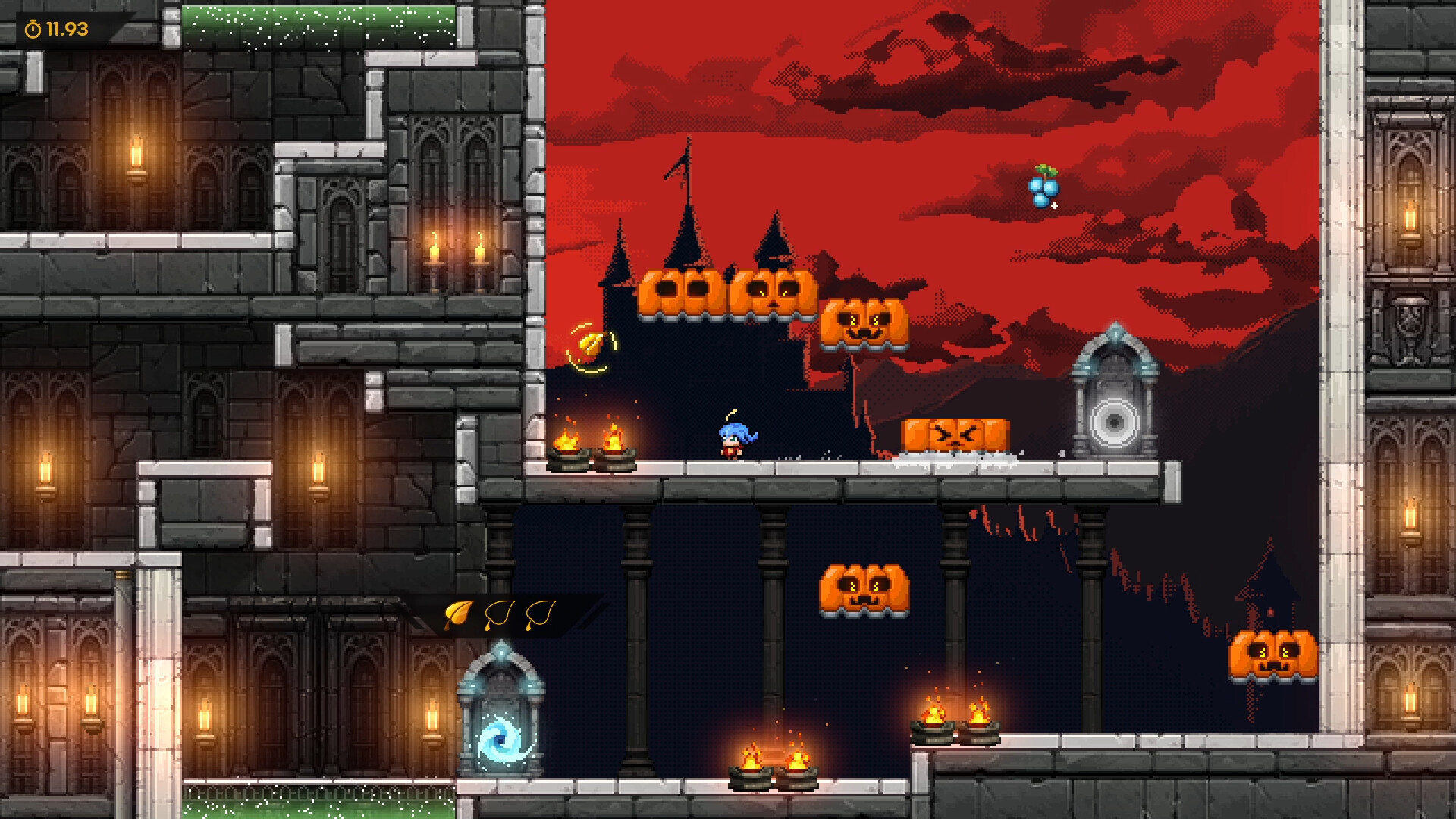
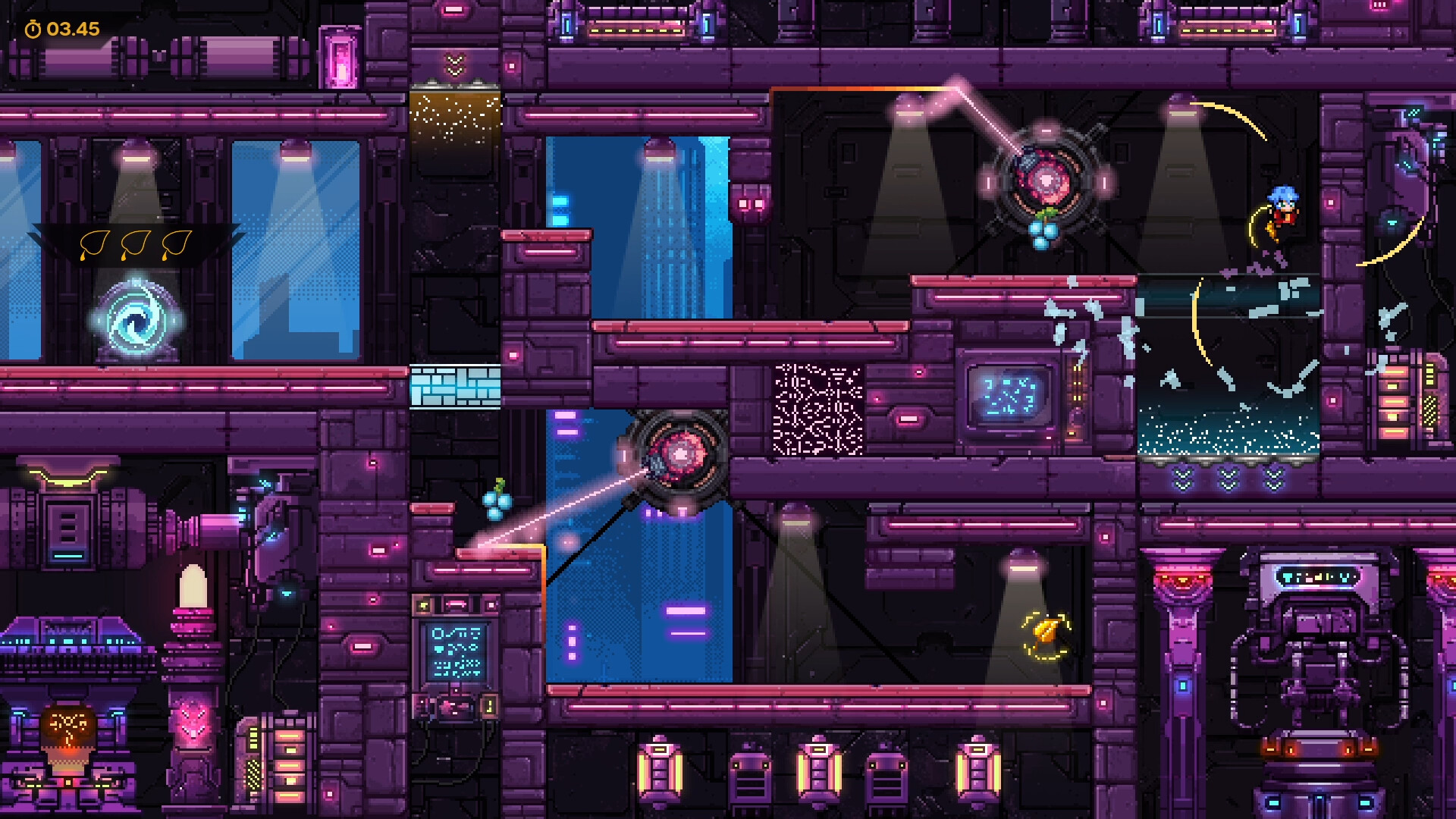
Across the 66 finely‑tuned screens, players gather Golden Leaves to prevent the world’s creative decay. Leaves are placed throughout the level layout, encouraging exploration and precise platforming.
Collecting the Golden Leaves is the central objective, and Crystal Berries earned by clearing levels quickly can unlock Bonus Levels. The presence of checkpoints ensures that players can retry challenging sections without losing overall progress.
- Observe leaf placement patterns early to plan efficient routes.
- Use checkpoints to experiment with different approaches without penalty.
02 / THE GUIDE
Speedrun Mode
A dedicated Speedrun Mode displays an in‑game timer, speeds up level transitions, and auto‑skips dialogue sequences, allowing players to focus on pure speed. This mode is intended for record‑seeking runs and competitive play.
Crystal Berries are awarded for clearing levels quickly, unlocking Bonus Levels for those who excel. The mode focuses on pacing, speeding up transitions and skipping dialogue during runs.
- Practice timing jumps and wall‑clings to shave seconds off each run.
- Watch leaderboards to gauge typical completion times.
03 / THE GUIDE
Assist and Co‑op Play
Assist Mode provides generous checkpoints and is designed for players of all ages and abilities, ensuring the full experience is reachable. Co‑operative play is supported via shared/split‑screen, allowing friends to tackle levels together.
Both modes let players experience the game’s levels together in a shared session. Shared/split-screen co-op lets friends play side by side, and Remote Play Together is supported.
- Coordinate with a partner to cover different platforming sections.
- Utilize Assist checkpoints to experiment with cooperative strategies.
04 / THE GUIDE
Shuffle Mode & Daily Challenge
Shuffle Mode randomizes level connections and leaf positions, creating a fresh layout for each playthrough. Players can share seeds to race friends on identical randomized runs.
The Daily Challenge offers a leaderboard, encouraging competitive replay alongside Shuffle Mode’s randomized runs.
- Save your seed if you achieve a strong time for later comparison.
- Check the Daily Challenge reset time to plan your attempt.
05 / THE GUIDE
Accessibility Options
Unless includes Adjustable Game Speed, Customizable Inputs, Font selection, Text scaling, High‑contrast UI, and reduced‑distraction modes. These settings let players tailor visual and control aspects to personal needs.
The game also supports full controller input, DualShock and DualSense compatibility, and a Keyboard Only option, ensuring multiple hardware configurations are viable without mandatory timed inputs.
- Experiment with game speed to find a comfortable rhythm for platforming.
- Enable high‑contrast UI if visual clarity is a priority.

COMMUNITY
Player discussion