 GameWiki

GET YOUR BEARINGS
About Universe Sandbox
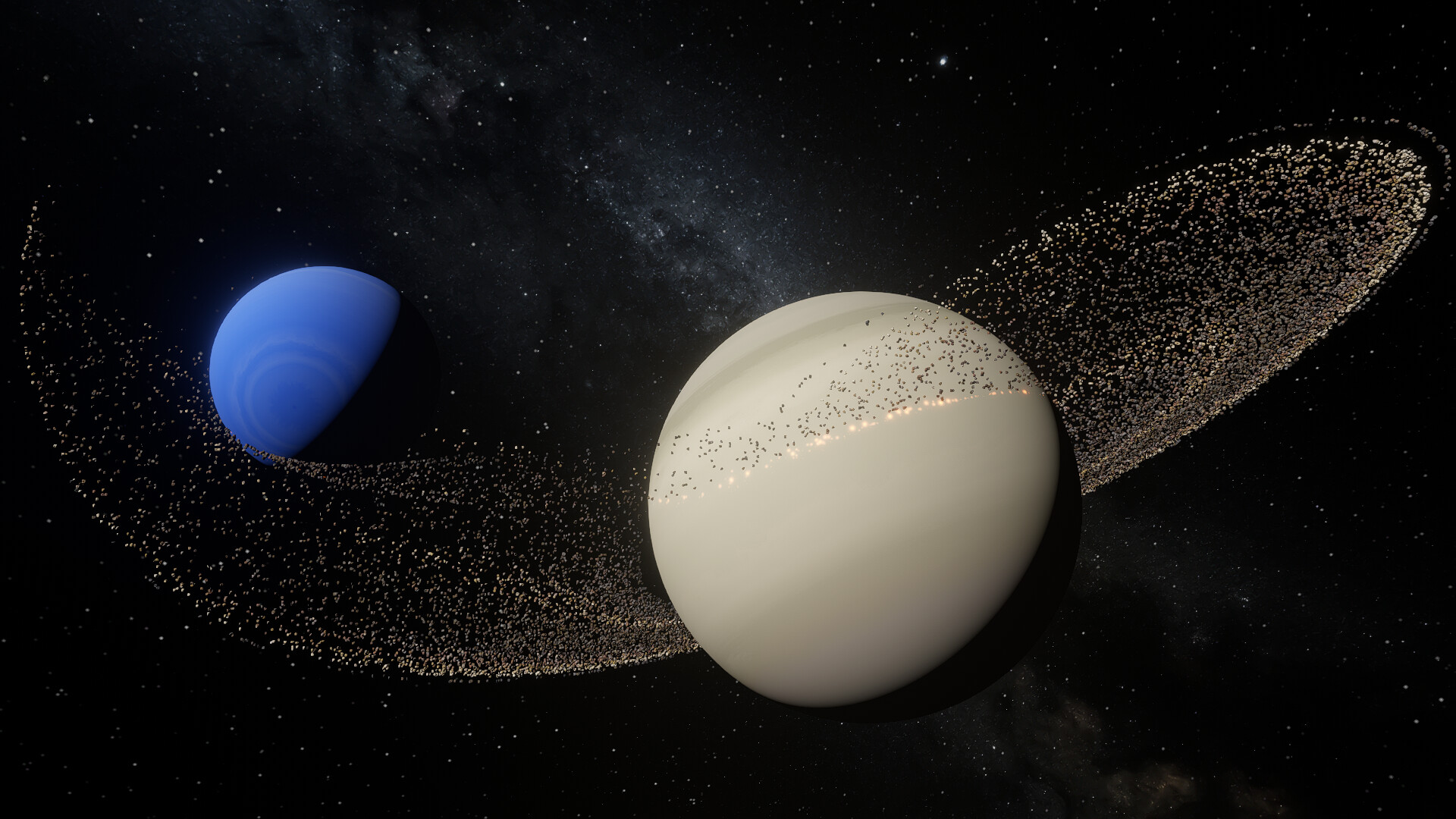
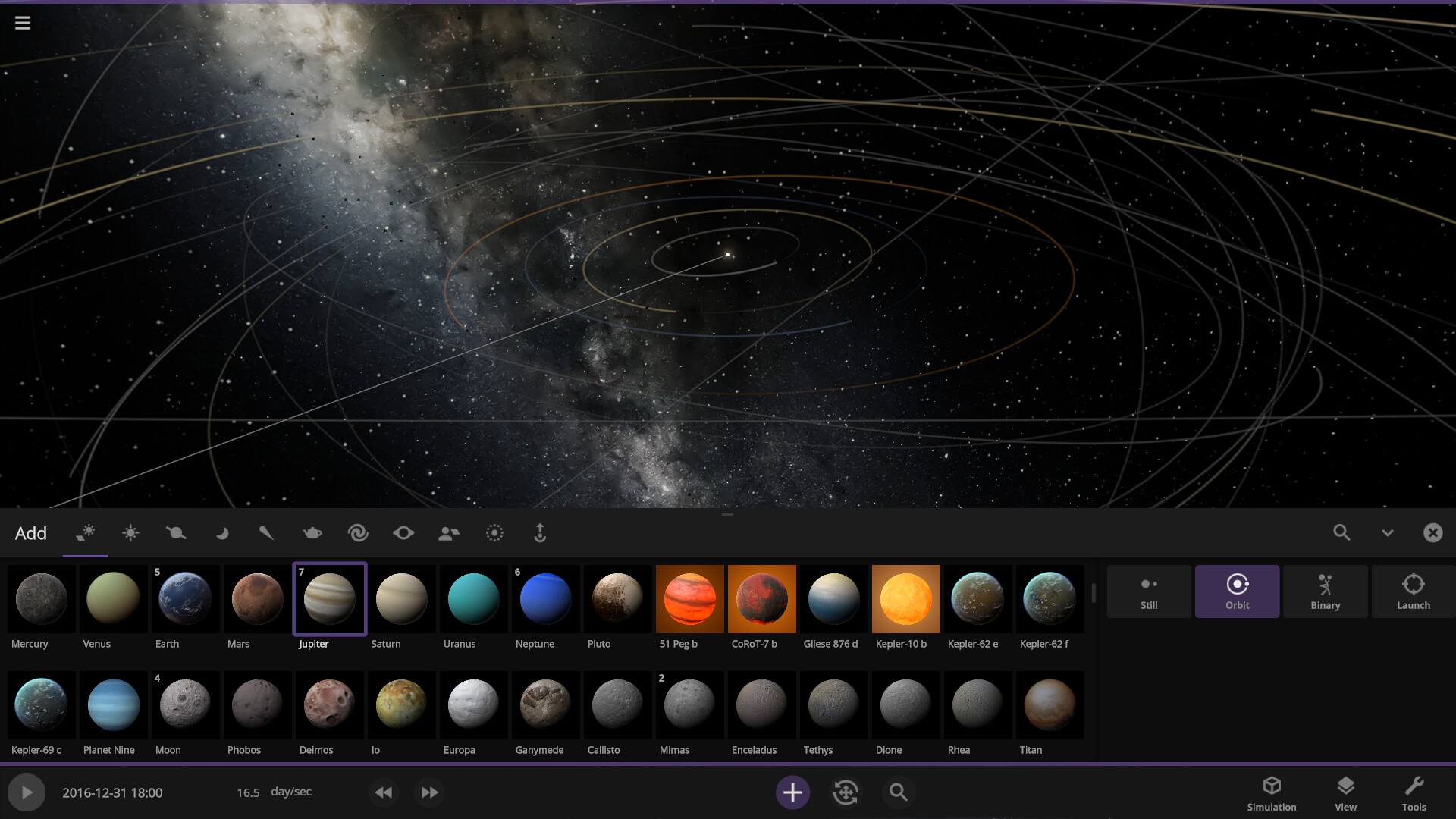
Universe Sandbox is a physics‑based space simulator that lets players create, destroy, and interact with celestial bodies on a massive scale. Using real‑time Newtonian gravity and climate models, users can watch planets collide, stars go supernova, and climates shift as they adjust tilts or proximity to suns. The game runs on Windows and macOS, supports mouse‑only and partial controller input, and offers unlimited save points and Steam Workshop sharing.
01 / THE GUIDE
Real‑time Gravity Simulation
The core engine runs an N‑body gravity simulation at almost any speed, applying Newtonian mechanics to every object in the scene. This lets users observe how planets, moons, and stars pull on each other in real time.
Because the simulation does not require a supercomputer, players can experiment with massive systems on a typical home PC while still seeing accurate gravitational interactions.
- Start with a single star and add bodies gradually to keep the simulation stable.
- Use the pause function to fine‑tune masses before resuming the run.
02 / THE GUIDE
Planetary Climate Modeling
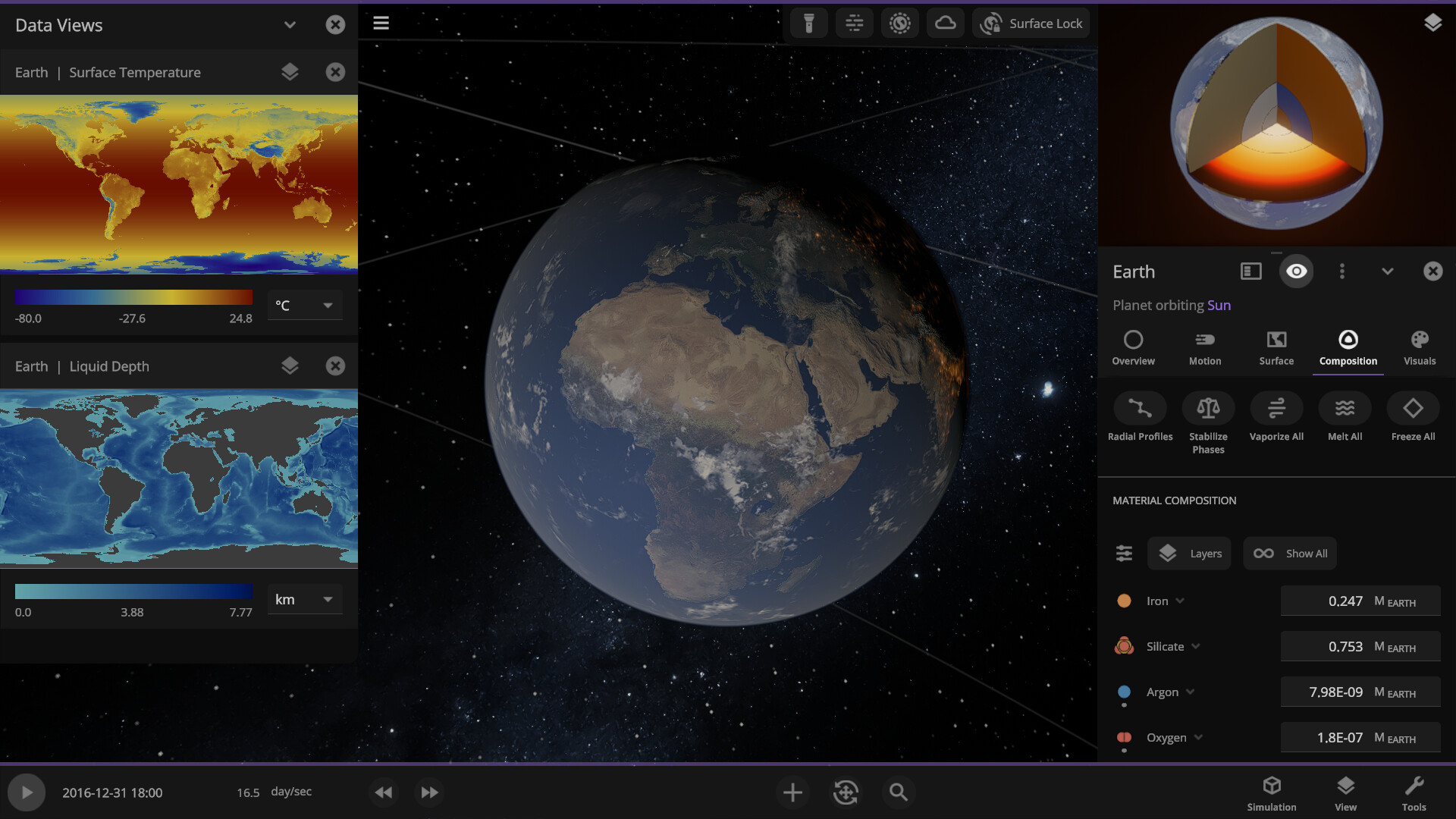
Universe Sandbox models climate effects such as sea‑ice growth and recession based on a planet’s axial tilt. Changing the tilt directly alters seasonal patterns, letting users watch the visual impact on ice caps.
Moving a planet closer to its star raises surface temperatures, causing oceans to boil away, which demonstrates the link between orbital position and climate.
- Adjust tilt slowly to see gradual seasonal changes.
- Observe temperature shifts when altering orbital distance for educational comparisons.
03 / THE GUIDE
Collision and Supernova Events
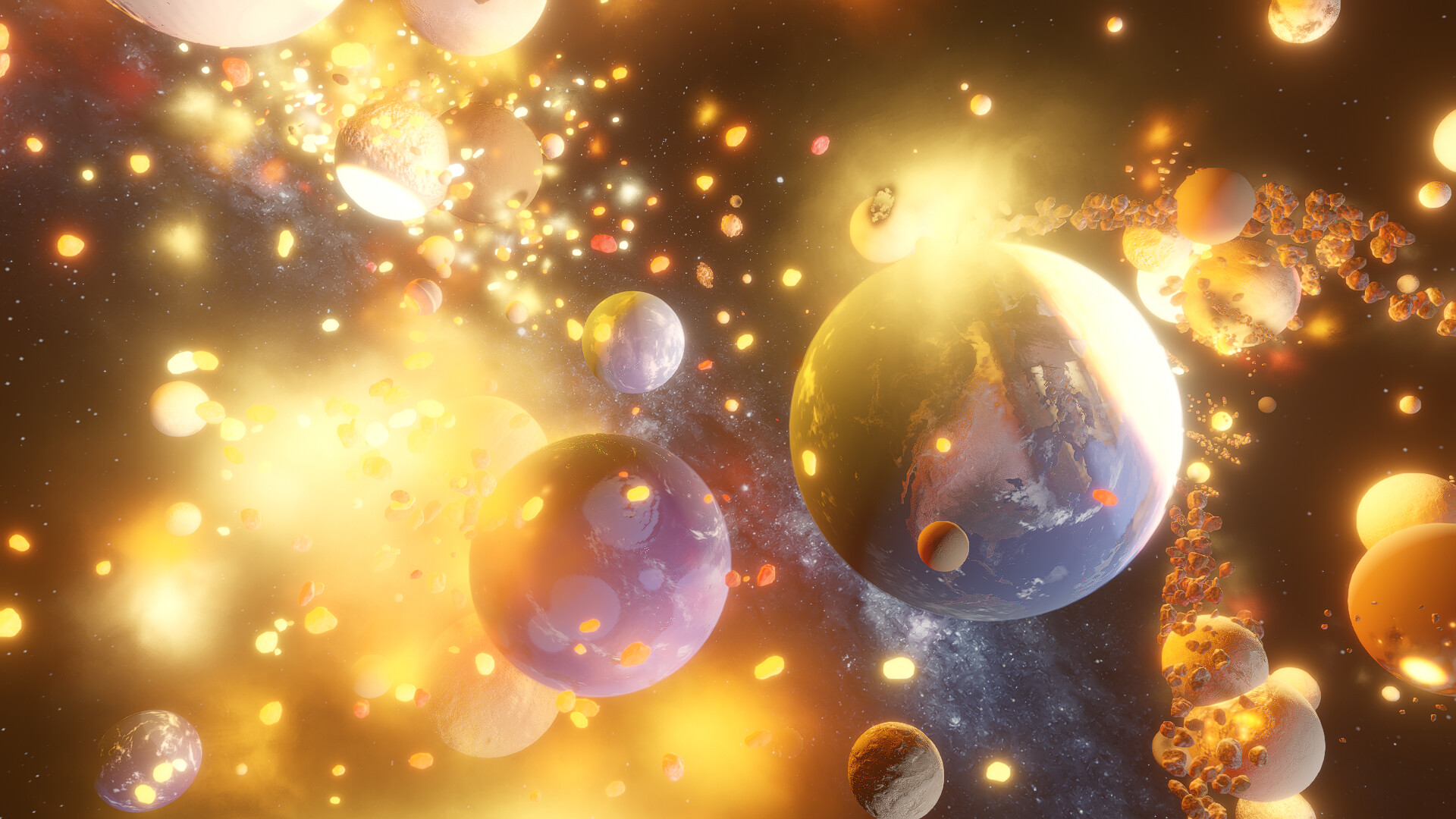
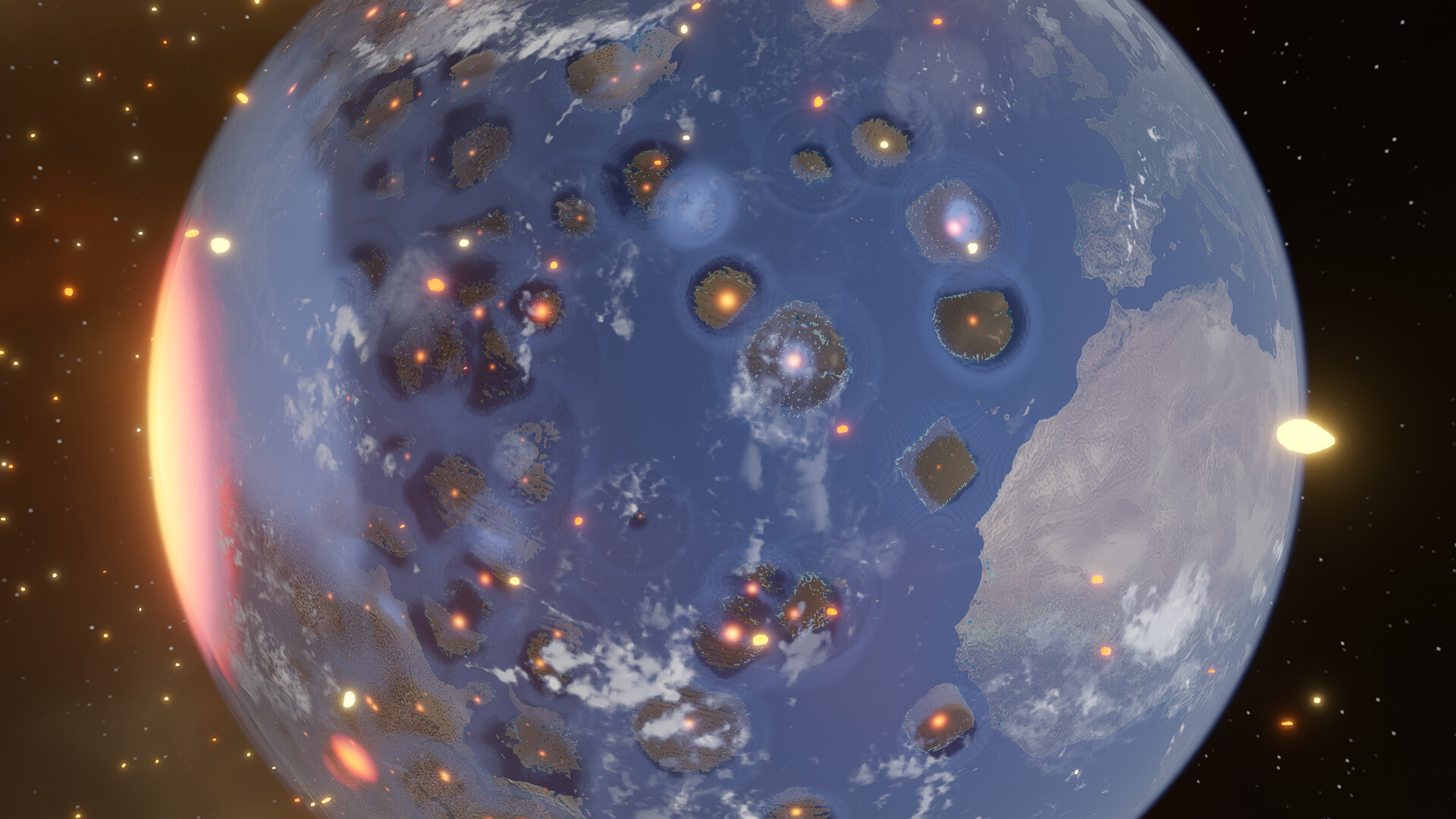
Players can cause epic collisions between planets and stars, producing molten craters and dramatic visual effects. The system also allows the creation of supernovae by merging stars or increasing their mass before triggering an explosion.
These events are visualized in real time, showing material dispersion and shockwaves without needing external tools.
- Use lower simulation speed to capture detailed collision footage.
- Combine two stars before increasing mass for a more dramatic supernova.
04 / THE GUIDE
Building and Terraforming Planets
The sandbox includes 12 materials—such as water, oxygen, and carbon dioxide—that can be placed on planetary surfaces to shape oceans, mountains, and atmospheres. Users can sculpt terrain and adjust composition to observe resulting environmental changes.
Procedurally generated planets, stars, and galaxies provide fresh canvases for each session, encouraging experimentation with different planetary designs.
- Begin with a base terrain before adding atmospheric gases.
- Experiment with different material combinations to see varied climate outcomes.
05 / THE GUIDE
Accessibility and Platform Support
Universe Sandbox runs on Windows and macOS, offering mouse‑only, touch‑only, and partial controller support. Features like adjustable text size, custom volume controls, and the ability to save anytime make the game approachable for many players.
Steam Cloud and Family Sharing let users keep their simulations across devices and share them with others, while the Steam Workshop provides a venue for community‑created content.
- Enable the mouse‑only option if you prefer precise control.
- Use Steam Cloud to back up important simulation files.
COMMUNITY
Player discussion