 GameWiki
GET YOUR BEARINGS
About Unium
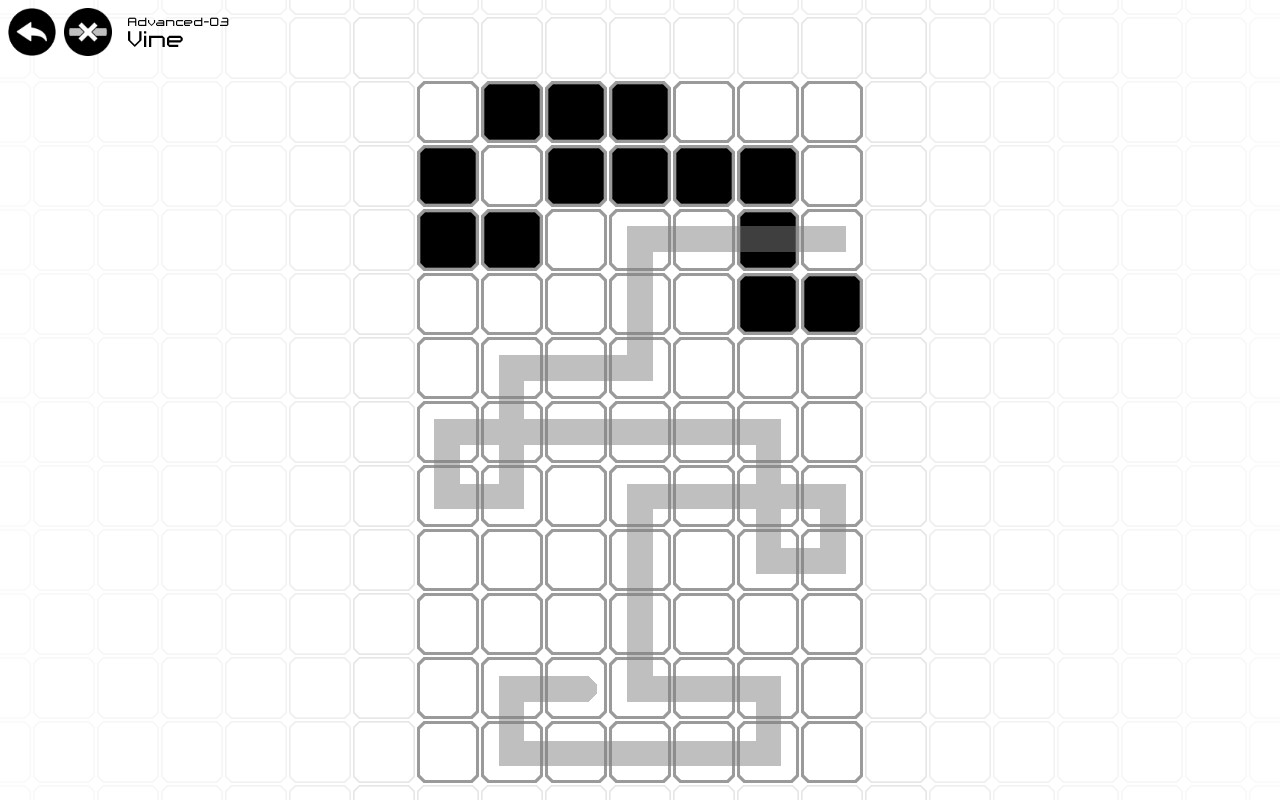
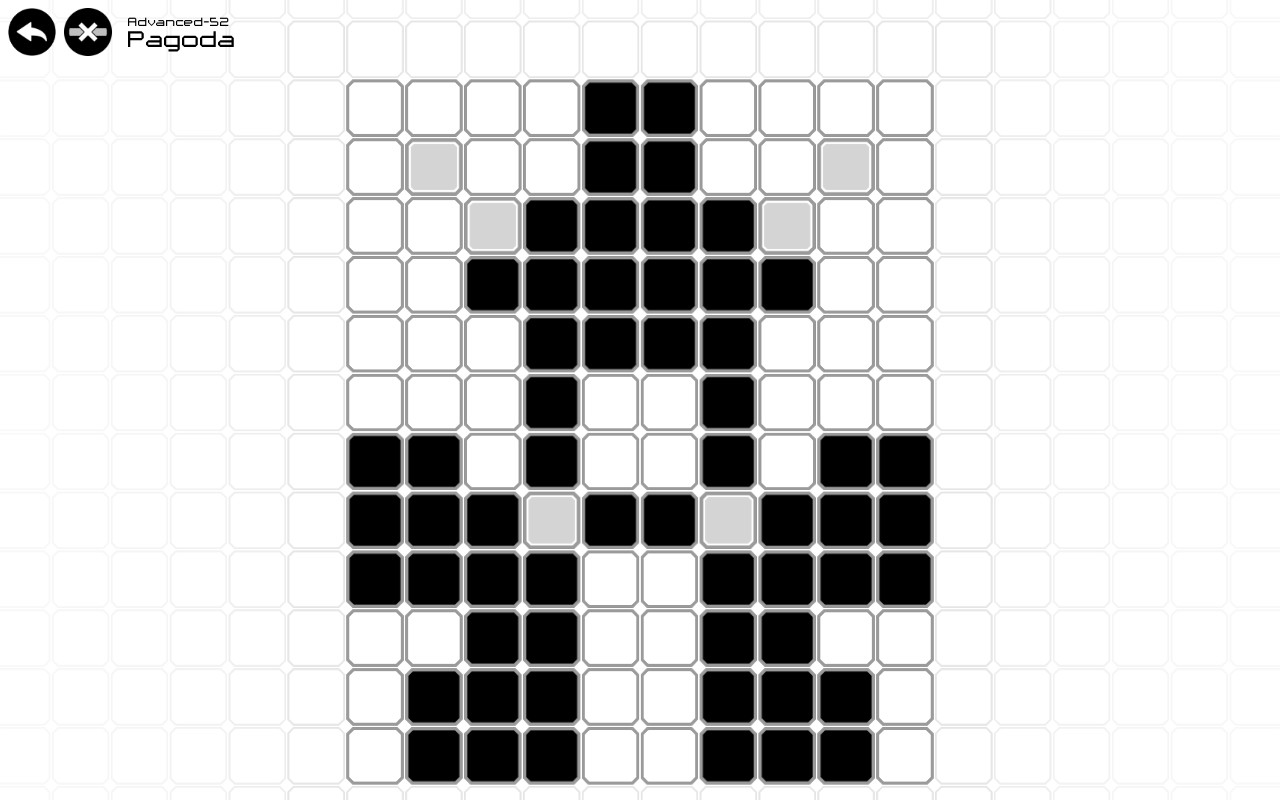
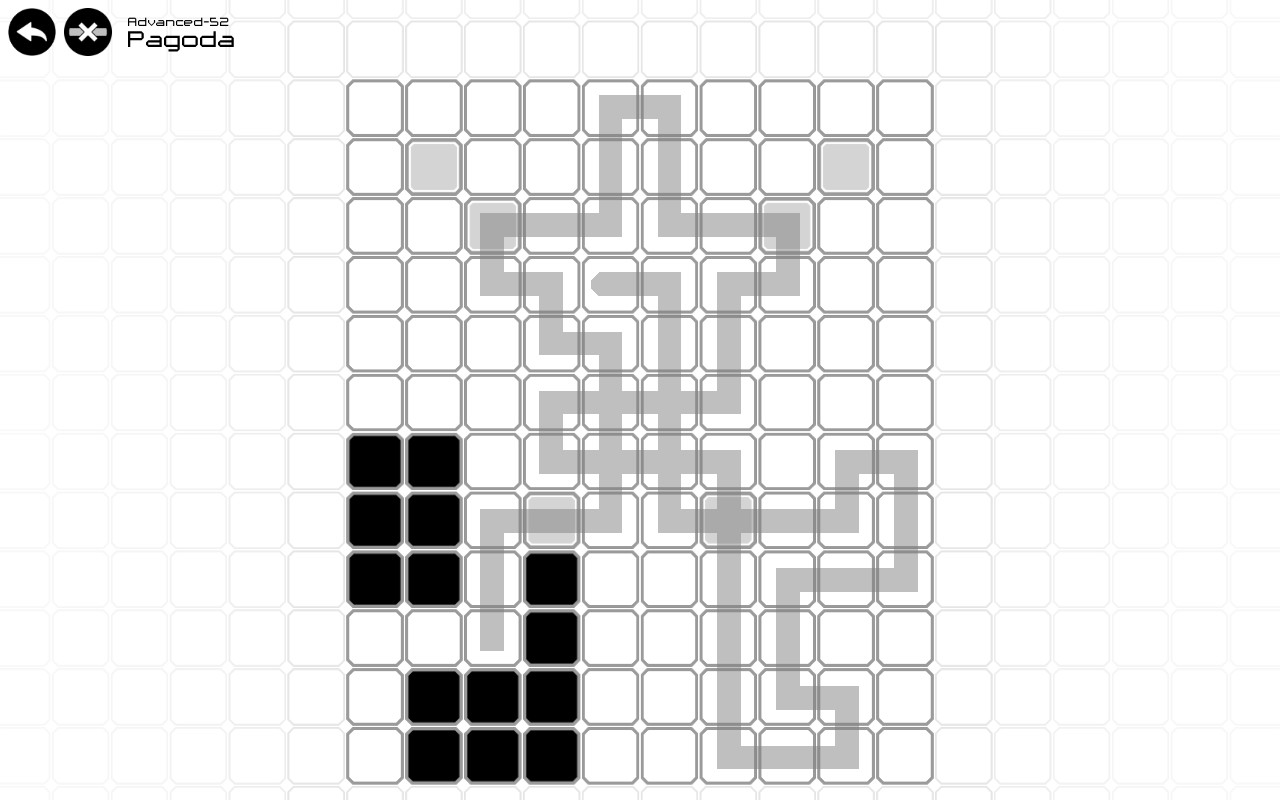
Unium challenges players to draw a single continuous line across a grid of tiles, flipping each tile’s colour as the line passes. The core mechanic is simple—each visited tile switches between black and white—yet the puzzles quickly demand careful planning.
With over 100 levels, the game rewards experimentation, offering achievements for solving puzzles in varied ways. A built‑in level editor lets creators design their own challenges and share them via Steam Workshop, extending play far beyond the supplied stages.
01 / THE GUIDE
Core Mechanic
The player begins on a single tile and draws a continuous line to adjacent tiles. Every tile the line crosses flips its colour, turning black to white or white back to black.
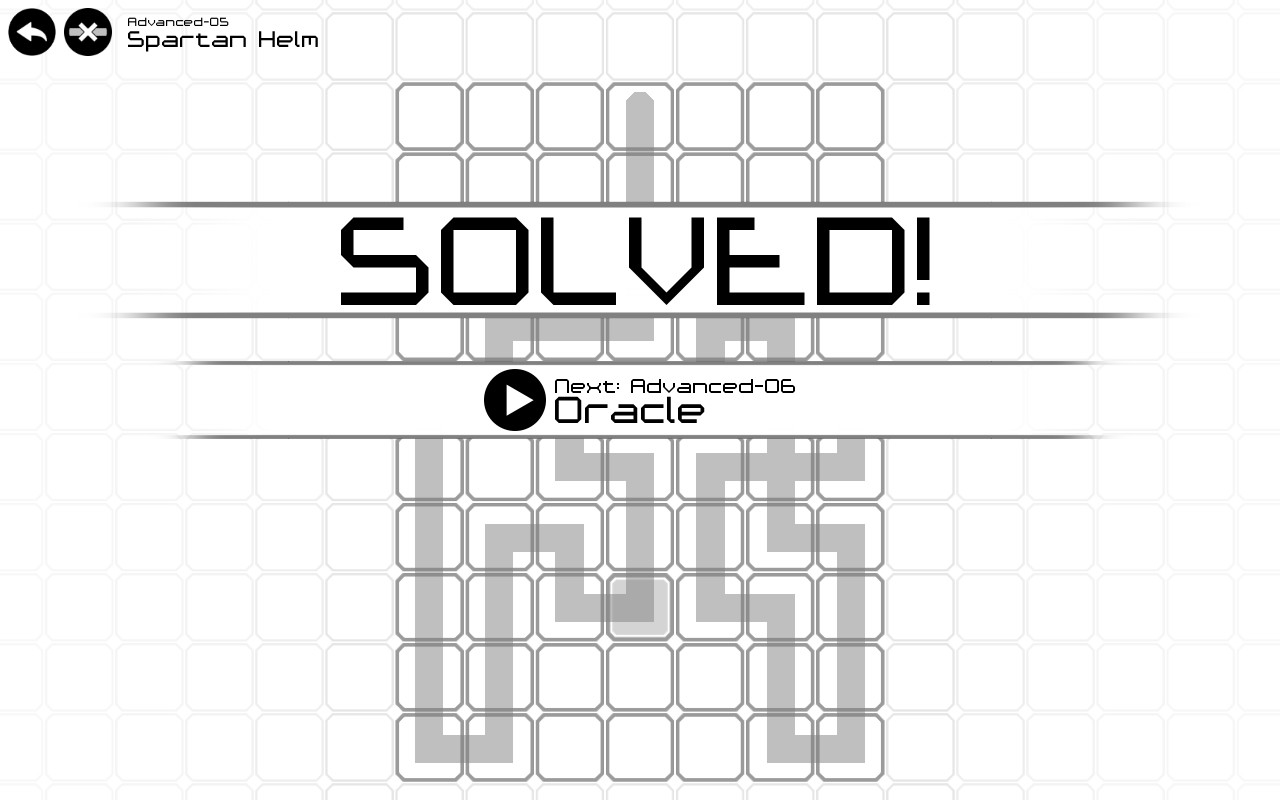
The objective is to use one uninterrupted line to turn all black tiles white. Because each pass toggles the tile, the order and path matter, allowing many possible solutions for a single puzzle.
- Experiment with different entry points; starting elsewhere can change the toggle sequence.
- Look for loops that revisit tiles only when necessary to correct earlier flips.
02 / THE GUIDE
Level Progression
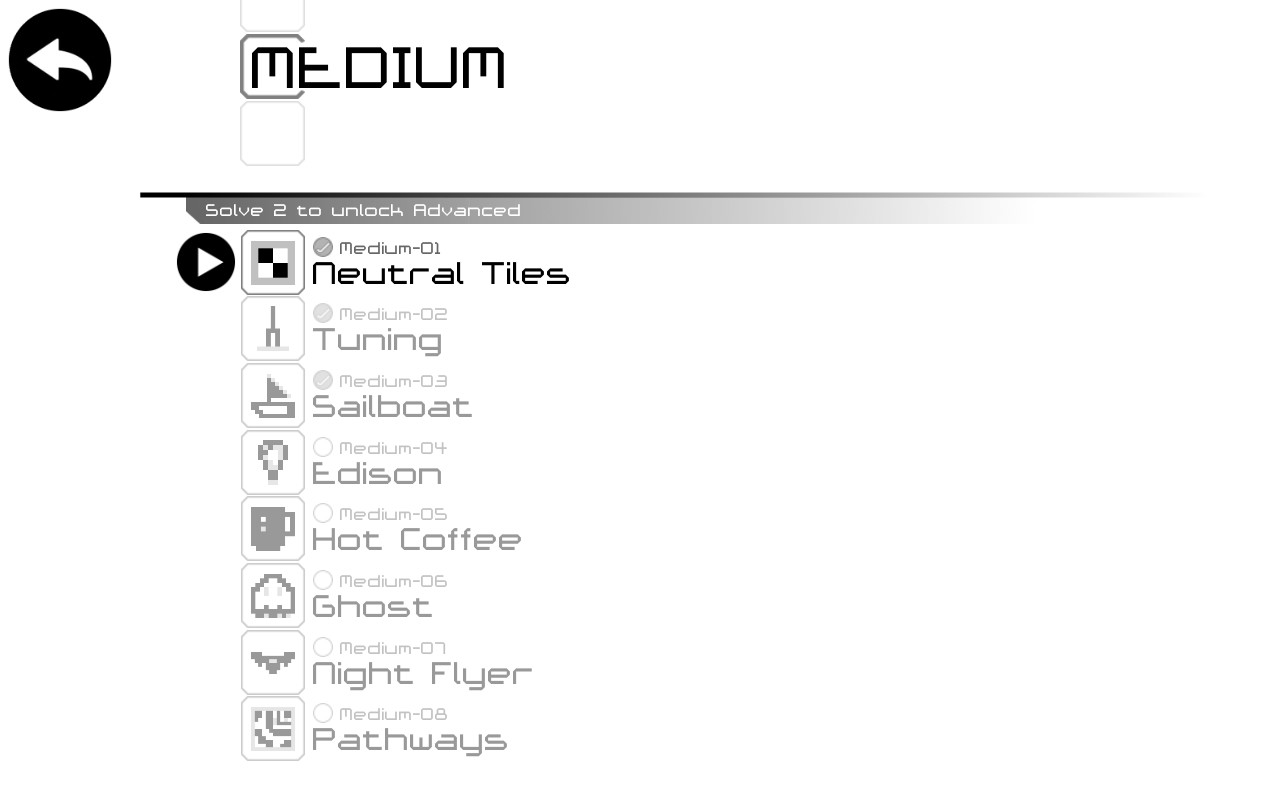
Unium includes more than one hundred levels that increase in difficulty. Players unlock harder puzzles by completing easier ones, gradually introducing more complex tile arrangements.
The design encourages learning what strategies succeed and which do not, as each solved level opens the next set of challenges, keeping the difficulty curve steady.
- Solve earlier levels thoroughly to understand basic toggle patterns.
- Take note of which approaches fail; the source encourages learning what works and what doesn't.
03 / THE GUIDE
Achievements
Steam Achievements are tied to solving puzzles in multiple ways. By finding alternative routes, players can earn these badges.
Achievements serve as a secondary goal, motivating players to revisit completed levels and explore different strategies beyond the first solution.
- After finishing a level, try a completely different path as another way of solving it.
- Track which levels you have not yet solved in multiple ways.
04 / THE GUIDE
Level Editor
Unium ships with a built‑in editor that lets users create their own puzzles. Creators can craft custom puzzles and publish them to the Steam Workshop for community play.
The editor is built into the game, so custom puzzles can sit alongside the official stages.
- Start by replicating a simple official level to learn the editor’s controls.
- Test your custom puzzle repeatedly to verify that a single line can solve it.
05 / THE GUIDE
Platform Support
Unium runs on Windows, macOS, and Linux, providing broad accessibility for PC gamers. The game is listed as single‑player and integrates Steam features such as Cloud saves and Family Sharing.
These platform details mean players can continue progress across supported operating systems and share the game with family members without needing separate purchases.
- Enable Steam Cloud to keep your puzzle progress synchronized across devices.
- Use Family Sharing to let another household member try the game without buying it.
COMMUNITY
Player discussion