 GameWiki
GET YOUR BEARINGS
About Unity of Command II
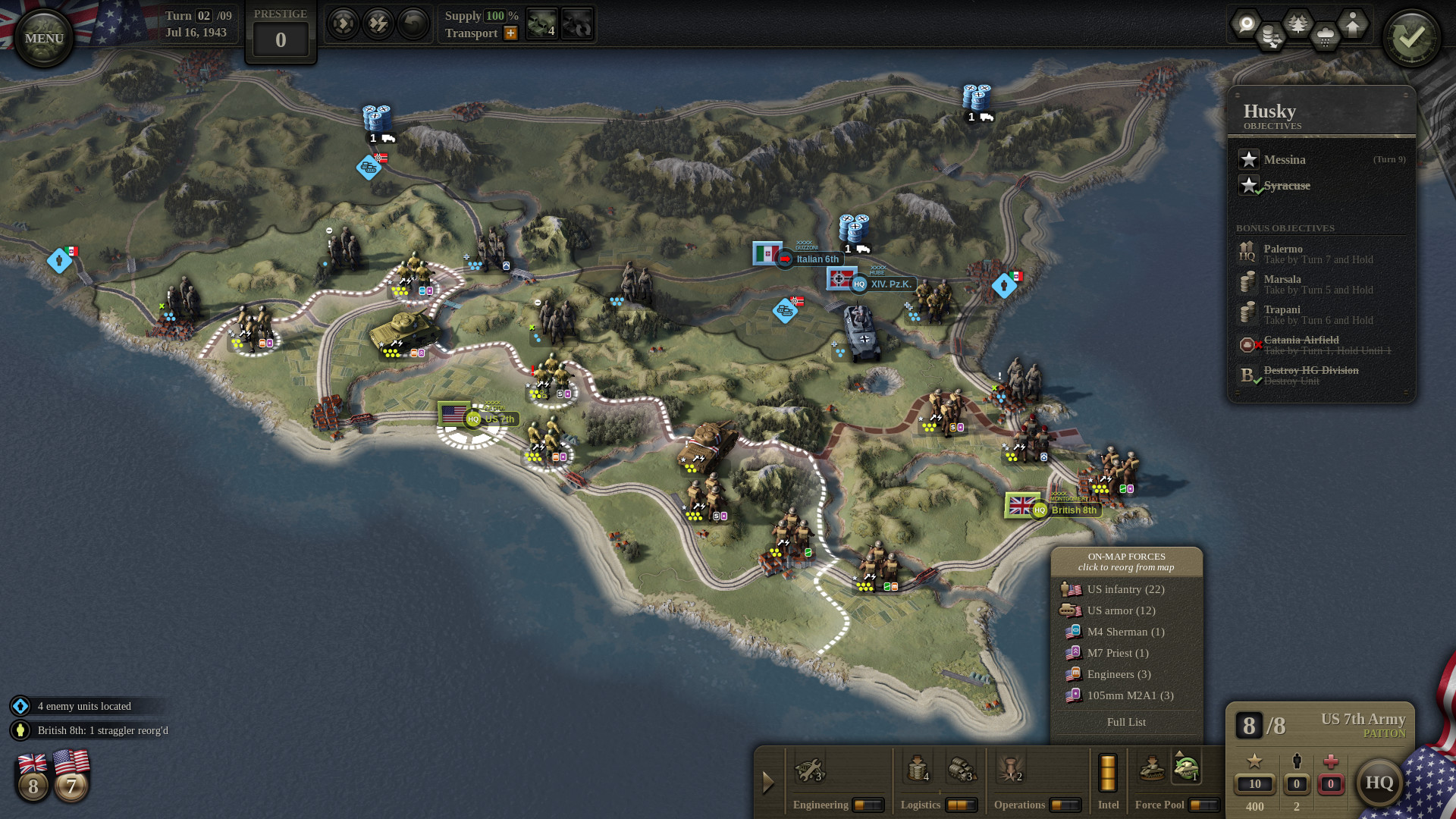
Unity of Command II runs on a new bespoke 3D engine while keeping the series’ distinctive art style and fluid turn‑based strategy. Players command the Western Allies in World II, handling divisions, supply, and logistics across a dynamic battlefield.
The sequel adds Fog of War, headquarters with special abilities, an expanded theater‑asset system, and a built‑in scenario editor with Steam Workshop support. It is available for single‑player, multiplayer, split‑screen PvP, and runs on Windows, macOS, and Linux.
01 / THE GUIDE
Dynamic Campaign
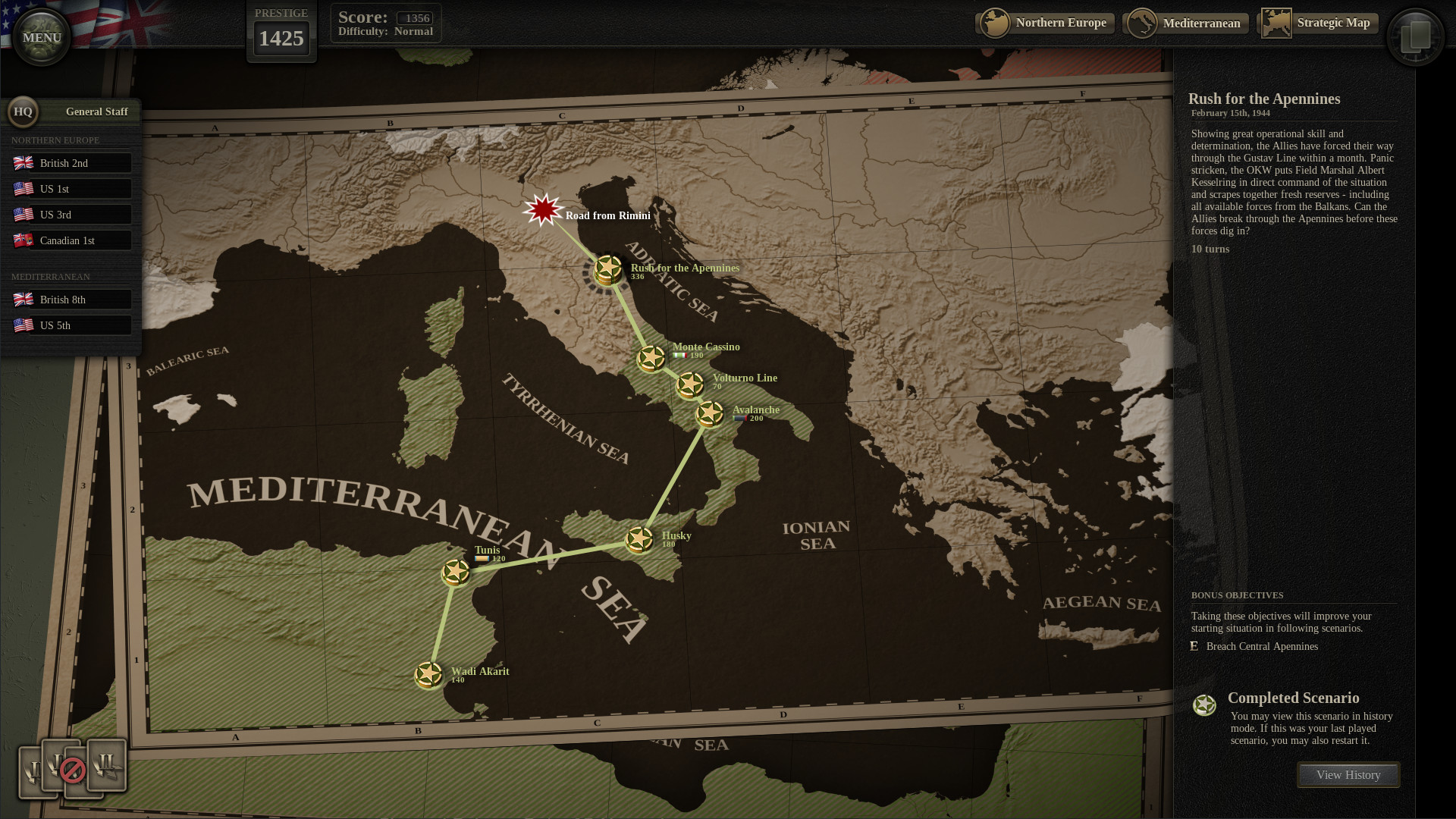
The campaign branches according to player decisions, allowing each playthrough to follow a unique historical path. The source describes it as a “branching campaign where no two playthroughs are alike,” meaning strategic choices directly reshape the war’s progression.
Because the branches are tied to in‑game actions, players can experiment with alternate objectives and observe how the narrative diverges, giving a clear reason to explore different strategies across multiple sessions.
- Note key decision points to see how they affect later scenarios.
- Compare outcomes of aggressive versus defensive early moves.
02 / THE GUIDE
Headquarters
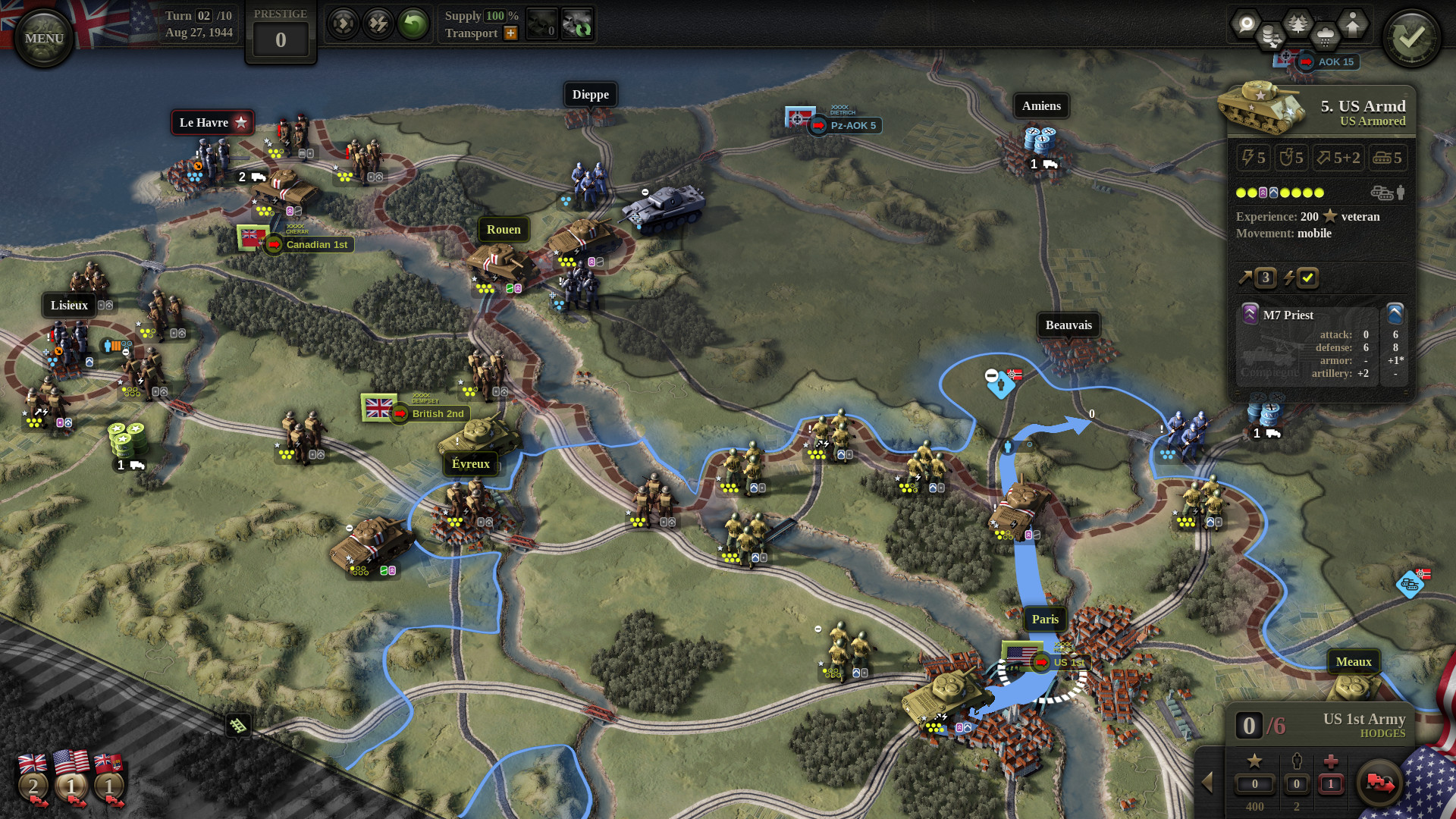
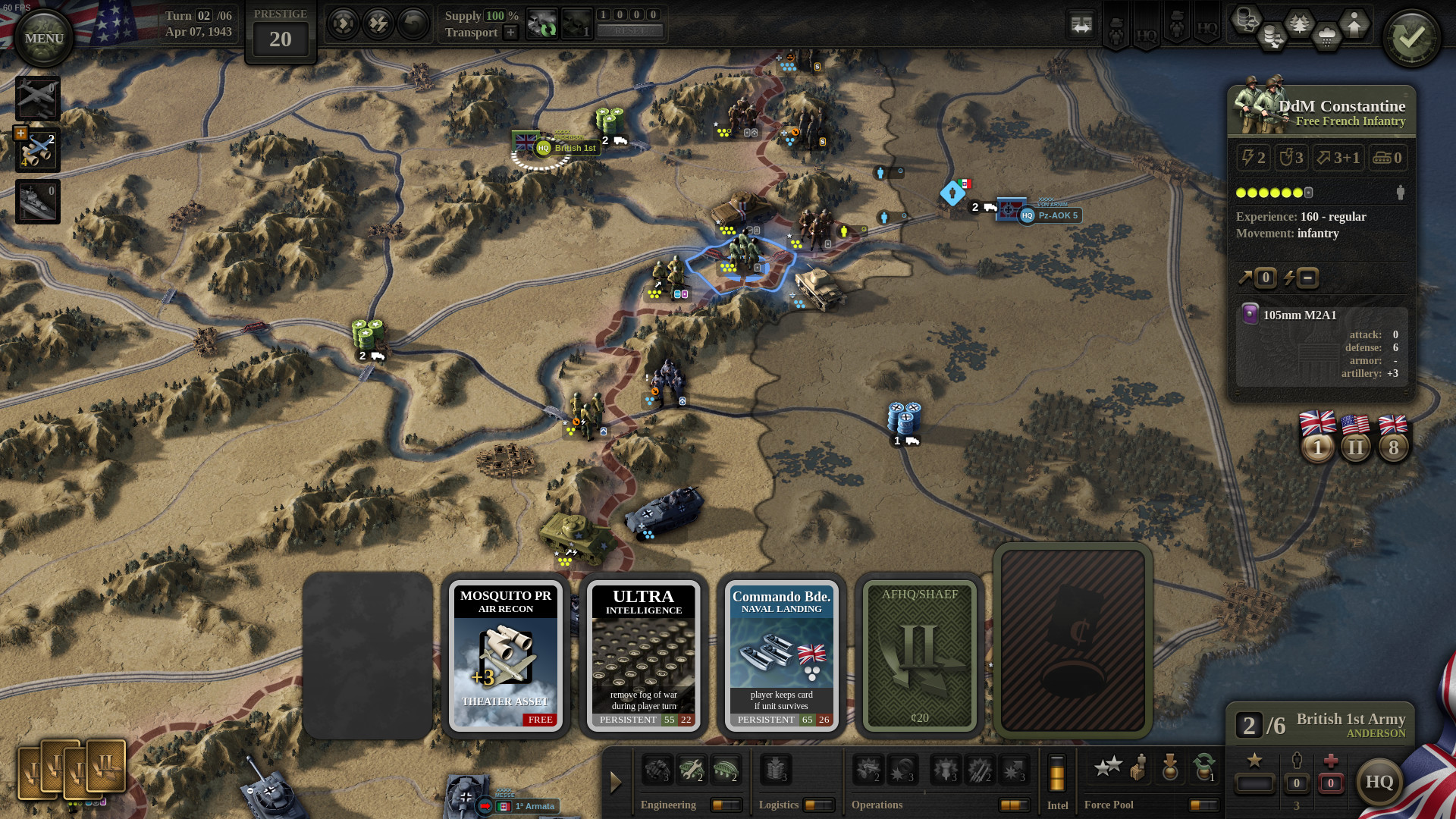
Headquarters appear on the map and act as hubs for unit reorganization, bridging, and resupply. The description states they are essential for reinforcing lost strength and can deploy abilities such as Emergency Supply and motorizing units with HQ trucks.
These abilities are accessed by upgrading the headquarters, allowing players to direct logistics from the map. The presence of an HQ therefore directly impacts how quickly units can be restored and moved.
- Place HQs near contested fronts to shorten resupply routes.
- Use Emergency Supply when frontline units are low on logistics.
03 / THE GUIDE
Fog of War
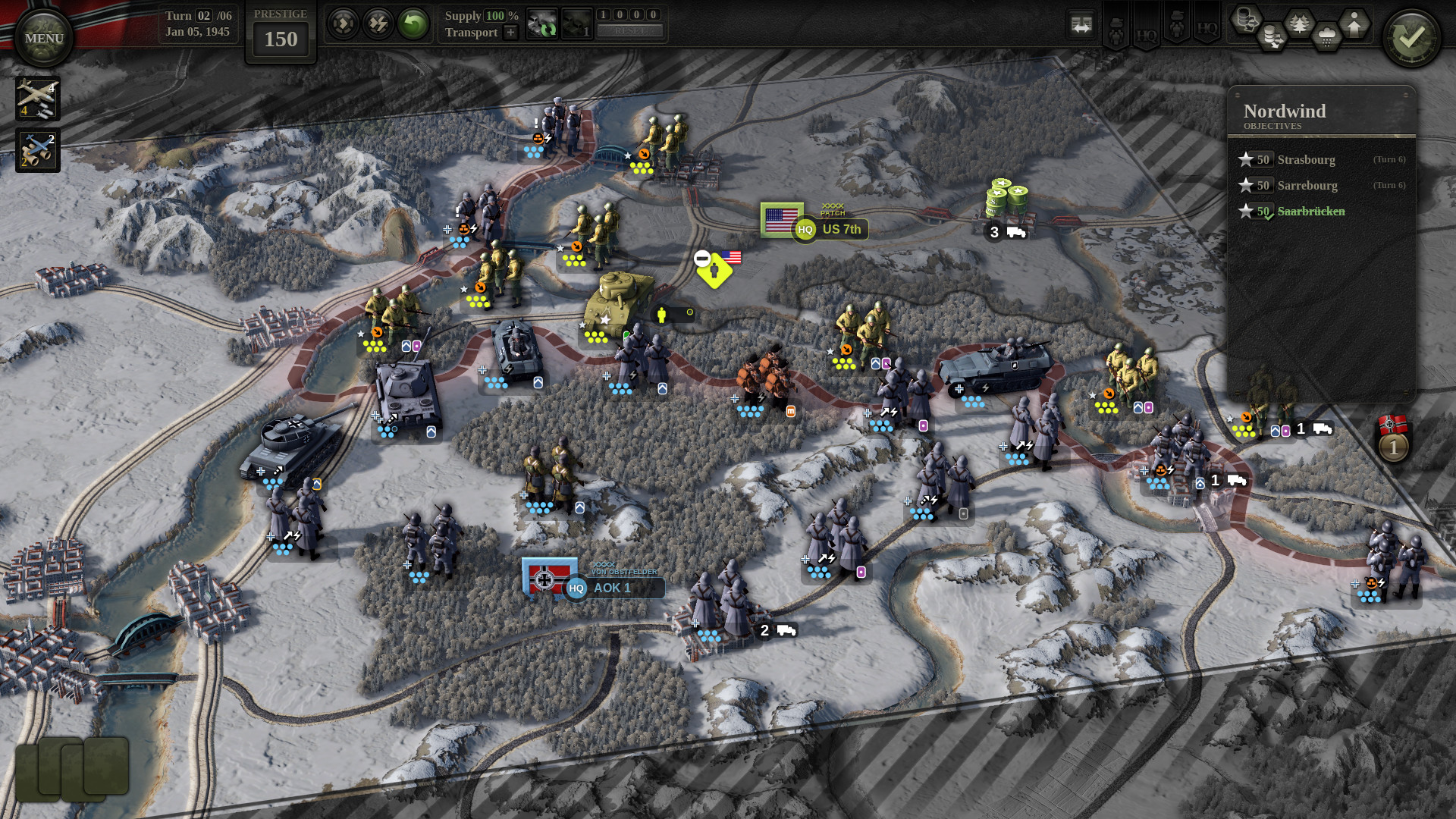
Fog of War hides enemy positions until they are discovered. Players can reveal hidden units by capturing enemy stragglers, upgrading headquarters, or using headquarters special abilities that uncover enemy defense markers.
Since enemy locations are unknown at the start of a turn, gathering intel becomes a prerequisite for planning offensives. The mechanic determines what information is available for decision‑making.
- Prioritize capturing stragglers early to gain intel.
- Upgrade HQ abilities that reveal enemy markers for better map awareness.
04 / THE GUIDE
Theater Assets
The expanded theater‑asset system lets players sabotage enemy infrastructure, order aerial reconnaissance, conduct bombing runs, and supply units from the air. These actions target enemy infrastructure and logistics, and air supply can sustain units behind enemy lines.
Combining assets—such as recon followed by a bombing run—creates a layered approach to weakening enemy positions, while air supply can sustain units that are otherwise cut off from ground resupply.
- Sabotage key supply lines to hinder enemy advances.
- Pair aerial recon with bombing for coordinated strikes.
05 / THE GUIDE
Scenario Editor
Unity of Command II includes a built‑in scenario editor that allows players to create custom battles for both Allied and Axis perspectives. The editor integrates with Steam Workshop, enabling sharing of user‑generated maps.
Because the editor is fully featured, communities can extend the game’s lifespan by designing new objectives, terrain layouts, and victory conditions, all of which can be played in the supported modes.
- Test your custom map in single‑player before publishing.
- Explore community‑made scenarios for fresh tactical challenges.
COMMUNITY
Player discussion