 GameWiki
GET YOUR BEARINGS
About Uncrashed : FPV Drone Simulator
Uncrashed: FPV Drone Simulator lets players pilot first‑person‑view drones in a virtual world that mixes freestyle, racing, and free‑flight modes. It is aimed at beginners and experienced pilots who want to practice tricks or prepare for real‑world sessions without risking hardware.
The game runs on a Physics 3.0 model with updated thrust, propwash, and collision handling, and offers PID tuning, a map editor, multiplayer flight, and Steam Workshop sharing.
01 / THE GUIDE
Physics 3.0 Flight Model
The simulator uses a Physics 3.0 engine that updates thrust and propwash simulation, providing a more realistic response when piloting drones. Collision stability has been improved, which helps flights feel steadier during aggressive maneuvers.
PID tuning options let users adjust how the drone reacts to inputs, allowing fine‑grained control that can be matched to personal flying preferences or real‑world setups.
- Experiment with different PID settings to see which feels most natural for your style.
- Observe how propwash interacts with nearby objects to anticipate collision outcomes.
02 / THE GUIDE
Official Maps and Environments
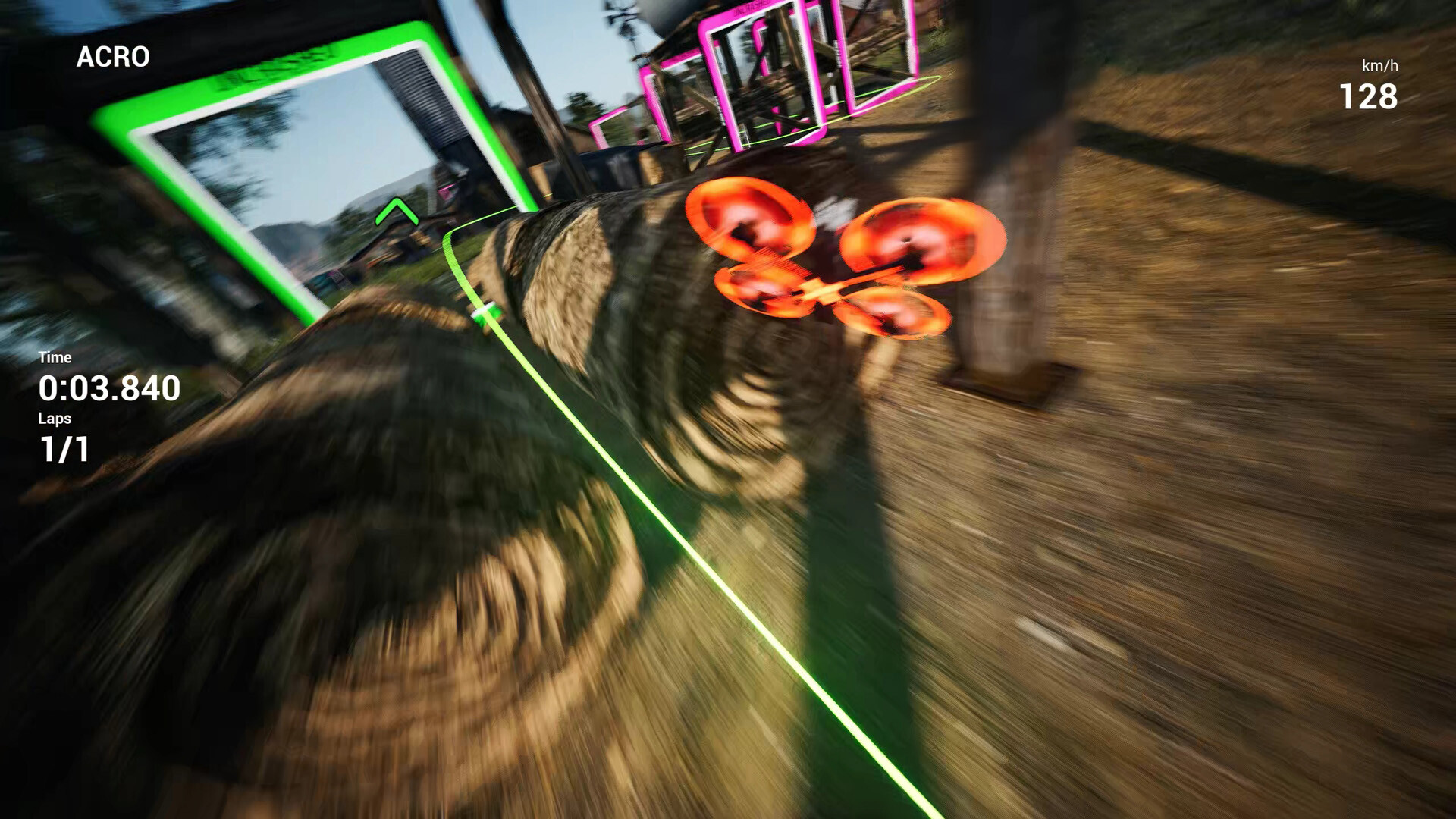
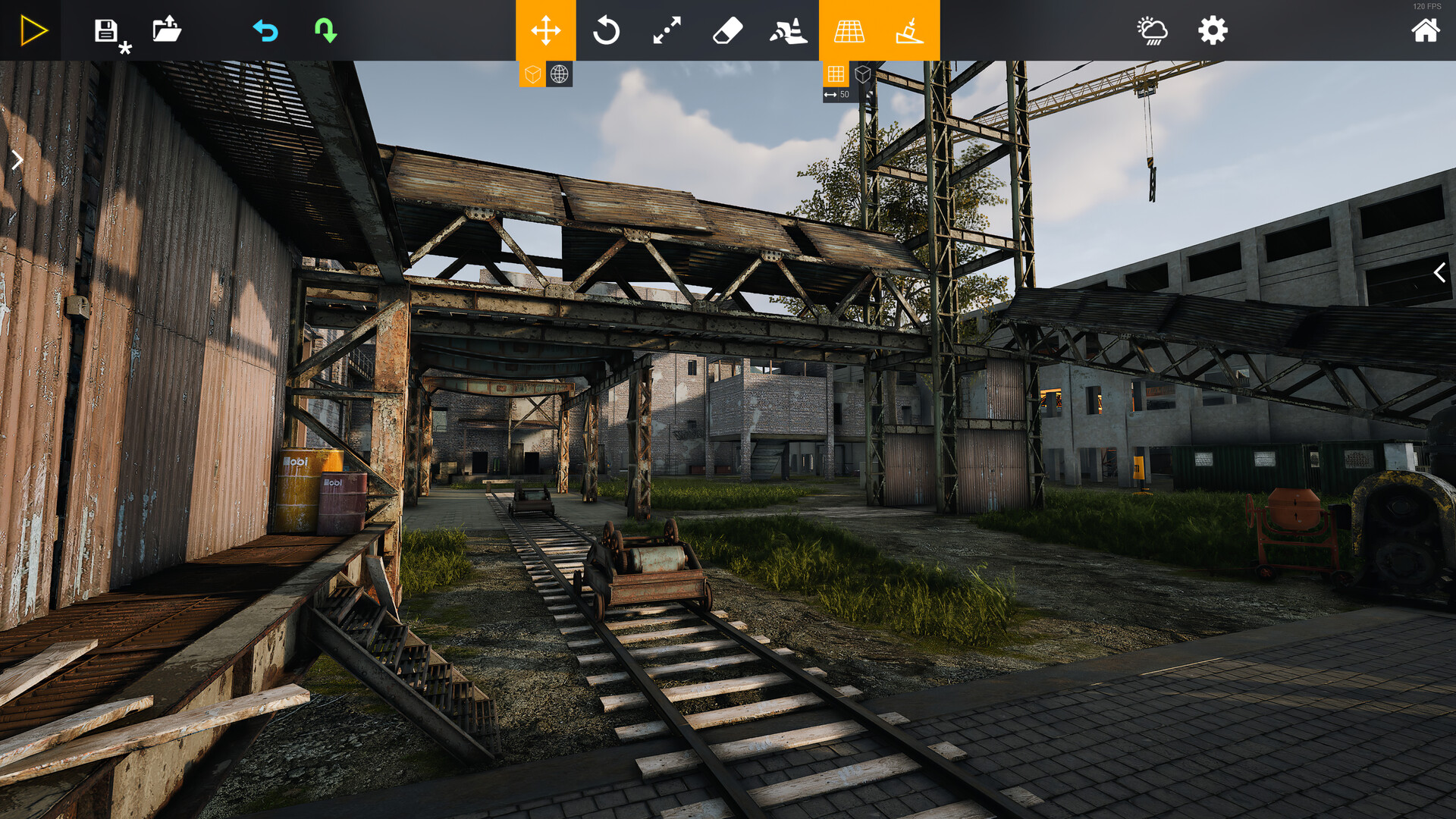
Uncrashed includes large, diverse official maps ranging from open parks to abandoned industrial sites. Each location was designed by a team with extensive FPV experience, offering varied visual cues and spatial layouts.
These maps support freestyle lines, race training, and free‑flight practice, encouraging pilots to adapt to different environments and develop versatile flying techniques.
- Start with open‑park maps to become comfortable with basic line‑finding.
- Progress to tighter industrial sites to challenge precision and reaction time.
03 / THE GUIDE
Environment & Track Editor
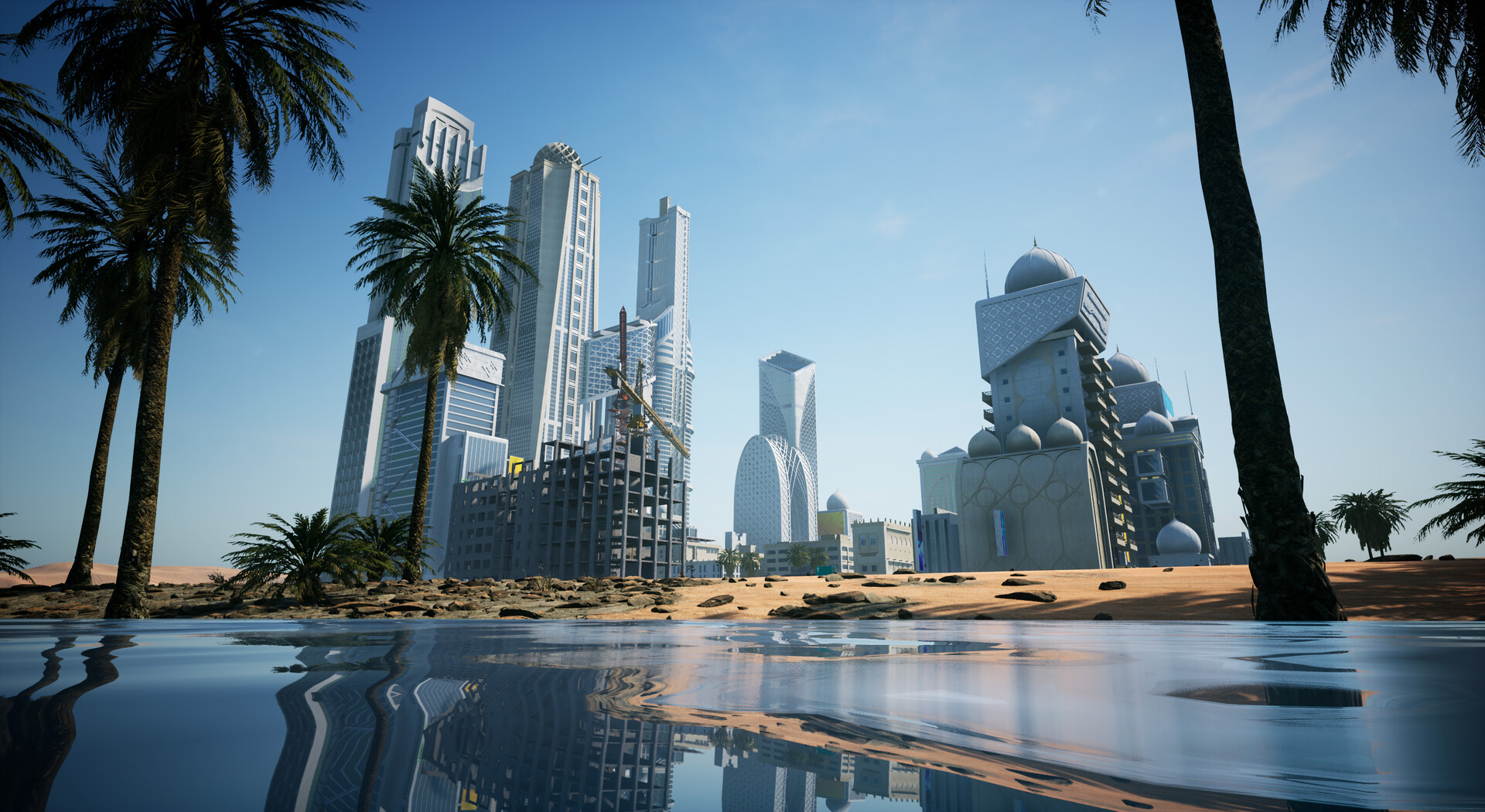
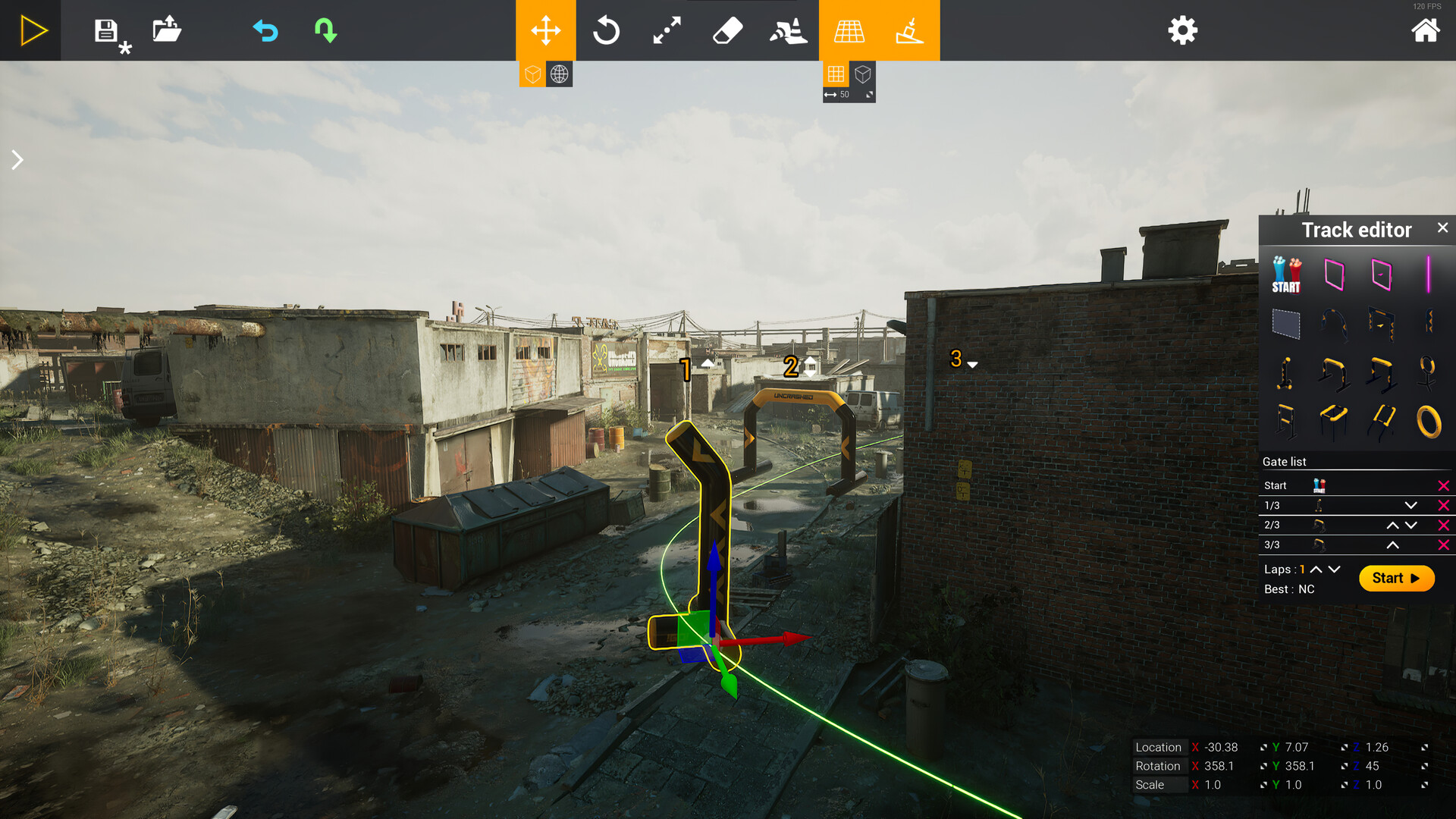
Players can build their own flying spots and race tracks using the built‑in Environment & Track Editor, then publish creations to Steam Workshop. Community‑made maps include recreations of real‑world bando spots and imaginative new courses.
Downloading and flying user‑generated content expands the playable world beyond the built‑in locations, fostering a collaborative community of pilots who share and test each other's designs.
- Browse the Workshop for maps that match your preferred drone size, such as Tiny Whoop tracks.
- When designing a track, consider line‑flow to keep the flight experience smooth.
04 / THE GUIDE
Multiplayer Free Flight & Racing
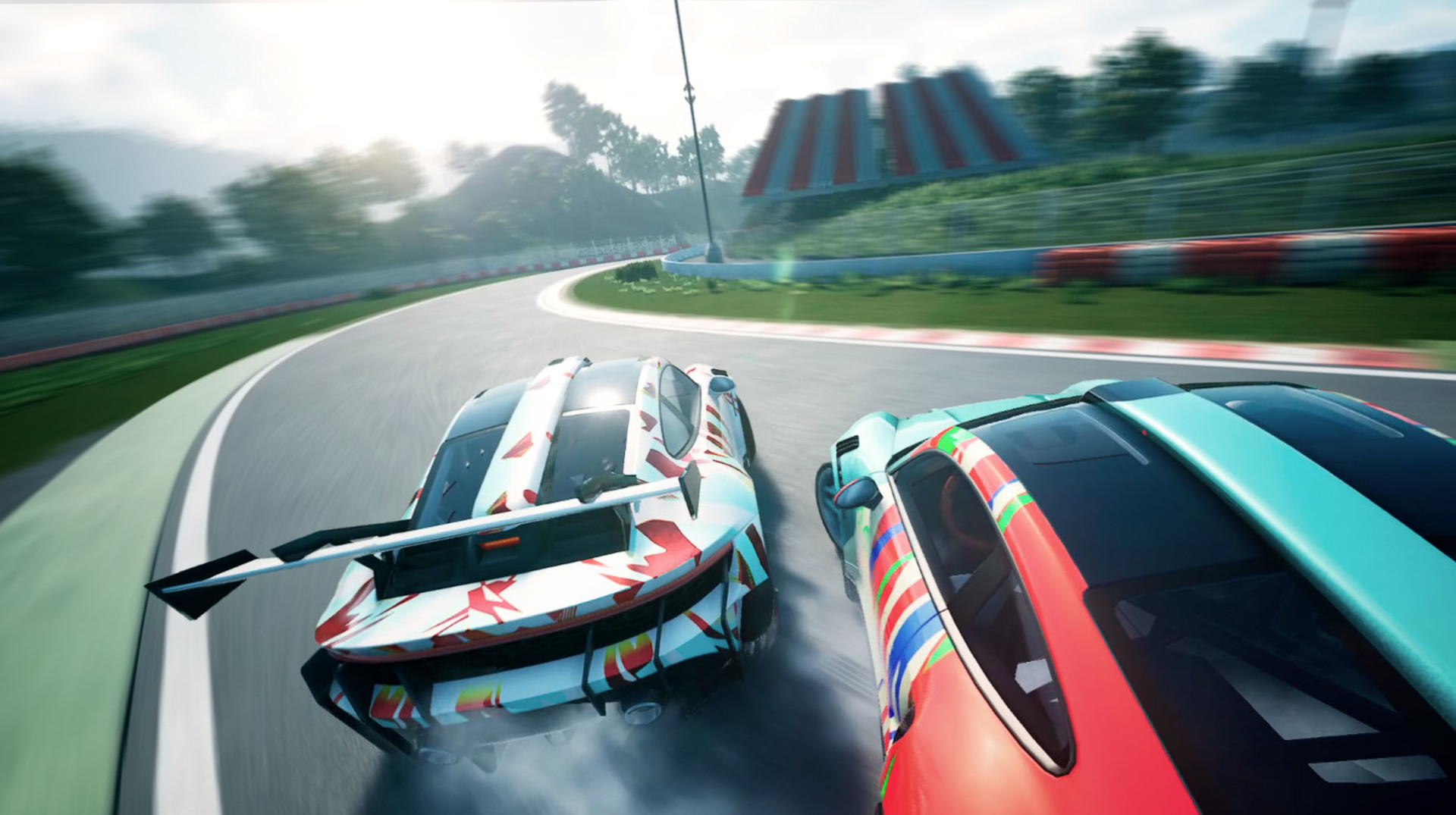
The game offers multiplayer free flight, letting pilots meet, practice together, and share favorite spots in real time. A separate race mode lets friends compete for positions on online leaderboards.
Both modes are online, and leaderboards record performance, providing a competitive element for casual sessions and organized races alike.
- Join a free‑flight session first to observe other pilots’ line choices before entering a race.
- Check the leaderboards to gauge typical lap times for a given track.
05 / THE GUIDE
Drone Build Options
Players can select frames, motors, propellers, and batteries to assemble a drone that fits their flying style. Options include freestyle builds, racing configurations, and smaller Tiny Whoop drones.
Customising components influences how the virtual drone handles, letting pilots experiment with setups that mirror their real‑world preferences and test different performance characteristics.
- Try a Tiny Whoop build for tighter indoor maps where maneuverability is key.
- Mix motor and propeller sizes to see how thrust changes affect line execution.
COMMUNITY
Player discussion