 GameWiki
GET YOUR BEARINGS
About Unbox the Room
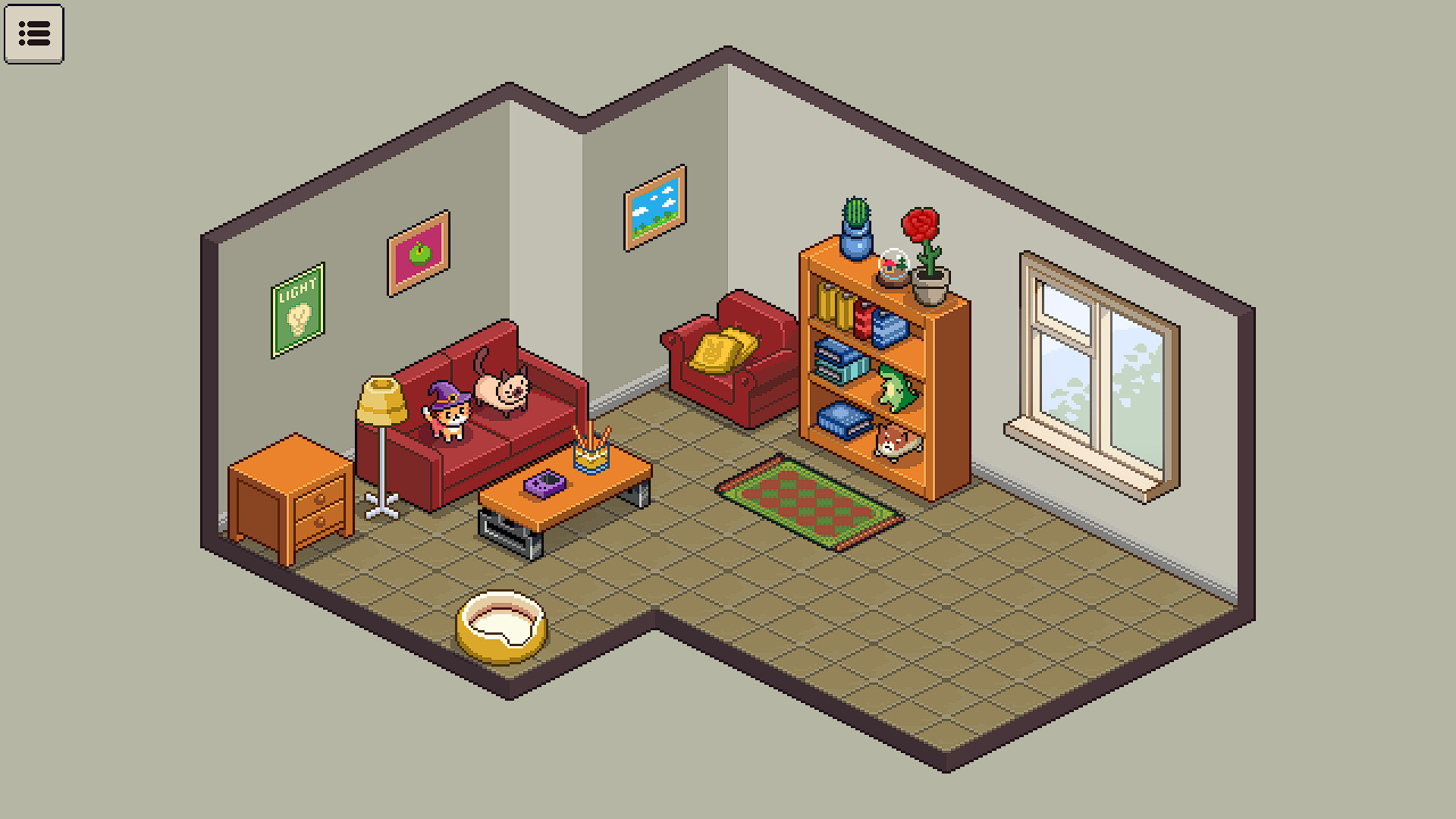
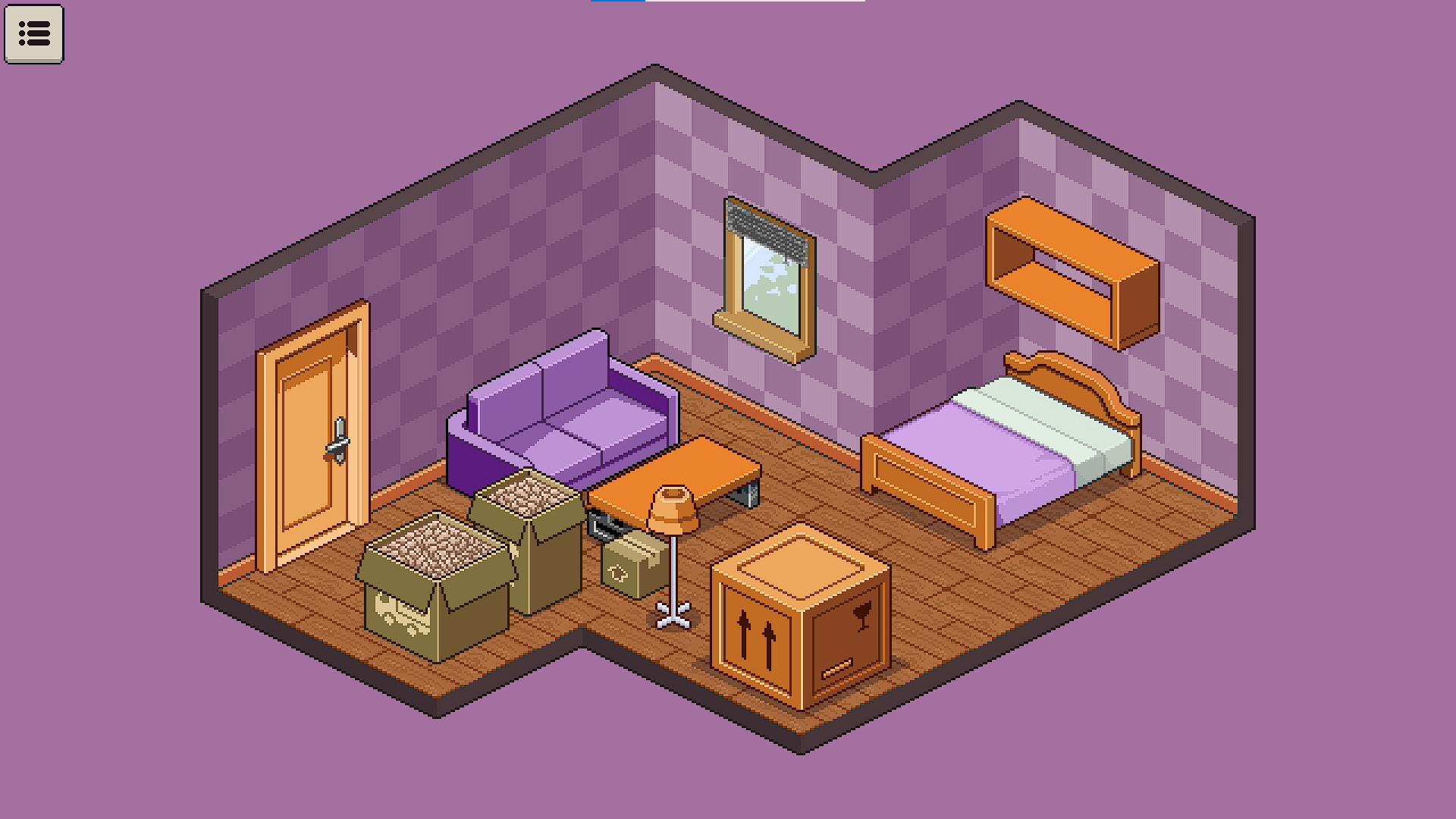
Unbox the Room invites you to open virtual boxes and uncover a range of items and furniture that hint at a client’s life and personality. Each discovery adds narrative detail, letting you piece together personal histories while arranging a comfortable, lived‑in space.
The experience is calm and free of scores, timers, or competition, and includes a sandbox mode for unrestricted creativity. Full controller support, Steam achievements, cloud saves and family sharing round out the single‑player package on Windows and macOS.
01 / THE GUIDE
Unpacking Items
Open boxes to reveal a variety of items and furniture, each providing clues about the client’s personality and past. The description emphasizes that discovering these objects is central to the game’s gentle pacing.
Every uncovered object contributes to a larger picture of the client’s habits, dreams, and history, encouraging players to explore without any time pressure or scoring system.
- Look for recurring themes among items to infer deeper aspects of the client’s story.
- Group similar objects together to spot patterns in the client’s preferences.
02 / THE GUIDE
Decorating Freedom
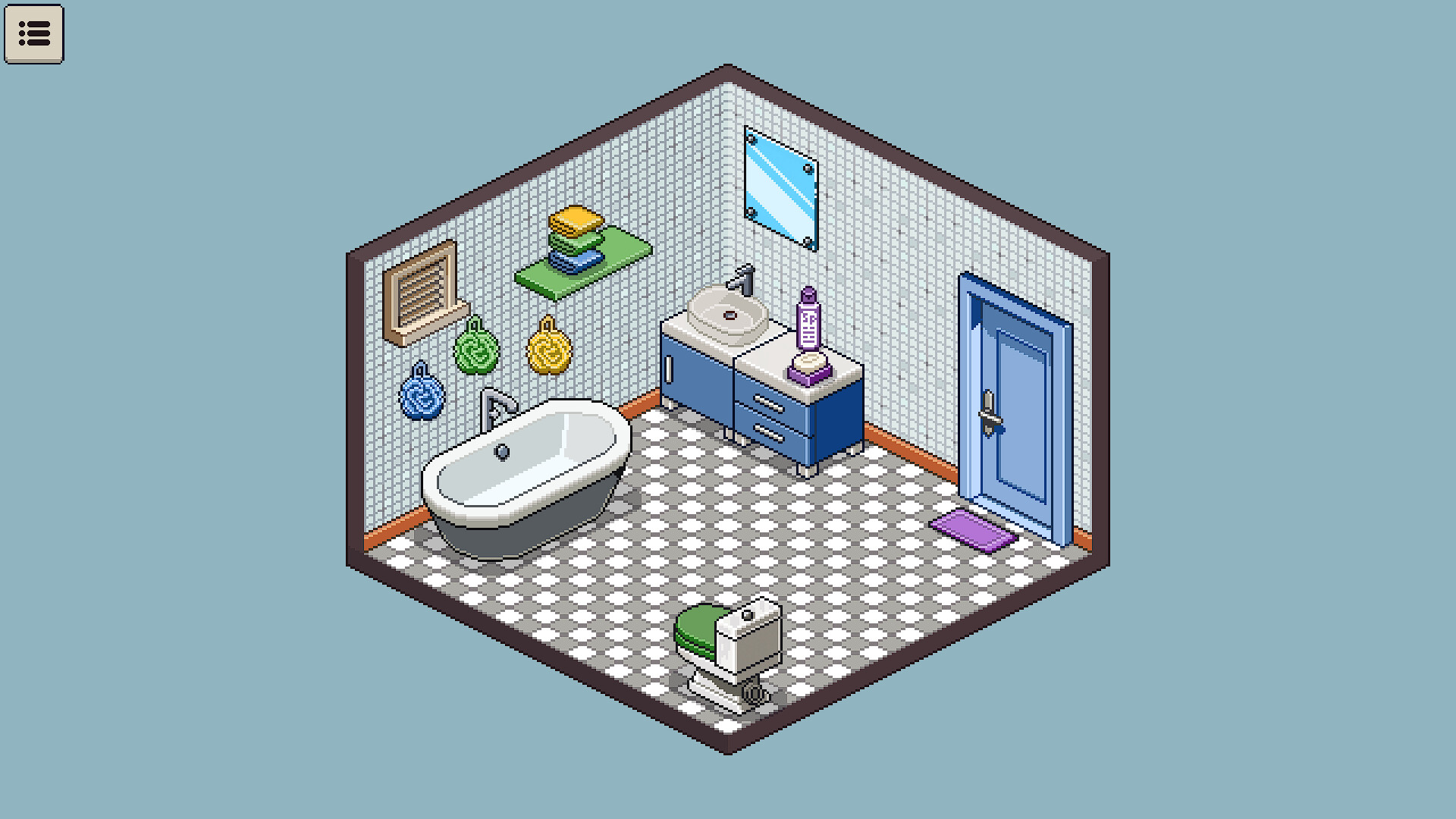
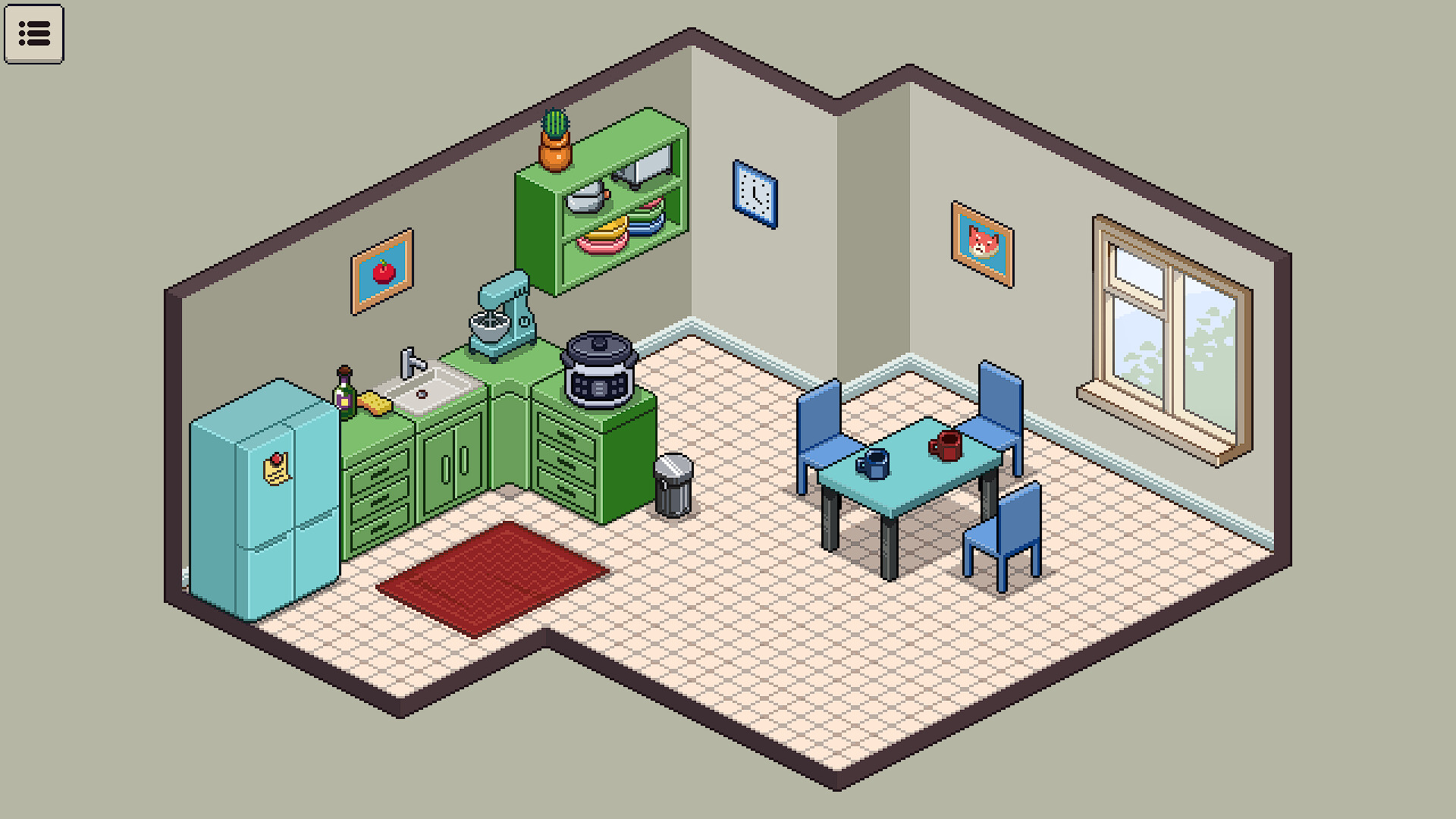
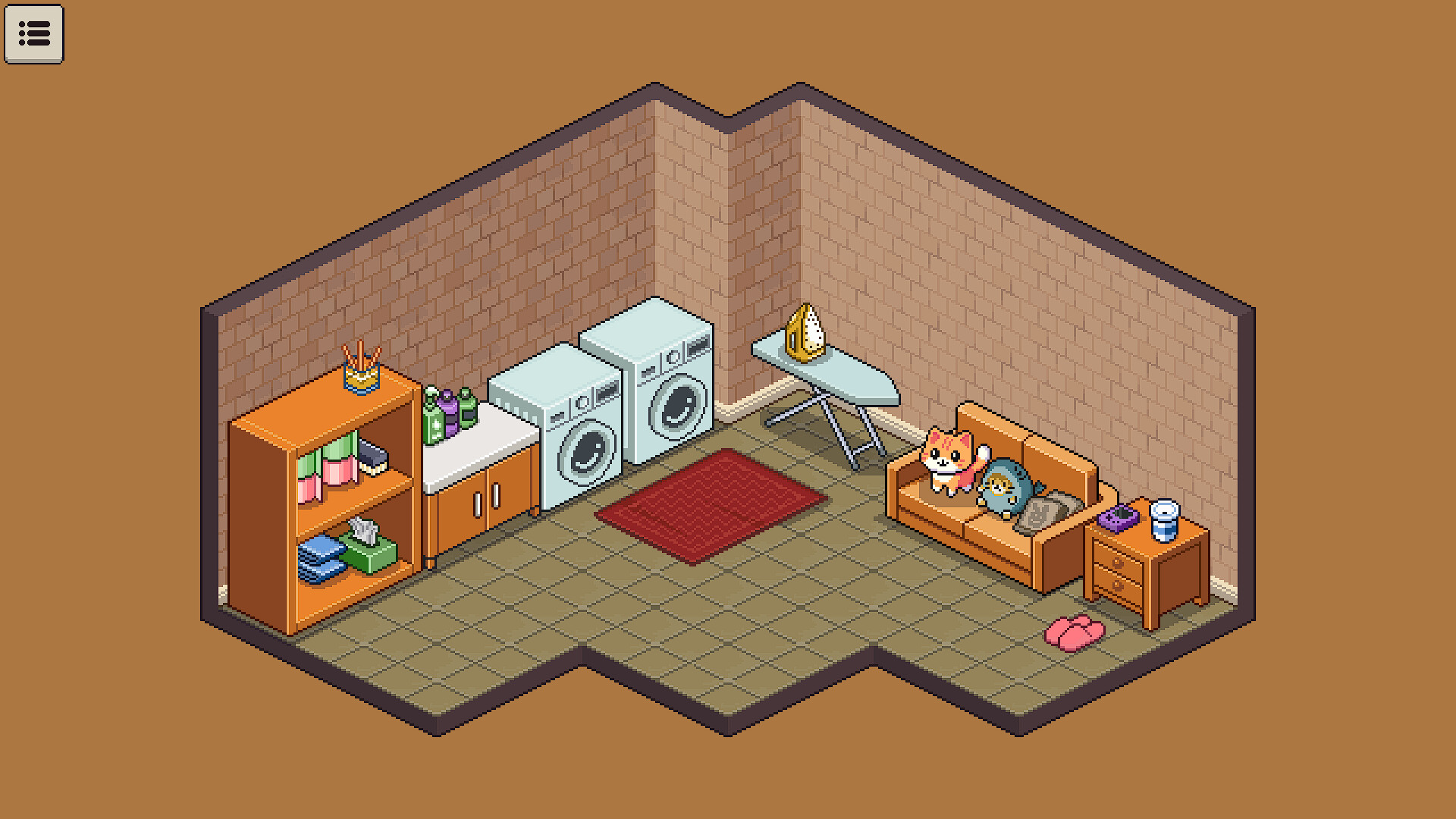
Arrange everything from sofas to small cups, shaping spaces that feel comfortable and lived‑in. The description encourages arranging items freely, letting personal style shine.
Players can move and combine items freely, creating interiors that reflect the client’s story while remaining aesthetically pleasing, as the description notes a focus on comfortable, lived‑in spaces.
- Experiment with different layout styles to see which best conveys the client’s personality.
- Use smaller decorative pieces to add subtle storytelling details.
03 / THE GUIDE
Simple Stories
Learn about clients’ pasts, habits, and dreams through the things they’ve brought with them. Each object acts as a narrative clue that deepens the sense of who lives in the space.
As you help clients settle, their homes quietly tell their stories, turning interior design into a subtle storytelling medium, according to the official description.
- Focus on personal items such as books or photographs for richer narrative insight.
- Arrange objects in thematic groups to highlight specific aspects of the client’s life.
04 / THE GUIDE
Relaxed Sandbox Mode
Sandbox Mode lets you experiment freely with the items you’ve unpacked, turning the virtual space into a personalized haven. The description notes there are no scores, timers, or competition.
The mode encourages calm, creative play, allowing you to take all the time you need to sort, organize, and decorate without pressure.
- Use the sandbox to test unconventional layouts before committing in the main mode.
- Treat the sandbox as a sketchbook for interior ideas you might reuse later.
05 / THE GUIDE
Platform & Feature Support
The game runs on Windows and macOS, offering full controller support, Steam achievements, cloud saves, and family sharing. These features are listed explicitly in the official description.
It is a single‑player experience, meaning no multiplayer components are mentioned, and the listed platforms do not include Linux.
- Enable Steam Cloud to keep progress across multiple devices.
- Take advantage of family sharing if you want others to try the game on the same account.
COMMUNITY
Player discussion