 GameWiki
GET YOUR BEARINGS
About Umamusume: Pretty Derby - Party Dash
Umamusume: Pretty Derby – Party Dash delivers a pixel‑art school‑festival where four teams of five Umamusume compete in the Slapdash Grand Prix. The Grand Prix consists of four distinct events, and players can unlock up to twenty‑five playable Umamusume while exploring a story mode that introduces each team.
Beyond the festival, a single‑player roguelike follows Gold Ship on a quest against robots, and the title supports local and online multiplayer, split‑screen, controller input, and Steam features such as achievements, leaderboards, and cloud saves.
01 / THE GUIDE
Playable Pixel‑Art Umamusume
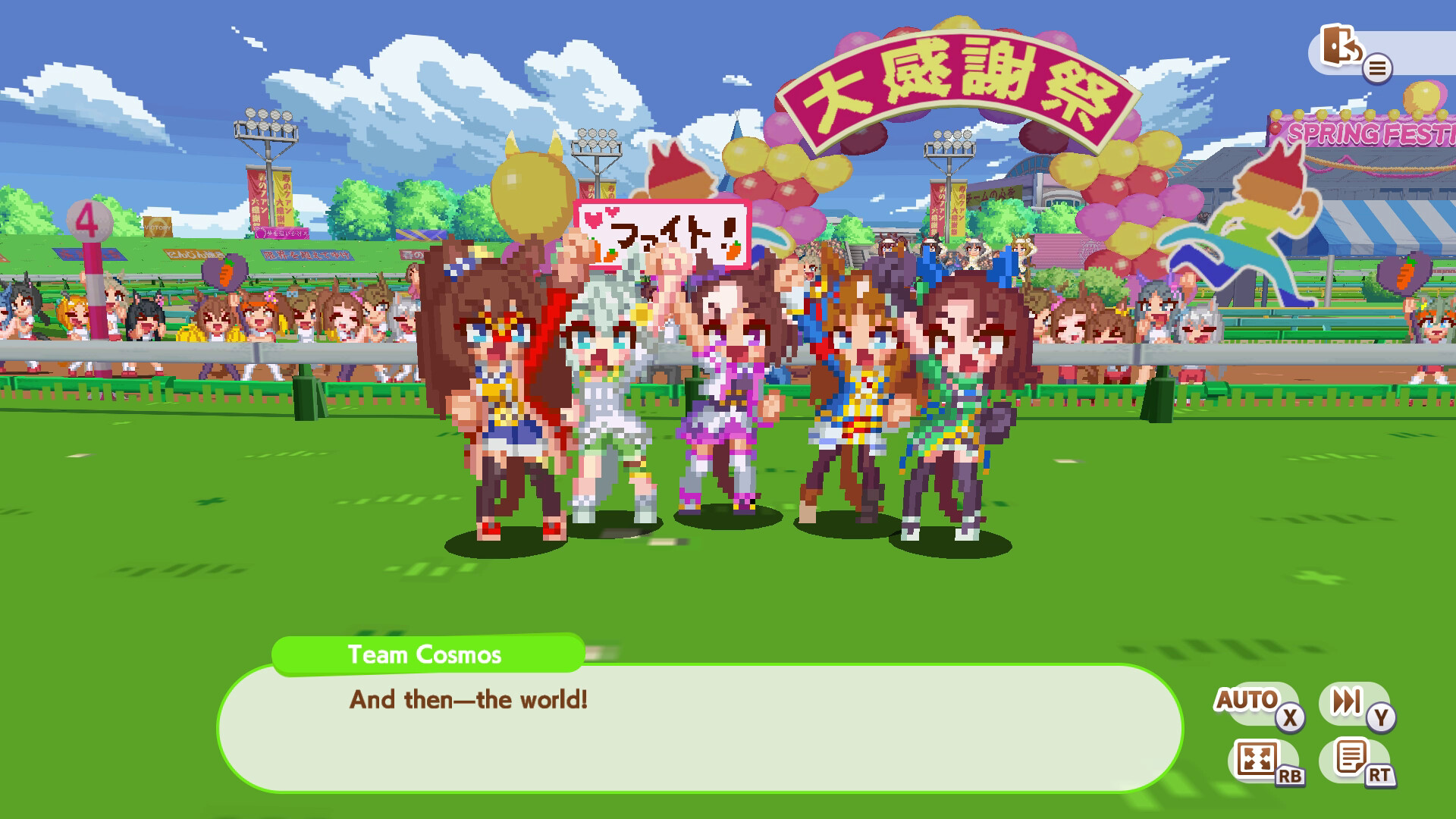
The game includes twenty‑five distinct pixel‑art Umamusume. Each of the four competing teams contains five members, and players can unlock the full roster by progressing through the Grand Prix and story content.
In addition to the racers, various onlookers appear on the stages. These characters are visual only and do not affect the mechanics of the events.
- Play through the story mode to unlock new Umamusume.
- Check the roster screen to confirm which characters you have collected.
02 / THE GUIDE
Four Slapdash Grand Prix Events
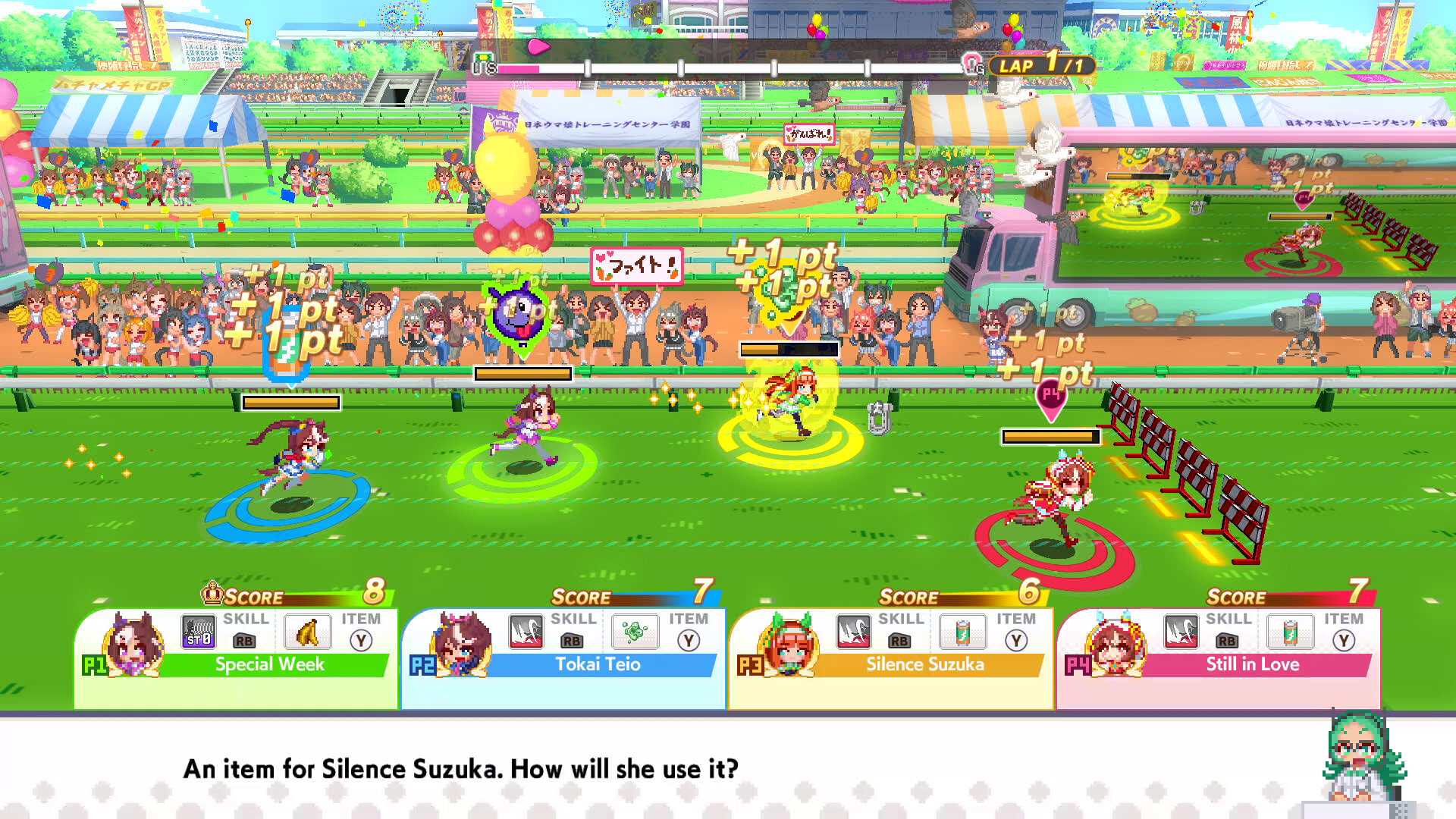
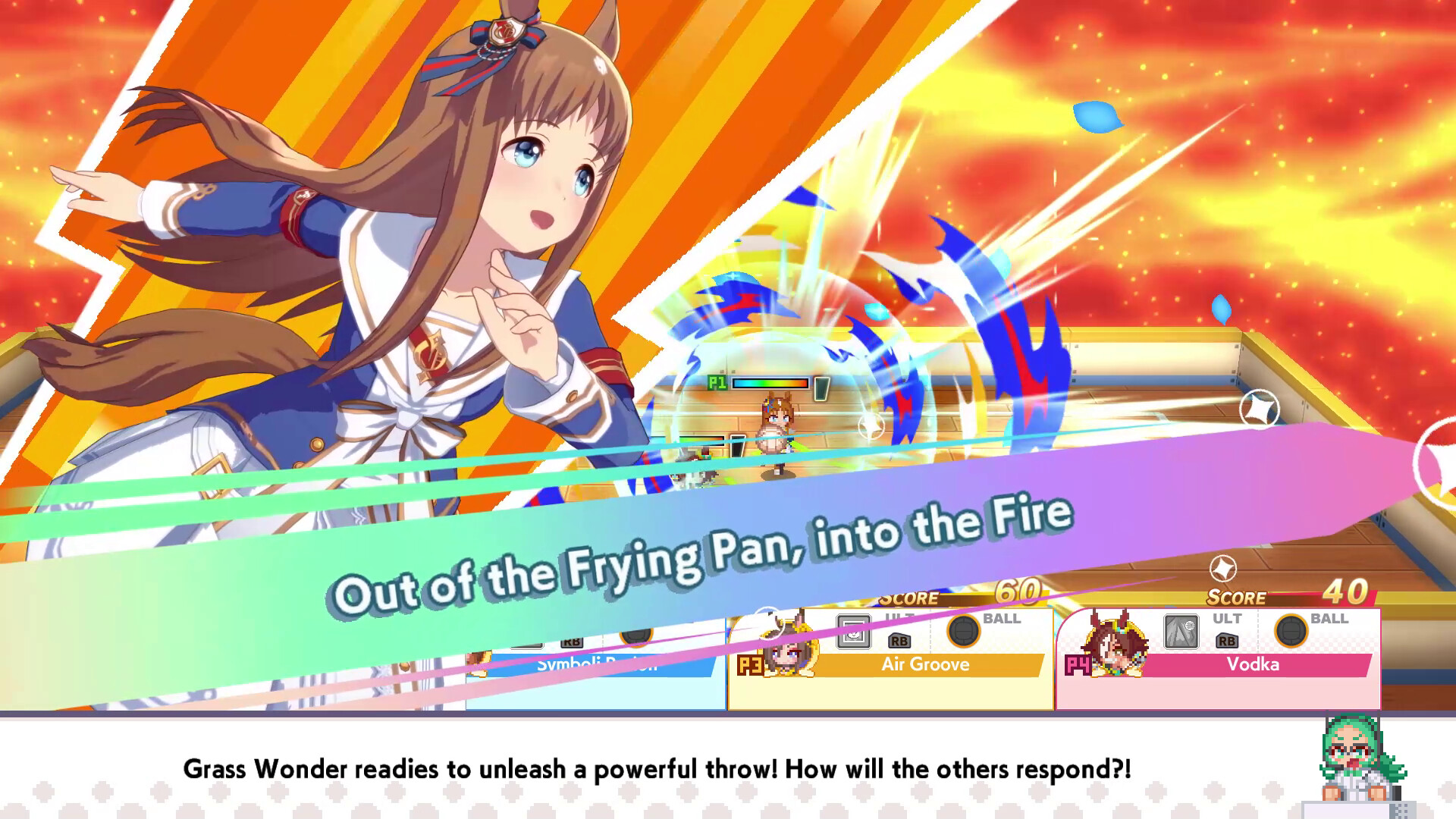
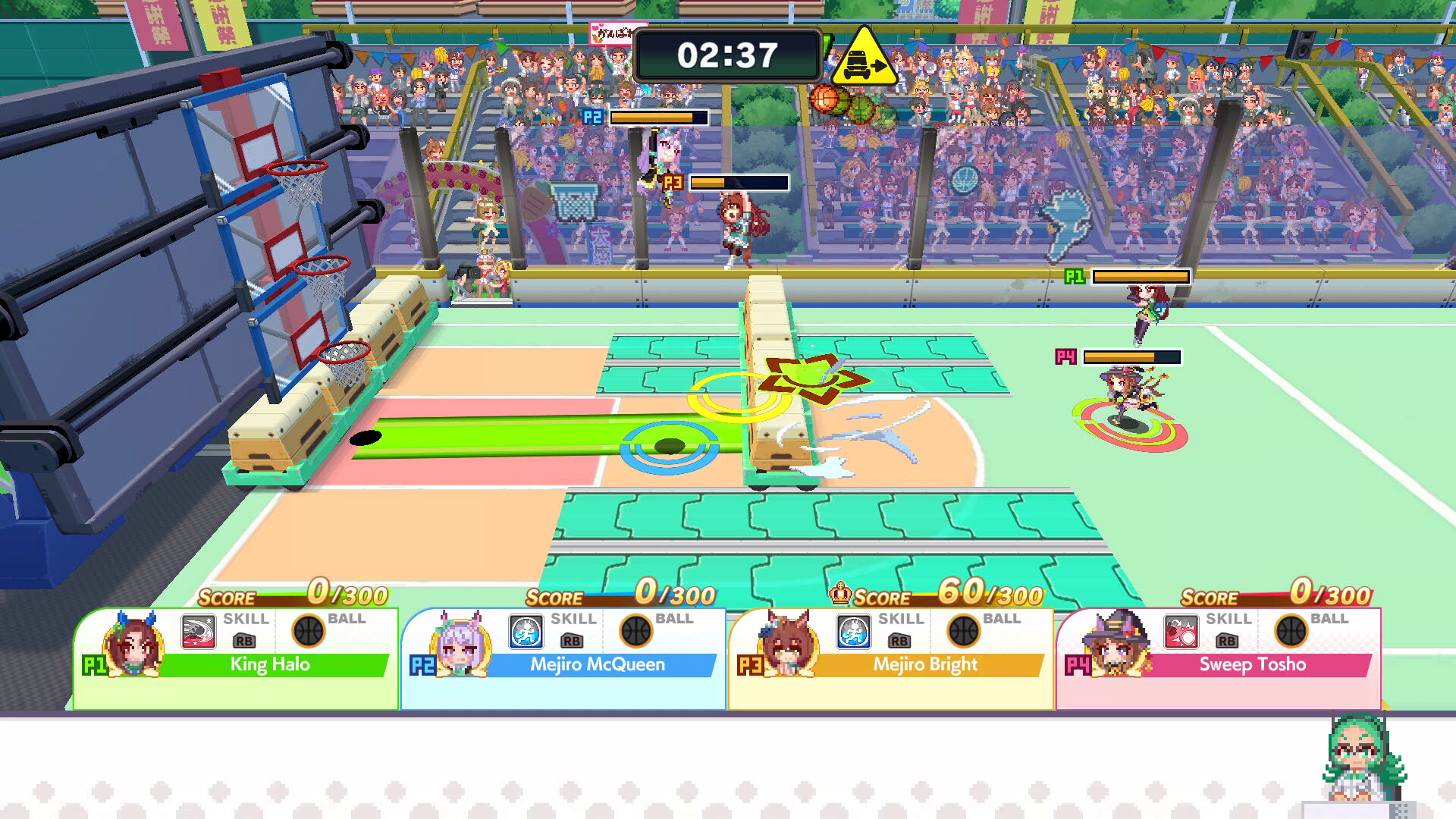
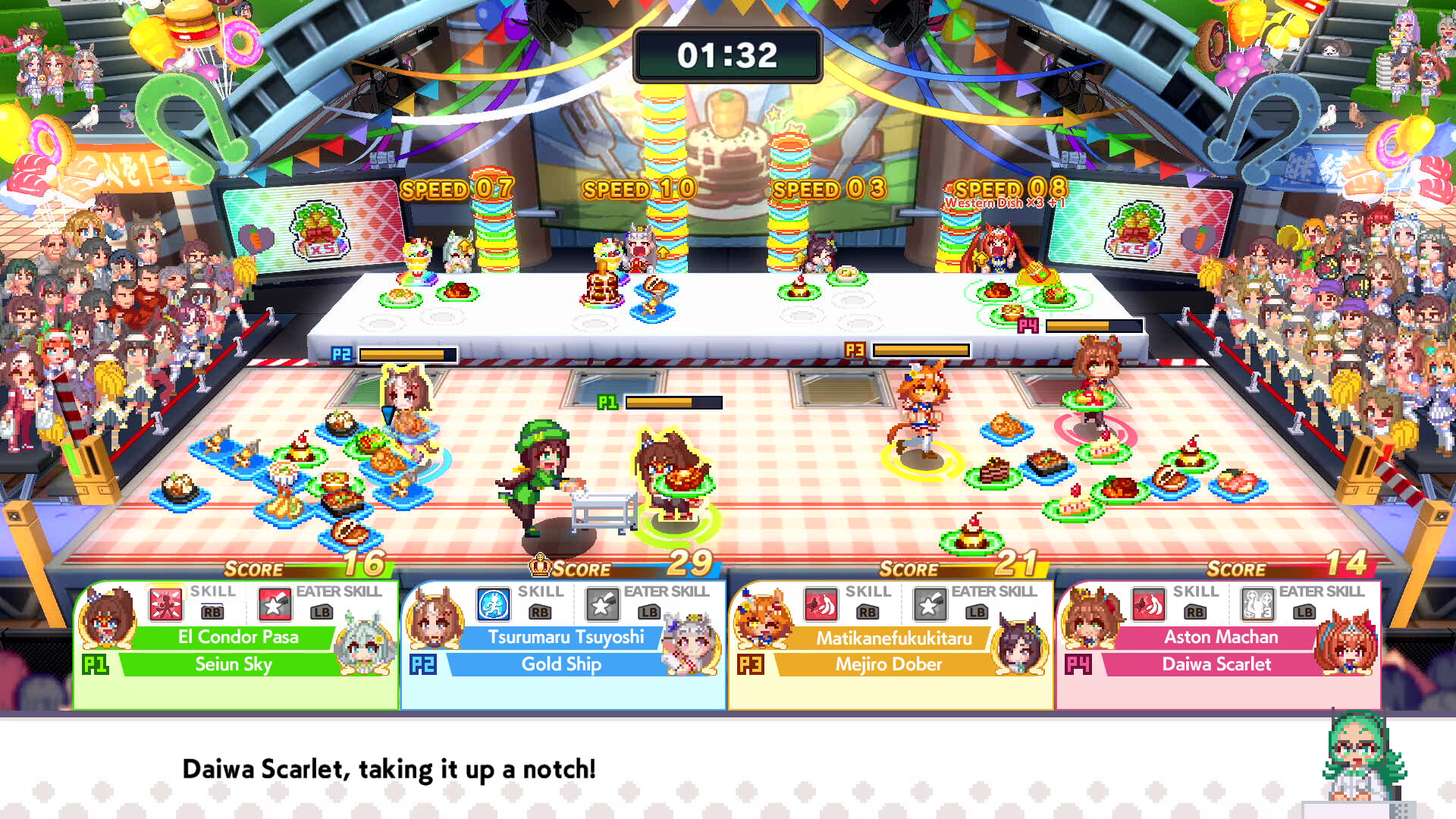
The Grand Prix is divided into four events: Hurtling Hurdles, Blazing Baskets, Dodgeball Demolition, and Gourmet Gauntlet. Each event follows its own set of rules that differ from the others, requiring players to adapt their controls for the specific challenge.
Players select one Umamusume from their team for each event. Success is measured by the standard win conditions of each event, such as finishing first in hurdles or scoring the most points in baskets.
- Read the on‑screen description before starting an event.
- Practice each event to become familiar with its unique controls.
03 / THE GUIDE
Story, Clubroom, and Multiplayer Modes
A story mode presents each team’s cast and unlocks new Umamusume as players advance. The clubroom acts as a hub where players can place furniture and invite their roster to hang out before launching matches.
Matches can be played locally with split‑screen, online via PvP, or through Steam’s Remote Play Together. Both single‑player and multiplayer use the same unlocked characters, allowing a seamless transition between modes.
- Visit the clubroom after unlocking characters to see them in the hub.
- Try both local split‑screen and online matches to test connectivity.
04 / THE GUIDE
Gold Ship’s Single‑Player Roguelike
Gold Ship leads a single‑player roguelike where she searches for a friend while confronting waves of robots. Players can use water guns, dodgeballs, and other weapons provided in the mode.
Progressing deeper increases enemy strength, and rarer loot appears the farther the player advances, offering a clear risk‑and‑reward progression.
- Experiment with each weapon type to see its effect on enemies.
- Advance as far as comfortable to collect higher‑tier loot.
05 / THE GUIDE
Steam and Controller Features
The title offers Partial Controller Support and recommends a gamepad for smoother input. It also includes Shared/Split Screen PvP, Online PvP, Remote Play Together, and Steam Cloud for saved progress.
Steam Achievements, Trading Cards, and Leaderboards are integrated, giving players additional milestones and a way to compare performance with the community.
- Enable Remote Play Together to invite friends without extra hardware.
- Check the leaderboard after each match to see where you rank.
COMMUNITY
Player discussion