 GameWiki
GET YOUR BEARINGS
About UMAMI
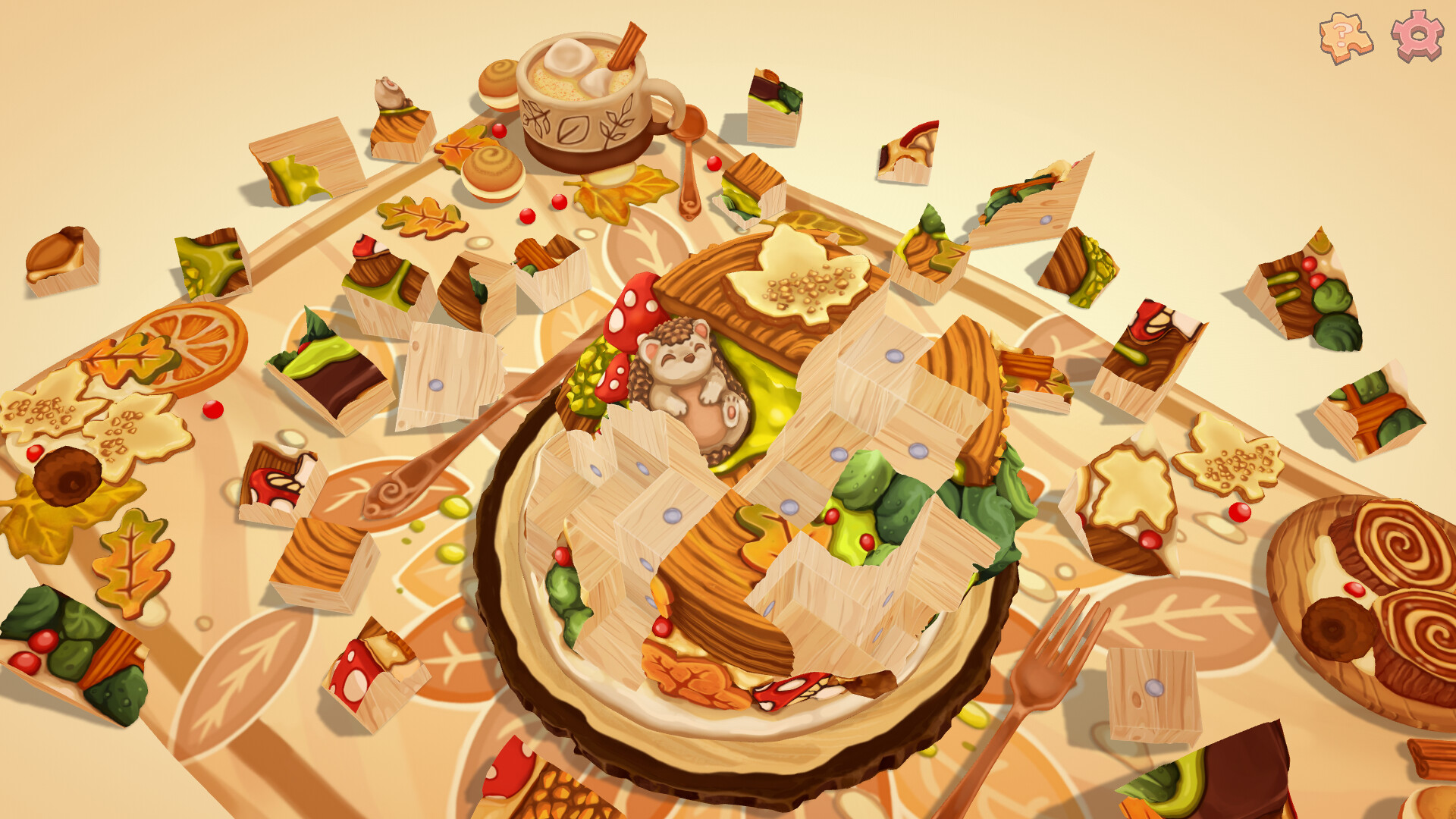
UMAMI invites players into a hand‑painted world of cozy, food‑themed 3D puzzles. You rotate and arrange wooden blocks to reveal charming dioramas filled with cute animals, gentle logic and soothing sounds. The game removes timers and wrong‑move penalties, letting you explore at your own pace.
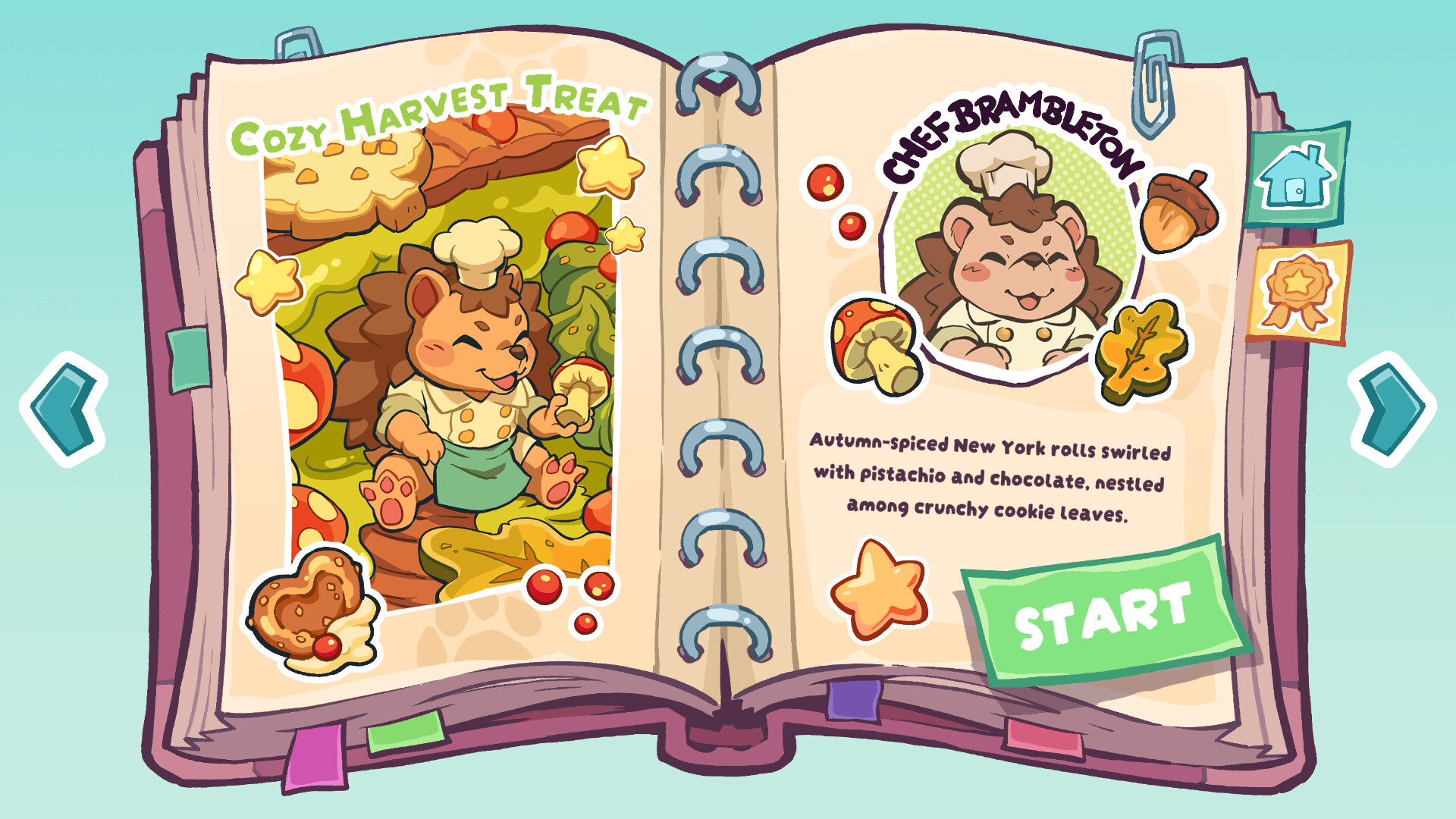
There are fifteen distinct puzzles, each depicting a tasty dish such as pancakes or onigiri. Collectible cards, subtle animations and a warm soundscape add extra moments of discovery while the overall design stays stress‑free and relaxing.
01 / THE GUIDE
Hand‑Painted Dioramas
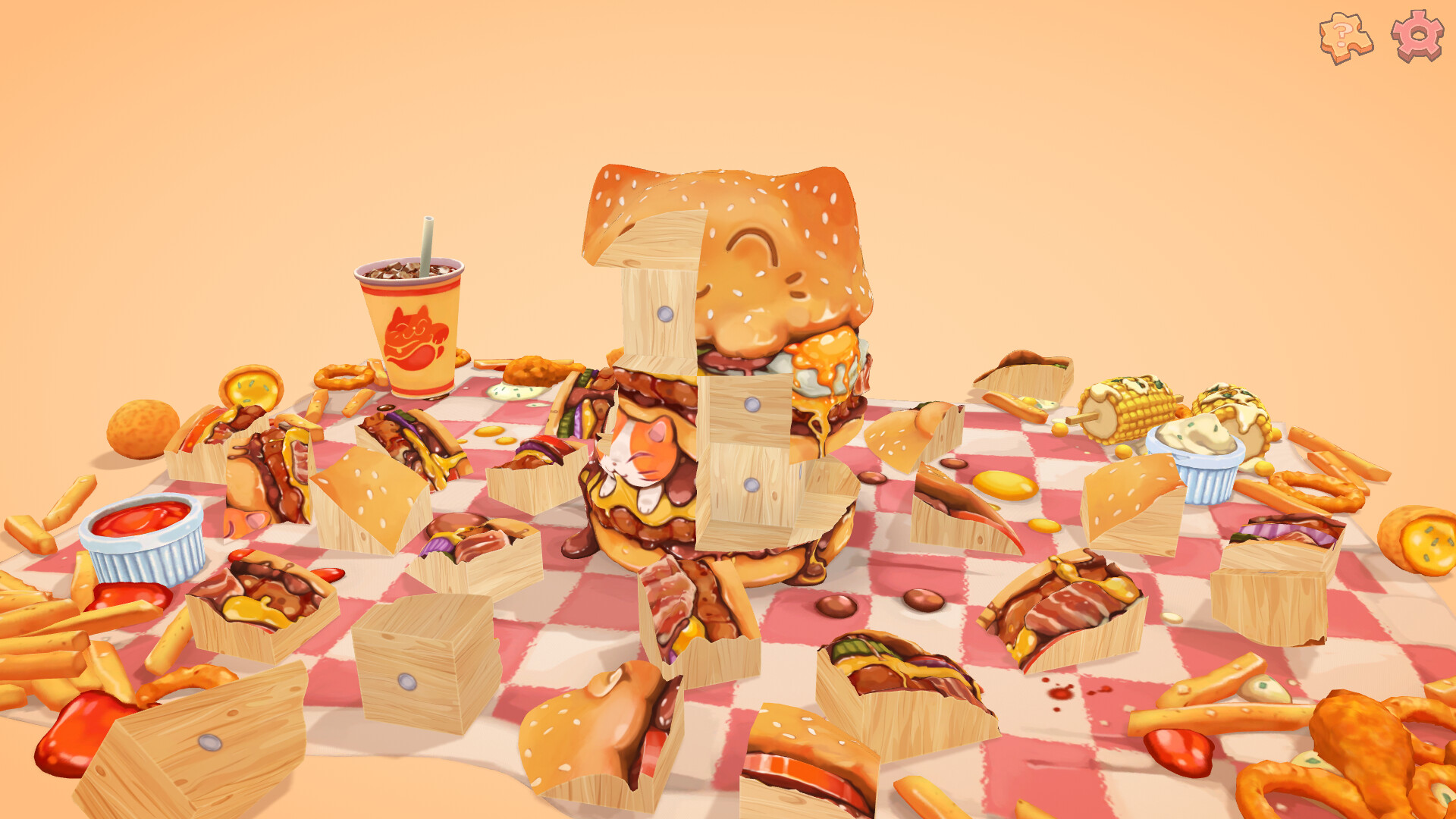
Every puzzle appears as a hand‑painted diorama that showcases mouth‑watering food and adorable animal companions. The soft visual style creates a charming backdrop for each logical challenge.
Players tinker with wooden blocks, rotating and organizing them to complete the scene. The tactile clicks and visual feedback reinforce the calm atmosphere without imposing pressure.
- Notice the painted details on each block; they often hint at the intended arrangement.
- Take a moment to listen to the ambient sounds, which match the food theme of the current puzzle.
02 / THE GUIDE
Collectible Cards
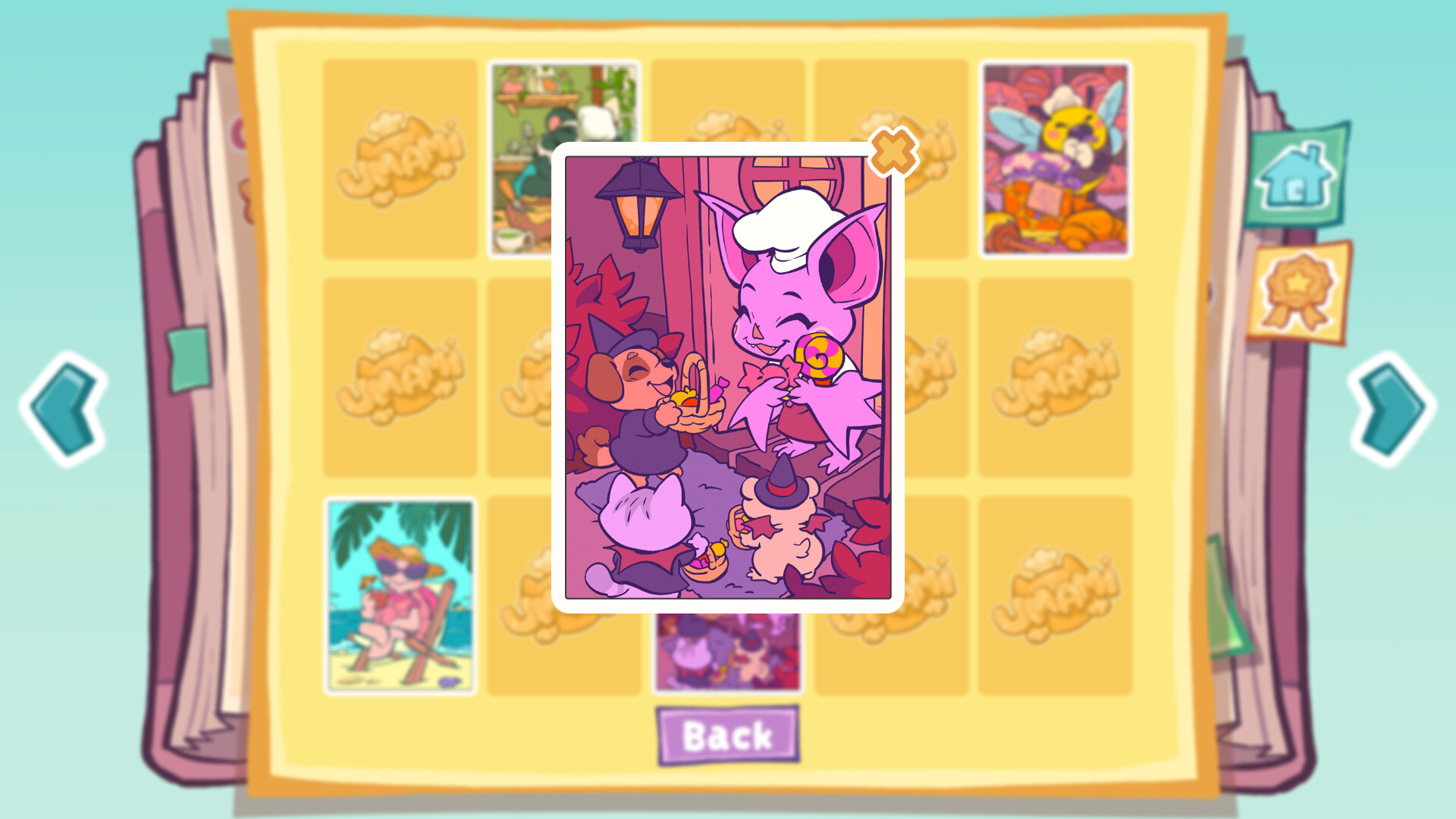
Hidden throughout the dioramas are collectible cards that appear as subtle animations or tucked‑away surprises. Finding them rewards curiosity without affecting the core puzzle solution.
Cards provide an extra layer of completion, encouraging players to explore every corner of each scene after the blocks are arranged.
- After finishing a puzzle, scan the area for small animated cues that may signal a hidden card.
- Compare cards from different puzzles to spot recurring motifs.
03 / THE GUIDE
Cute Animal Companions
Each level features a cute animal that can be petted, such as a panda or other friendly creature. The animals are integrated into the scene and add visual charm.
Petting an animal does not change puzzle mechanics but contributes to the soothing atmosphere, reinforcing the game's stress‑free intent.
- Pause briefly to pet the animal after arranging the blocks; it offers a pleasant pause.
- Observe which animal appears in each puzzle to appreciate the variety of visual themes.
04 / THE GUIDE
Audio‑Visual Design
UMAMI pairs its soft visuals with soothing sound design. Tactile clicks accompany block movements, while ambient sounds reflect the food theme of each puzzle.
The combined audio‑visual cues aim to create an immersive, calming environment that supports relaxation rather than challenge.
- Use the custom volume controls to balance ambient music with click feedback for personal comfort.
- Notice how the tactile clicks and warm soundscape accompany your block movements as you work.
05 / THE GUIDE
Accessibility and Input Options
UMAMI offers several input options, including full controller support, a mouse‑only mode, and custom volume controls. Players can also save at any time and use Steam Cloud for progress storage.
These features ensure the game can be enjoyed without timed input, allowing a relaxed pace and flexible control preferences.
- Try the mouse‑only option if you prefer precise block placement without a controller.
- Use the save‑anytime feature to pause and resume puzzles whenever you need a break.

COMMUNITY
Player discussion