 GameWiki
GET YOUR BEARINGS
About Ultrapool
Ultrapool is a colorful roguelike that turns classic pool into a chaotic arcade experience. Players line up wacky balls, each with unique effects, and aim for high‑score trickshots while the bartenders watch.
Score from pocketed balls converts into money to buy and upgrade balls at the bar. The goal is to survive ten rounds, and players can adjust difficulty settings and play at their own pace.
01 / THE GUIDE
Gameplay Basics
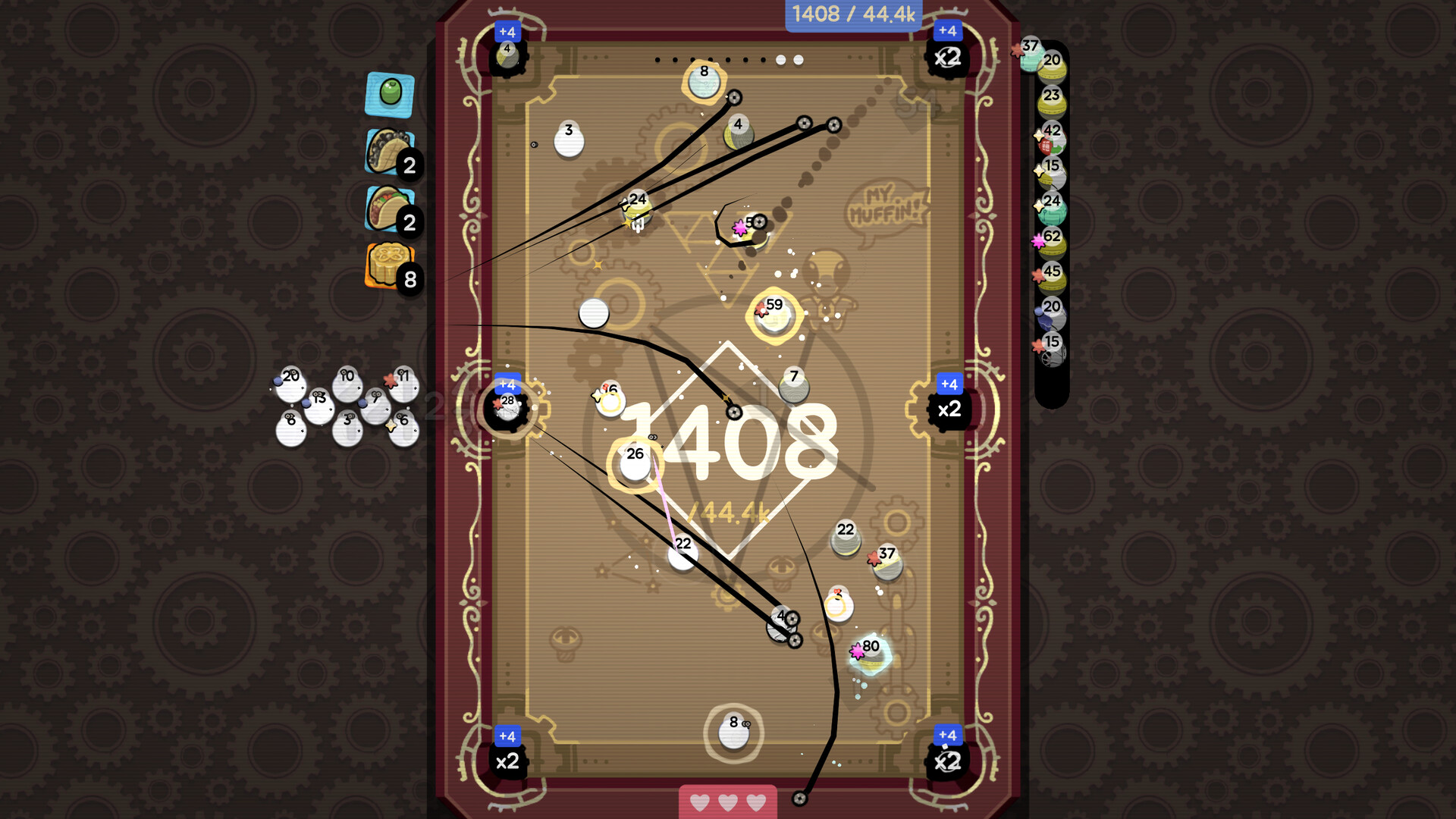
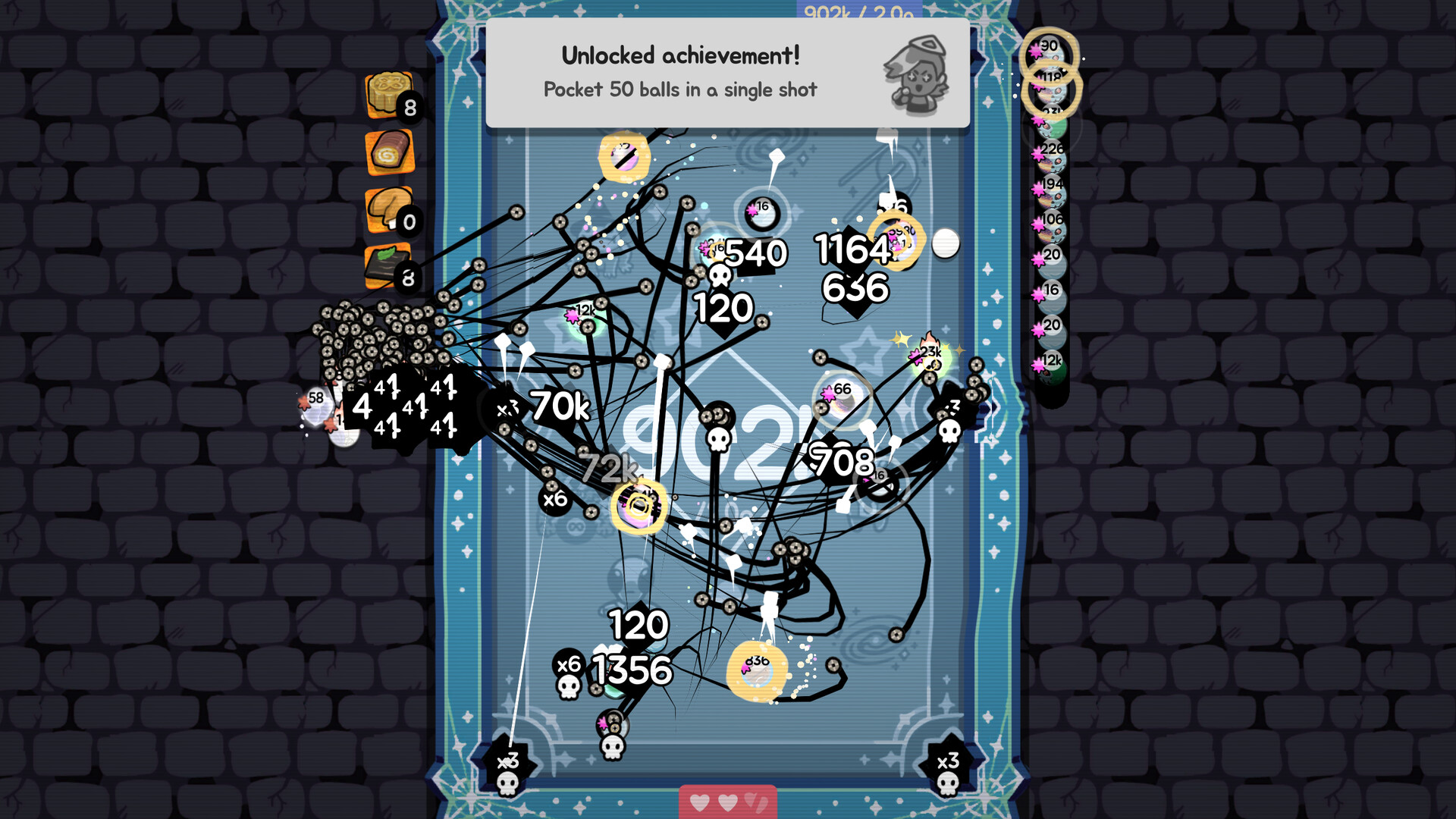
The core loop is simple: sink balls into pockets to earn score. Higher scores generate money, which can be spent at the bar on new or improved balls. The game runs without timed input, allowing players to pause and save anytime.
Rounds are limited to ten, and each round is another chance to push your score higher with your set of balls. Players can adjust difficulty and volume, and the game supports mouse‑only or touch‑only control schemes.
- Experiment with different ball placements before taking a shot.
- Use the save feature to pause when you need a break.
02 / THE GUIDE
Ball Effects
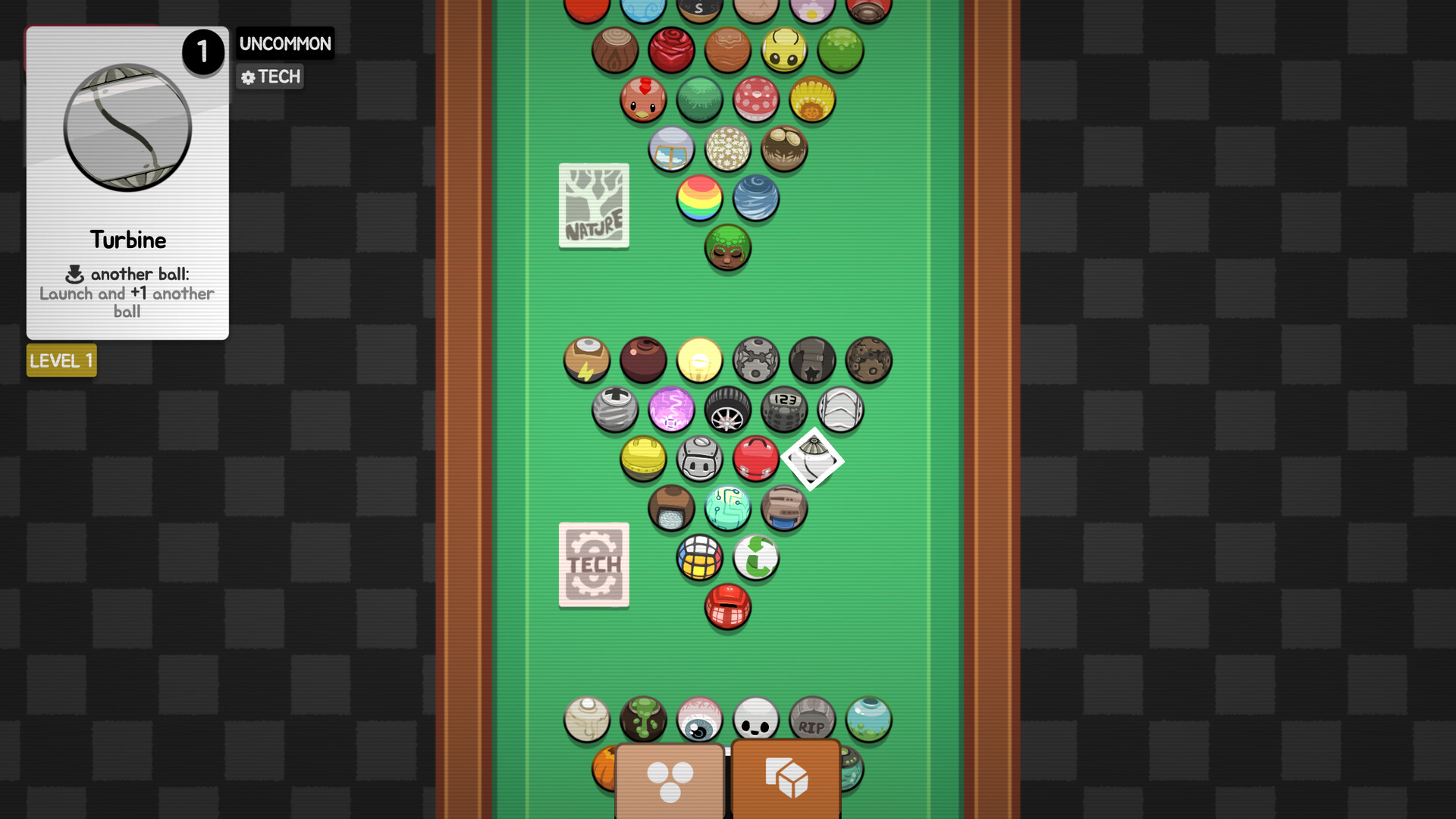
Every ball carries a strange ability, such as a ghost ball that reappears, a chicken ball that lays spherical eggs, or a bomb that explodes when bumped. These effects change how the table behaves and open new scoring strategies.
No cubes are allowed—only round objects that roll nicely. Discovering each ability encourages creative trickshots and higher point totals.
- Watch how each ball reacts after a hit to plan combos.
- Combine low‑risk balls with high‑impact ones for balanced play.

03 / THE GUIDE
Bar & Ball Mixing
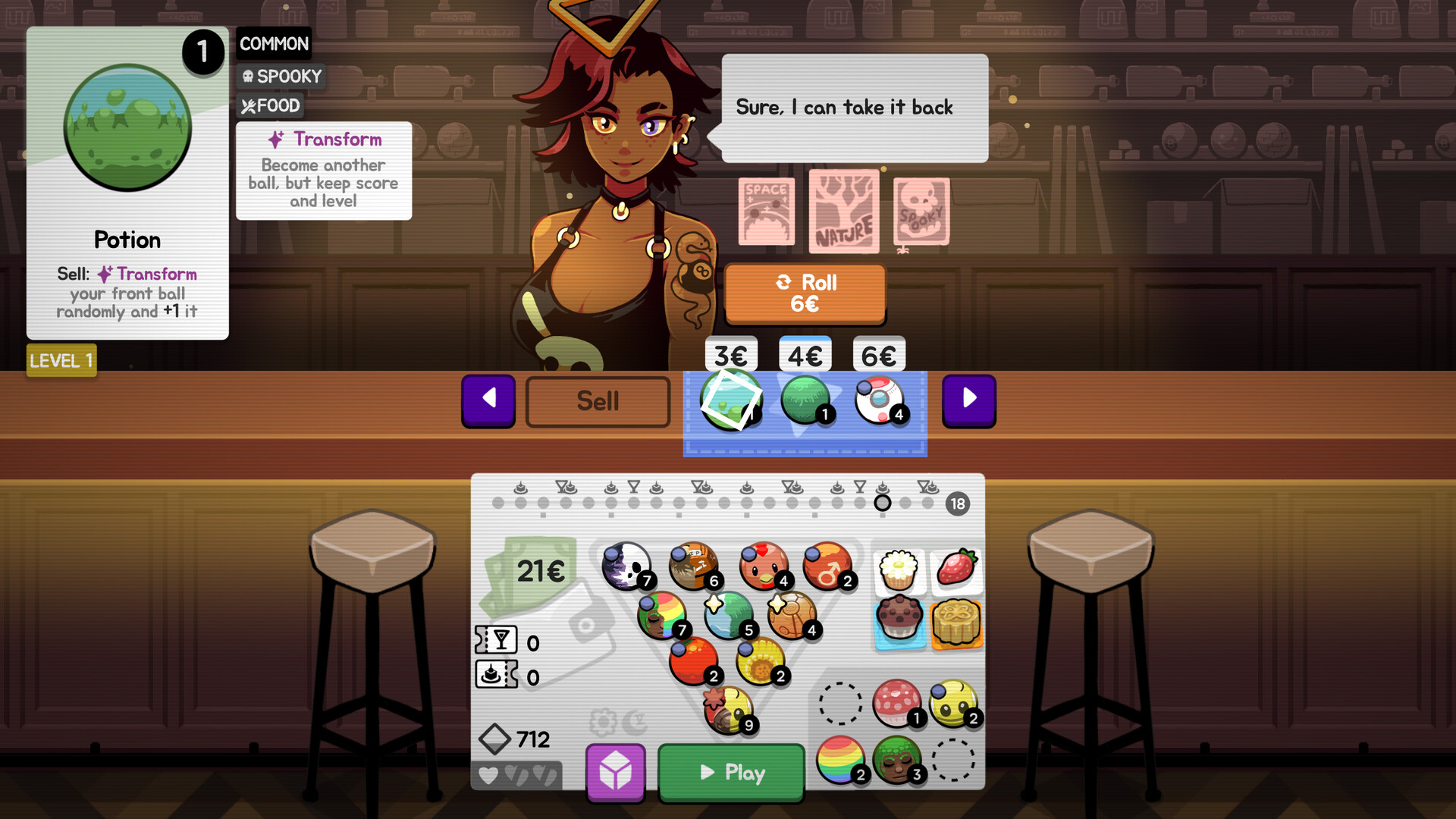
The cocktail bar unlocks after you feel comfortable with basic play. Ask the bartender to mix any two balls, and you receive a new hybrid ball with combined effects. Some mixes feel overpowered, but they can be essential for late‑round scores.
Mixes are purchased with the money earned from pocketed balls, letting you continuously improve your arsenal throughout the ten rounds.
- Save money early to afford powerful mixes later.
- Test mixed balls in a low‑stakes round first.
04 / THE GUIDE
Difficulty & Progression
Adjustable difficulty lets players tailor the challenge, from casual to more demanding rounds. As you discover more of the wacky abilities the balls have, you'll get new ideas for pushing your score ever higher.
The game’s “playable at your own pace” tag means you can take as long as you like between rounds, using save points to reflect on strategy.
- Start on an easier setting to learn ball abilities.
- Gradually increase difficulty as you master combos.
05 / THE GUIDE
Platform & Control Options
Ultrapool runs on Windows, macOS, and Linux, supporting mouse‑only and touch‑only input methods. Custom volume controls and Steam Cloud integration are available, and the game can be shared via Family Sharing.
No timed inputs are required, and you can save at any moment, making it suitable for short sessions or extended play.
- Choose the input method you’re most comfortable with.
- Enable Steam Cloud to keep progress across devices.
COMMUNITY
Player discussion