 GameWiki
GET YOUR BEARINGS
About Ultra Fight Da ! Kyanta 2
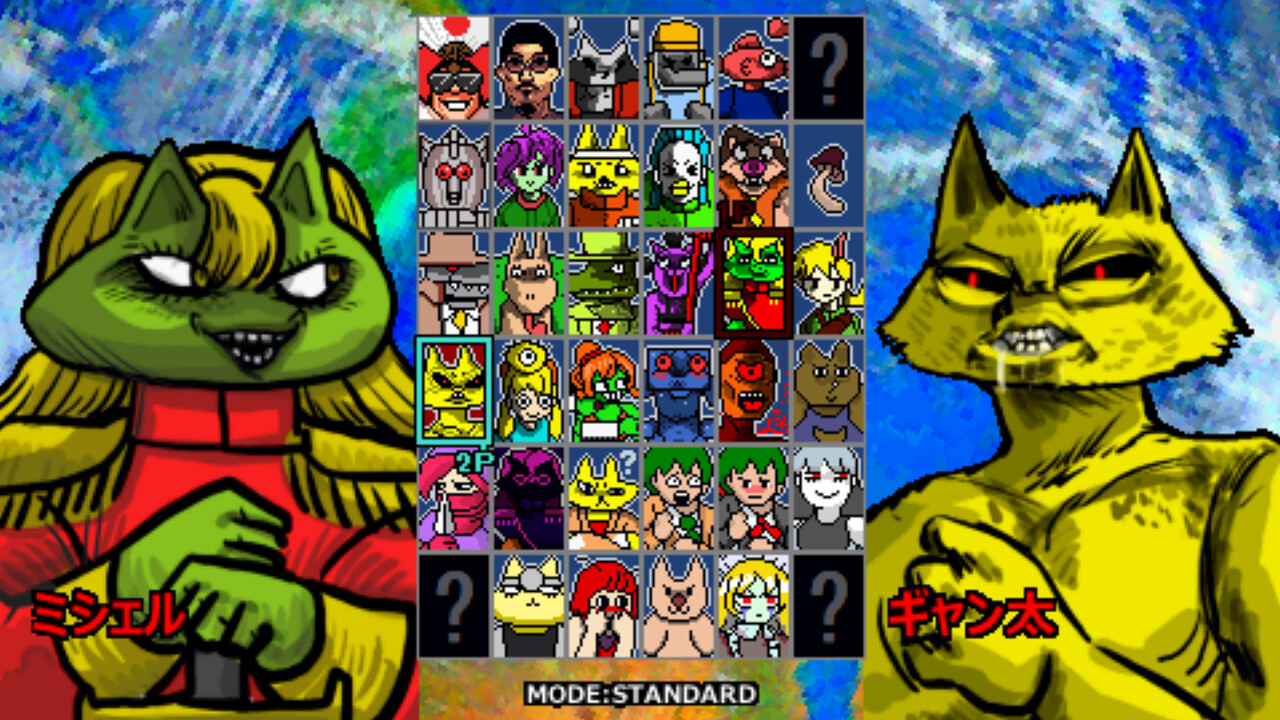
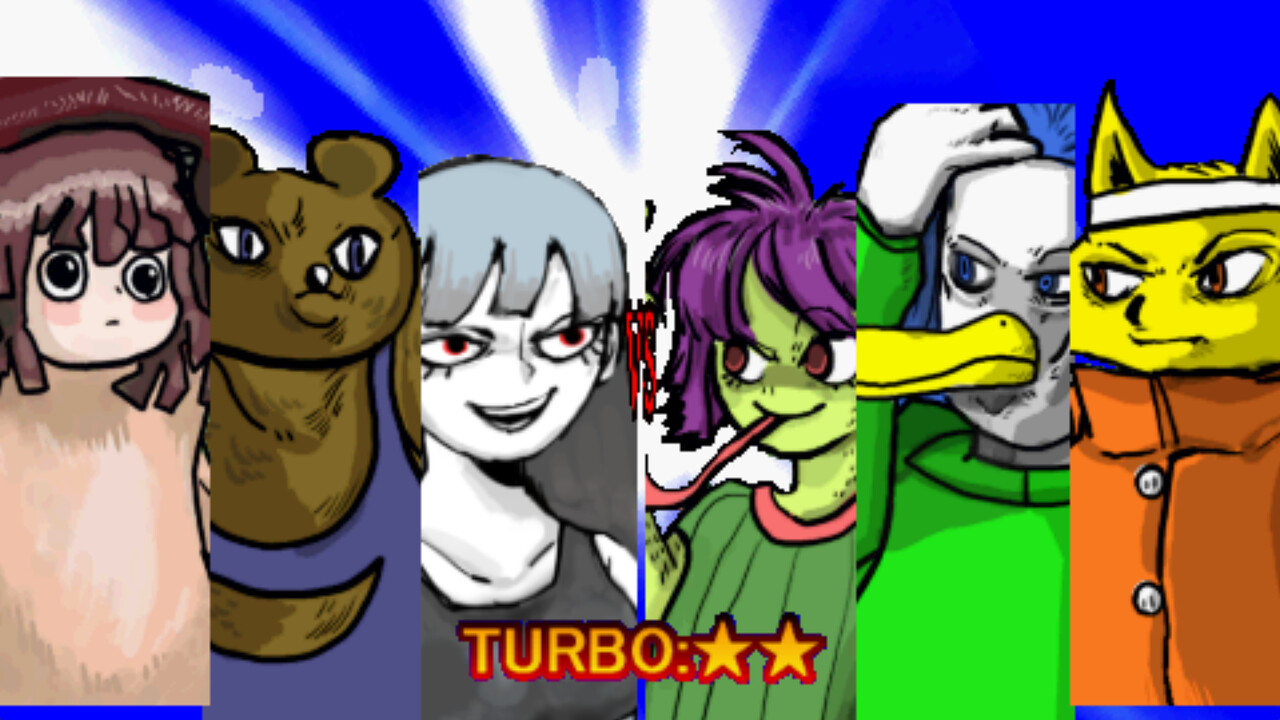
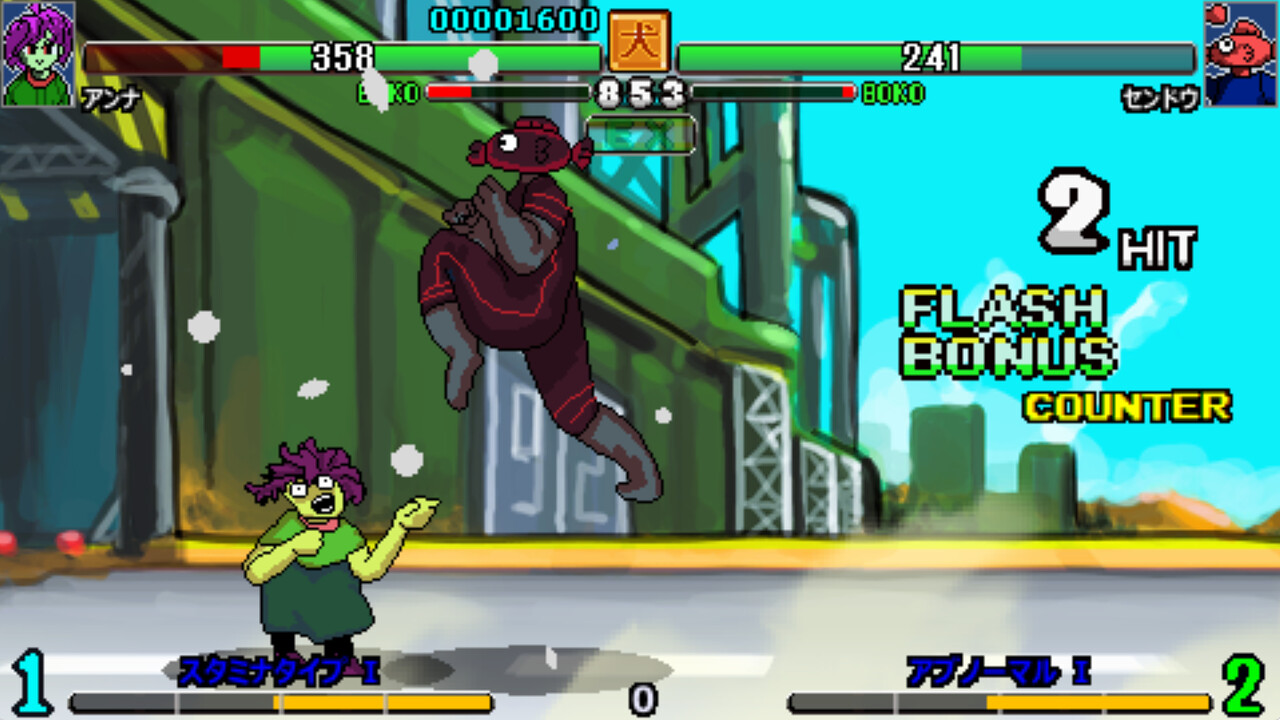
Ultra Fight Da! Kyanta 2 is a 2‑D team fighting game that lets one or two players battle with a roster of diverse characters. Combat is fast‑paced and relies on a simple button layout that includes light, heavy, special and ultra attacks.
The title runs on Windows, offers a keyboard shortcut to switch menus and victory quotes to English, and supports split‑screen, remote‑play and partial controller use. It is free‑to‑play and currently in early‑access.
01 / THE GUIDE
English Mode Activation
When the boot screen appears, press the number 2 key while selecting a control method. This toggles the interface and post‑match victory quotes to English, making the game more approachable for non‑Japanese speakers.
The toggle switches the menus and victory quotes to English, as documented on the boot screen.
- Activate English mode before entering a match to verify menu readability.
- If the option is missed, restart the game and select it again at the boot screen.
02 / THE GUIDE
Core Gameplay
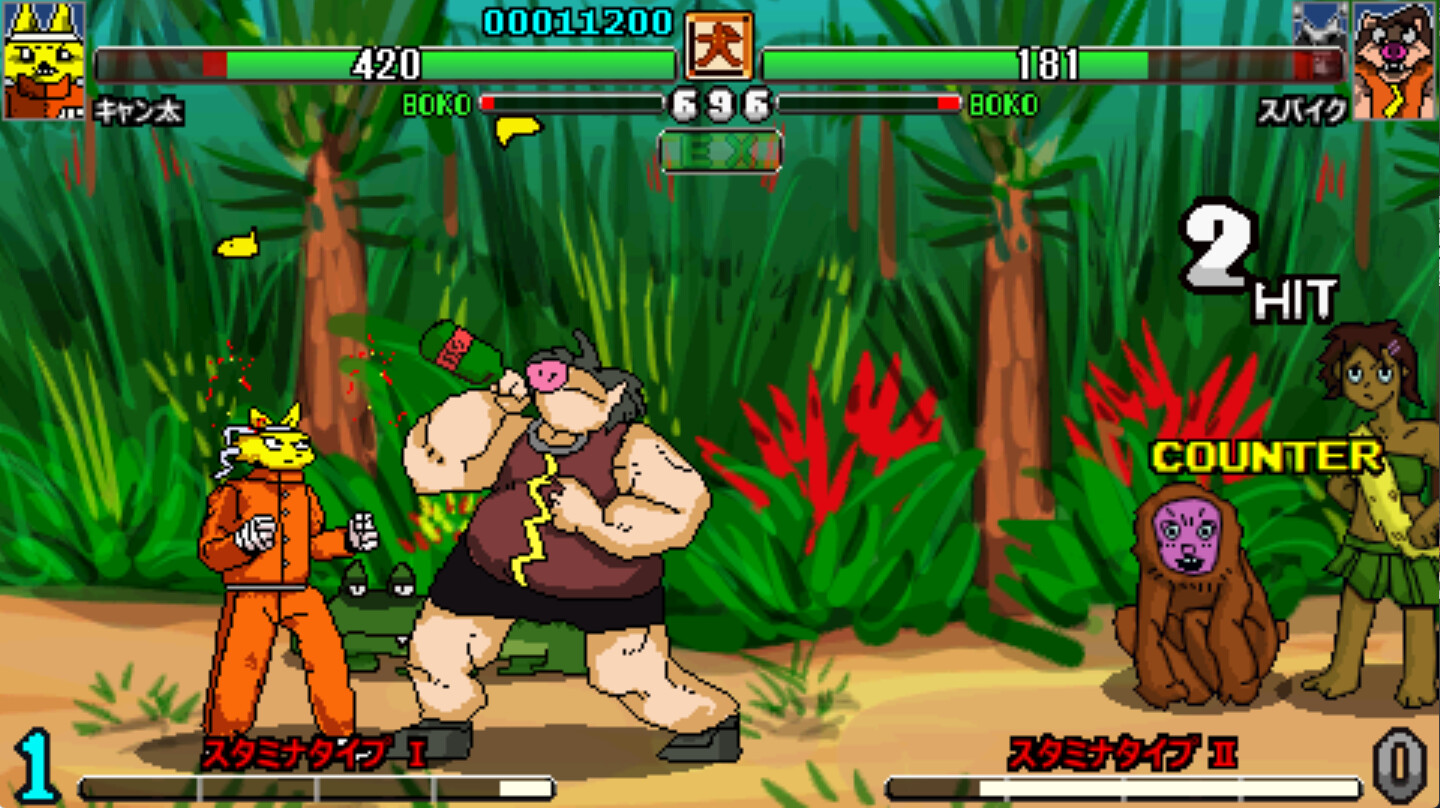
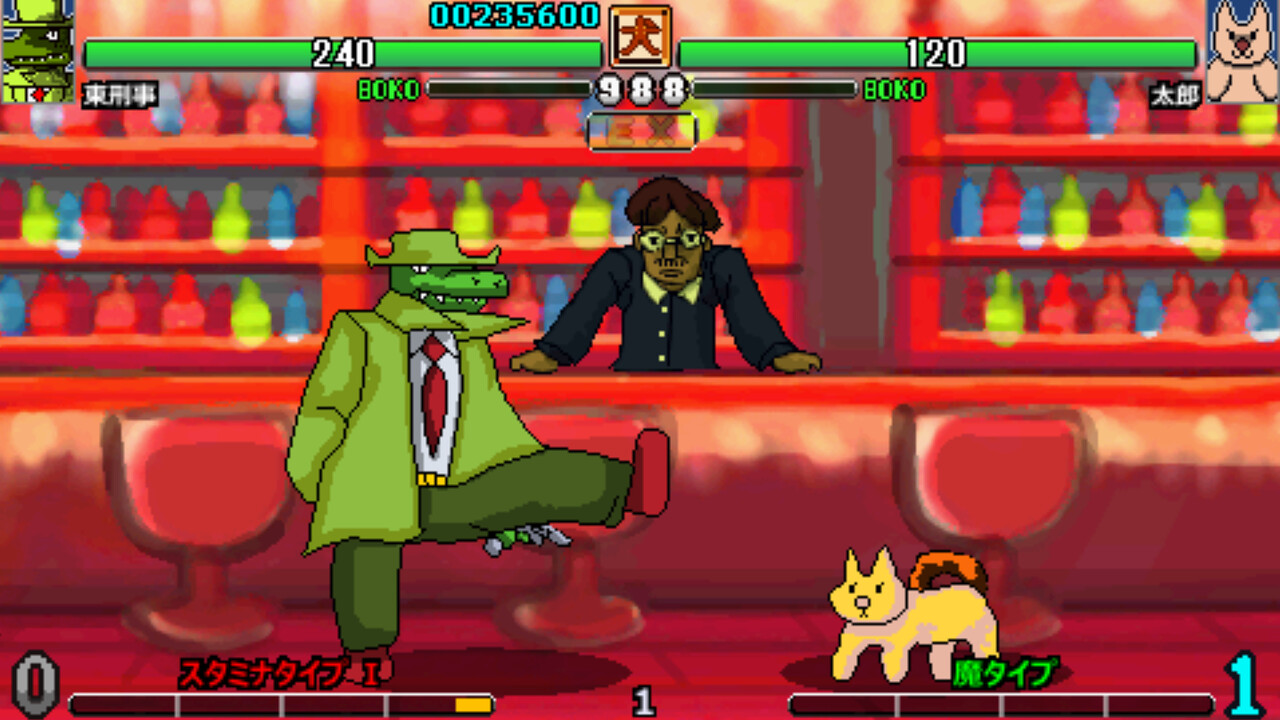
Combat is described as high‑speed, with simple controls that include one‑button specials. Players can execute light attacks, heavy attacks (or throws when very close), special attacks, and ultra attacks, allowing rapid combos and varied tactics.
The narrative premise involves a mysterious figure named Michelle terrorising people, providing a story backdrop while the focus remains on fast, button‑based fighting.
- Experiment with the timing of light and heavy attacks to discover smooth combo windows.
- Reserve ultra attacks for moments when they can decisively turn a round.
03 / THE GUIDE
Control Layout
Assuming an Xbox 360 layout, A performs light attacks, B performs heavy attacks (or throws when very close), X triggers a special attack, and Y triggers an ultra attack. Combination inputs such as A+B execute throws, X+Y perform an EX special, and B+Y execute a K Cancel.
All inputs can be remapped at any time, letting players assign actions to keys or buttons that feel most comfortable without changing the underlying functions.
- Try a few remap configurations to see which feels most natural for your hand placement.
- Keep a note of your final layout to avoid confusion during fast matches.
04 / THE GUIDE
Multiplayer Features
The game supports both single‑player and two‑player modes. When two players join, the display can be shared or split‑screen, allowing local co‑op on a single PC. Remote Play Together lets friends connect online without each owning a copy.
Family Sharing is listed as a feature, allowing family members to share access to the game. Partial controller support indicates that controllers can be used, though not with full functionality.
- Use split‑screen for a couch‑co‑op experience with a friend on the same machine.
- If a friend lacks the game locally, invite them via Remote Play Together for a quick session.
05 / THE GUIDE
Platform Support
Ultra Fight Da! Kyanta 2 is released for Windows PCs and is marked as free‑to‑play in early access. No macOS or Linux versions are listed, focusing development on the Windows environment.
Being free‑to‑play, players can download and start playing without an initial purchase, while early‑access status suggests the game may receive updates and new content over time.
- Check your Windows system specifications before installing to ensure smooth performance.
- Keep the game updated through the platform to receive any balance or character additions.
COMMUNITY
Player discussion