 GameWiki
GET YOUR BEARINGS
About Ultimate Theater Simulator
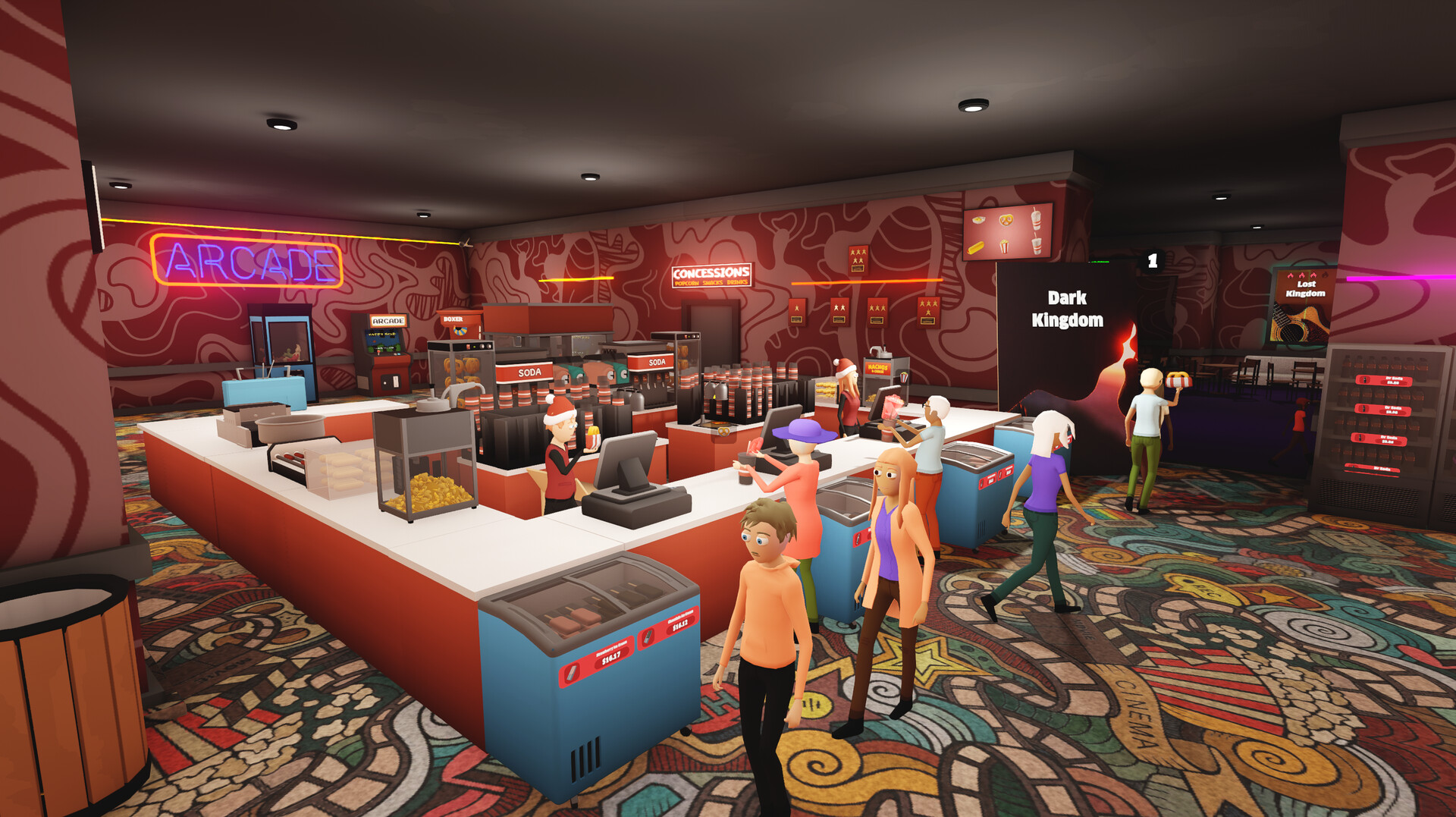
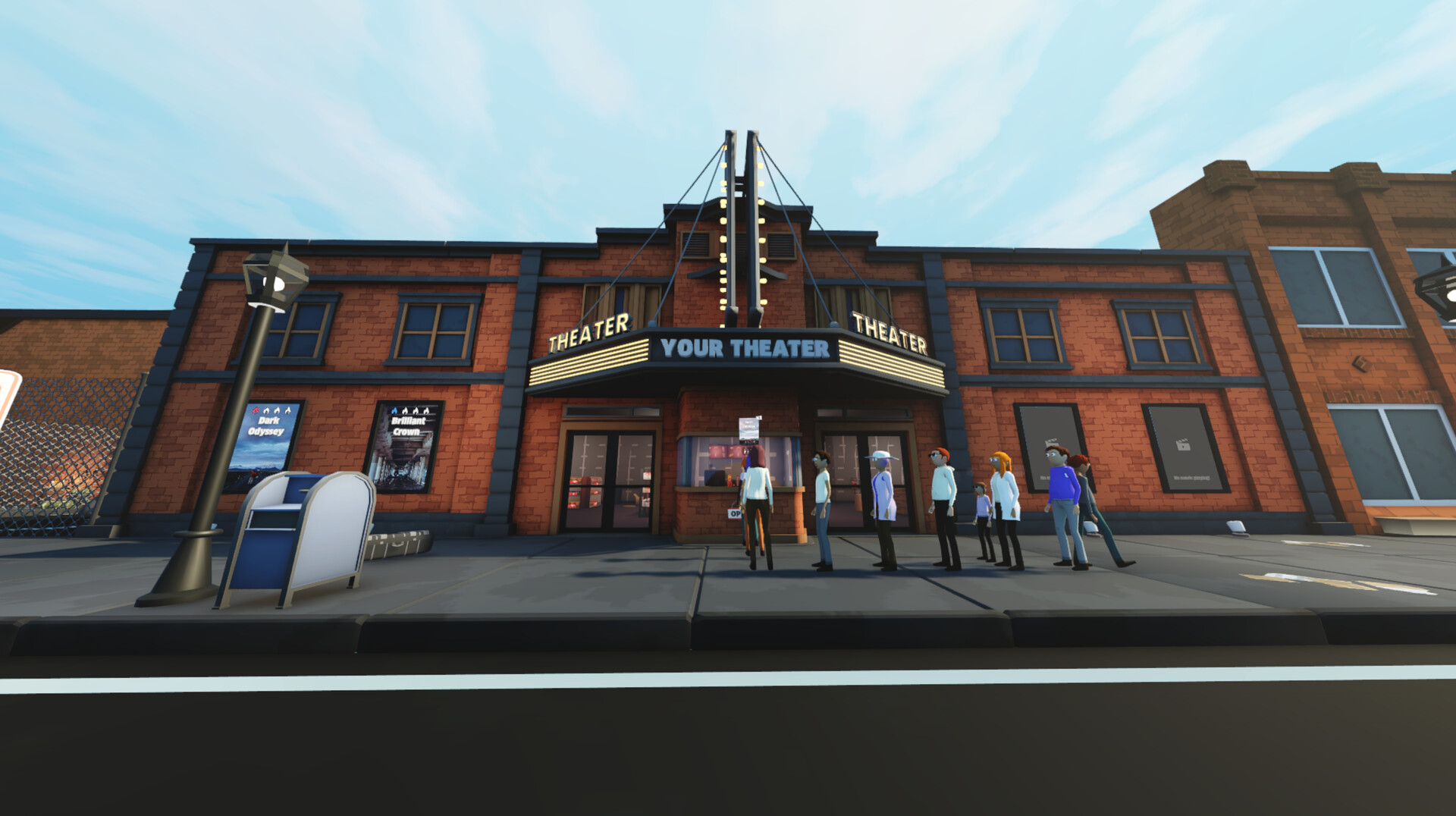
Ultimate Theater Simulator puts you behind the counter of a cinema, letting you run everything from film selection to snack sales. In first‑person view you balance inventory, staff duties, and unexpected incidents while expanding the venue.
The game offers full controller support, Steam achievements, and cloud saves, letting you design theater layouts, hire janitors and cashiers, and keep moviegoers happy with popcorn, pretzels, drinks and more.
01 / THE GUIDE
Film Management
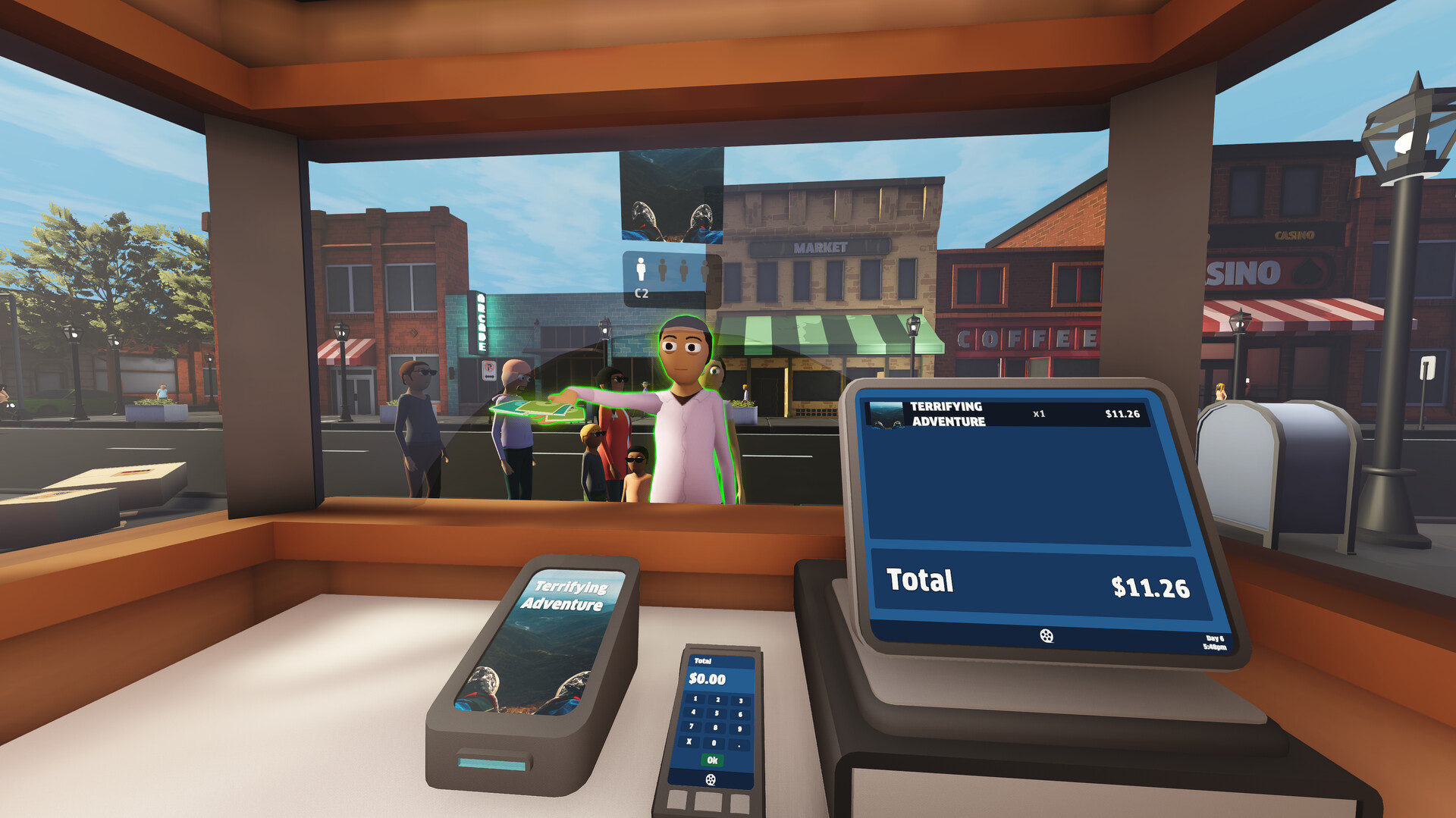
Purchase popular movies and assign them to projectors in each screening room. The choice of releases influences how many patrons attend and how quickly the theater earns revenue.
Keeping a steady stream of new releases is essential; older titles may still draw crowds but fresh films tend to attract more demanding moviegoers.
- Rotate titles regularly to maintain interest.
- Watch which films generate the most sales before restocking.
02 / THE GUIDE
Snack Service
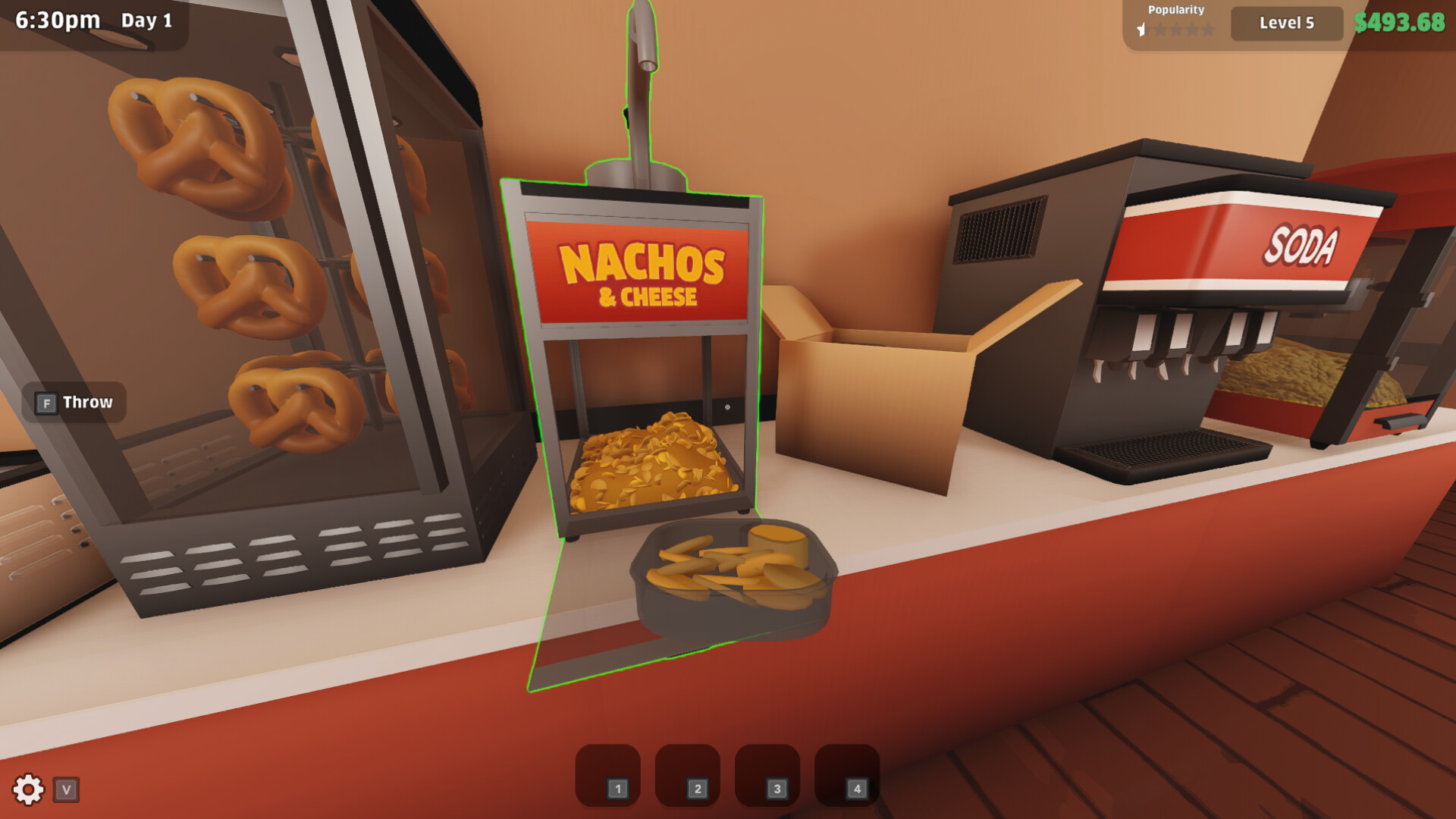
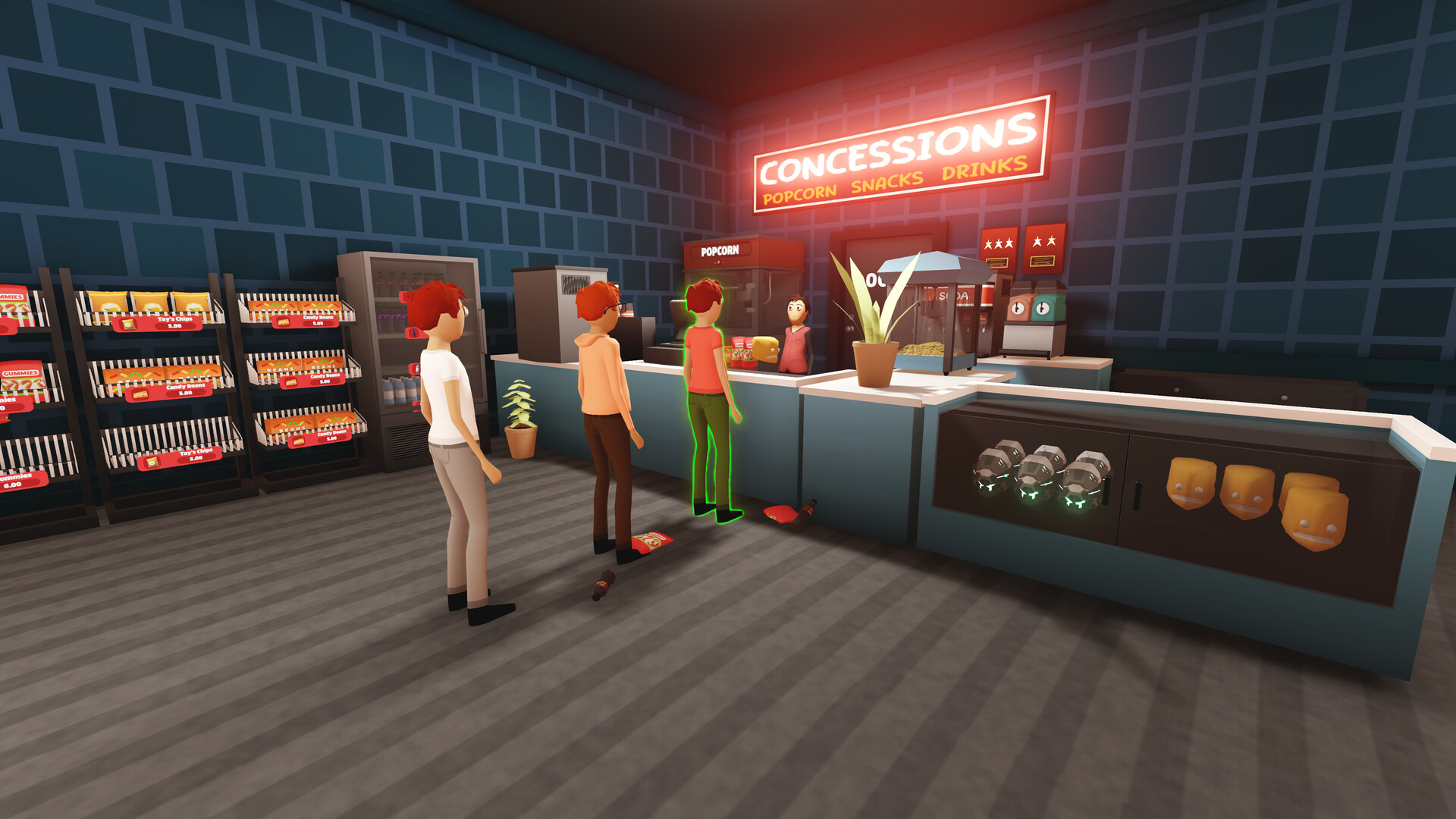
Serve classic cinema snacks such as popcorn, pretzels, hot dogs, and drinks. Tracking supplies and restocking shelves prevents empty counters during peak hours.
Satisfied customers are more likely to stay for the entire screening, so monitor inventory levels closely, especially during popular showtimes.
- Check stock before rush periods.
- Offer a mix of sweet and salty options.
03 / THE GUIDE
Staff Management
Hire employees and assign roles such as Janitor or Cashier to keep the theater operating smoothly. Each staff member handles specific tasks like cleaning or ticket sales.
Expanding your team reduces the chance of issues like spills or long lines, helping maintain a pleasant environment for patrons.
- Balance hiring with budget.
- Assign janitors to high‑traffic areas.
04 / THE GUIDE
Theater Expansion
Add new rooms and unlock upgrades to accommodate more moviegoers and higher‑profile releases. Expansion also opens space for additional decorations and layout customization.
A larger venue can host simultaneous screenings, increasing overall earnings when managed efficiently.
- Plan room placement before building.
- Upgrade projectors after adding rooms.
05 / THE GUIDE
Incident Handling
Unexpected events such as piracy attempts, robberies, kids sneaking in, or smoking can disrupt operations. Respond promptly to keep the theater under control.
Each incident requires a different approach, but all affect customer satisfaction and may impact revenue if not resolved quickly.
- Prioritize safety threats first.
- Use staff to monitor problem areas.
COMMUNITY
Player discussion