 GameWiki
GET YOUR BEARINGS
About Ultimate General: Civil War
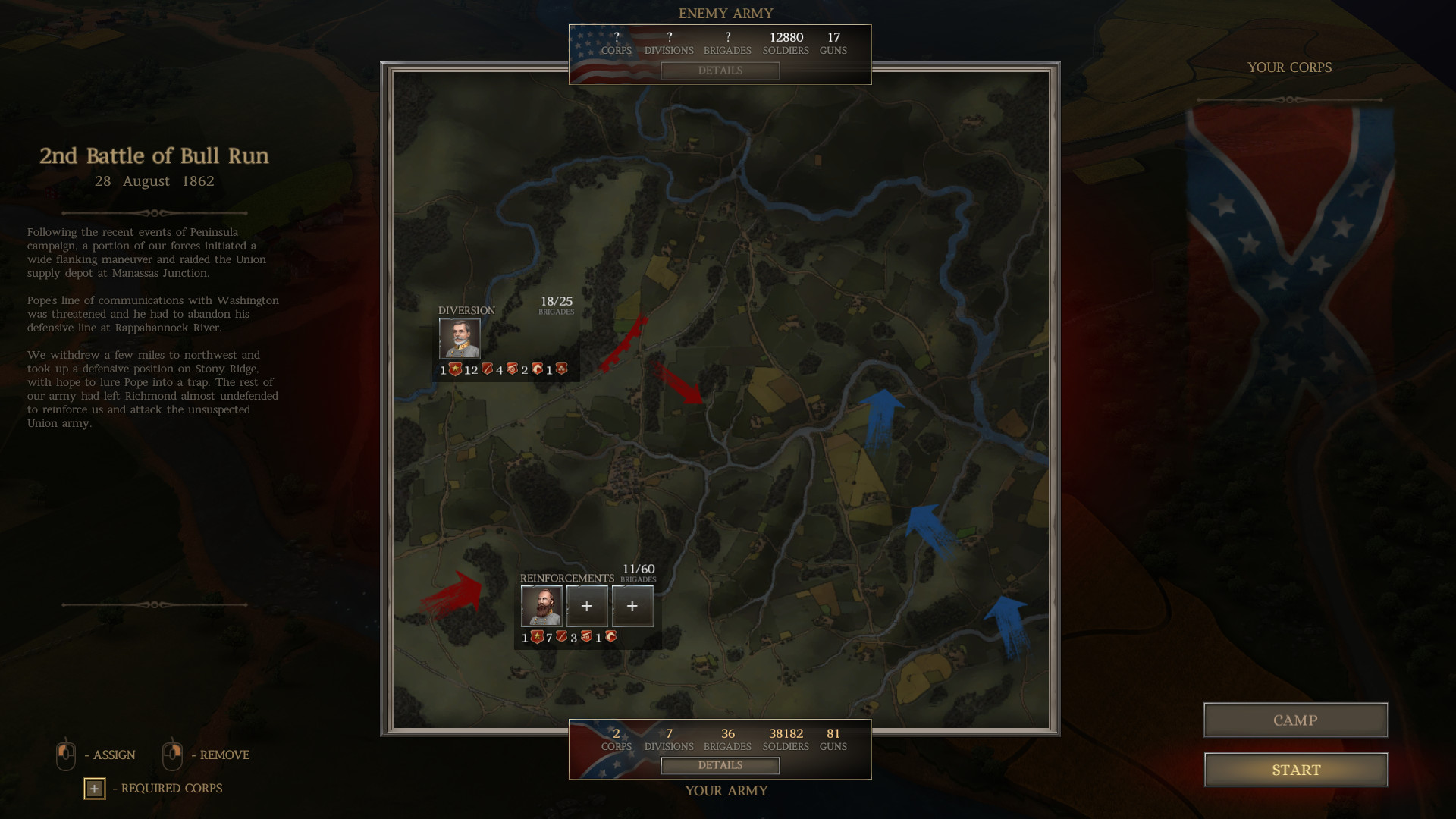
Ultimate General: Civil War is a real‑time tactical strategy game that lets you command armies during the American Civil War (1861‑1865). The title offers a full campaign of over fifty battles, ranging from small skirmishes to massive engagements that can span several days across hundreds of square miles.
Beyond the campaign, you can play historical battles individually, manage your army’s composition, and watch detailed hand‑drawn maps that reflect real terrain. The game emphasizes realistic command, officer development, and the strategic importance of supplies and terrain.
01 / THE GUIDE
Campaign Structure
The campaign covers more than fifty battles, from early actions like Aquia Creek to decisive fights such as Gettysburg. Each battle’s outcome feeds back into the campaign, influencing which corps, divisions, and brigades become available later.
Historical battles are also accessible as standalone scenarios, allowing you to replay any engagement without progressing through the full campaign. This flexibility lets you focus on specific tactics or historical moments.
- Try playing a smaller standalone battle first to learn terrain effects before tackling larger campaign fights.
- Observe how early victories unlock additional units, then plan your army composition accordingly.
02 / THE GUIDE
Army Management
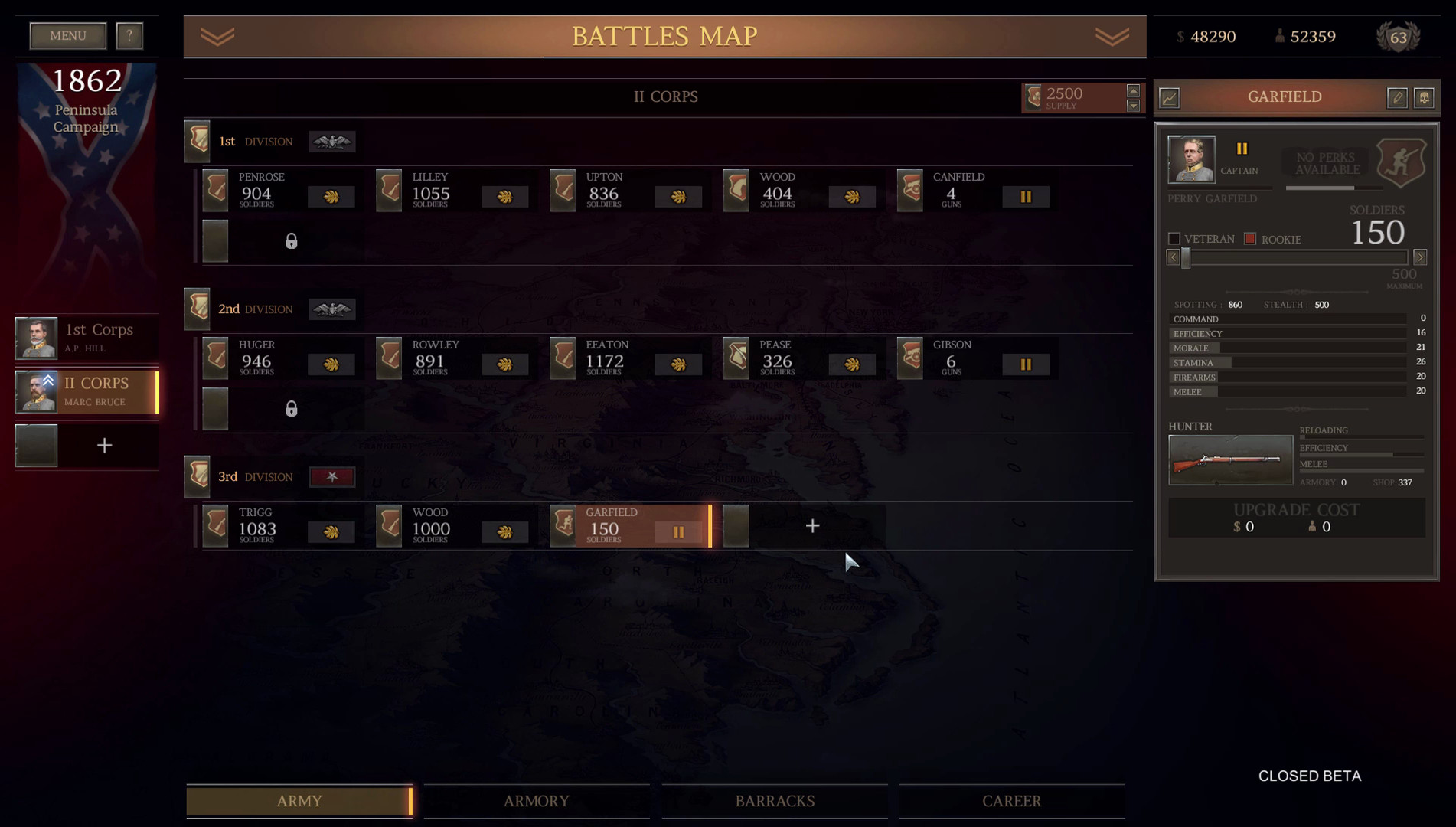
As the general you control army composition, gaining access to more corps, divisions, and brigades based on successes and reputation. Keeping soldiers alive improves their experience, turning rookies into veterans, while heavy losses can limit reinforcements and lower morale.
If morale drops too far, you may be forced to resign, emphasizing the need to balance aggression with preservation of your forces.
- Maintain a mix of veteran and fresh units to keep overall combat effectiveness high.
- Consider how morale may have shifted after each battle to gauge whether you need a more defensive approach.
03 / THE GUIDE
Command System
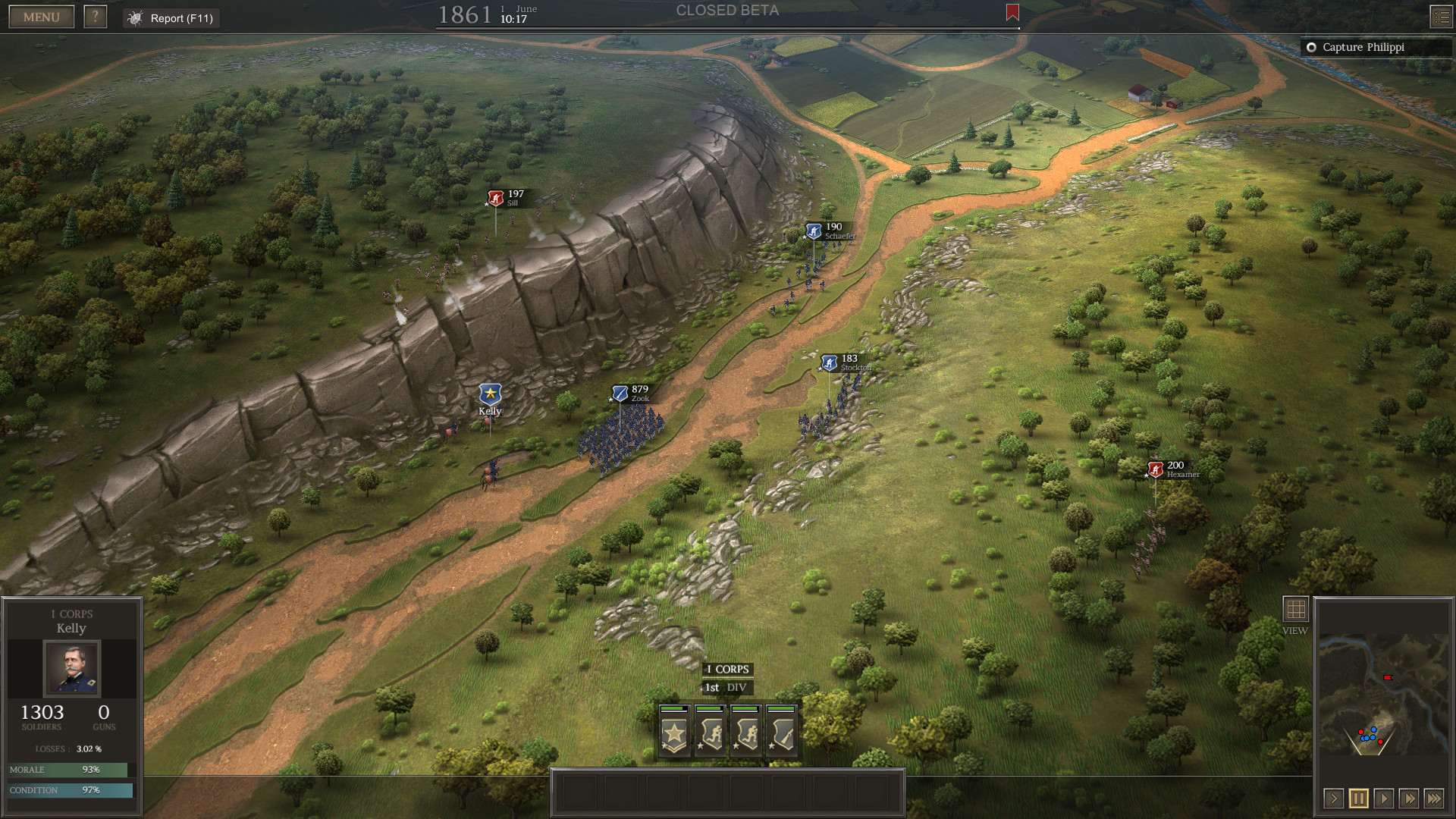
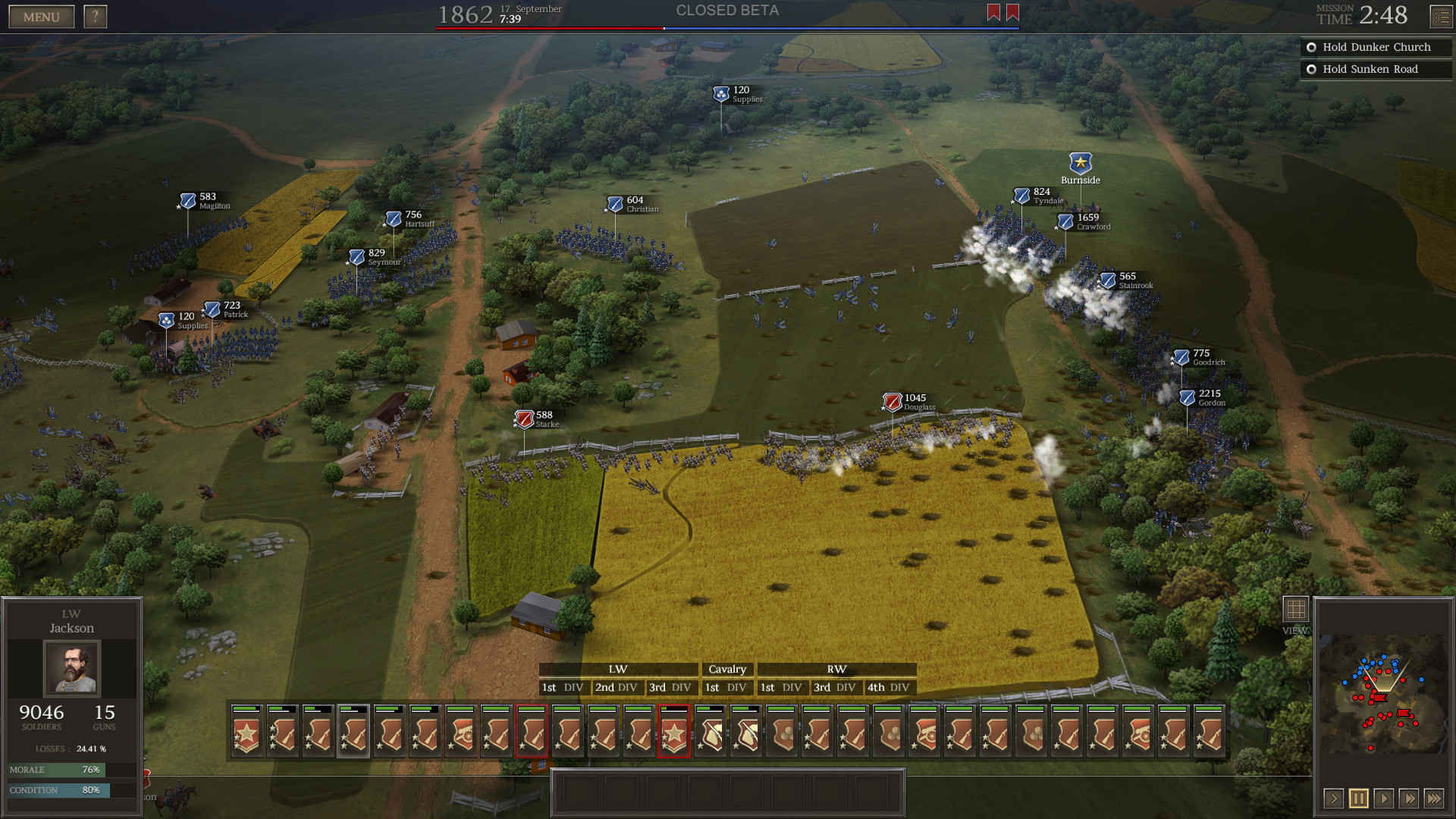
The game offers an innovative command system where you can either micromanage each unit or issue a single‑click objective, such as taking a hill. Divisional commanders can act autonomously, helping you manage large armies.
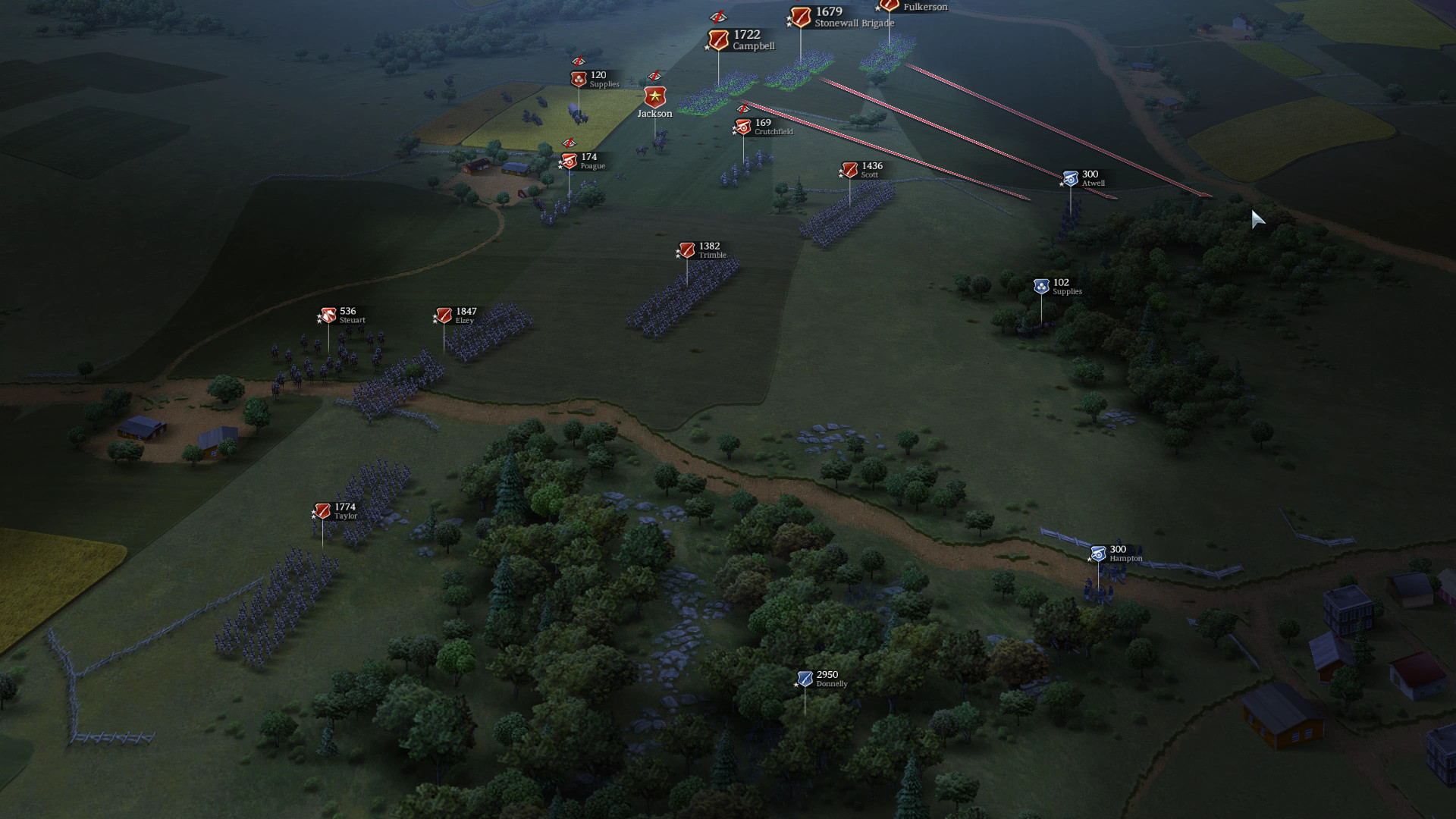
You can draw defensive lines for brigades to hold or sketch arrows to launch flanking maneuvers, letting the AI execute the plan while you observe the outcome.
- Use the one‑click goal mode for larger battles to reduce micromanagement fatigue.
- Experiment with drawn flanking arrows to see how AI responds to indirect attacks.
04 / THE GUIDE
Officer Progression
Historical unit commanders gain experience and rank up based on their units’ performance, unlocking the ability to lead larger formations without efficiency loss. Officers can also be wounded or killed, adding risk to reliance on key leaders.
Winning battles also improves your own skills, such as reconnaissance or political influence, further shaping strategic options.
- Protect high‑ranking officers during intense engagements to preserve their long‑term benefits.
- Track officer performance, since officers rank up based on how their units perform in battle.
05 / THE GUIDE
Terrain & Maps
Every battlefield is hand‑drawn using satellite and historical data, giving realistic topography that influences tactics. Features such as trenches, fences, houses, hills, rivers, bridges, and forests affect line of sight, movement, and defensive potential.
Understanding terrain lets you exploit high ground for early sight, use rivers as natural barriers, and hide movements in forests for surprise flanking.
- Scout hills early to gain visual advantage over enemy formations.
- Utilize forests to conceal flanking units before they strike.
COMMUNITY
Player discussion