 GameWiki
GET YOUR BEARINGS
About Ultimate Fishing Simulator
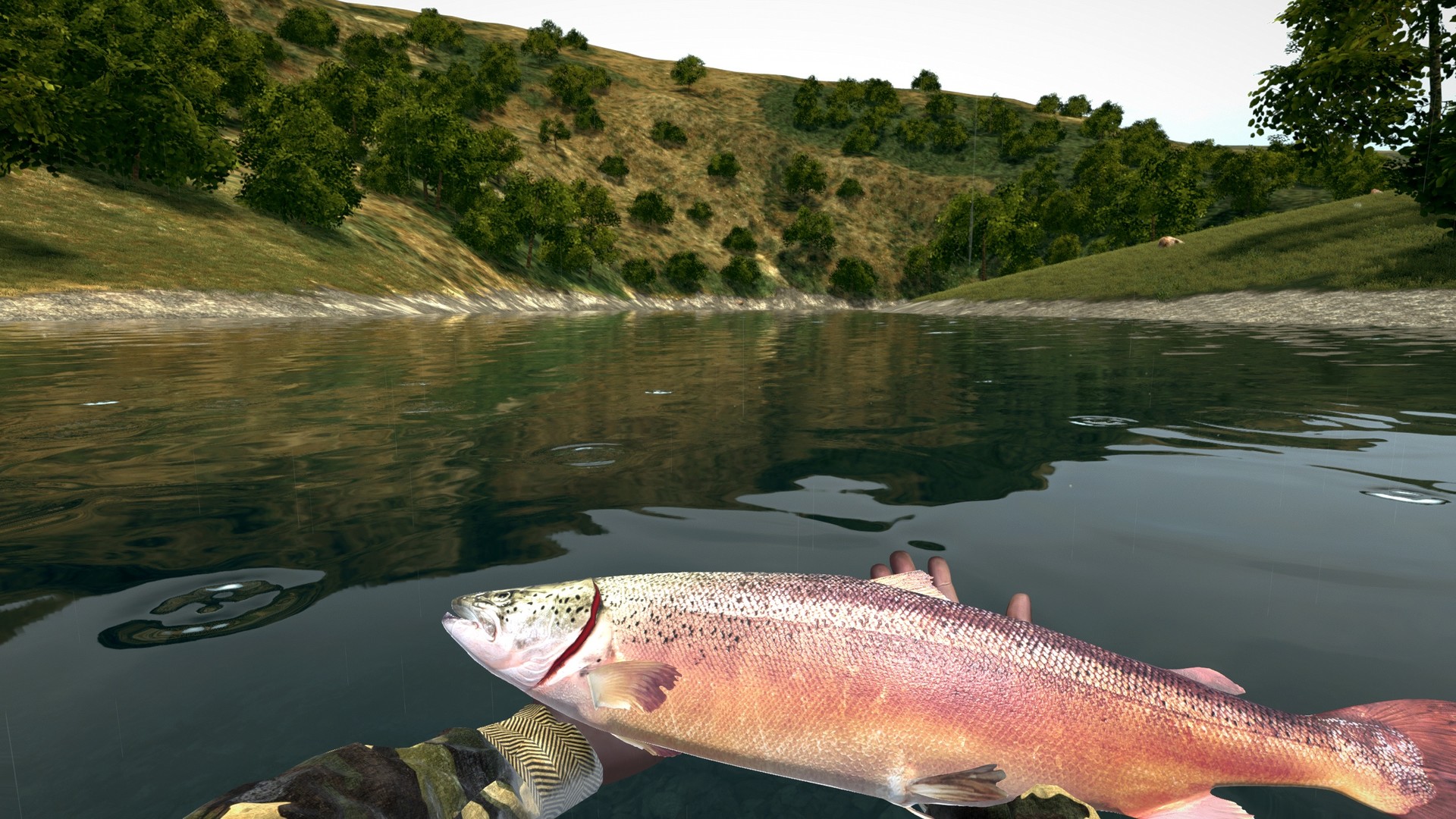
Ultimate Fishing Simulator® offers a wide array of fishing techniques across seven realistic fisheries, a winter ice‑fishing map, and an open‑ocean map. The game runs offline, requiring internet only for multiplayer features.
Players select gear, cast, and wait for a bite, then choose to sell, release, or display each catch. A built‑in level editor lets users create and share custom fisheries, while tournaments and leaderboards add competitive depth.
01 / THE GUIDE
Fishing Techniques
The simulator includes float, bottom, spinning, fly, sea, surfcasting, and ice fishing, each paired with specific gear such as rods, reels, baits, rod pods, and bite indicators.
Choosing the appropriate technique and equipment lets players target species ranging from 50 kg carp to marlins, with the game guaranteeing a catch when the setup matches the method.
- Match bait type to the chosen technique to observe bite speed differences.
- Compare the feel of float versus bottom setups to see which feels more relaxing.
02 / THE GUIDE
Difficulty Modes
Normal Mode enables all features, including the underwater camera, letting players enjoy the game in all its glory.
Realistic Mode reduces bite frequency, extends fight duration, and disables the underwater camera, demanding more patience and efficiency.
- Start in Normal Mode to learn gear before switching to Realistic.
- Use the underwater camera in Normal Mode to study fish behavior.
03 / THE GUIDE
Level Editor & Custom Maps
A built‑in editor lets players design fisheries, placing fish and scenery to create personalized locations.
Created maps can be shared, allowing friends to fish together in a custom environment beyond the seven default fisheries and two seasonal maps.
- Begin with a simple lake layout before adding complex terrain.
- Test your custom map in single‑player first to verify fish placement.
04 / THE GUIDE
Multiplayer & Tournaments
Online multiplayer connects anglers worldwide for cooperative fishing, PvP, and tournament play.
Players can host private tournaments with friends or join public/global events that rank participants on official leaderboards.
- Join a public tournament to gauge skill against a broad player base.
- Invite friends to a private match for relaxed cooperative fishing.
05 / THE GUIDE
Environmental Effects
Dynamic weather and a 24‑hour day cycle introduce temperature, mist, wind, rain, and snow that change unpredictably.
If catches are scarce during daylight, the game suggests trying night fishing to experience different fish activity.
- Observe weather changes and adjust bait accordingly.
- Try night fishing when daytime catches are low.


COMMUNITY
Player discussion