 GameWiki
GET YOUR BEARINGS
About Ultimate Epic Battle Simulator 2
Ultimate Epic Battle Simulator 2 (UEBS2) lets you stage battles that can involve hundreds of thousands, even millions, of characters at once. The game mixes a free‑form sandbox with story‑driven campaigns, giving both chaotic spectacle and structured objectives.
Developed by Brilliant Game Studios, UEBS2 runs on Windows and uses full‑GPU acceleration for every AI individual and for crowd rendering. This hardware focus lets the engine handle far more units than its predecessor while keeping detailed animation and decision‑making.
01 / THE GUIDE
Massive Battle Scale
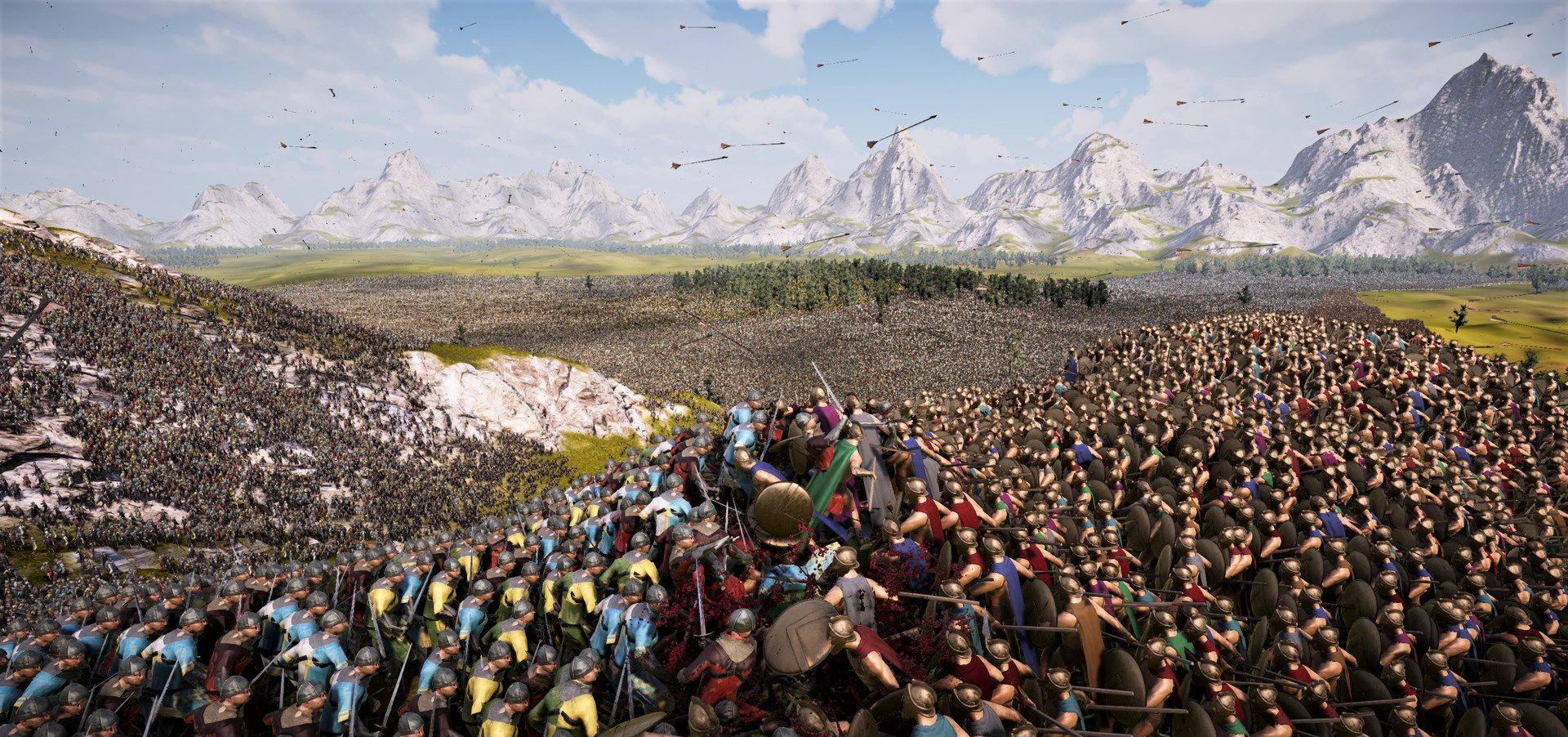
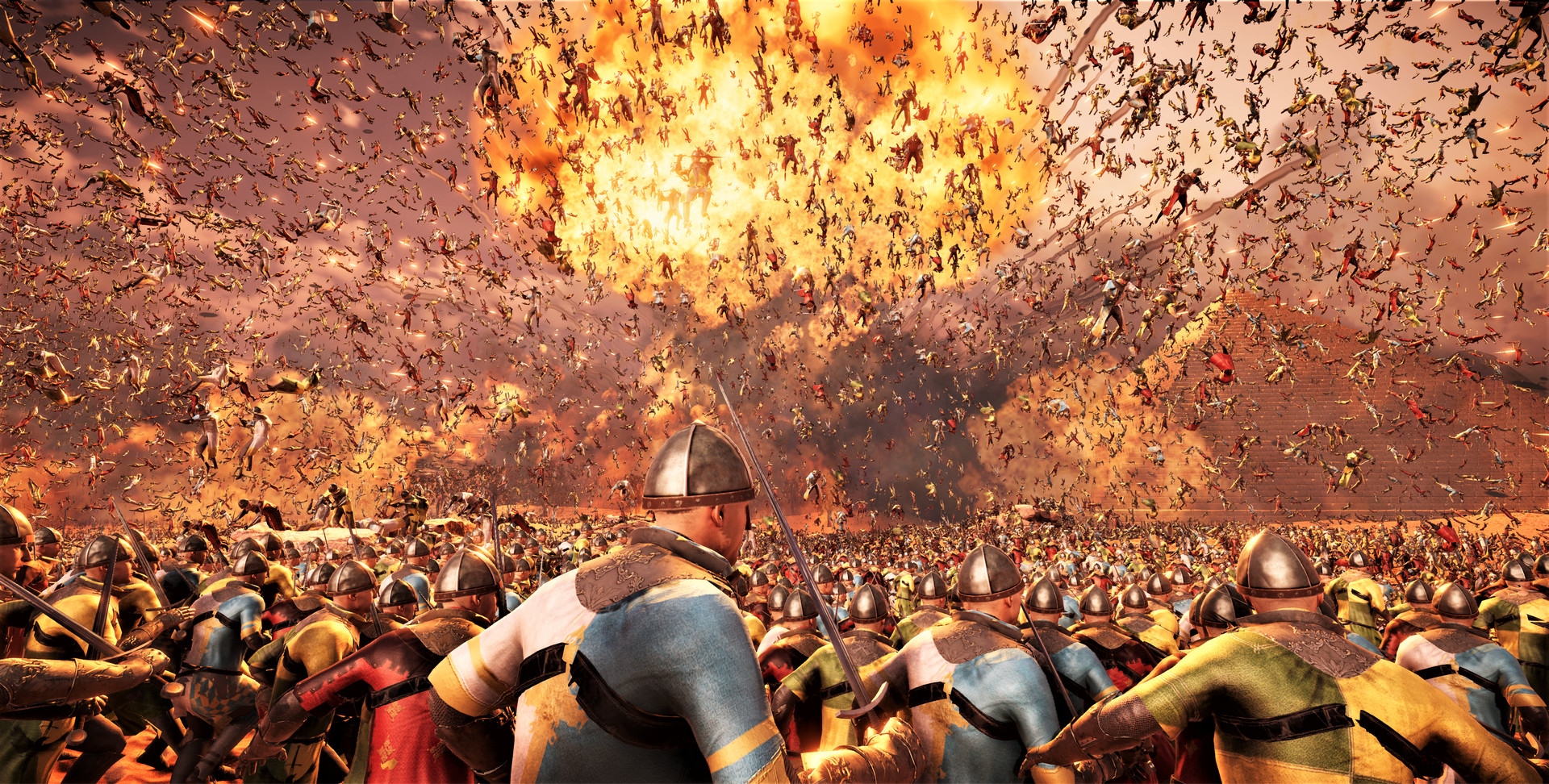
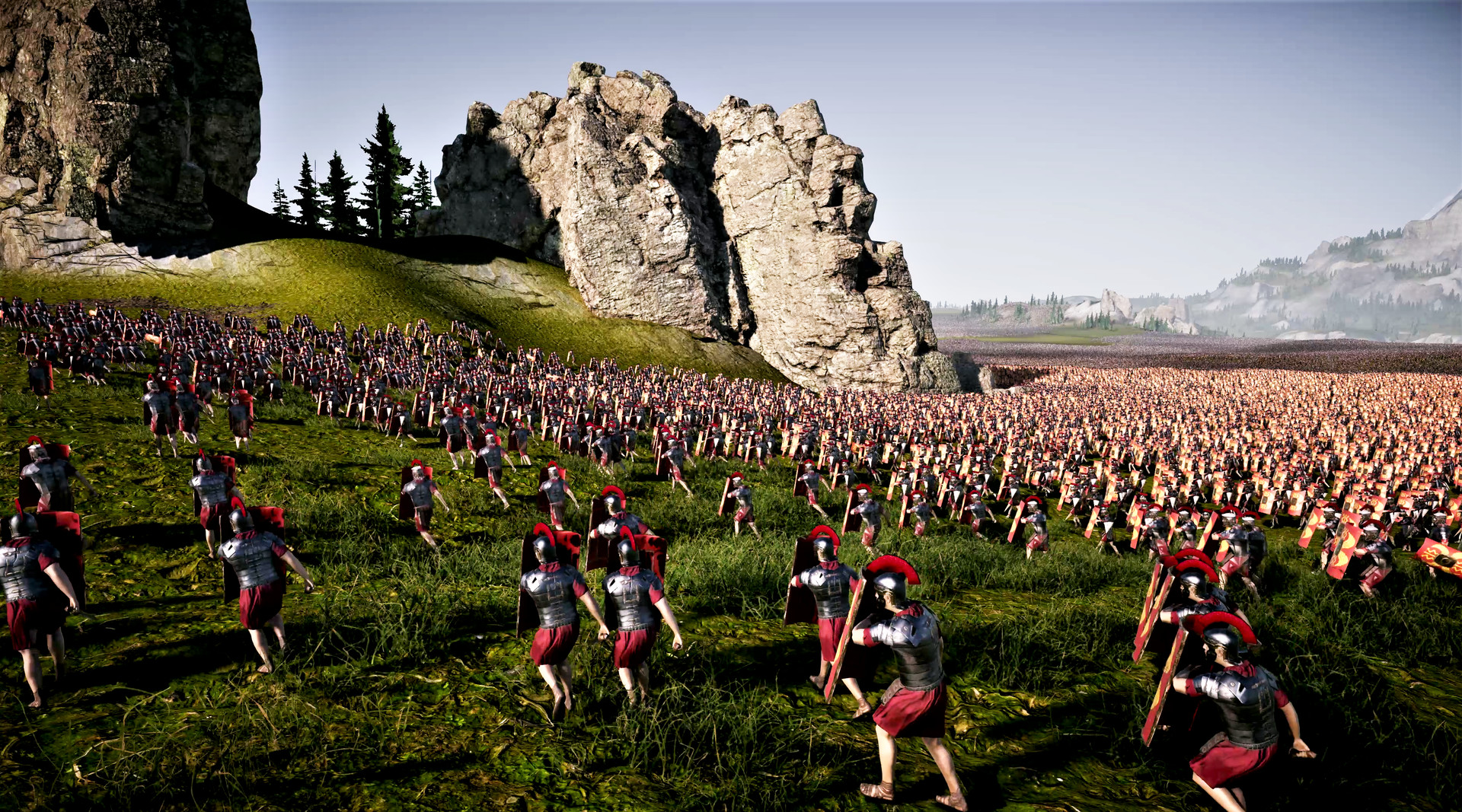
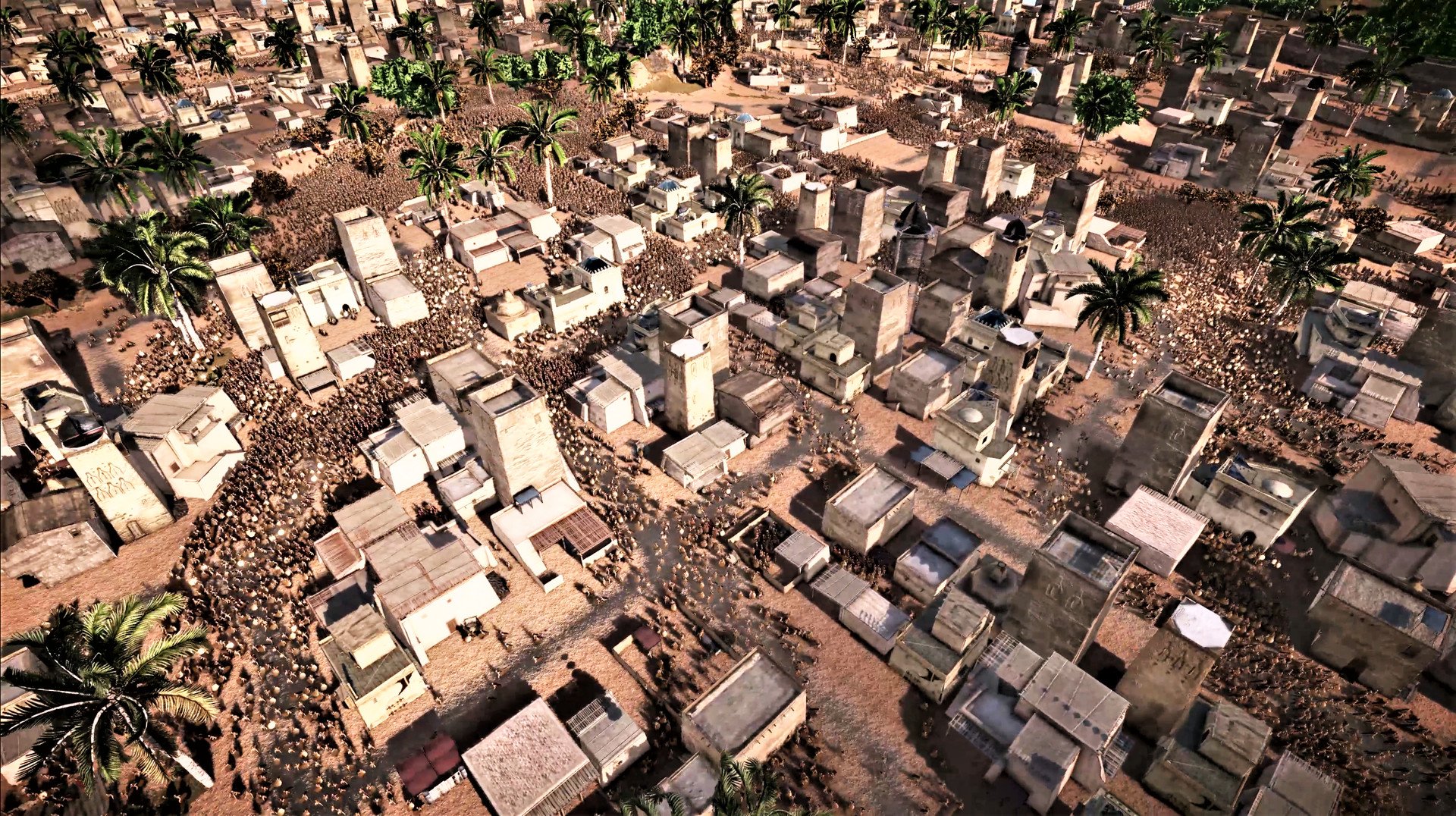
UEBS2 can display battles with hundreds of thousands of units and can even reach the million‑unit mark, thanks to its GPU‑driven AI that processes each character separately.
The crowd system retains visual detail at these extreme counts, so large clashes stay recognizable rather than turning into indistinct blobs.
- Begin with a modest force to confirm stability before adding more units.
- Adjust graphics settings if frame rates drop when approaching the upper limits.
02 / THE GUIDE
Sandbox Mode
Sandbox mode returns with infinite army sizes, giving players unrestricted freedom to place any number of units and set any conditions they desire.
Because there are no preset limits, the mode encourages experimentation with unit combinations, terrain, and objectives to observe emergent behavior.
- Mix unit types to discover unexpected interactions.
- Save your setups regularly to revisit impressive battles.
03 / THE GUIDE
RTS‑Style Army Command
In RTS mode you can drag‑select entire armies, allowing quick repositioning and coordinated commands across large forces.
Full drag‑select control lets you respond to changing battle conditions without needing to manage each unit individually.
- Group similar units before selecting to streamline commands.
- Use drag‑select to shift troops rapidly during intense moments.
04 / THE GUIDE
First‑ and Third‑Person Unit Play
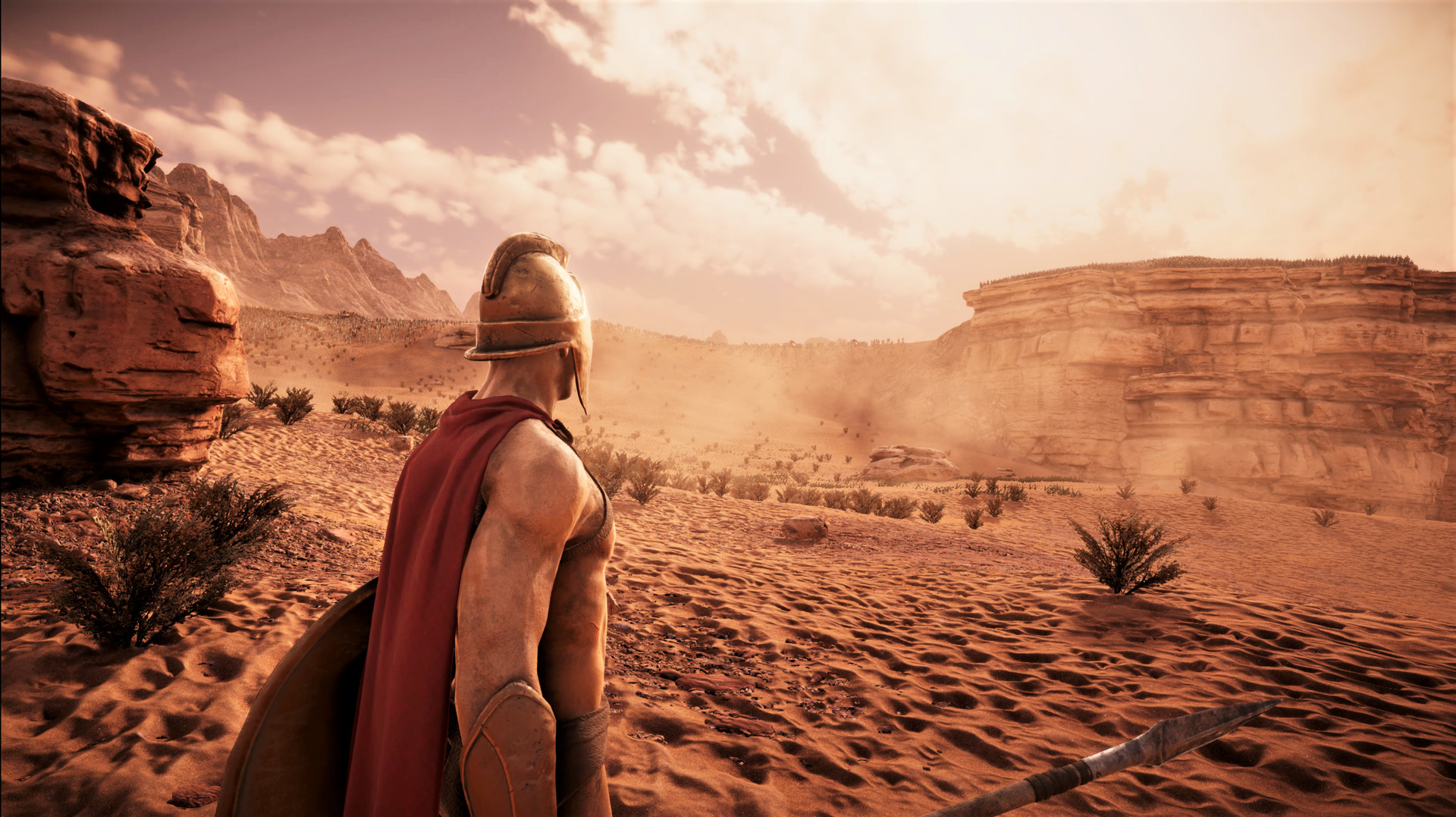
UEBS2 lets you inhabit any unit in either first‑person or third‑person view, offering a ground‑level perspective of the massive conflict.
Switching to a personal view highlights the scale of the battle, contrasting the macro view provided by RTS control.
- Try both perspectives to see which gives clearer tactical insight.
- Select a unit that participates heavily in the current fight for the most action.
05 / THE GUIDE
GPU‑Accelerated Crowd Rendering
The game introduces revolutionary crowd rendering that uses pure GPU power for every AI individual, enabling nation‑size battles with detailed animation.
Each character makes advanced decisions while contributing to a collective goal, thanks to the GPU‑based AI system.
- Keep graphics drivers up to date to benefit from the latest GPU optimizations.
- Monitor GPU temperature during massive battles to avoid overheating.
COMMUNITY
Player discussion