 GameWiki
GET YOUR BEARINGS
About Ultimate Chicken Horse
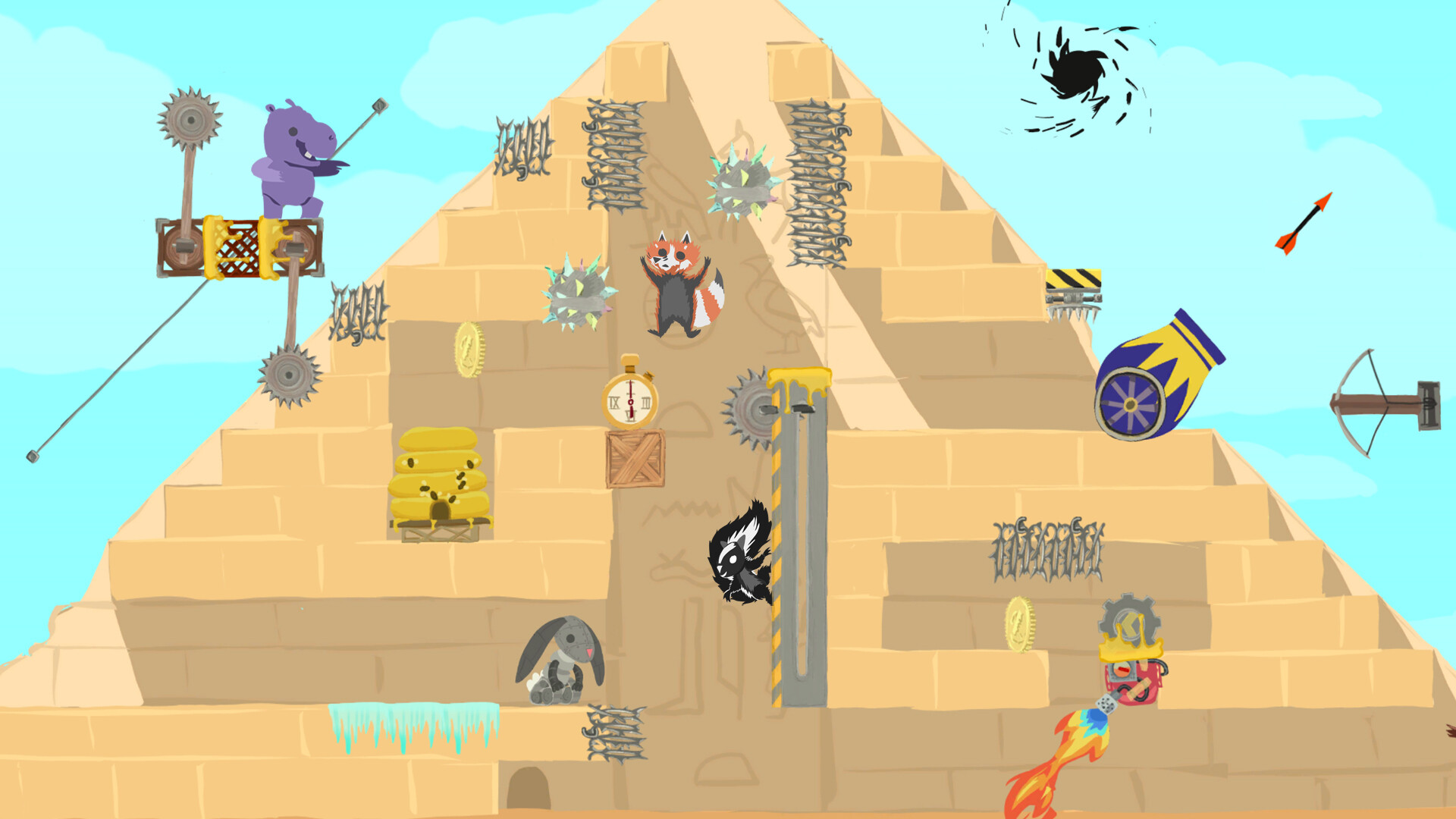
Ultimate Chicken Horse is a party platformer where up to four players build a hazardous course together, then race to the finish. Players place blocks, platforms, and traps before each round, and only those who reach the end score points. The game emphasizes multiplayer interaction and creative level construction.
The title includes online, local, and cross‑platform play, a built‑in level editor, and a library of animal avatars such as a chicken, horse, sheep, and raccoon. Challenge levels can be attempted solo, but most content unlocks through multiplayer modes.
01 / THE GUIDE
Strategic Block Placement and Platforming
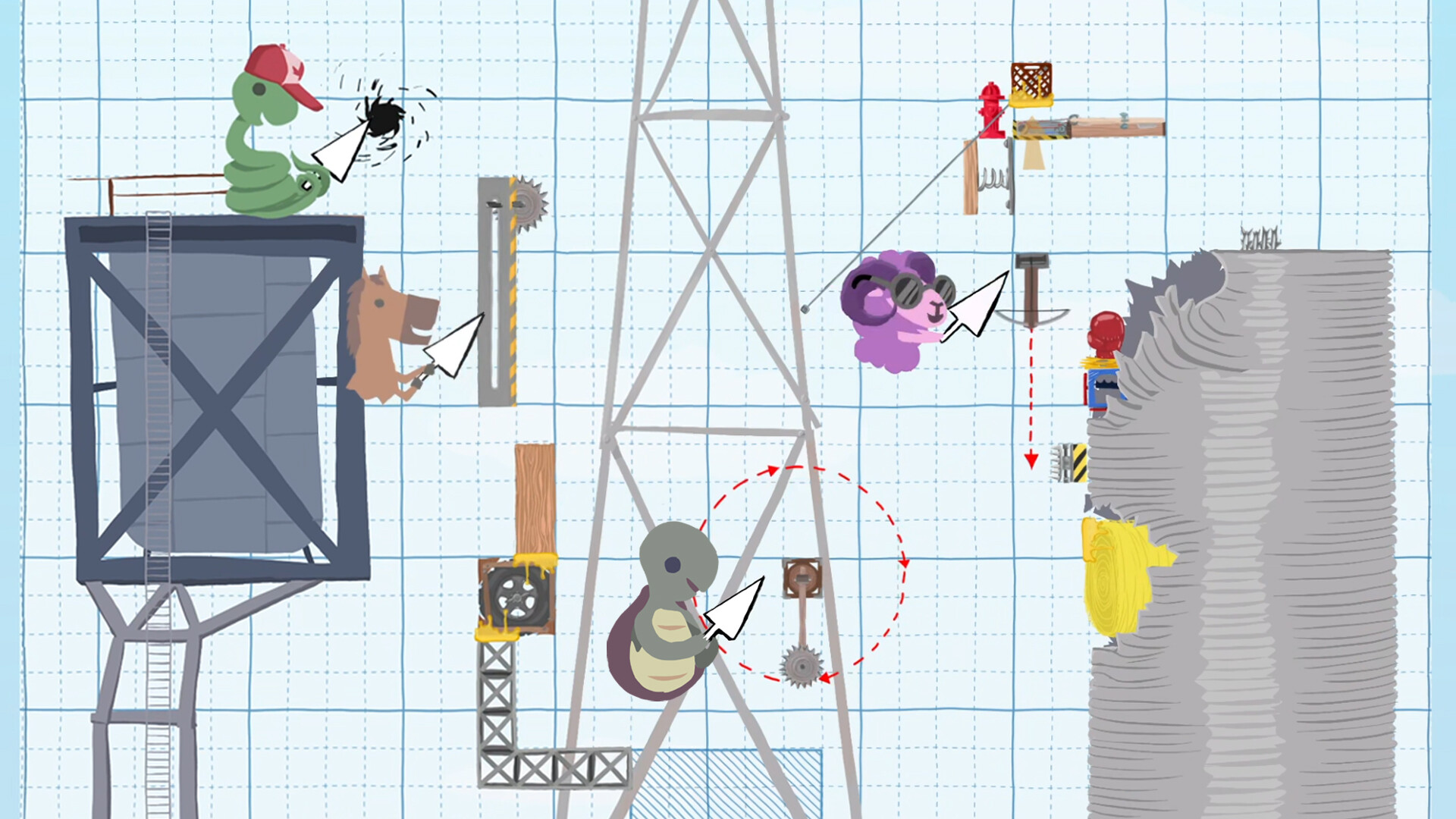
Before each round, players take turns adding blocks, platforms, and traps onto the map, shaping the course’s difficulty. After the layout is set, everyone attempts to traverse the level, using twitch‑style platforming to avoid hazards. Scoring rewards those who finish while others fail.
The cycle repeats each round, blending strategic planning with fast reflexes. Because the level changes each time, players must constantly adapt their movement techniques to new obstacles and opponent‑created traps.
- Place traps where opponents are likely to jump to increase difficulty.
- Leave a clear path for yourself while blocking obvious routes for others.
02 / THE GUIDE
Online, Local, and Cross‑Platform Play
The game supports up to four players in online, local, or split‑screen sessions, and works on Windows, macOS, and Linux. Players can join friends via the internet or share a single controller or keyboard for couch multiplayer.
Cross‑platform compatibility lets users on different operating systems compete together, while Remote Play Together enables streaming to a TV. Multiplayer is the primary focus; most modes require multiple participants.
- Use shared controller mode for quick couch sessions.
- Check cross‑platform matchmaking settings to ensure all players can connect.
03 / THE GUIDE
Custom Level Creation and Sharing
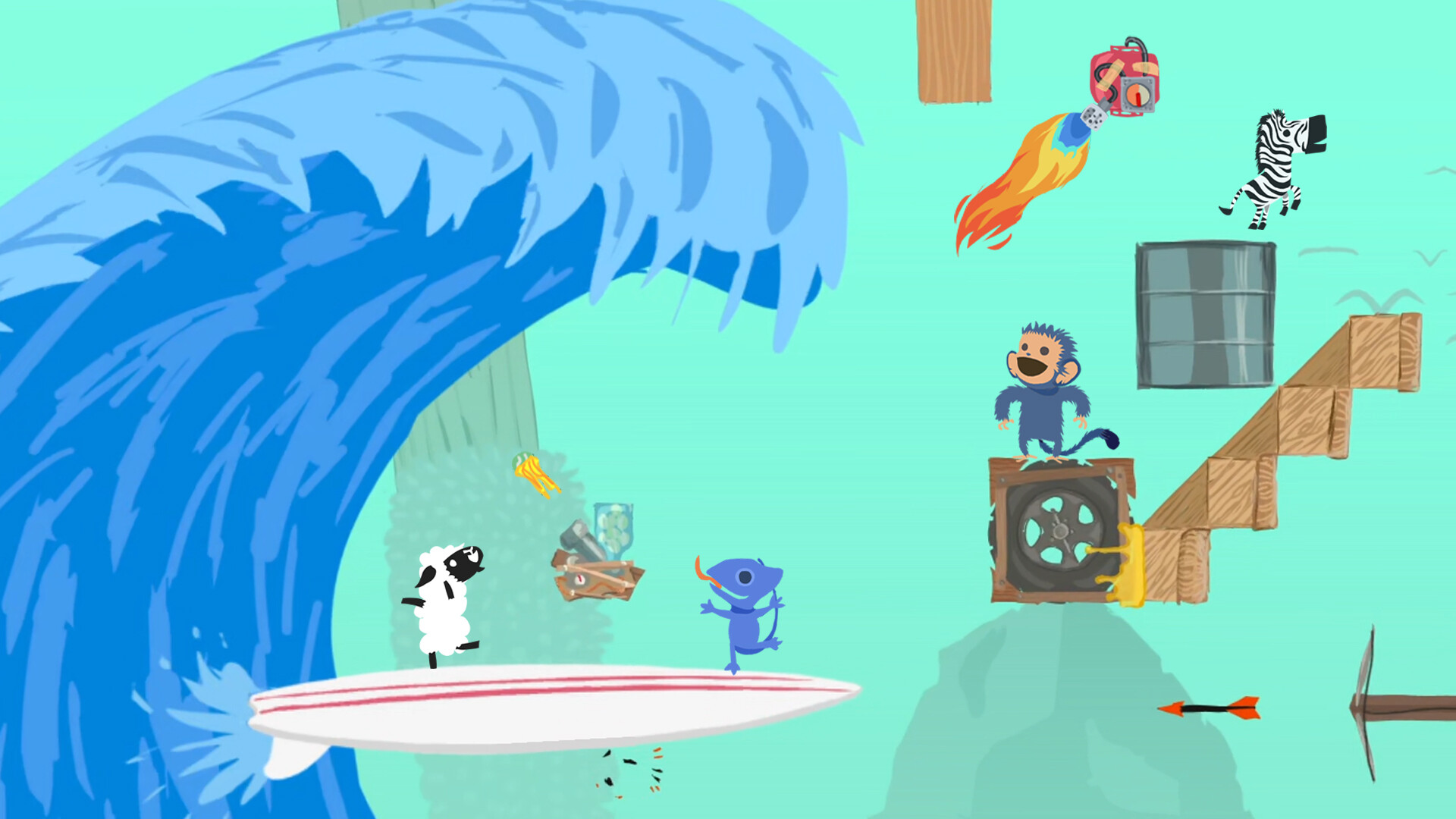
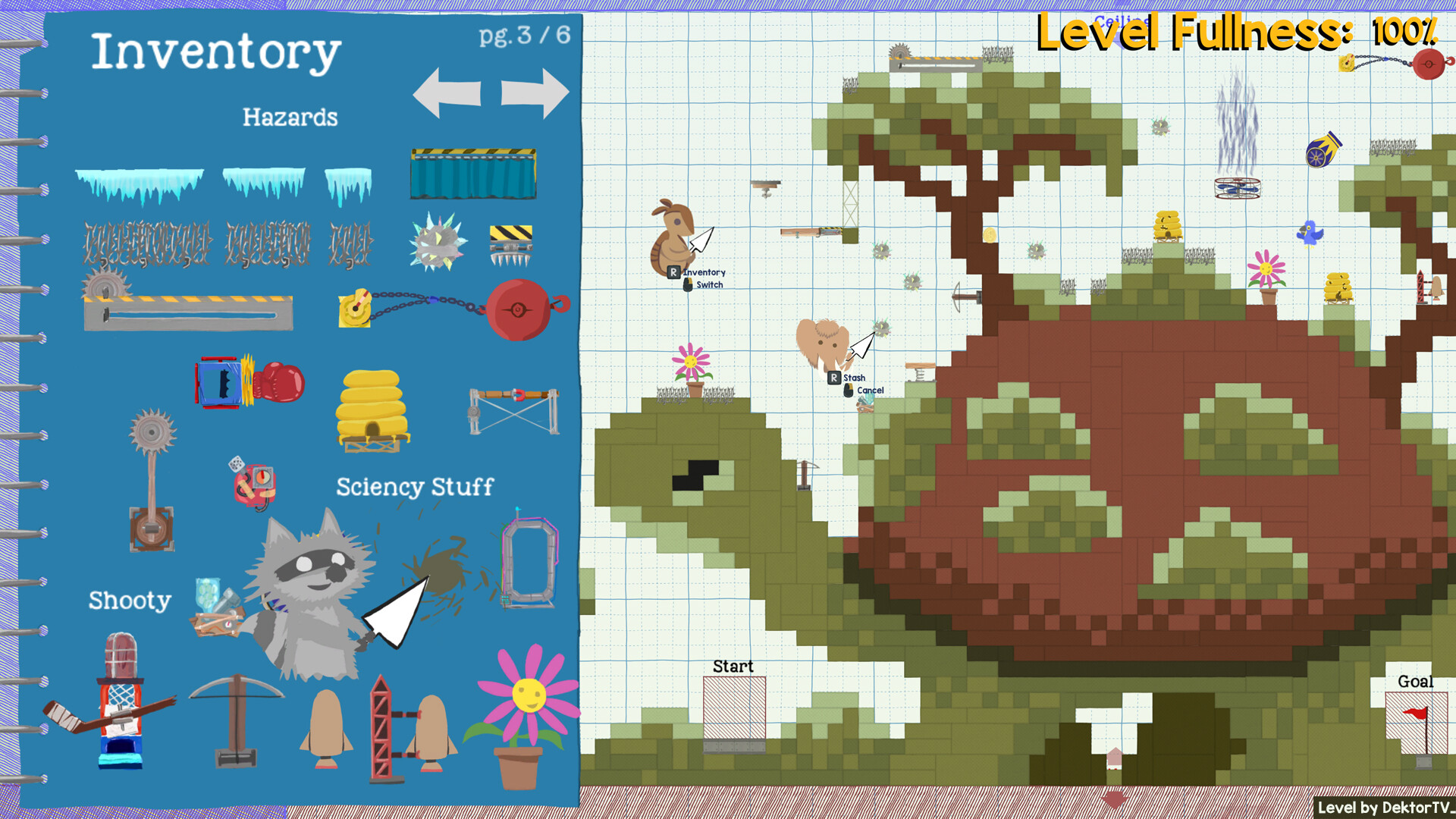
Ultimate Chicken Horse includes a built‑in level editor that lets players design obstacle courses using a huge library of blocks. Created levels can be saved, shared, and played by the community across all platforms.
Challenge levels can be built for solo attempts, but unlocking new characters and levels requires playing the main multiplayer modes. The editor encourages endless variety and community‑driven content.
- Experiment with different block combinations to discover unique challenges.
- Test your custom level in solo mode before publishing it online.
04 / THE GUIDE
Animal Avatars
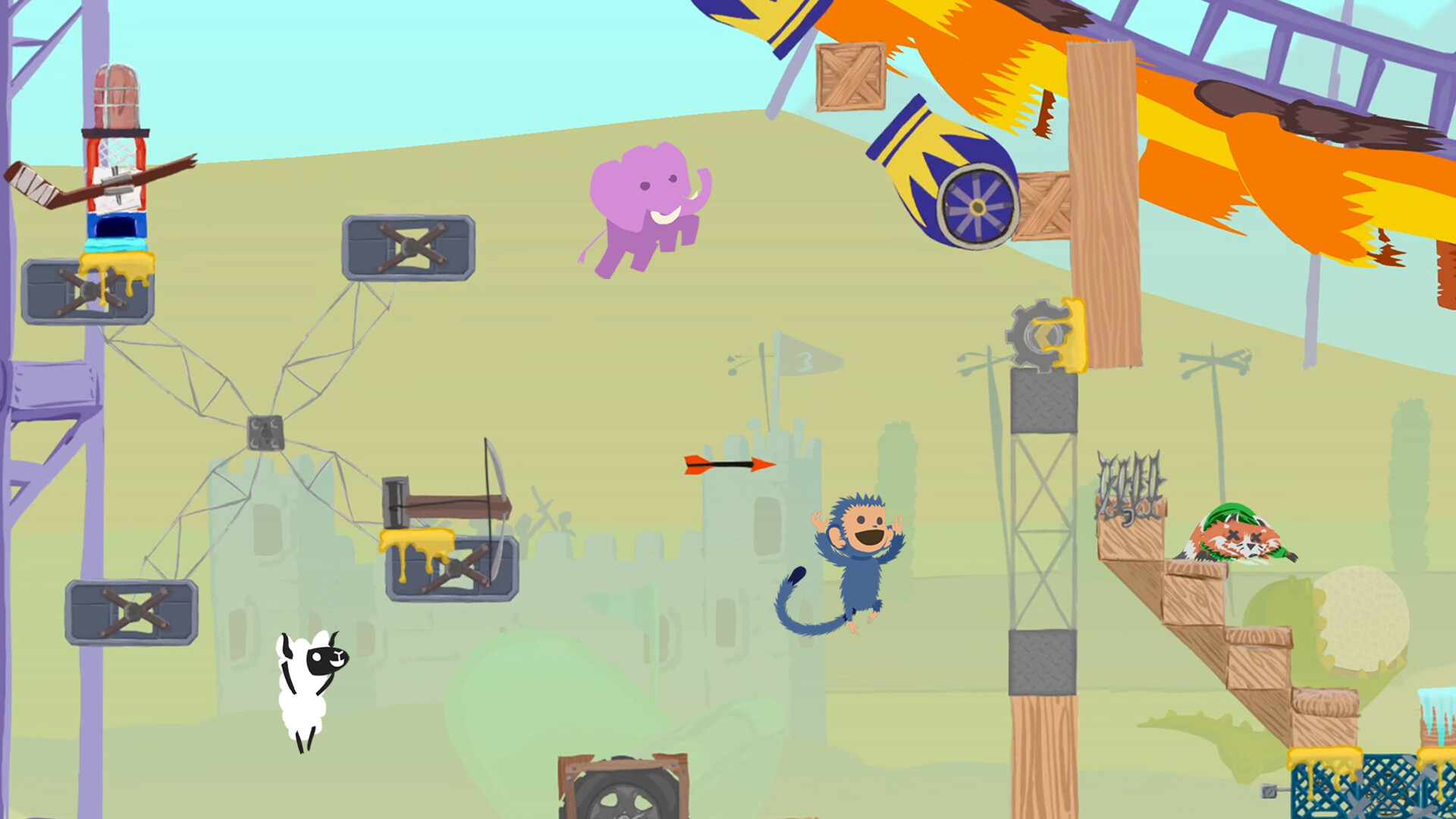
Players can choose from a roster that includes a chicken, horse, sheep, raccoon, and other animals. New characters become available as players progress through multiplayer modes, expanding the visual variety of the game.
The avatars are presented as distinct visual options; the source does not specify any gameplay differences tied to the animal selection.
- Select an avatar you find visually appealing.
- Try different avatars to keep the experience fresh.
05 / THE GUIDE
Controller Support and Platform Compatibility
Full controller support is provided, including DualShock, DualSense, and generic gamepad compatibility. Steam features such as achievements, cloud saves, and trading cards are also integrated.
Remote Play on TV, Remote Play Together, and Family Sharing allow flexible setups, while the game runs on Windows, macOS, and Linux.
- Enable Steam Cloud to keep custom levels synced across devices.
- Use DualSense haptic feedback for added immersion.
COMMUNITY
Player discussion