 GameWiki
GET YOUR BEARINGS
About Ukrainian Fight Drone Simulator (UFDS) - FPV drone simulator
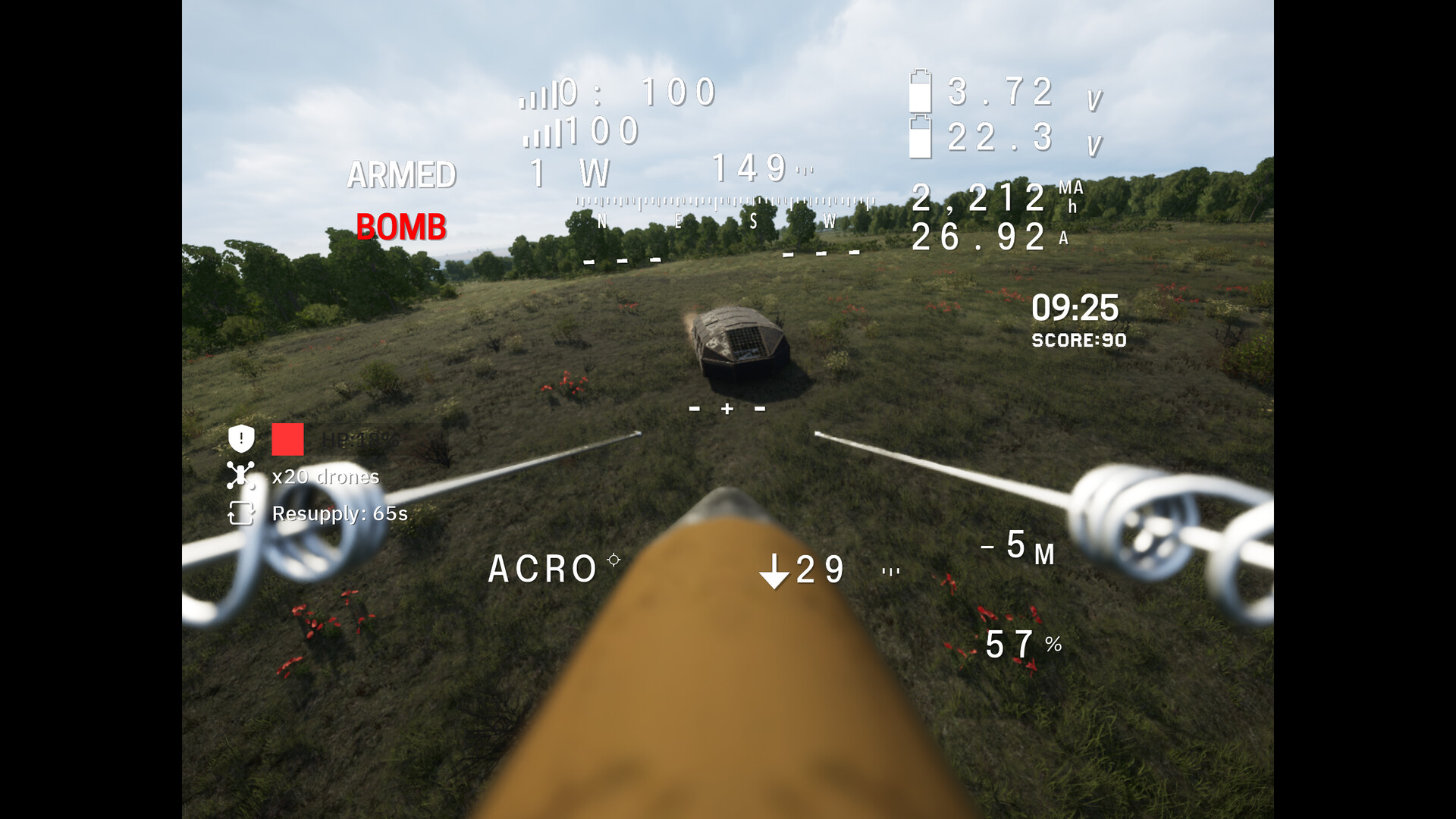
Ukrainian Fight Drone Simulator (UFDS) is a FPV drone simulator built from frontline experience. It emphasizes realistic physics such as weight, thrust, battery limits and aerodynamics, aiming to train fine motor skills and accurate targeting under pressure.
The title offers single‑player Academy courses, live multiplayer Battleground waves, PvP racing and co‑op missions. It supports RC transmitters, PS5 and Xbox gamepads, and includes Steam Cloud, leaderboards and family sharing.
01 / THE GUIDE
Academy Training
Academy presents a set of courses—Basic Pilot, Kamikaze, Bomber, Air Interceptor and Racing—each with realistic pre‑flight steps. The courses are designed to develop genuine drone‑operating skills rather than arcade tricks.
Mistakes in Academy have consequences, reinforcing the simulator’s focus on survival. By completing the courses, players experience the same physics calculations used in later multiplayer modes.
- Begin with the Basic Pilot course to become comfortable with the simulator’s weight and thrust model.
- Observe how the same drone behaves differently across courses to notice the impact of added payloads.
02 / THE GUIDE
Battleground Multiplayer
Battleground pits players against endless enemy waves while limiting the number of drones and resources available. This setting tests tactical decisions made under pressure.
Both PvP racing and co‑op missions are offered, letting teams coordinate like real operators and measure reaction time against live opponents.
- Try a co‑op mission first to practice communication before entering solo PvP races.
- Watch the leaderboard after a wave to see which tactics produced higher scores.
03 / THE GUIDE
Combat‑Proven Drones
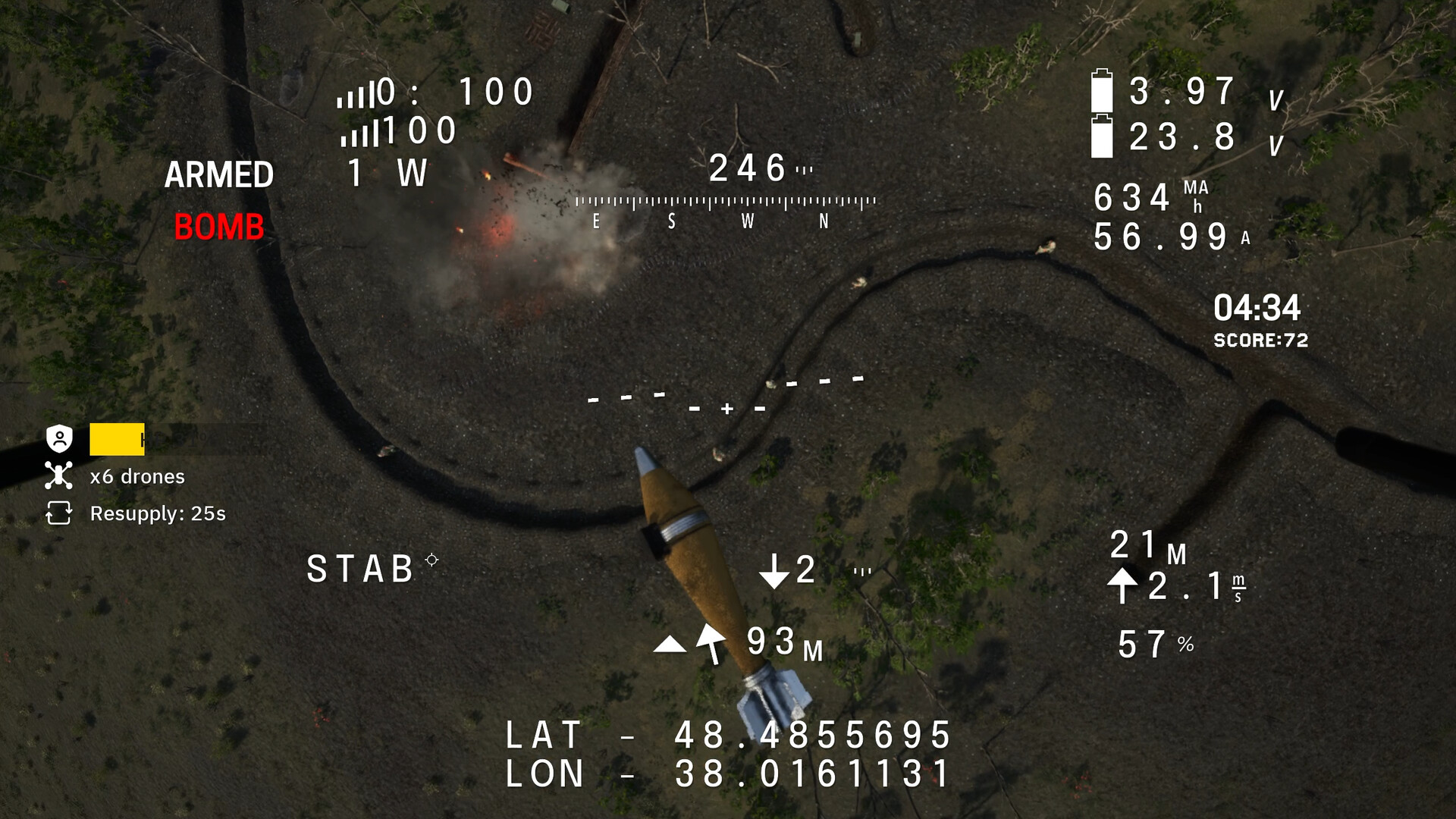
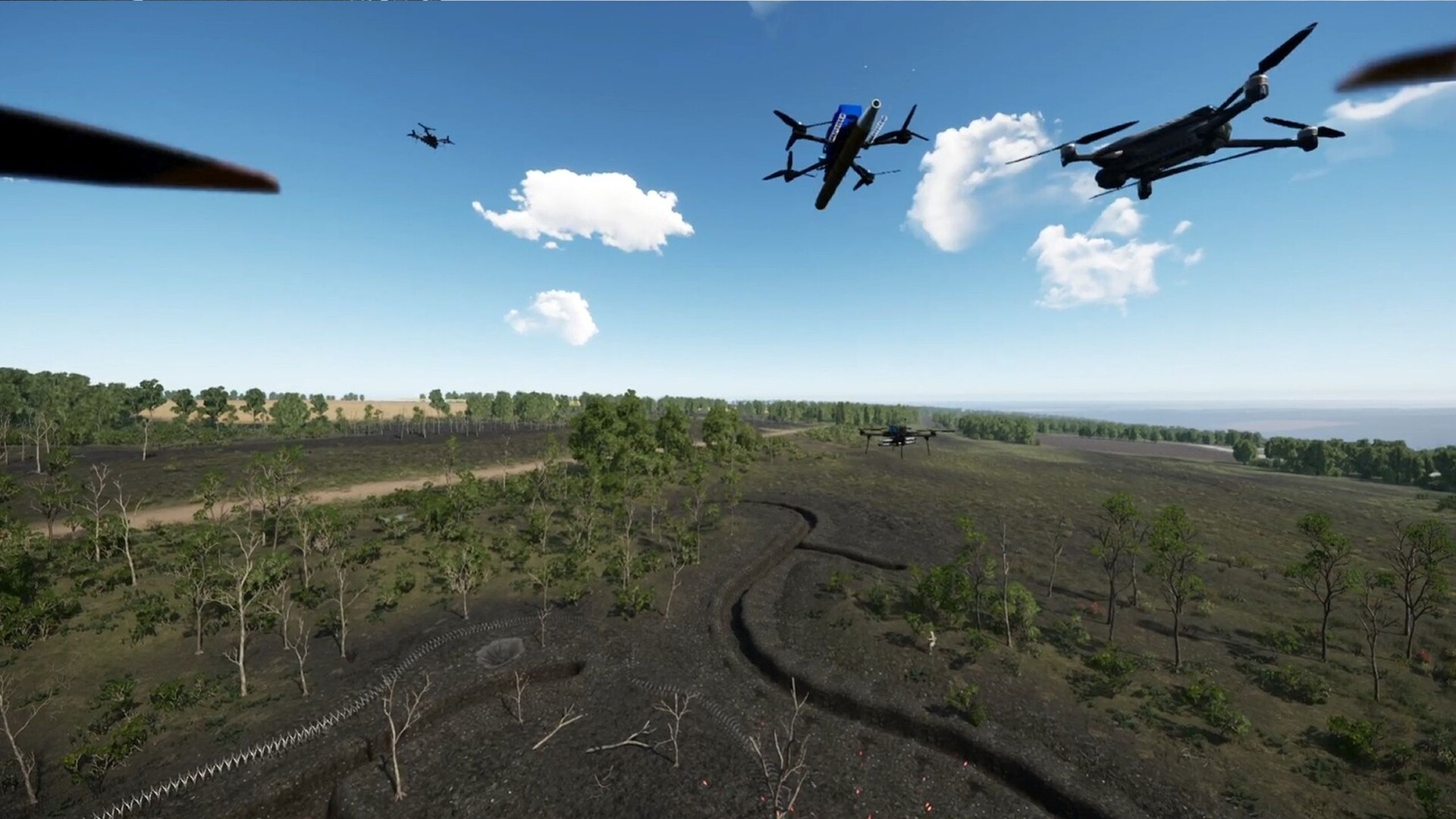
UFDS includes a roster of drones such as Angel Arrow 12”, Angel Arrow 15”, LuckyStrike, 1M‑BA, Mimic 3T, FPV Kamikaze Phantom 7–10” and Dzhmil. Each model reflects real‑world specifications that affect flight dynamics.
Players can equip multiple bomb types and modular attachments, and adjust PID tuning to fine‑tune control response for each drone.
- Experiment with PID tuning on a lighter drone to feel changes in responsiveness.
- Swap between two drone models in the same mission to notice handling differences.
04 / THE GUIDE
Controller Support
Developers recommend using an RC controller to build correct muscle memory, though PS5 and Xbox gamepads are also supported. This gives players flexibility in choosing an input device.
The developers recommend an RC controller for building correct muscle memory, while PS5 and Xbox gamepads are also supported.
- If you own an RC transmitter, start with it to align with the developers’ recommendation.
- Switch to a gamepad for a session and note any differences in how you manage targeting.
05 / THE GUIDE
Starter Edition Licensing
UFDS Starter Edition on Steam is intended for personal hobbyist use only. It may not be employed in pilot training centers or other commercial contexts without developer permission.
The edition is intended for personal use by hobbyists and drone enthusiasts, and any commercial usage requires direct contact with the developers.
- Review the Steam store description before using the simulator in any institutional setting.
- Contact the developers if you plan to employ UFDS beyond personal practice.


COMMUNITY
Player discussion