 GameWiki

GET YOUR BEARINGS
About Ugoku Sushi Bar
Ugoku Sushi Bar puts you in charge of a modest sushi shop in a quiet Japanese town, where a moving conveyor belt delivers orders and a cozy art style sets a relaxed tone. Craft classic and inventive dishes, serve quirky regulars, unlock over a hundred recipes, and upgrade tools and décor as you uncover stories and join local festivals, all in a single‑player, indie simulation.
01 / THE GUIDE
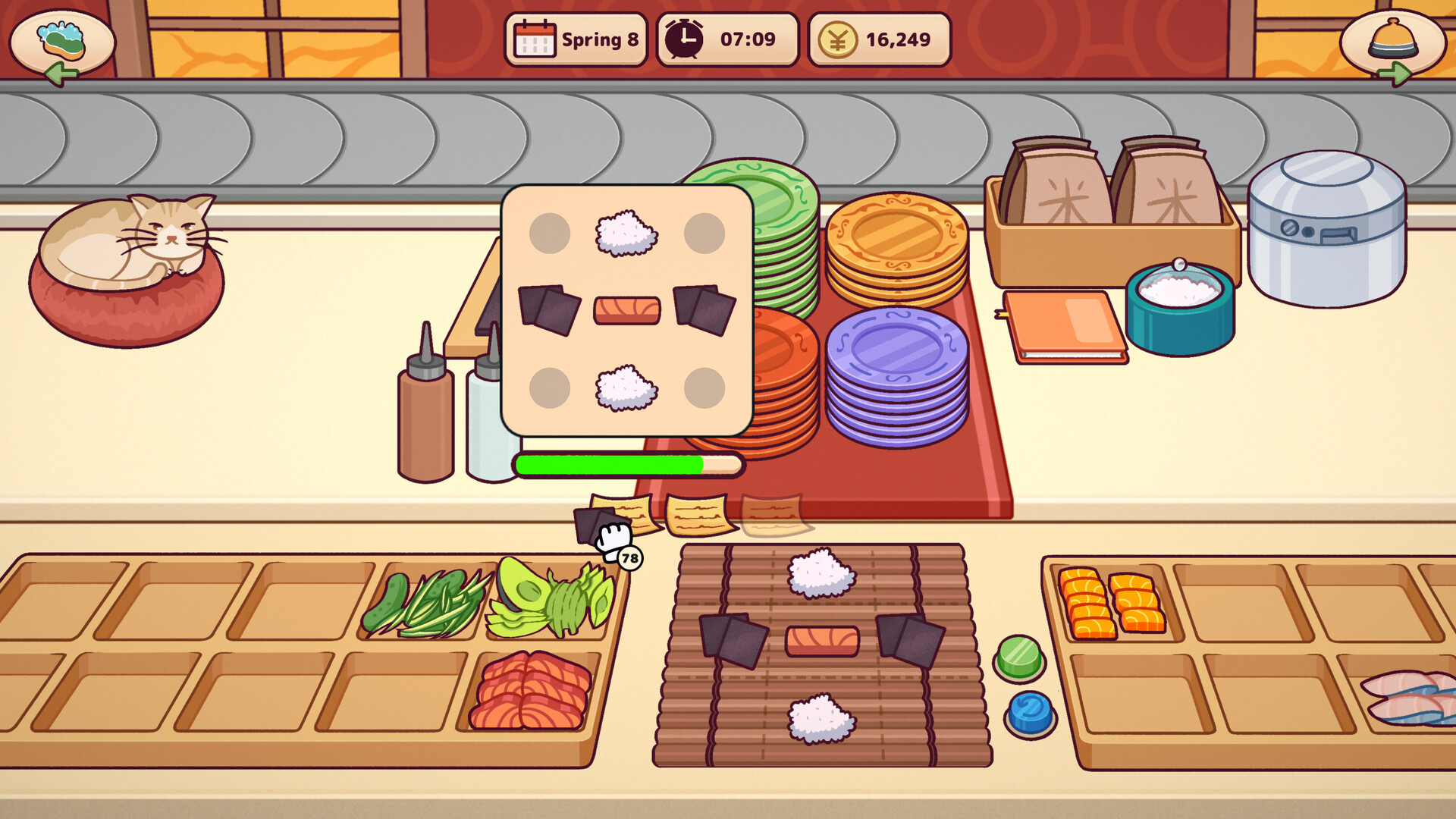
Prepare & Craft Sushi
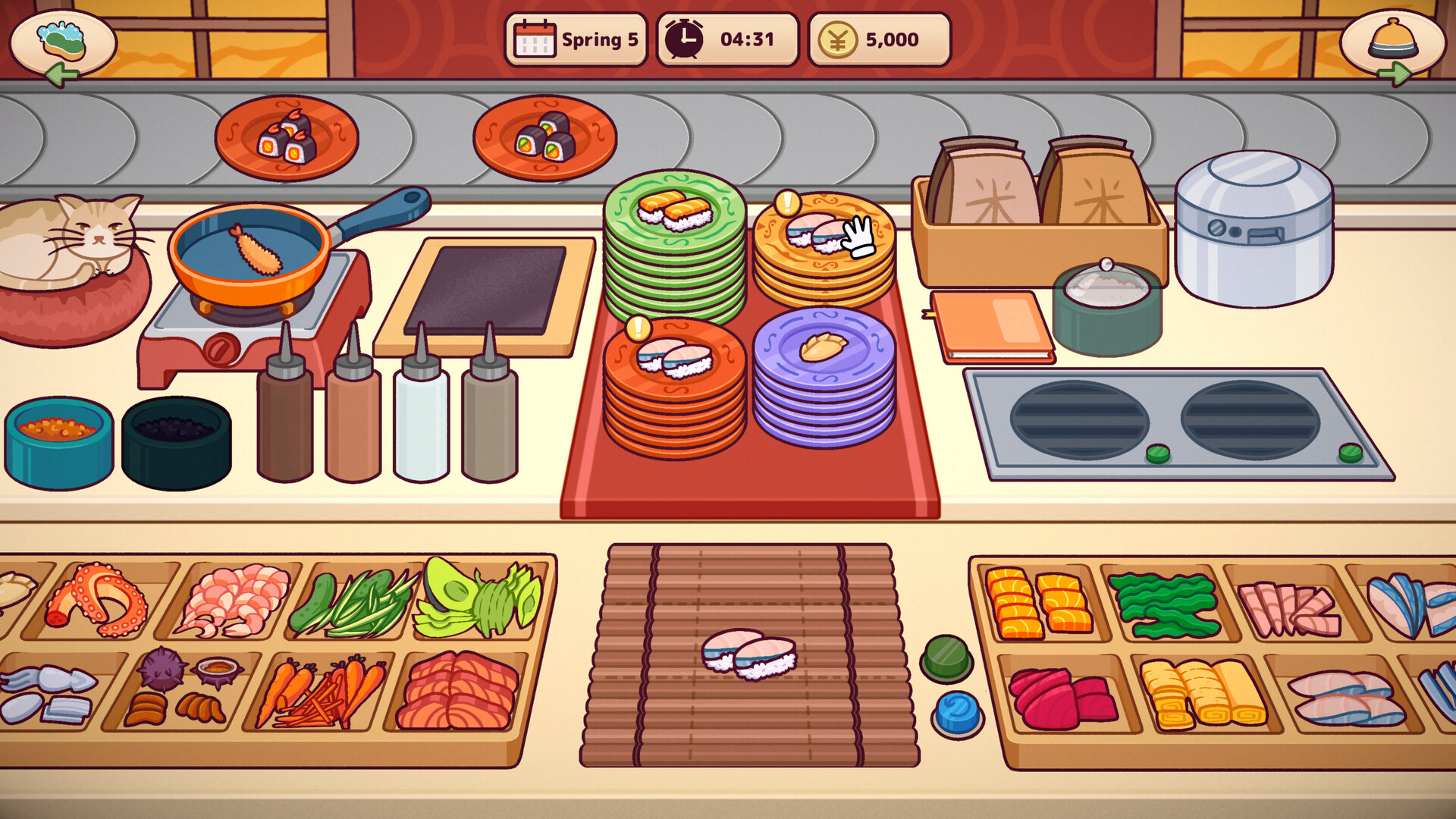
You slice, roll, and plate dishes from classic nigiri to inventive sides, where timing, accuracy, and presentation directly affect each order’s success.
A Minecraft‑style crafting system lets you combine ingredients in new ways, unlocking fresh sushi variations as you experiment.
- Try mixing unexpected ingredients early to discover combos you enjoy.
- Focus on precise timing for the first few orders to avoid confusion.
02 / THE GUIDE
Conveyor Belt Order Management
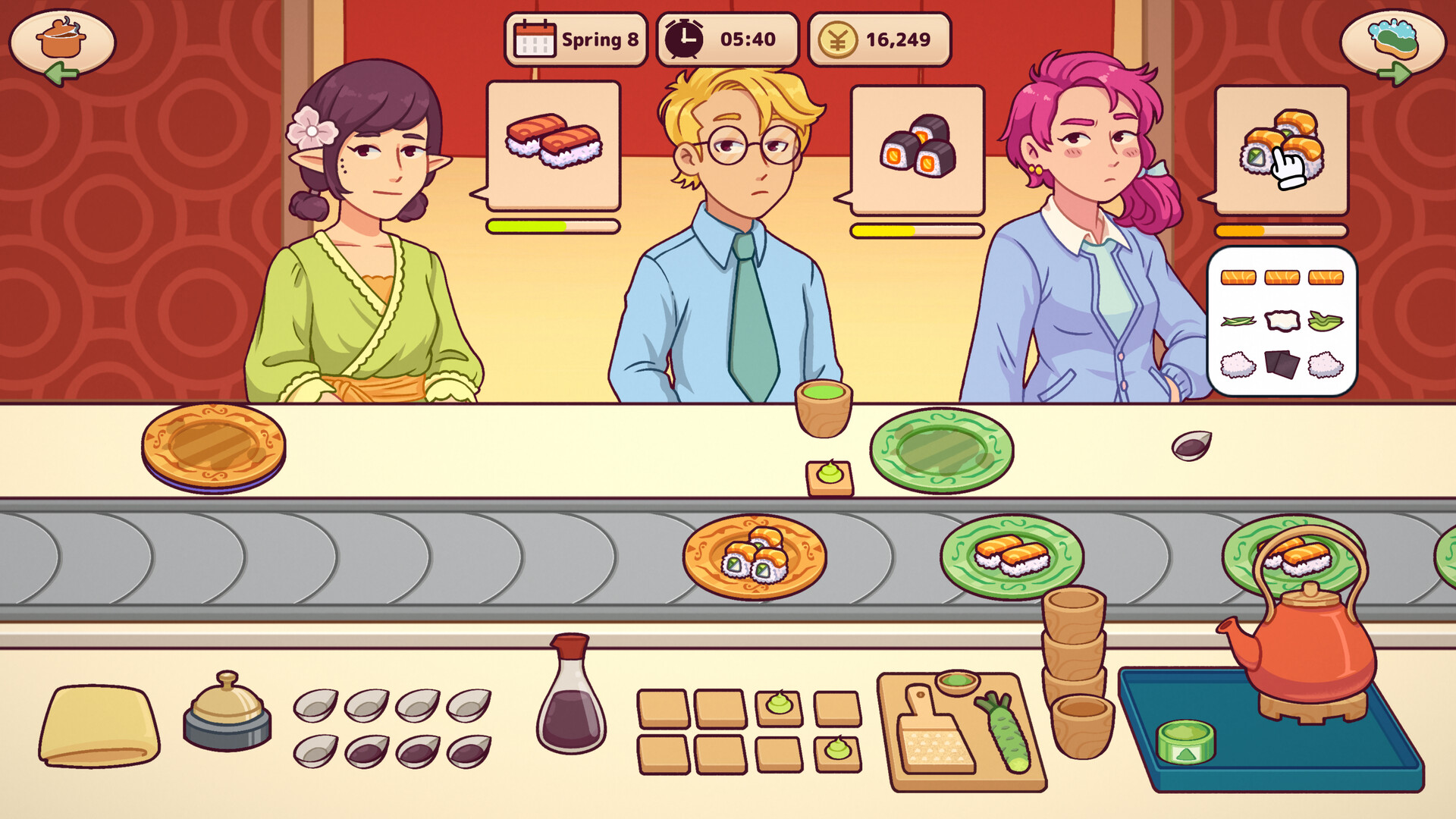
Orders travel on a moving belt; you must place prepared plates onto the belt at the correct moment to match each customer’s request.
Mistimed placement or wrong sequencing leads to confused patrons, emphasizing the need for careful timing and order awareness.
- Observe the belt’s speed before the rush to gauge placement timing.
- Keep a mental note of upcoming orders to avoid mixing up sequences.
03 / THE GUIDE
Quirky Regulars
A cast of recurring customers visits each shift, each bringing distinct tastes, stories, and personalities that shape their dialogue.
Some patrons simply crave sushi, while others seek conversation, adding variety to each service round daily.
- Listen to each regular’s preferences to anticipate future orders.
- Enjoy the brief chats; they often hint at upcoming menu ideas.
04 / THE GUIDE
Recipe Discovery & Seasonal Dishes
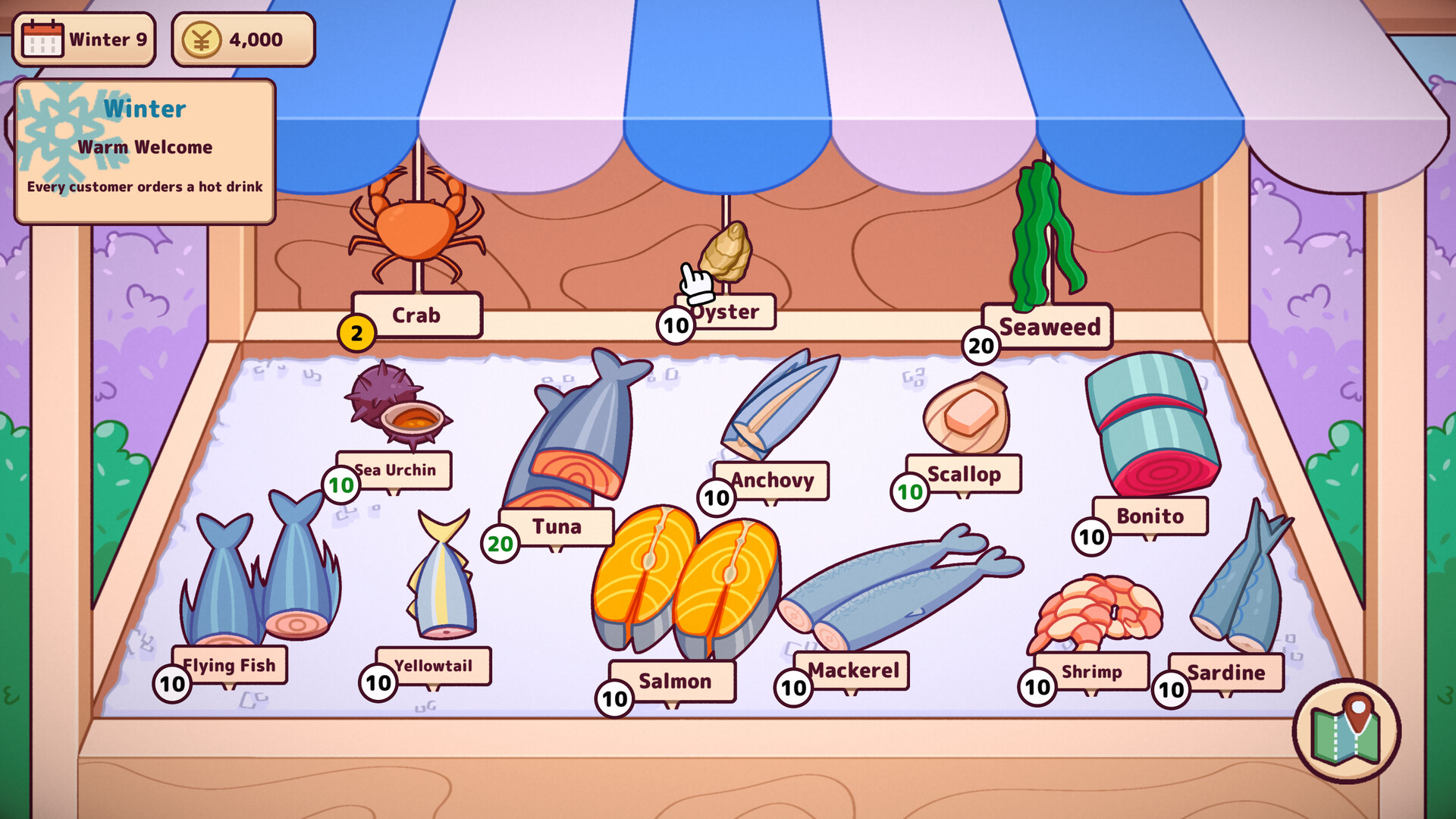
Over 100 sushi recipes become available as you progress, ranging from simple nigiri to specialty rolls and surprise seasonal dishes.
Daily challenges and seasonal fish introduce fresh ingredient constraints, encouraging you to adapt and experiment with new combinations.
- Check the recipe list regularly to spot newly unlocked dishes.
- Use seasonal fish in familiar recipes to discover subtle flavor shifts.
05 / THE GUIDE
Upgrade Your Kitchen & Décor
Investing in new tools, appliances, and ingredients expands your efficiency and broadens the menu you can serve.
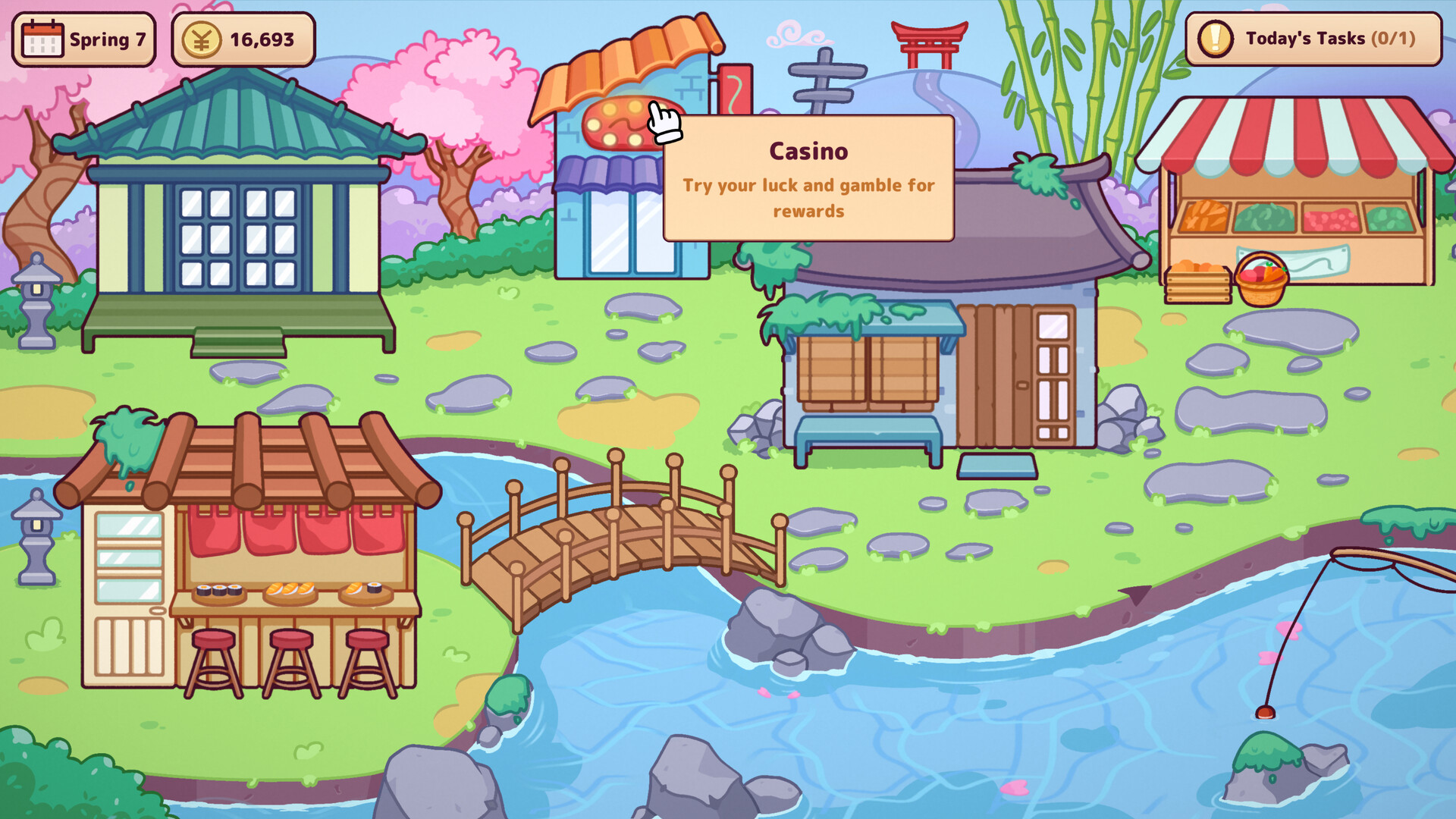
Progress also unlocks décor items and participation in local events and food festivals, enriching the bar’s atmosphere visually.
- Prioritize appliance upgrades that reduce preparation time for high‑volume orders.
- Add decorative pieces that match the cozy art style for a more immersive feel.
COMMUNITY
Player discussion