 GameWiki
GET YOUR BEARINGS
About UFO 50
UFO 50 bundles fifty distinct single‑player and multiplayer titles created by the team behind Spelunky, Downwell, and Catacomb Kids. The collection spans platformers, shoot‑‘em‑ups, puzzles, roguelites and a full JRPG, each presented with a complete title screen and ending credits.
All games share an 8‑bit aesthetic built on a 32‑color palette, yet the designers deliberately added modern twists. The library is instantly available, encouraging players to hop between titles at will, discover shared characters, and experience both nostalgic looks and fresh mechanics.
01 / THE GUIDE
Wide Game Variety
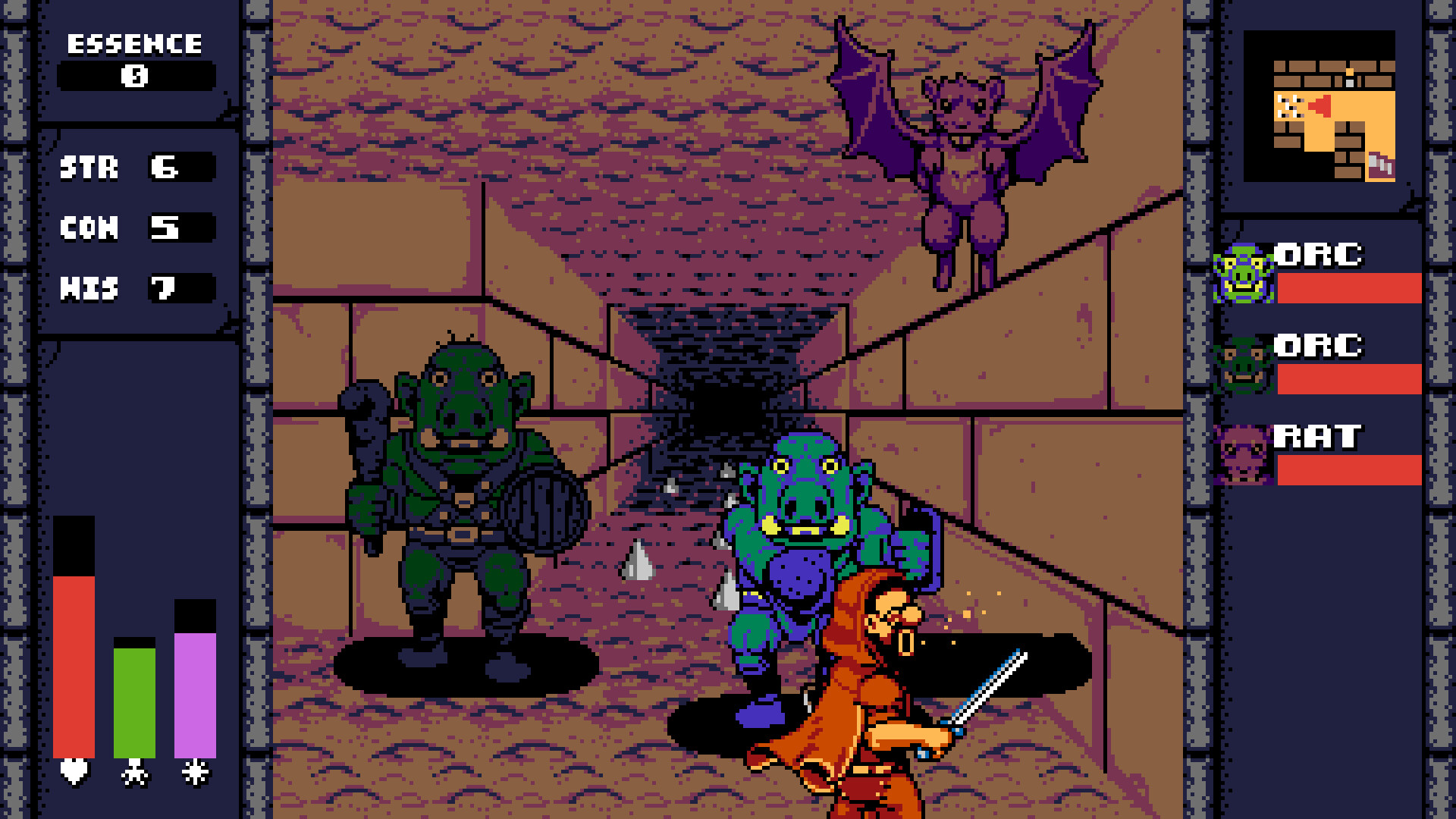
The fifty games cover many genres, from small arcade‑style experiences to larger open‑world adventures and a JRPG that can take many hours. Each title is a full experience rather than a micro‑game, offering its own opening and credits.
Because the collection includes platformers, shoot‑‘em‑ups, puzzles, roguelites and RPGs, players can switch genres on the fly, keeping the session dynamic and catering to different play preferences.
- Try a platformer after a long RPG session to reset your pacing.
- Mix short arcade titles with longer adventures to balance time investment.
02 / THE GUIDE
Local Multiplayer Options
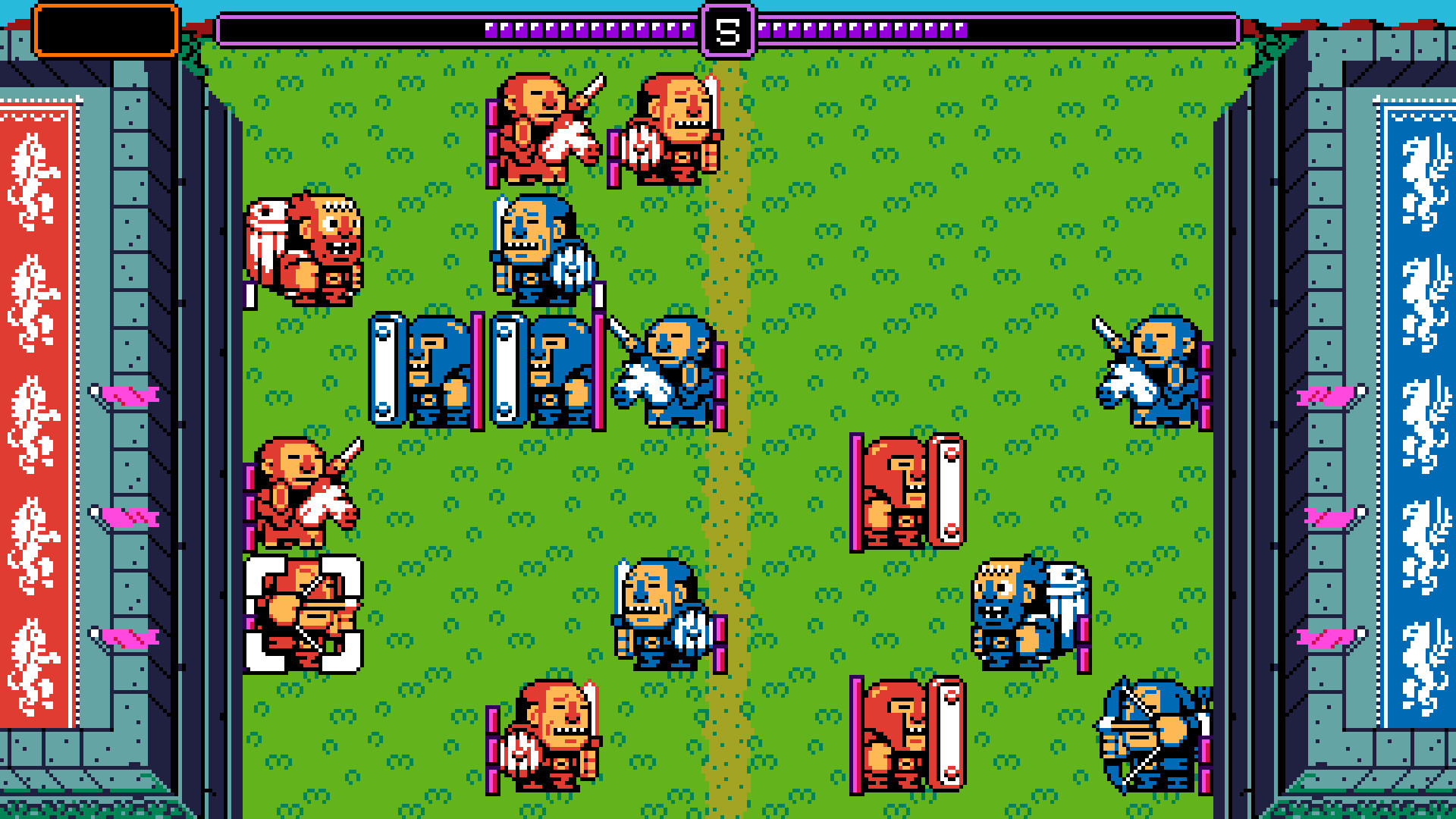
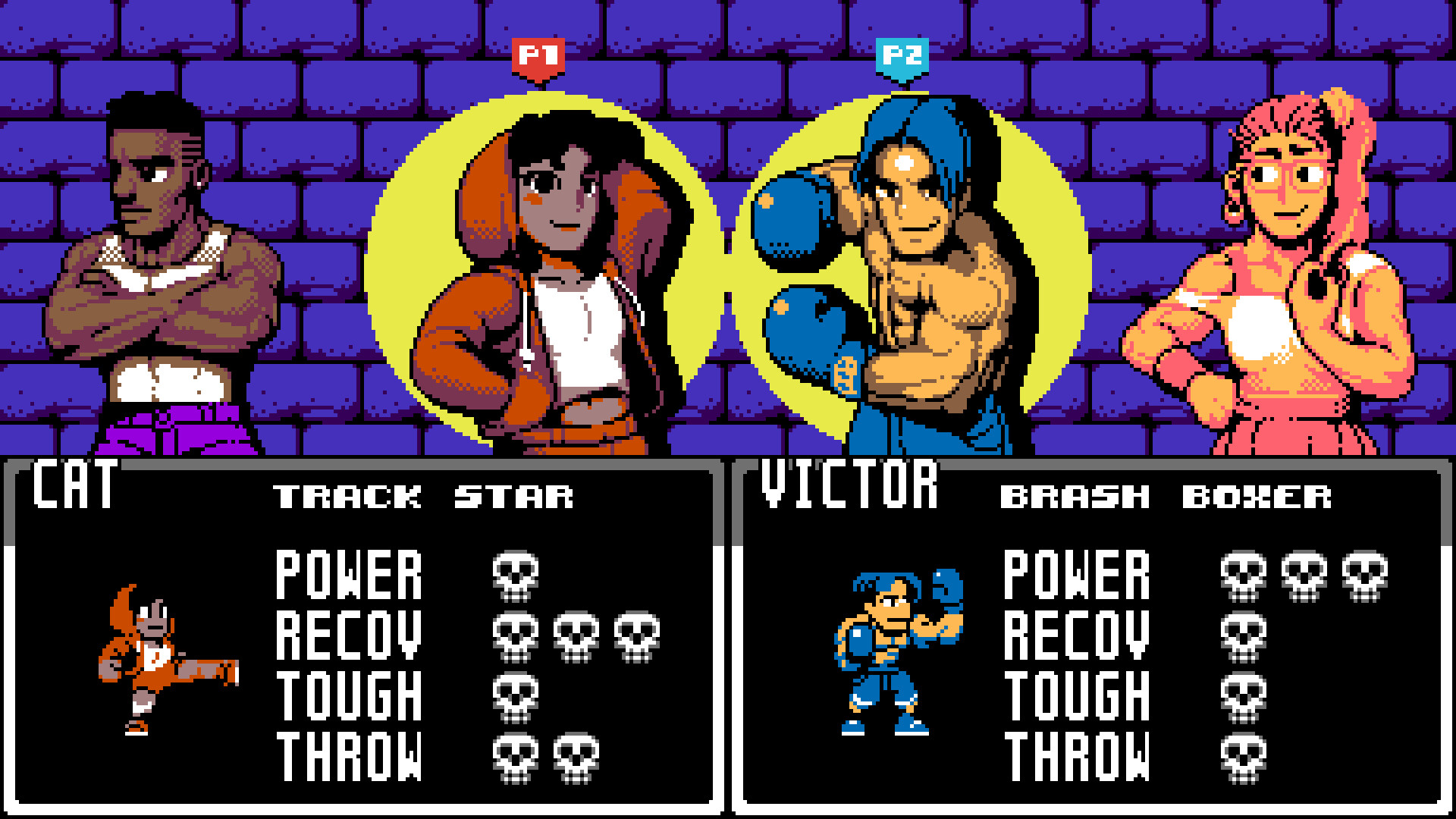
Half of the collection features local multiplayer, supporting both co‑op and versus play. Games like Quibble Race allow up to three players in turn‑based betting, while Pingolf mixes golf with pinball for shared competition.
These modes use split‑screen or shared screens, making the collection ideal for group gatherings and casual competition without needing online services.
- Set up a quick tournament using the versus titles for a party night.
- Pair a co‑op game with a solo title to give each player a chance to shine.
04 / THE GUIDE
8‑Bit Aesthetic with Modern Polish
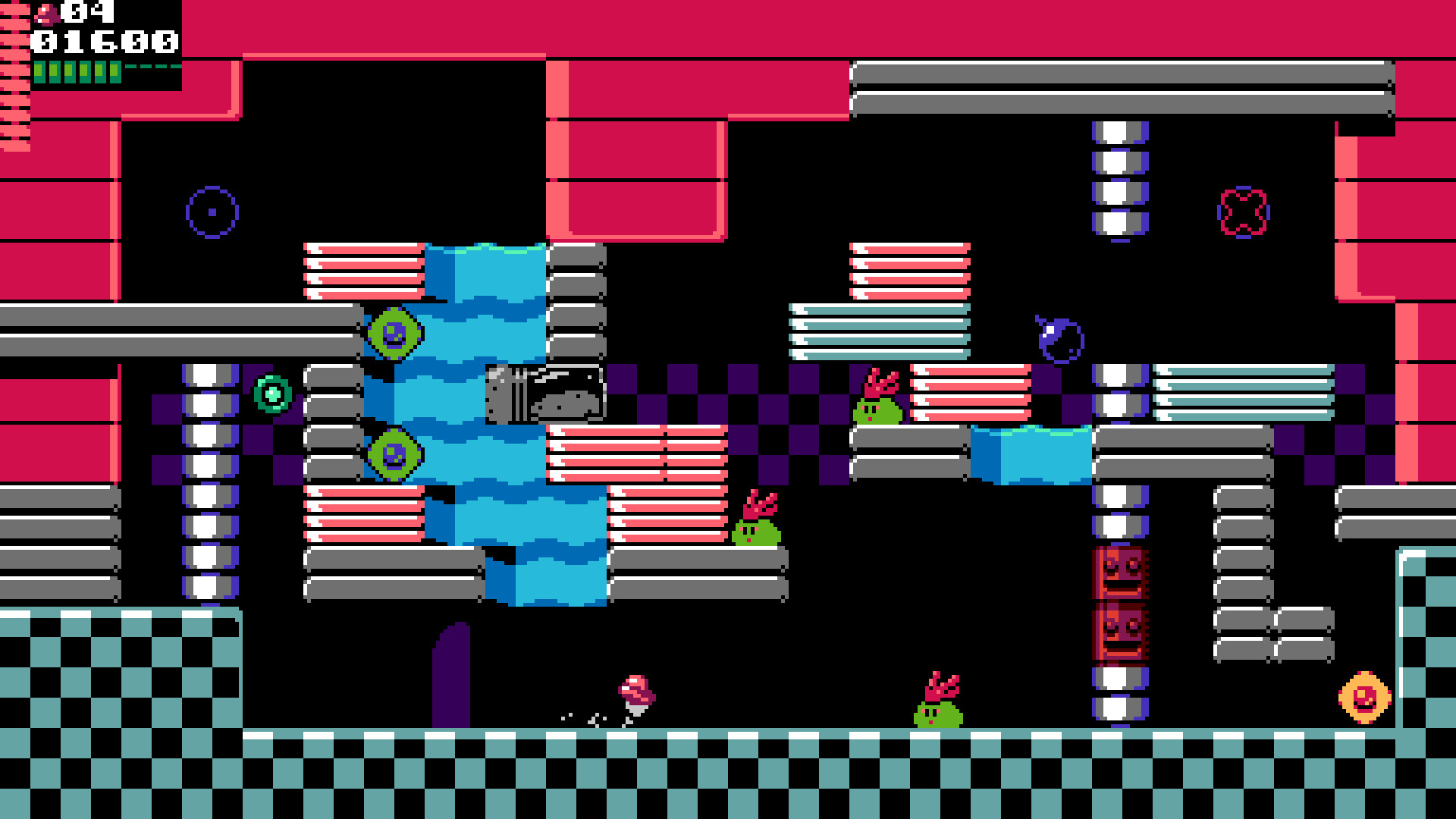
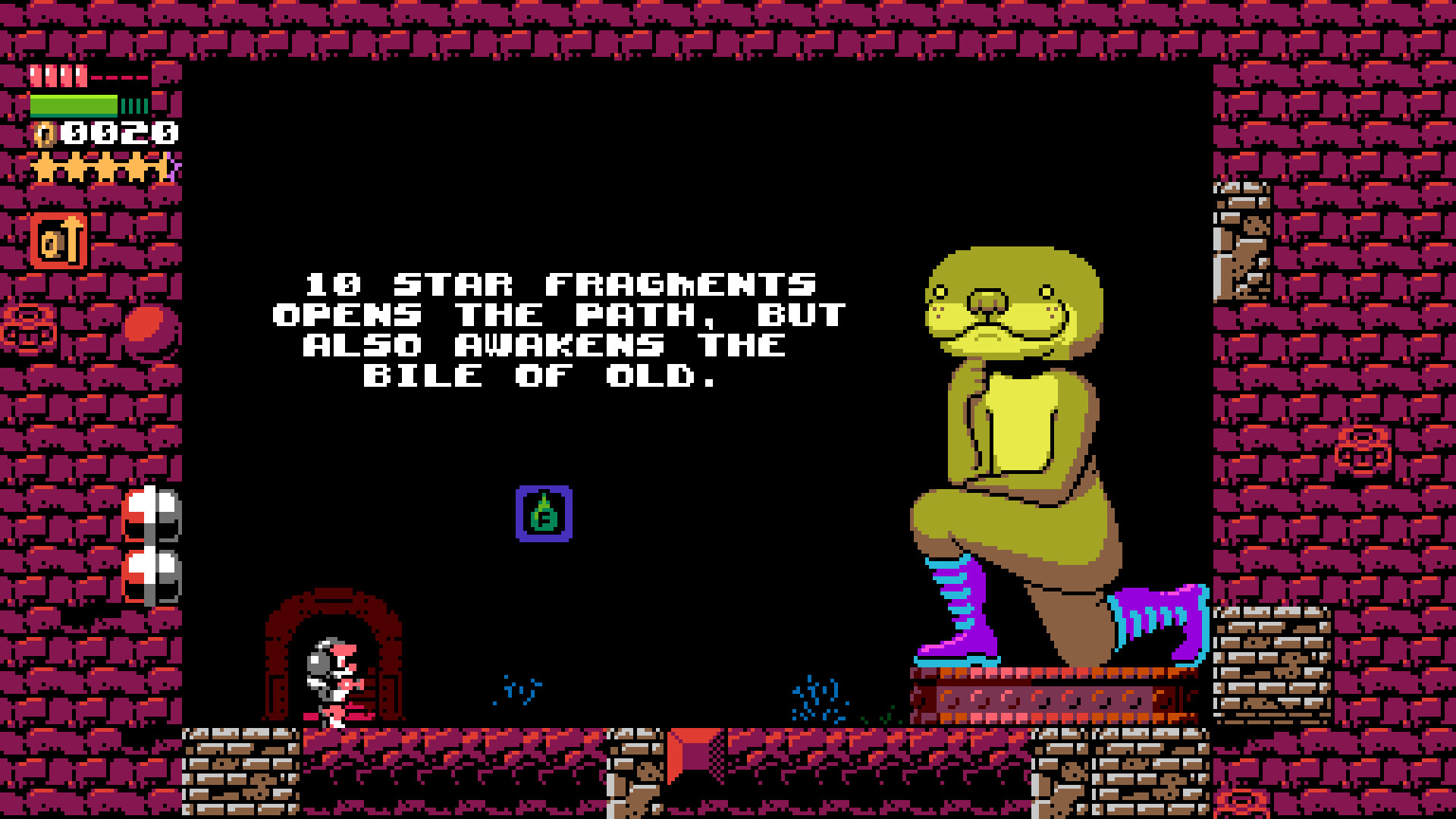
Every title uses a unified 32‑color palette and sound design that mimics authentic 8‑bit hardware, while modern design choices keep gameplay smooth for contemporary players. The collection balances nostalgic visuals with updated mechanics that avoid strict retro constraints.
This approach lets players feel the charm of classic consoles while enjoying quality‑of‑life improvements typical of modern indie games.
- Take a moment to appreciate the crispness of the 8‑bit graphics on a modern display.
- Listen for the distinct chiptune cues that signal transitions in each game.
05 / THE GUIDE
Steam Integration and Controller Support
UFO 50 runs on Windows via Steam and includes full controller support, Steam Achievements, Trading Cards, Cloud saves, Remote Play Together, and Family Sharing. DualSense features are also listed, ensuring compatibility with modern PlayStation controllers.
These features provide convenient ways to track progress, share the library with friends, and play together locally or over Steam’s Remote Play system.
- Enable Steam Cloud to keep your save data across multiple PCs.
- Use Remote Play Together to invite friends who don’t own the game.
COMMUNITY
Player discussion